$9088.00
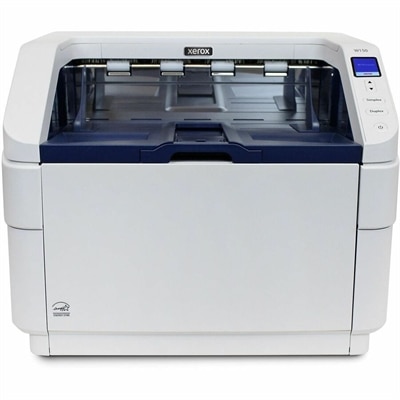
A document scanner with 600-dpi optical resolution, 500-sheet automatic feeder, 150 ppm scanning, and double-feed detection.
Elevate your business environment with cutting-edge workplace technology solutions designed to optimize productivity and streamline operations. In today's fast-paced digital landscape, equipping your team with the right tools is essential for maintaining a competitive edge. From innovative communication systems to advanced computing devices, our curated selection offers everything you need to create a modern and efficient workspace. Discover how these solutions can transform your office into a hub of innovation and collaboration, empowering your workforce to achieve new levels of success.
A document scanner with 600-dpi optical resolution, 500-sheet automatic feeder, 150 ppm scanning, and double-feed detection.
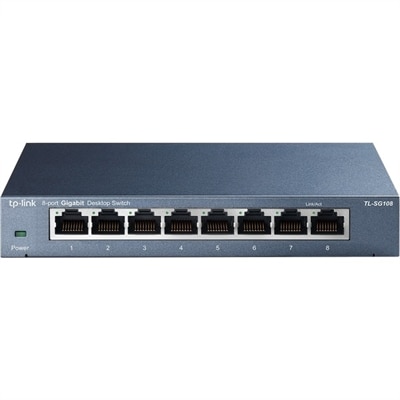
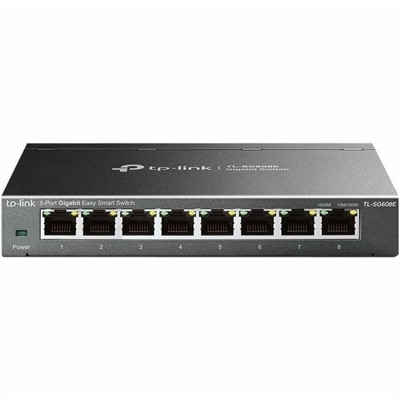
An 8-port unmanaged Gigabit Ethernet switch with energy-efficient design and 10/100/1000Mbps connectivity.
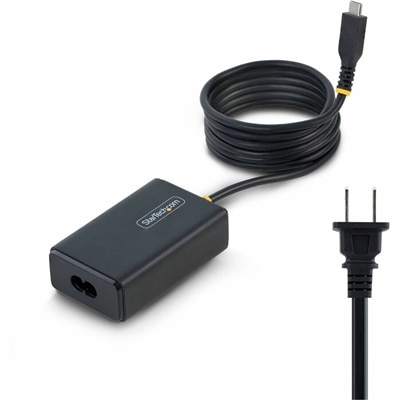
A 65W USB-C Power Delivery adapter with tethered cable, broad voltage support, certifications, and comprehensive safety protections.
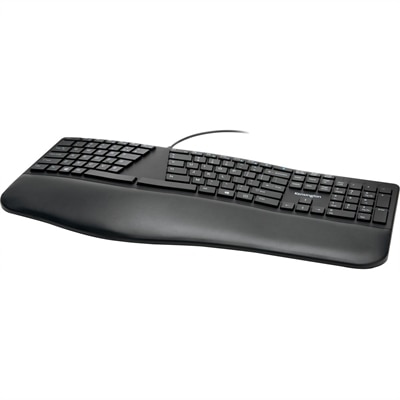
An ergonomist-approved split keyboard with adjustable tilt, cushioned wrist rest, quiet spill-proof keys, and USB connectivity.
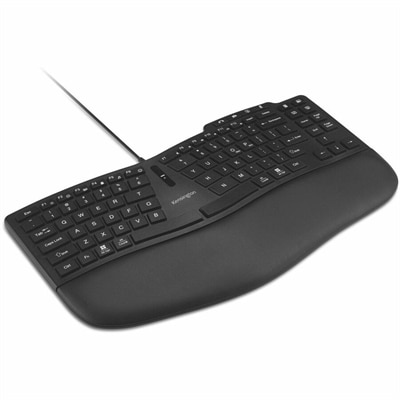
An ergonomic wired keyboard with curved keys, wrist pad, programmable keys, and dedicated video conferencing controls.
An 8-port Gigabit smart switch featuring durable metal construction, QoS, VLAN, IGMP Snooping, and fanless design.
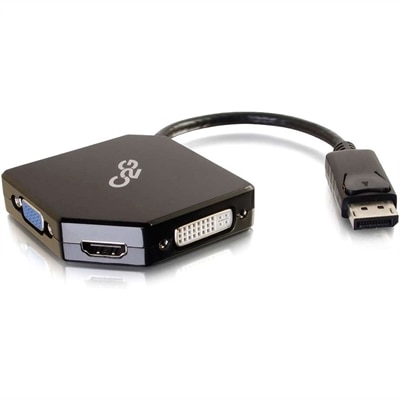
An all-in-one DisplayPort adapter supporting HDMI, VGA, and DVI displays with plug-and-play, bus-powered connectivity.
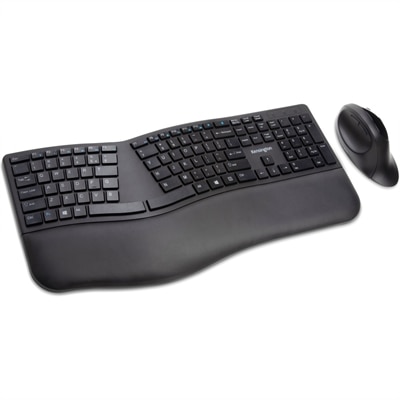
A wireless keyboard and mouse combo with split adjustable-tilt design, wrist support, encryption, and quiet clicking.
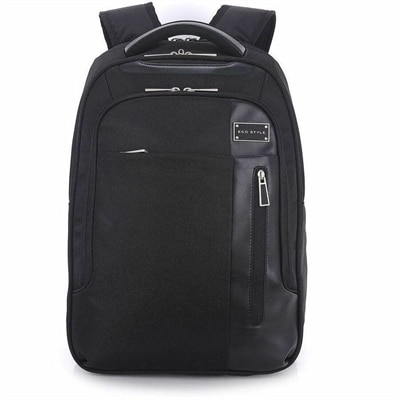
A black laptop backpack with dedicated tablet storage, TSA-friendly access, and ergonomic shoulder straps.
A portable 7-in-1 USB-C hub offering fast charging and versatile connectivity for modern professionals.
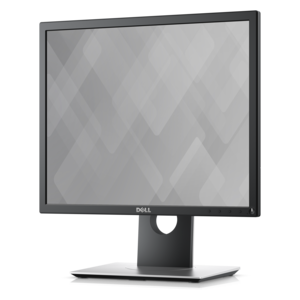
An office monitor designed for productive work, enhanced comfort, and convenient everyday use.
A professional docking station delivering 130W power and versatile connectivity for streamlined productivity.
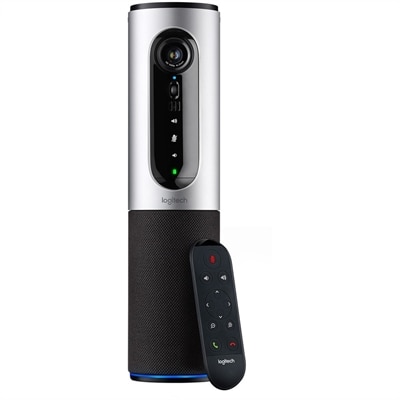
A 1080p conference camera with full-duplex speakerphone audio, autofocus, remote pan-tilt-zoom, and echo cancellation.
A smart docking station offering up to 130W USB-C power delivery and remote management capabilities.
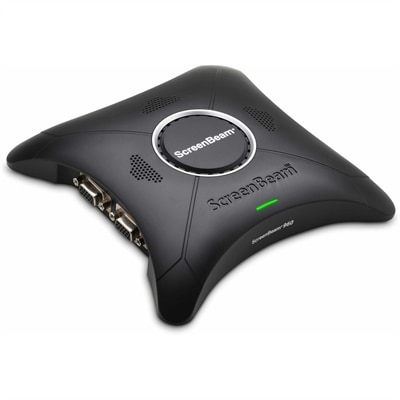
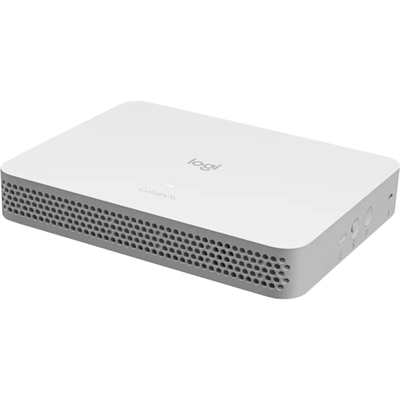
A wireless display receiver enabling app-free presentations, extended desktops, interactive touch, and centralized remote management.
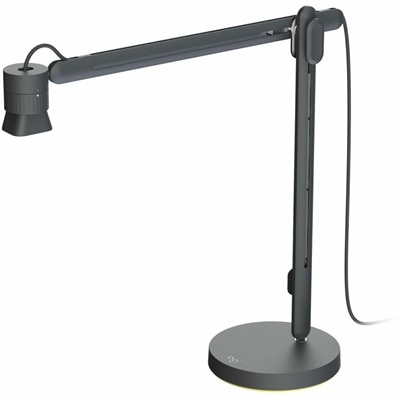
An articulating overhead camera arm with base mount, 1080p60 video, USB connectivity, and versatile pivoting controls.
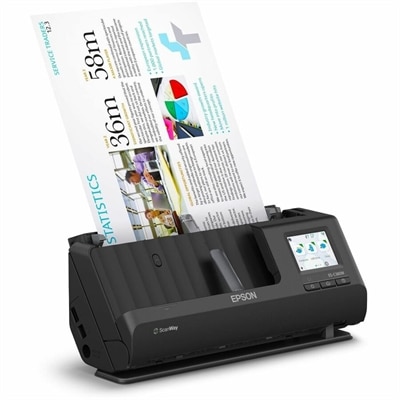
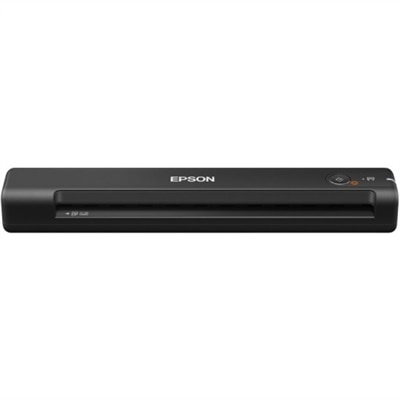
A wireless sheetfed scanner with 600-dpi optical resolution, duplex scanning, 20-page ADF, and 30-ppm performance.
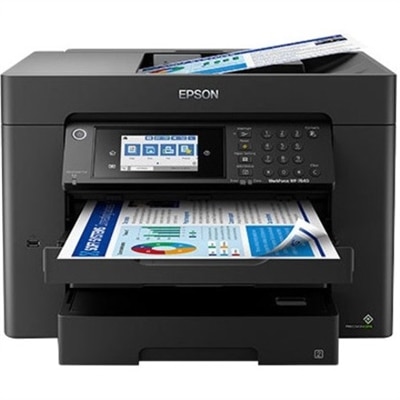
A high-performance wide-format all-in-one printer with duplex printing, copying, scanning, faxing, Wi-Fi, and pigment inks.
A silver conference camera with 1080p video, 360-degree audio, wireless screen mirroring, and USB plug-and-play connectivity.
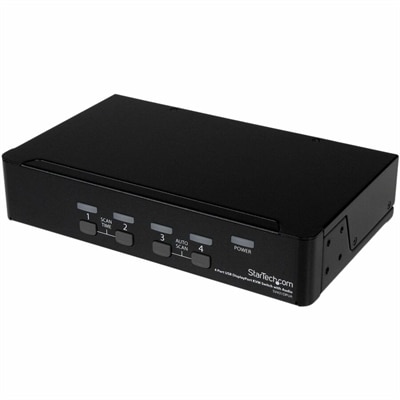
A four-port USB DisplayPort KVM switch with 7.1 HD audio, USB 2.0 hub, and 2560x1600 support.
A battery-powered sensor delivering IAQ and occupancy insights with BLE and LoRaWAN connectivity for cable-free installations.
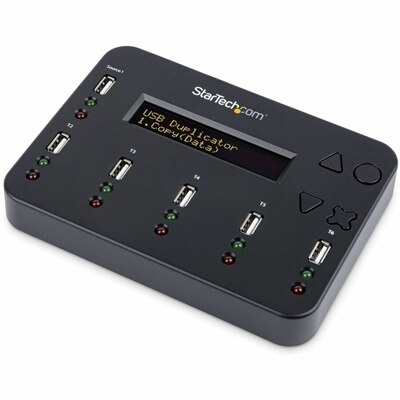
A standalone 1-to-5 USB duplicator and eraser with sector-by-sector cloning, LCD controls, and TAA compliance.
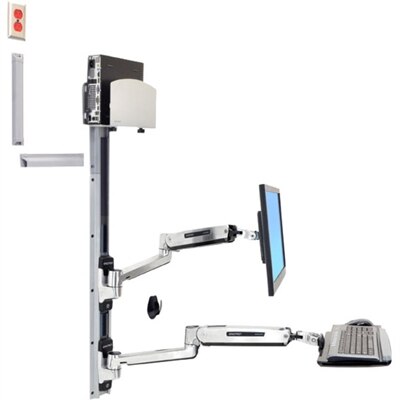
A space-saving wall-mounted computer workstation with a silver CPU holder, LCD, keyboard, and mouse support.
A purpose-built conferencing appliance supporting Zoom Rooms and Teams Rooms with USB cameras and HD displays.
Workplace technology solutions bring together the everyday tools people rely on to communicate, concentrate, create, and stay connected, whether they work in a corporate office, a home office, a classroom, or a flexible space shared by several teams. A productive setup may include a computer for focused work, a monitor that makes detailed tasks easier to see, a webcam for face-to-face conversations, and audio accessories that help voices come through clearly in a busy room. These products support much more than basic communication. They help employees review documents side by side, attend virtual meetings, prepare presentations, analyze information, respond to customers, and move smoothly between individual and collaborative work. A thoughtfully chosen setup can also make the workday feel less fragmented. The right display reduces the need to constantly switch between windows, while a comfortable keyboard and mouse can make long stretches of writing or planning feel more natural. For organizations with employees in different locations, dependable workplace technology helps create a shared rhythm: people can join meetings, exchange files through approved applications, contribute to group projects, and remain visible to colleagues even when they are not in the same room. Explore Modern Workplace Tools to find technology categories designed to support the changing ways people work.
When selecting workplace technology, begin with the tasks the equipment must handle and the people who will use it. A professional who works with spreadsheets, reports, or multiple applications may benefit from a larger screen or a two-display setup, while someone who travels between locations may place greater value on a lightweight laptop, long battery life, and durable construction. Creative teams often look for clear color, sharp detail, and responsive performance; customer-facing employees may prioritize a reliable camera, comfortable audio, and simple controls for frequent calls. Shared workspaces call for equipment that is easy to connect, adjust, and move between users, while a home office may benefit from compact accessories that keep a desk uncluttered. Compatibility deserves close attention. Check the available ports, operating system requirements, wireless or wired connection options, mounting needs, and compatibility with the communication and productivity applications already used by the organization. It is also wise to consider how equipment will be managed after purchase. Features such as easy setup, firmware support, privacy controls, biometric sign-in, and dependable warranty coverage can reduce interruptions and help an IT team maintain a consistent experience across many workstations. Accessibility should be part of the decision as well. Adjustable displays, clear audio, backlit keys, high-contrast settings, and comfortable input devices can help more employees work confidently and comfortably. For growing teams, choosing a consistent family of compatible devices may simplify training and make it easier to expand a workspace without starting the evaluation process from scratch.
Workplace technology can serve established businesses, small teams, independent professionals, students preparing for a first career, and family members creating a more capable office at home. It can be a practical way to mark a new job, a promotion, a move into a hybrid role, or the beginning of a freelance business, especially when the recipient needs equipment that supports both focused tasks and online collaboration. A well-planned setup also makes a useful shared resource: one person can use it for a morning video appointment, another can complete coursework in the afternoon, and a family member can handle administrative tasks in the evening without rebuilding the entire workspace each time. As the weather shifts from warmer days to cooler months, many people spend more hours indoors and notice small sources of friction, such as glare on a screen, tangled cables, muffled sound, or a chair-side computer that is difficult to reposition. Updating one or two essential components can make the space feel brighter, quieter, and more deliberate. Consider the room’s lighting, available desk space, background noise, electrical access, and the distance between the user and the screen before choosing equipment. For hybrid environments, prioritize simple transitions between office and home, consistent audio and video quality, and accessories that travel well. For permanent workstations, focus on comfort, adjustability, durability, and a layout that keeps frequently used items within easy reach. The best workplace technology solutions are not defined by having the most equipment; they are defined by how naturally the equipment supports real people through a full day of work, conversation, planning, and progress.
Add the products you would like to compare, and quickly determine which is best for your needs.