$1249.99
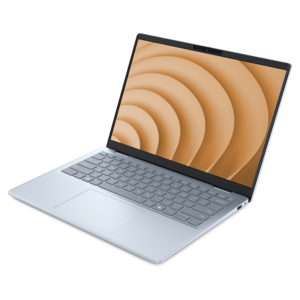
A lightweight AI-powered laptop designed for creative professionals and small businesses.
Explore a wide range of technology solutions designed to support productivity, creativity, and connectivity in any environment. Whether you're outfitting a home office, upgrading your workspace, or enhancing your entertainment setup, you'll find an array of innovative devices and accessories to meet your needs. Discover how the right technology solutions can streamline everyday tasks and help you stay ahead in a fast-paced digital world.
A lightweight AI-powered laptop designed for creative professionals and small businesses.
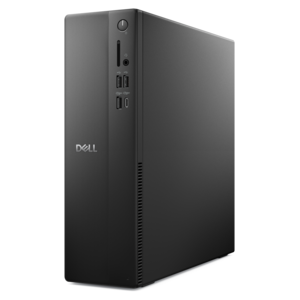
A space-saving business desktop delivering reliable everyday performance with essential security features for productive workflows.
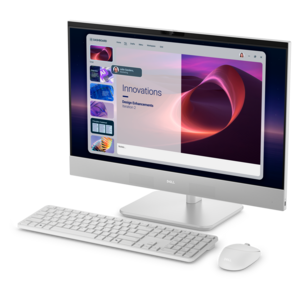
A space-saving all-in-one desktop designed for productive work and immersive entertainment.
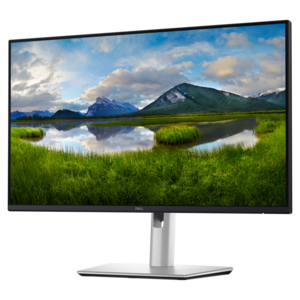
A QHD USB-C hub monitor with extensive connectivity and TÜV-certified four-star eye comfort.
A versatile Thunderbolt 5 smart dock delivering up to 300W power with remote management capabilities.
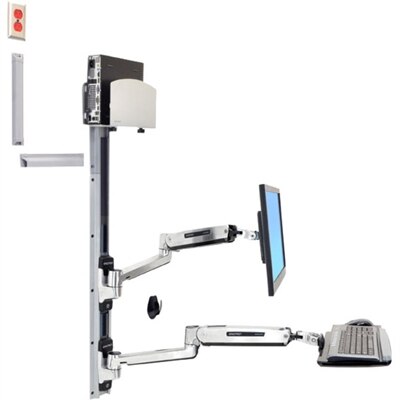
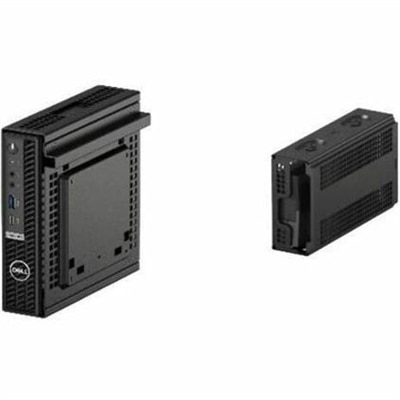
A space-saving wall-mounted computer workstation with a silver CPU holder, LCD, keyboard, and mouse support.
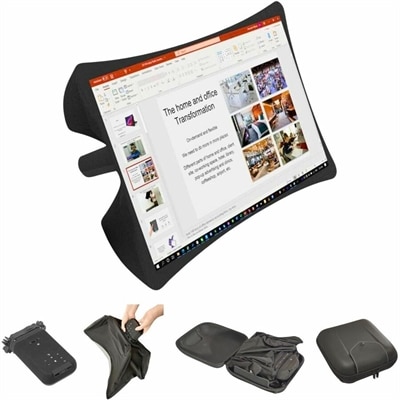
A foldable, rugged projection system with a nanomaterial screen, built-in battery, HDMI and USB-C connectivity.
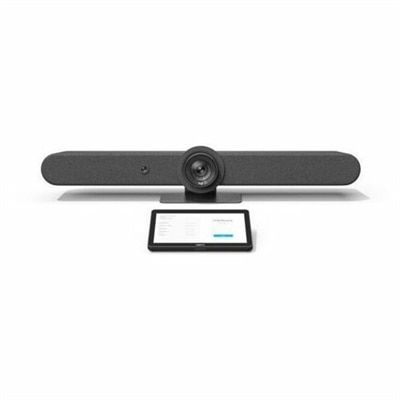
A graphite video conferencing kit featuring motorized PTZ, 15× HD zoom, adaptive beamforming, and touchscreen control.
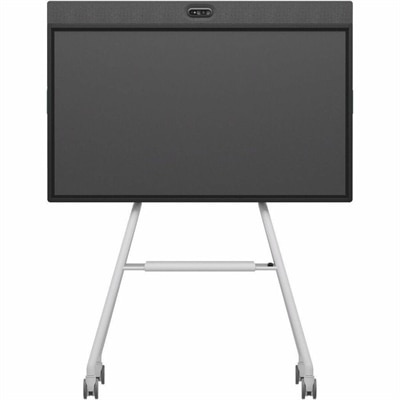
An all-in-one mobile conferencing system with touchscreen collaboration, AI-powered audio/video, recycled plastic, and lockable cart.
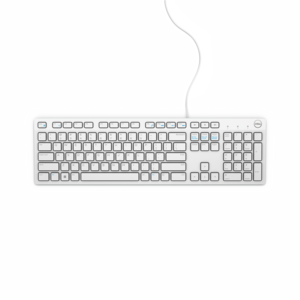
A wired keyboard with a white finish, designed for convenient everyday home or office computing.
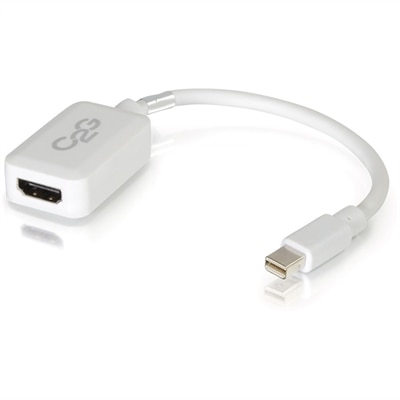
A white adapter converting Mini DisplayPort or Thunderbolt 2 to HDMI audio/video at up to 1080p.
A reliable wireless keyboard and mouse combo designed for everyday productivity and lasting performance.
A slim laptop sleeve with 360° cushioning and water-resistant, eco-conscious materials for everyday protection.
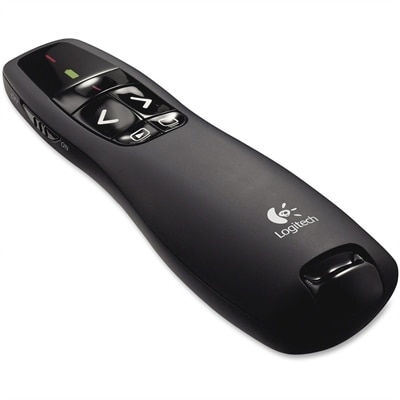
A wireless presentation remote with 2.4 GHz connectivity, bright-red laser pointer, intuitive controls, and battery indicator.
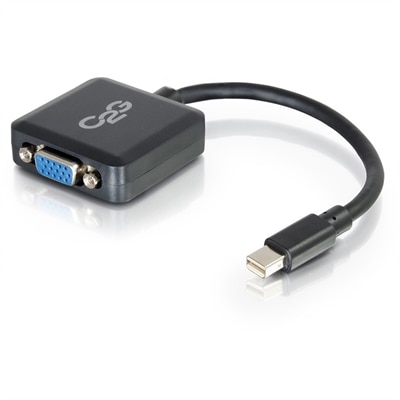
An active adapter converting Mini DisplayPort or Thunderbolt 2 to VGA, supporting resolutions up to 1920x1200.
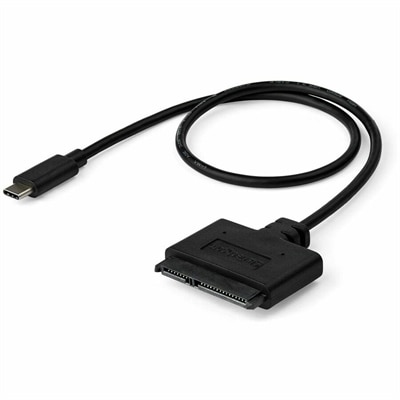
A USB-C to SATA adapter cable delivering 10Gbps data transfers for SSDs and HDDs.
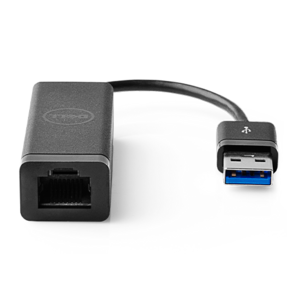
A USB 3.0 adapter adding Ethernet connectivity to computers and desktops, with PXE boot support.
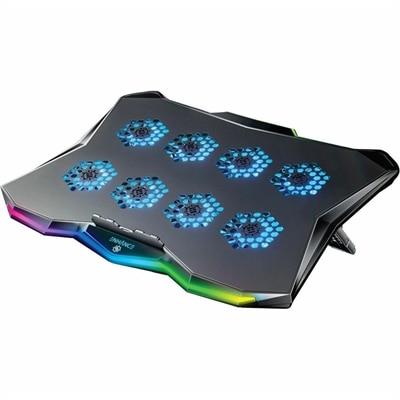
A slim metal laptop cooling pad featuring eight quiet fans, adjustable angles, and customizable RGB lighting.
A ceiling-installed tensioned projection screen with thin steel cables, sliding brackets, and integrated trim for presentations.
A slim, plug-and-play external USB optical drive for playing and burning DVD+/-R discs.
A black dual VESA mount positions thin clients between monitors and arms with enclosed power-adapter storage.
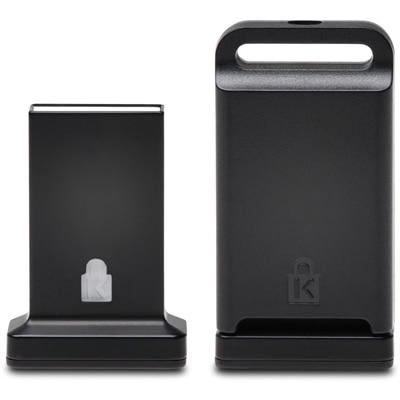
A cross-platform USB-A fingerprint security key offering FIDO2, FIDO U2F, passwordless and multi-factor authentication.
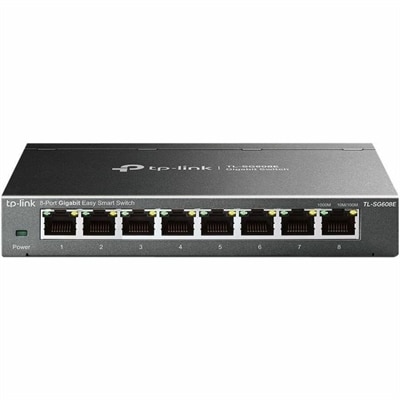
An 8-port Gigabit smart switch featuring durable metal construction, QoS, VLAN, IGMP Snooping, and fanless design.
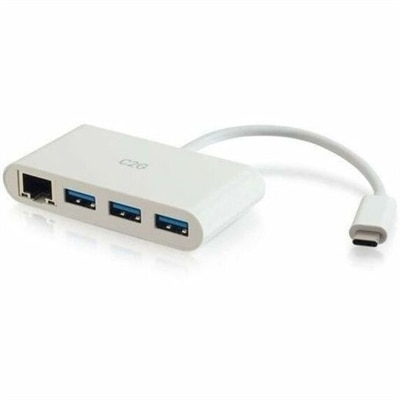
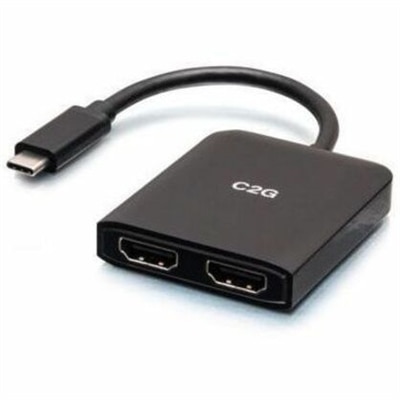
A compact USB-C hub supporting dual HDMI displays, 4K at 60Hz, mirroring, extending, and spanning.
Effective technology solutions start with matching your computer to the tasks, workspace, and applications you use every day. For home office productivity, schoolwork, or hybrid work, laptops offer the flexibility to move between locations, while desktop computers provide a dedicated foundation for a consistent workspace. Explore options such as the Dell 14 Plus Laptop, Dell Pro Essential Slim Desktop, and Dell 24 All-in-One Desktop to find a form factor that fits your routine. Compare processor capabilities, memory, display specifications, and available ports against the requirements of your preferred software, especially if you regularly multitask, edit creative projects, or participate in video meetings. An all-in-one desktop combines the computer and display in one device, while a separate desktop and monitor let you select each component individually. Choosing business computers and everyday PCs around your actual needs helps you prioritize useful features and build a setup that supports both current tasks and future changes. Complete your technology solutions with computer monitors, docking stations, keyboards, and collaboration accessories selected for the way you work. A QHD monitor can provide additional detail for reviewing documents and visual content, while a dual-monitor setup lets you keep reference materials visible alongside your main application. For a laptop-based workspace, a compatible dock can make it easier to connect supported displays and peripherals; check your computer’s port capabilities, power requirements, and supported display configurations before choosing one. USB-C connectors can support different features, so matching specifications matters as much as matching the connector shape. For shared workspaces and meeting rooms, explore Logitech video conferencing equipment and consider room size, camera coverage, microphone pickup, and software compatibility. Monitor mounts, external keyboards, and portable display options can further adapt your workspace to available space and everyday activities. Bringing these components together thoughtfully helps create a practical computer setup for focused work, presentations, and communication without adding equipment you do not need.
Add the products you would like to compare, and quickly determine which is best for your needs.