$570.00
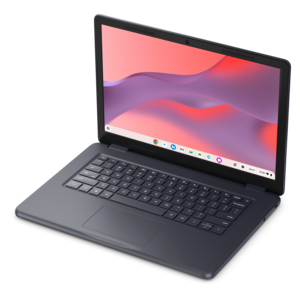
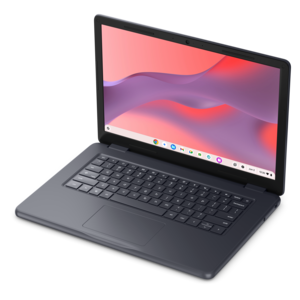
A durable, serviceable Chromebook designed specifically for education environments.
Explore technology solutions for schools with classroom learning, lesson planning, and everyday schoolwork in mind. Compare available options based on performance, ease of use, and compatibility with your school’s software and devices to help match technology to the needs of students, teachers, and staff.
A durable, serviceable Chromebook designed specifically for education environments.
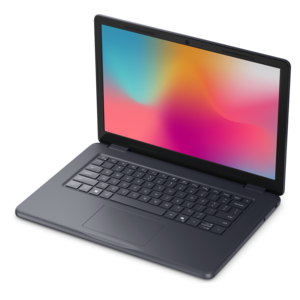
A durable, serviceable laptop designed specifically for demanding education environments.
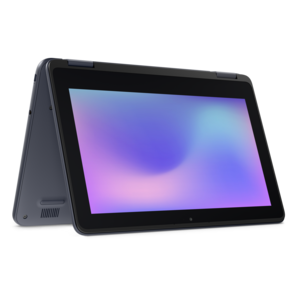
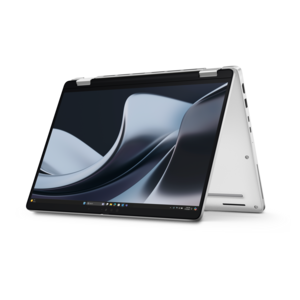
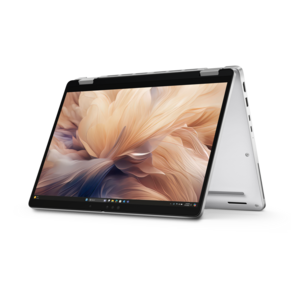
A durable, serviceable laptop or 2-in-1 designed specifically for demanding education environments.
A durable, serviceable Chromebook designed specifically for education environments.
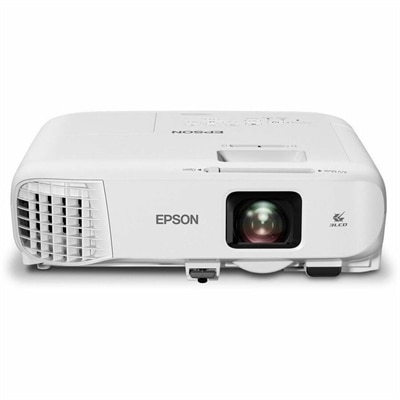
A bright white 4,100-lumen Full HD projector featuring 3LCD technology, Wi-Fi 6/6E, and wireless screen mirroring.
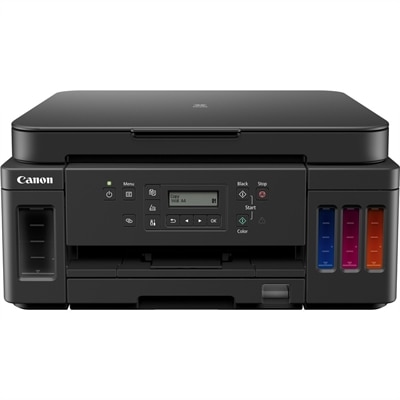
A wireless color multifunction printer with automatic duplex printing, refillable ink tanks, and 350-sheet capacity.
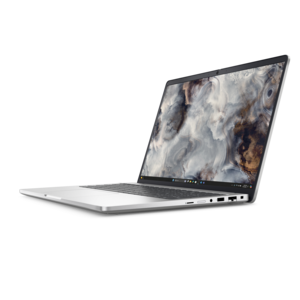
A secure, scalable AI laptop with durable aluminum construction and a spacious productivity-focused display.
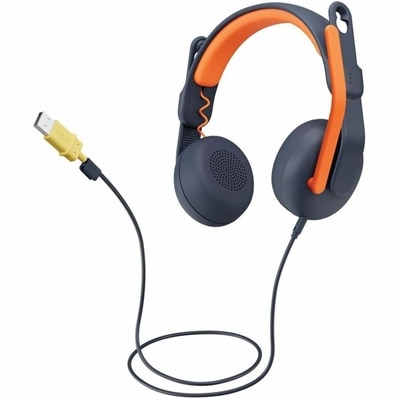
A USB-A wired on-ear headset with microphone, adjustable fit, comfortable pads, and voice-focused audio for learners.
A secure, scalable commercial AI laptop featuring a durable aluminum design and productivity-focused display.
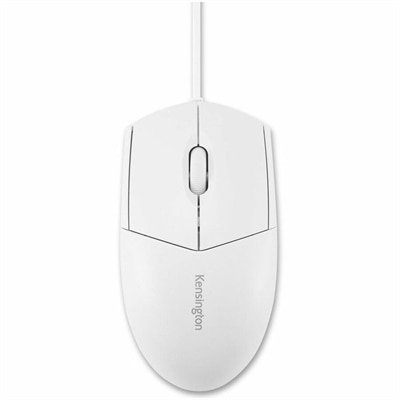
A white wired USB mouse with a waterproof, fully washable design and comfortable ambidextrous shape.
A durable aluminum commercial AI laptop with outstanding security, scalability, and versatile multitasking performance.
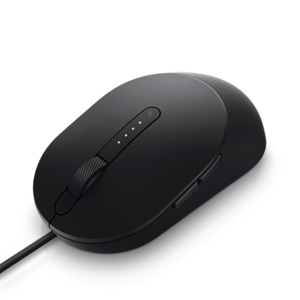
A wired black mouse designed for faster, smarter everyday computing.
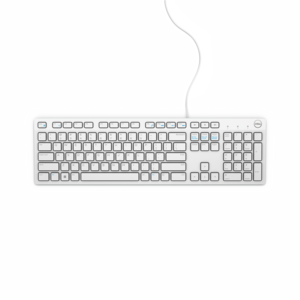
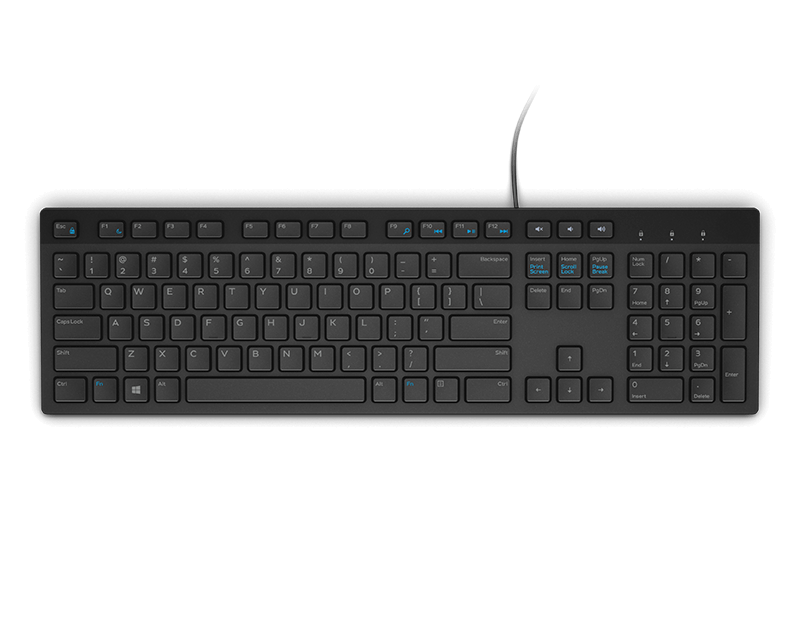
A wired keyboard with a white finish, designed for convenient everyday home or office computing.
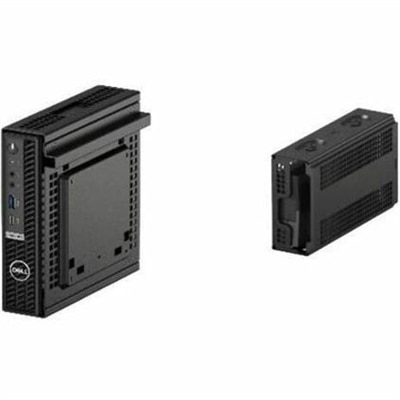
A black dual VESA mount positions thin clients between monitors and arms with enclosed power-adapter storage.
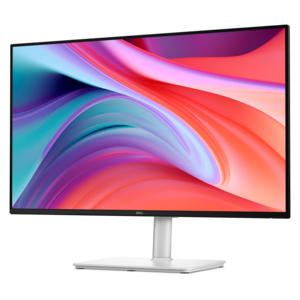
A Full HD monitor with 144Hz refresh rate, built-in speakers, and TÜV 4-star eye comfort certification.
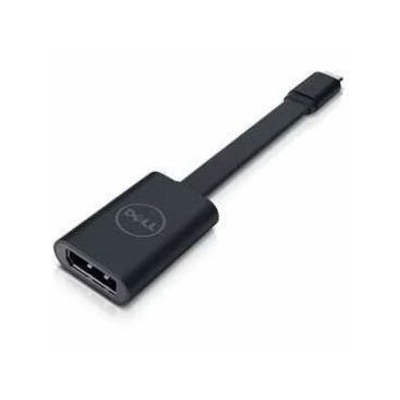
A USB-C to DisplayPort adapter connecting compatible laptops and tablets to high-resolution displays.
A professional docking station delivering 130W power and versatile connectivity for streamlined productivity.
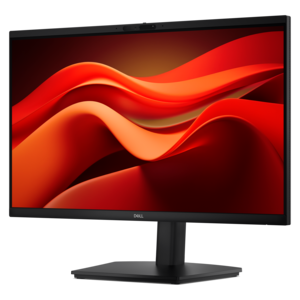
A Full HD conferencing monitor with built-in webcam, speakers, and microphone for seamless everyday collaboration.
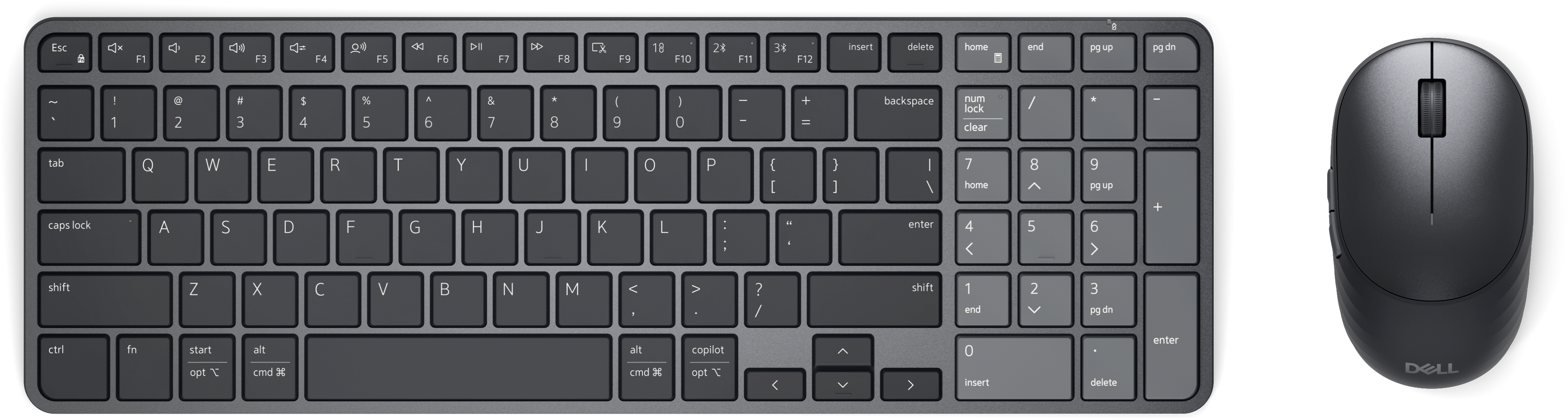
A rechargeable keyboard and mouse combo with quiet operation, adaptive scrolling, and macOS and Windows compatibility.
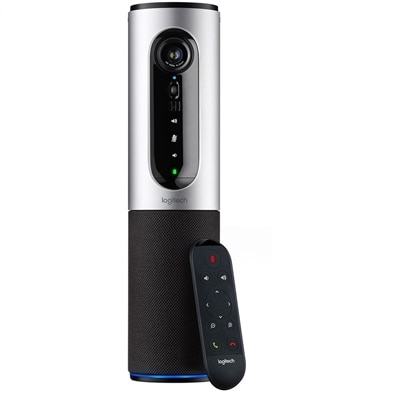
A silver conference camera with 1080p video, 360-degree audio, wireless screen mirroring, and USB plug-and-play connectivity.
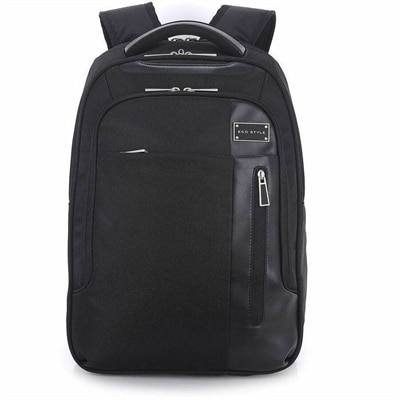
A black laptop backpack with dedicated tablet storage, TSA-friendly access, and ergonomic shoulder straps.
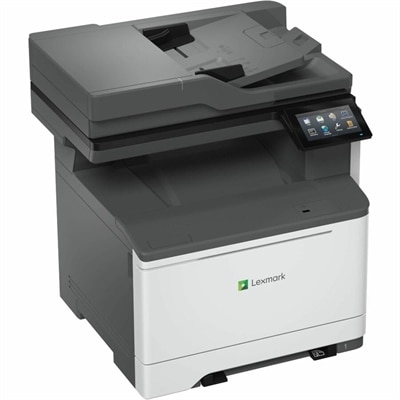
A wired and wireless color laser multifunction printer delivering 35 ppm, duplex scanning, faxing, and security.
A ceiling-installed tensioned projection screen with thin steel cables, sliding brackets, and integrated trim for presentations.
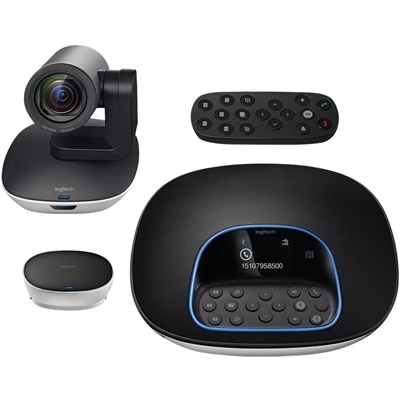
A plug-and-play conferencing system delivering 1080p video, 90-degree viewing, 10X zoom, and clear audio.
Technology solutions for schools include laptops, desktops, monitors, and accessories that support classroom instruction, student assignments, communication, and everyday administrative work. The right combination depends on where learning happens, which applications are used, and how many people share each device throughout the day. In an elementary classroom, a compact laptop may move between a reading station and a small-group activity, while a desktop in a computer lab provides a consistent workspace for longer assignments. Older students may need more processing power and memory for coding projects, digital illustration, video editing, or working with several research sources at once. Teachers often move between lesson materials, attendance records, presentations, and feedback on student work, making responsive performance useful well beyond the lesson itself. A balanced selection of Hardware For Schools connects these different activities without treating every classroom as if it has the same requirements. Portable computers suit schedules that shift between classrooms, libraries, and home, while desktops make sense for dedicated learning spaces where equipment stays in place. Monitors extend the workspace for comparing documents, reviewing detailed diagrams, or keeping reference material visible beside a writing assignment. Screen size and resolution influence how comfortably text, spreadsheets, and images can be viewed, but the dimensions of the desk matter, too. A large display needs enough room for a sensible viewing distance and space for notebooks or other classroom materials. Battery life is another practical consideration for portable devices, especially when students rotate through several periods before returning to a charging location. Actual runtime varies with applications, settings, and use, so the demands of a full school day matter more than a single headline specification. Connections deserve similar attention: the ports on a computer need to work with the displays, headsets, keyboards, and other accessories already used in the learning space. Compatibility with required educational software helps keep the focus on the assignment rather than on workarounds.
Durability and physical fit are especially important when school technology passes through many hands. A device used by one teacher at a desk faces different conditions from a student laptop carried in a backpack, opened on a crowded table, and returned to a shared charging area. Chassis materials, hinge construction, and protection around exposed edges can affect how well a computer tolerates everyday handling, although durability features vary by model and should be evaluated individually. Reinforced designs and spill-resistant keyboards, where specified, may be useful in busy classrooms, but no device should be treated as damage-proof. The weight of a laptop also matters for students carrying books and supplies between rooms; a lighter design can be easier to transport, provided the screen and keyboard still fit the work. Younger learners may benefit from controls that are easy to identify and a device that sits securely on the desk, while students writing long essays need enough keyboard space for comfortable typing. Touch input can make drawing, annotation, and interactive exercises more direct when the software supports it. An adjustable monitor stand can help position a screen at a comfortable height, and a separate keyboard and mouse can make a laptop-based workstation more adaptable. Accessibility needs are equally varied. Clear displays, compatible assistive input devices, adjustable text settings, and support for captioned content can help students participate in ways that suit their needs. Audio accessories require attention to fit as well: headsets should feel comfortable during a language exercise or recorded lesson, with volume managed according to school guidance. Routine care helps preserve this equipment through repeated use. Manufacturer-approved cleaning methods are particularly important for screens, keyboard surfaces, and shared headsets, since harsh chemicals or excessive moisture can damage finishes and components. Protective sleeves, designated charging locations, and clearly organized cables support daily handling, especially during the hurried transition from one class to the next.
School technology also serves the people who plan lessons, support students, and keep the day moving. A teacher preparing tomorrow’s presentation may need a comfortable desktop workspace after spending the morning moving around the classroom with a laptop. In a front office, a monitor with readable text and room for multiple windows can make attendance records, calendars, and family communications easier to manage. Library computers need to accommodate changing users and a mix of research, writing, and independent learning. Art and media spaces may place greater demands on graphics performance, screen quality, and accessory compatibility than a workstation used mainly for browser-based assignments. These differences make intended use a more useful starting point than assuming that one configuration fits the entire school. Accessories complete the experience in practical ways. A docking station can connect a compatible laptop to a monitor and peripherals at a teacher’s desk, while a well-positioned webcam and microphone can support remote guest speakers, homebound instruction, or meetings with families. Headsets can help students hear spoken directions during independent work without adding competing audio throughout the room. For shared devices, sign-in options and security features need to align with school policies and the applications in use. Automatic screen locking, supported authentication methods, and current software help protect access to student information, while physical privacy measures may be appropriate for desks where sensitive records are visible. Ongoing upkeep matters alongside the equipment itself: operating system support, compatible replacement accessories, clear asset labeling, and established repair procedures all influence how smoothly devices remain in use. Consistent connections and charging requirements can also reduce confusion when equipment moves between rooms. Well-matched technology gives each space a clear purpose, whether that means a quiet place to revise an essay, a dependable station for a science simulation, or a flexible setup for a teacher explaining the same concept in several different ways.
Add the products you would like to compare, and quickly determine which is best for your needs.