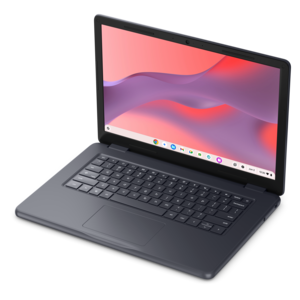
$570.00
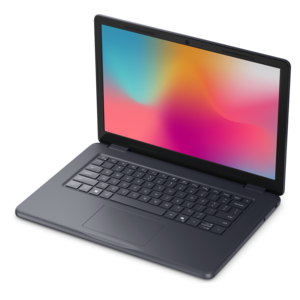
A durable, serviceable Chromebook designed specifically for education environments.
Browse computer equipment for schools with classroom learning, computer labs, and administrative work in mind. Compare options based on compatibility with your school’s software, connectivity needs, and available workspace to help choose equipment for students, teachers, and staff.
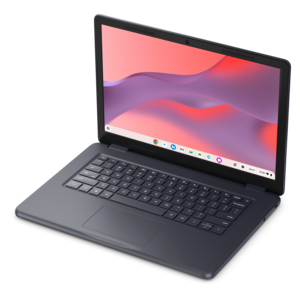
A durable, serviceable Chromebook designed specifically for education environments.
A durable, serviceable laptop designed specifically for demanding education environments.
A durable, serviceable Chromebook designed specifically for education environments.
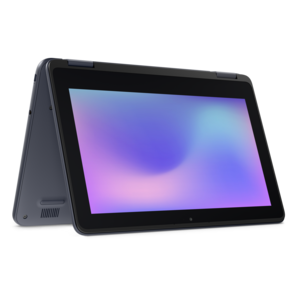
A durable, serviceable laptop or 2-in-1 designed specifically for demanding education environments.
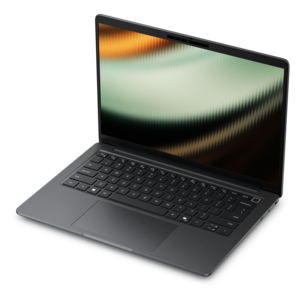
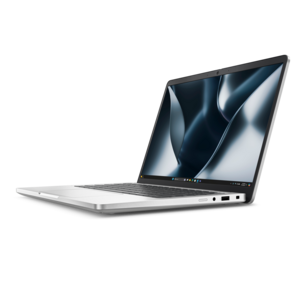
A remarkably thin laptop powered by AMD Ryzen AI PRO 400 Series processors for professional performance.
A powerful professional laptop delivering productivity, scalability, ease of use, and advanced on-device AI.
A thin, lightweight Copilot+ PC combining powerful Intel CPU, GPU, and NPU performance for productive multitasking.
A remarkably thin 2-in-1 laptop powered by AMD Ryzen AI PRO 400 Series processors for performance.
A powerful productivity laptop with scalable performance and advanced on-device AI capabilities.
A secure, scalable commercial AI PC in a sleek, durable aluminum body for on-the-go multitasking.
A productivity-focused Copilot+ PC powered by a capable AMD CPU, GPU and NPU combination.
A remarkably thin professional laptop combining portability and performance with Intel Core Ultra Series 3 processors.
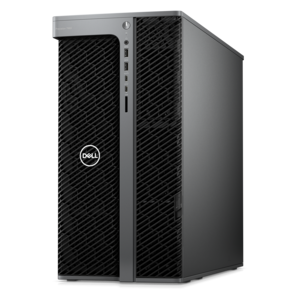
A scalable tower workstation with professional graphics and up to a 56-core Intel Xeon processor.
A durable modular laptop with a 16:10 display, numeric keypad, robust security, and built-in AI options.
A Copilot+ PC combining powerful Intel® CPU, GPU, and NPU performance for productive everyday computing.
A secure, scalable commercial AI PC featuring a durable aluminum body and spacious productivity-focused display.
A versatile 2-in-1 laptop with a remarkably thin design and Intel Core Ultra Series 3 performance.
A thin, durable laptop delivering reliable performance for professional productivity.
A commercial AI laptop with a durable aluminum body, strong security, scalable performance, and spacious display.
A durable modular laptop with a 16:10 display, numeric keypad, robust security and built-in AI options.
A remarkably thin business laptop with AMD Ryzen AI PRO 400 Series processors for high-performance productivity.
A durable aluminum commercial AI laptop with outstanding security, scalability, and versatile multitasking performance.
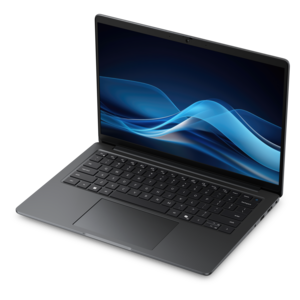
A commercial AI laptop with a durable aluminum body, roomy 14-inch display, security, and scalability.
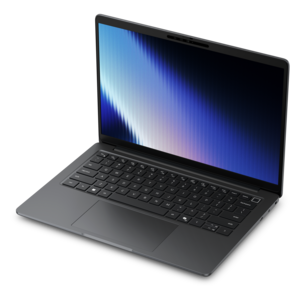
A durable, lightweight business laptop with commercial-grade security and manageability for everyday productivity.
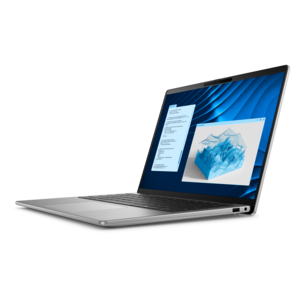
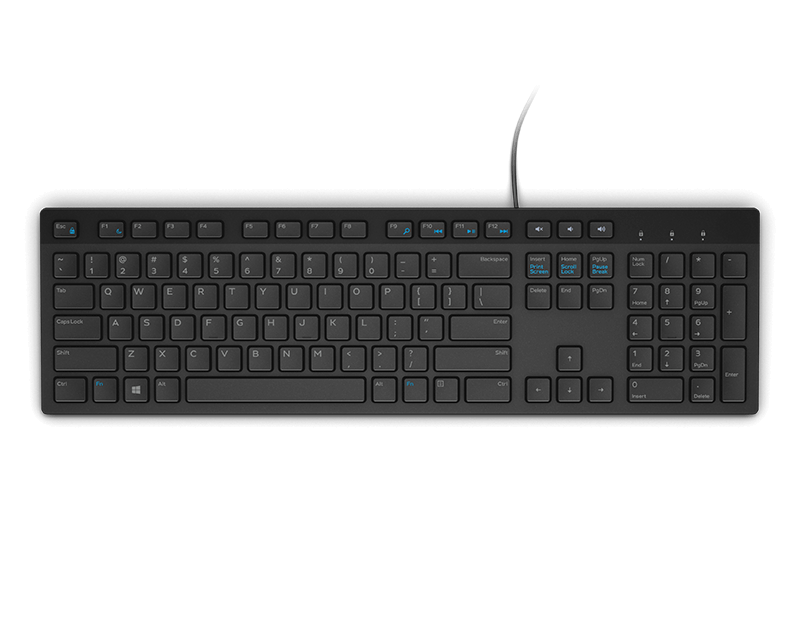
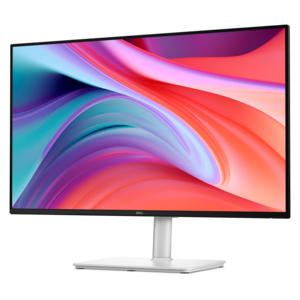
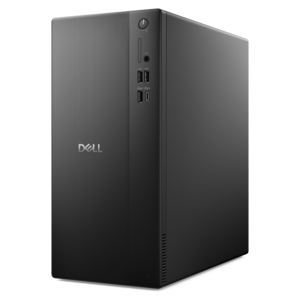
Computer equipment for schools includes laptops, desktops, monitors, and accessories that support instruction, independent study, creative projects, and everyday administrative work. A balanced mix gives students portable tools for learning between classrooms while providing dependable workstations for activities that benefit from a larger display or a consistent desk setup. In an elementary classroom, a computer might support reading practice, narrated lessons, and early keyboard skills. In middle and high school, the same broad categories support research, essays, presentations, coding, and increasingly complex creative work. College classrooms and specialized learning spaces may require additional processing capability for technical applications, large documents, or media projects. The intended workload matters more than a device’s appearance: writing assignments and browser-based coursework place different demands on a computer than video editing or detailed design work. Processor capability and memory influence how comfortably students can move among applications, especially when a lesson involves an online discussion, a reference document, and a presentation at the same time. Laptops suit students and educators who move throughout the day, while desktops can provide a stable foundation for shared learning stations, writing labs, and teacher workspaces. Monitors give spreadsheets, diagrams, and side-by-side documents more room, and external keyboards and mice can make longer sessions more comfortable. Equipment also needs to fit the people using it. A younger student may benefit from a manageable device weight and a keyboard that supports developing typing skills, while an educator reviewing assignments may prioritize a readable display and a comfortable workspace. Shared computers need settings and sign-in arrangements that align with school policies, particularly when several classes use the same room. Consistency across classroom equipment can also make routines easier to learn: students spend less time finding unfamiliar controls, and teachers can give clearer directions when basic functions work similarly from one station to the next. Together, these considerations help computer equipment support the lesson rather than distract from it.
Durability in a school setting involves more than a sturdy-looking exterior. Devices encounter crowded backpacks, frequent movement between desks, repeated opening and closing, and daily use by people with different levels of experience. Construction materials, hinge design, keyboard layout, and the way a device fits inside a protective sleeve all contribute to its suitability for those routines. Plastic and metal housings vary in weight, finish, and construction, so the material name alone does not establish how well a computer will tolerate classroom use. Smooth surfaces and accessible exterior areas can simplify routine cleaning, although approved methods vary by manufacturer. Care generally includes powering equipment down when directed, keeping liquids away from openings, using suitable cleaning materials, and avoiding direct sprays on screens or keyboards. Ventilation openings need room to function, making a hard, unobstructed surface more suitable for active use than a soft bag or blanket. Protective cases and sleeves should match the device’s dimensions without blocking ports, restricting hinges, or interfering with cooling. Physical fit matters at the desk as well. A monitor positioned at a comfortable viewing height, a keyboard within easy reach, and a mouse suited to the user’s hand can reduce awkward reaching during longer assignments. Adjustable display positioning is especially useful where students of different heights share a workstation. Readability depends on screen size, resolution, text settings, and classroom lighting; glare near a sunny window can affect an otherwise comfortable setup. Accessibility features such as text enlargement, captions, screen readers, and alternative input methods can support different learning needs when the operating system and classroom applications are compatible. Headsets can make spoken instructions easier to follow during individual practice, while clear volume controls help students manage audio responsibly. In shared spaces, equipment that is straightforward to clean and simple to adjust supports smoother transitions between users. These practical details become particularly noticeable during a full day of lessons, when comfort, cleanliness, and ease of use affect how readily students settle into their work.
Compatibility connects individual pieces of school computer equipment into a useful learning setup. A laptop, monitor, keyboard, mouse, and headset need the appropriate connections, and a connector’s shape does not always indicate every function it supports. Display output, charging, and accessory connections can differ by computer, cable, and dock, making those specifications important for a consistent classroom experience. Software compatibility matters just as much: required learning applications, accessibility tools, and assessment platforms need to work with the chosen operating system and meet the school’s technical requirements. For portable computers, battery performance depends on screen brightness, application demands, device age, and usage patterns, so a school day filled with video calls can differ substantially from one centered on reading and writing. Charging routines and manufacturer-recommended power adapters help keep equipment ready for lessons without relying on assumptions about runtime. Teachers may use a computer to prepare materials before class, display an example during instruction, and review student work afterward. Students may move from individual research to a group presentation, then use a headset for language practice or recorded feedback. Clear microphones and appropriately positioned cameras can support remote participation, tutoring, and communication with classmates, while school-approved privacy settings help define how those features are used. A coordinated approach to Technology Solutions for Schools connects these device choices with the needs of classrooms, computer labs, and educator workspaces. Thoughtful equipment matching also considers what happens after the first assignment: whether accessories can be reused, whether a damaged peripheral can be replaced independently, and whether everyday care is manageable for staff and students. A compact laptop may suit movement between learning spaces, while a desktop paired with a larger monitor may better support sustained work at a designated station. Neither arrangement serves every situation equally. The most useful school computer equipment fits the curriculum, the physical environment, and the people who use it, creating a dependable foundation for focused study, collaborative work, and the ordinary tasks that keep a school day moving.
Add the products you would like to compare, and quickly determine which is best for your needs.