$14.99
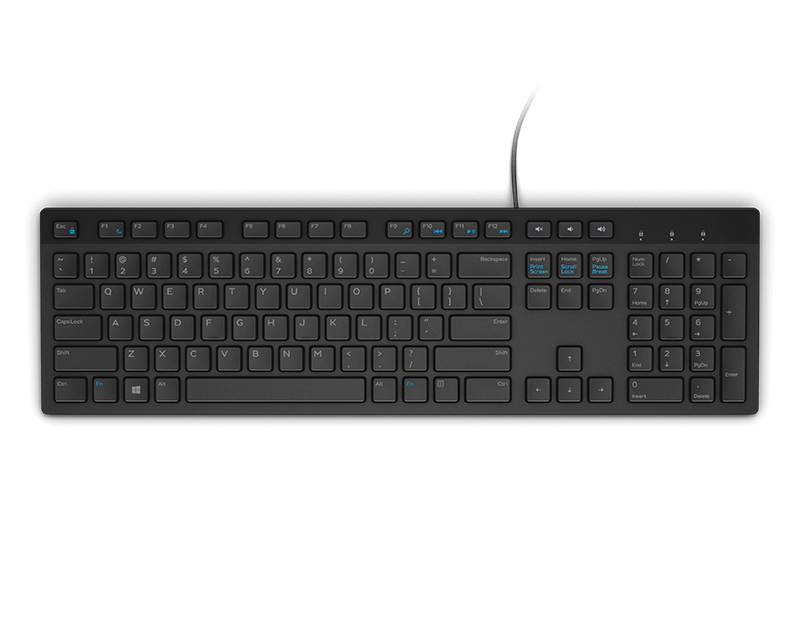
A black wired keyboard designed for convenient everyday home and office computing.
Hardware for schools plays a vital role in creating dynamic and effective learning environments. From classrooms to computer labs, having the right technology helps support both students and educators as they engage with digital resources and interactive lessons. Explore a wide selection of reliable hardware for schools designed to meet the demands of modern education and help foster academic success. Find solutions that can adapt to different grade levels, classroom sizes, and teaching styles while keeping your institution connected and productive.
A black wired keyboard designed for convenient everyday home and office computing.
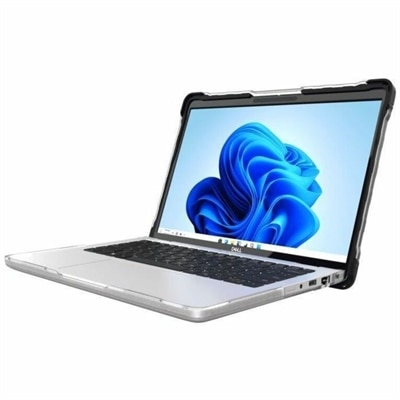
A lightweight, two-piece transparent case with rubberized bumpers delivers full-coverage protection for school and workplace laptops.
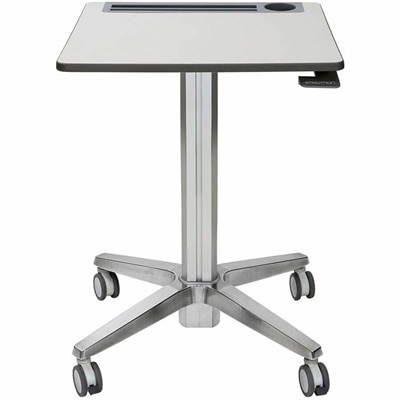
A mobile sit-stand desk enabling flexible, active learning and workspaces.
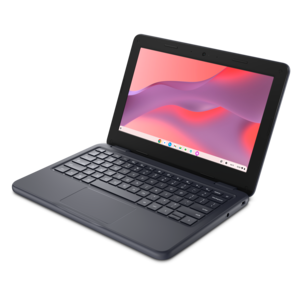
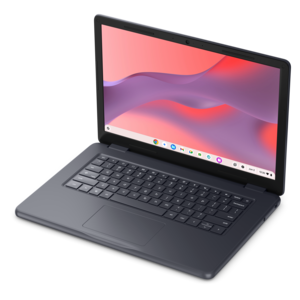
A durable, serviceable Chromebook designed specifically for education environments.
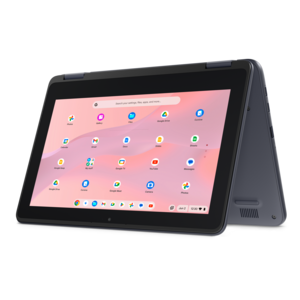
A durable, serviceable Chromebook designed for K–12 learning environments.
A durable, serviceable laptop or 2-in-1 designed specifically for K-12 learning environments.
A durable, serviceable Chromebook designed specifically for education environments.
School hardware brings together the everyday technology that helps students learn, teachers prepare lessons and administrators keep classrooms running smoothly. For many schools, the foundation is a dependable fleet of student computers, including laptops and compact desktop systems selected for the age group, curriculum and learning environment. Elementary students may benefit from lightweight devices with durable construction, simple controls and long battery life, while older students often need additional performance for research, coding, creative projects, technical coursework and multitasking across several applications. A school-issued laptop should be comfortable to carry between classrooms, easy to use at a desk and capable of supporting web-based learning platforms, video lessons, digital textbooks and accessibility tools. Desktops can remain a practical choice for computer labs, libraries, media rooms and specialized classrooms where larger screens, full-size keyboards and consistent power are more important than portability. When comparing computers for schools, consider processor performance, memory, storage capacity, battery expectations, operating system compatibility, camera and microphone quality, repairability, warranty coverage and the availability of replacement accessories. A device that feels quick and reliable during a quiet planning period also needs to remain responsive when an entire class is signing in, opening assignments and joining a live lesson at the same time. Schools may also want to standardize a few configurations instead of purchasing a wide mix of hardware, making it easier for staff to provide support, maintain charging routines and prepare devices for new students as enrollment changes. During the cooler months, when students may spend more time indoors and classrooms are active from the first bell through afternoon activities, reliable hardware can make the difference between a smooth transition and a room full of interruptions.
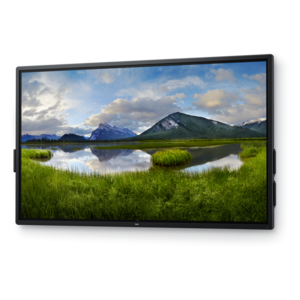
Displays and classroom accessories extend the usefulness of student computers and help make lessons more visible, collaborative and accessible. A well-sized monitor can give teachers room to keep a lesson plan, gradebook and instructional materials open without constantly switching windows, while a second display may help staff present content to a class and manage notes or student work at the same time. In a computer lab, monitors with adjustable stands, clear text rendering and comfortable viewing angles can support long periods of reading, design work or data analysis. Interactive displays can turn the front of a classroom into a shared workspace where teachers annotate diagrams, move objects, review student responses and bring visual material closer to students in the back row. Document cameras are useful for demonstrating handwriting, science experiments, art techniques, printed materials and hands-on work that would otherwise be difficult for a whole class to see. Headsets, webcams, microphones and speakers can support language practice, recorded presentations, remote participation and students who benefit from focused audio. USB-C hubs and other adapters help connect modern laptops with displays, wired accessories and classroom equipment, particularly when a school is supporting several computer models. Charging stations and organized power accessories can reduce the familiar end-of-day scramble of tangled cables and nearly empty batteries; labeled slots make it easier for students to return equipment correctly and help staff identify a missing device before the next lesson. For technology coordinators, useful purchase considerations include port selection, cable length, compatibility, ventilation, mounting options, ease of cleaning and the ability to replace one component without discarding an entire setup. For teachers, the most valuable accessory is often the one that quietly removes friction: a bright, readable monitor, a camera that captures a small object clearly or a dock that lets a laptop connect to the classroom in one step.
A thoughtful school hardware plan also accounts for the people who will use, manage and share each device. Students need equipment that feels approachable and withstands daily movement between desks, backpacks, carts and library tables. Teachers may need larger screens, comfortable input devices and clear cameras for lesson preparation, assessment and communication with families. Administrative staff often benefit from efficient desktops or laptops paired with ergonomic monitors, docking accessories and privacy-conscious placement. Libraries, tutoring rooms and after-school programs may require flexible devices that can be checked out, shared by small groups or used in quiet study areas. Before ordering, schools can map the number of classrooms, students, staff members and shared spaces, then allow for loaner units, replacement equipment and future enrollment changes. It is also helpful to review whether devices support accessibility features such as screen magnification, voice input, captions, high-contrast settings and alternative keyboards or pointing devices. A consistent naming and labeling system, protective cases where appropriate and a clear process for check-in, charging, cleaning and repair can extend the useful life of a fleet. Connectivity planning matters as well: computers, interactive displays and classroom accessories perform best when the school’s wireless environment can support simultaneous use across busy instructional spaces. Schools reviewing that part of their technology setup can explore Wireless Access Points For Schools as a related resource. Whether the goal is to equip a new classroom, refresh a computer lab, support hybrid instruction or replace aging equipment in stages, the strongest choices balance performance with durability, manageability and everyday comfort. Hardware becomes most valuable when it fits naturally into the rhythm of school life—from the first device checkout in the morning to the final charging cart returned at the end of the day—and gives students and educators more time to focus on learning.
Add the products you would like to compare, and quickly determine which is best for your needs.