$19.99
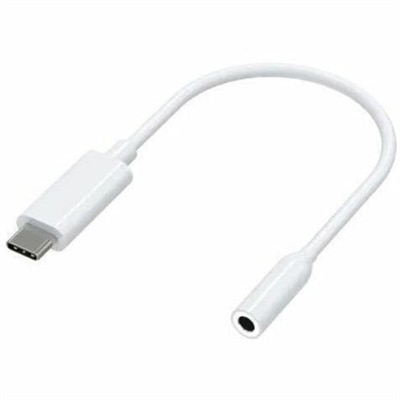
A compact USB-C to 3.5mm audio adapter with Hi-Res DAC, 93dB SNR, and plug-and-play compatibility.
Transform your office into a hub of productivity and innovation with modern workplace tools designed to meet the demands of today's dynamic work environments. Whether you're setting up a home office or enhancing a corporate space, these tools offer the versatility and efficiency needed to keep you connected and on task. From sleek electronics to cutting-edge computers, discover solutions that streamline workflows and foster collaboration. Elevate your workspace with the latest advancements in technology, ensuring you stay ahead in an ever-evolving digital landscape.
A compact USB-C to 3.5mm audio adapter with Hi-Res DAC, 93dB SNR, and plug-and-play compatibility.
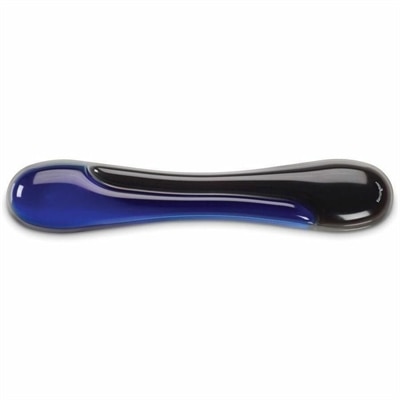
A blue gel keyboard wrist rest with ergonomic support, ventilation, wipe-clean finish, and TAA compliance.
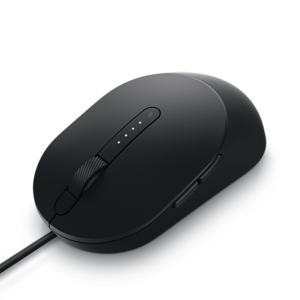
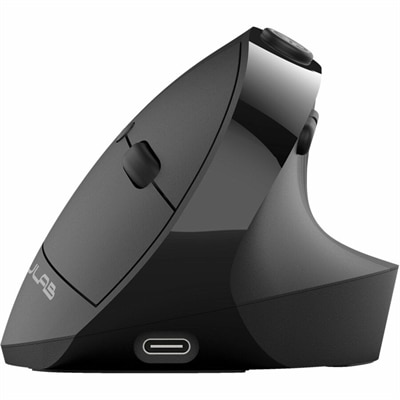
A black wired mouse designed for efficient, comfortable everyday computer navigation.
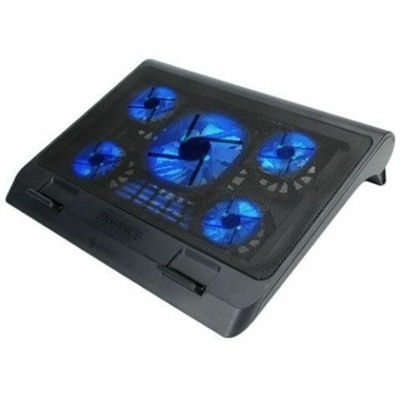
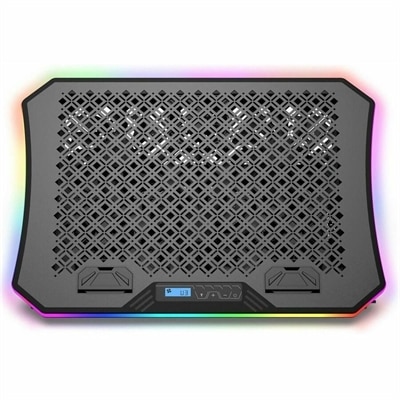
A metal mesh cooling stand with five quiet blue LED fans, dual USB ports, adjustable height.
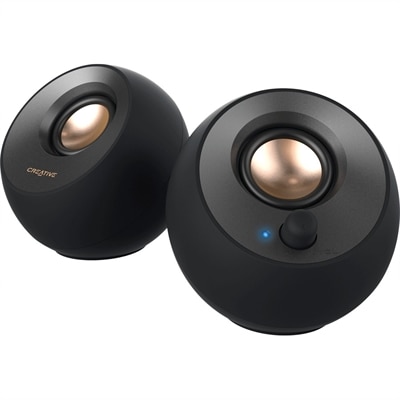
A black 2.0 USB-C speaker system delivering 8W RMS with 3.5mm input and built-in gain boost.
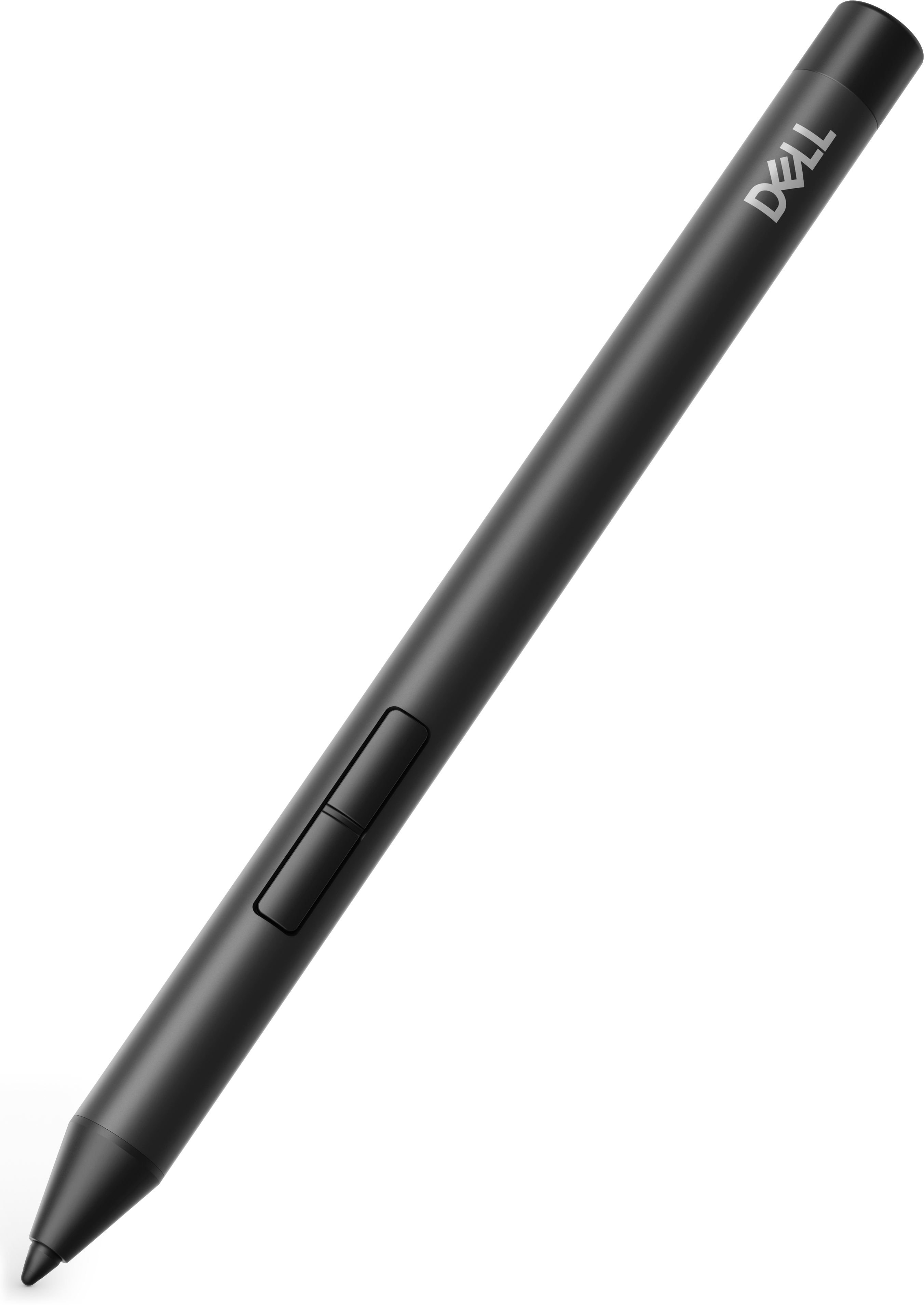
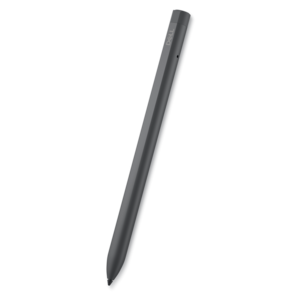
A precision active pen offering multiprotocol compatibility and smooth operation for creative, productive, comfortable workflows.
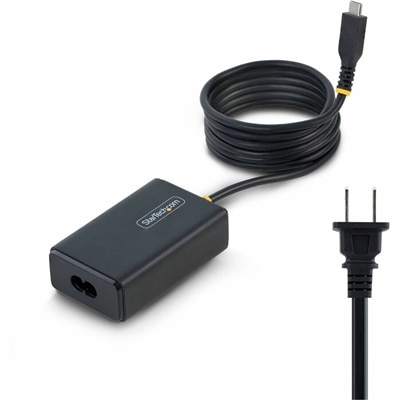
A 65W USB-C Power Delivery adapter with tethered cable, broad voltage support, certifications, and comprehensive safety protections.
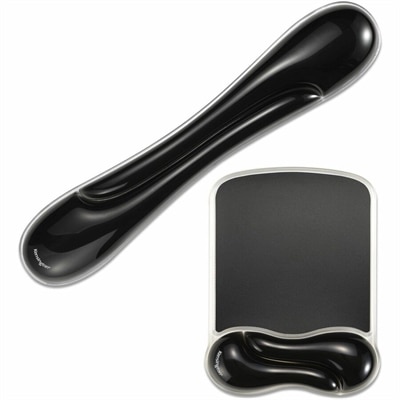
A black gel wrist rest bundle with ergonomic support, ventilation channels, and an easy-clean, fluid-resistant finish.
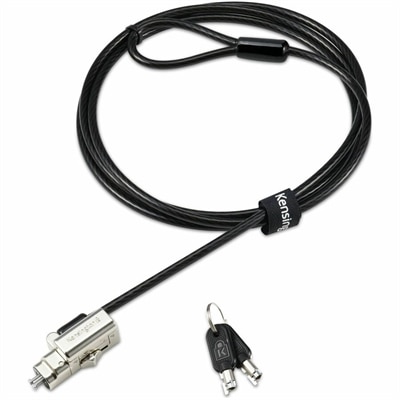
A keyed laptop lock with one-tip compatibility for standard, nano and wedge-shaped slots and anti-pick protection.
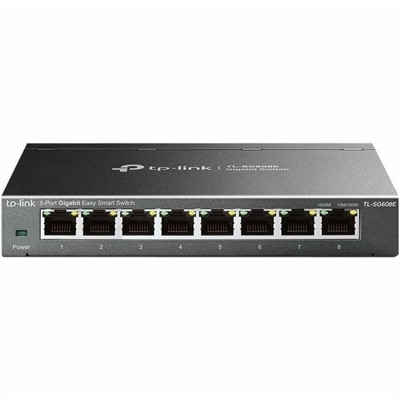
An 8-port Gigabit smart switch featuring durable metal construction, QoS, VLAN, IGMP Snooping, and fanless design.
A smooth 100Hz monitor with TÜV Rheinland 3-star eye comfort certification for everyday productivity.
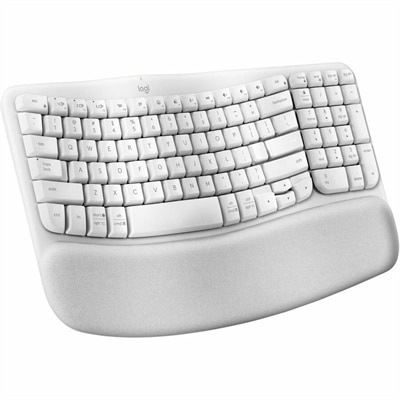
An off-white wireless ergonomic keyboard with memory-foam wrist support, Bluetooth, Logi Bolt, and recycled plastic.
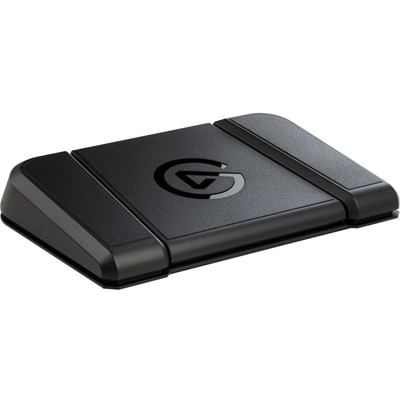
A sturdy, customizable foot pedal providing hands-free control for streaming apps and tools.
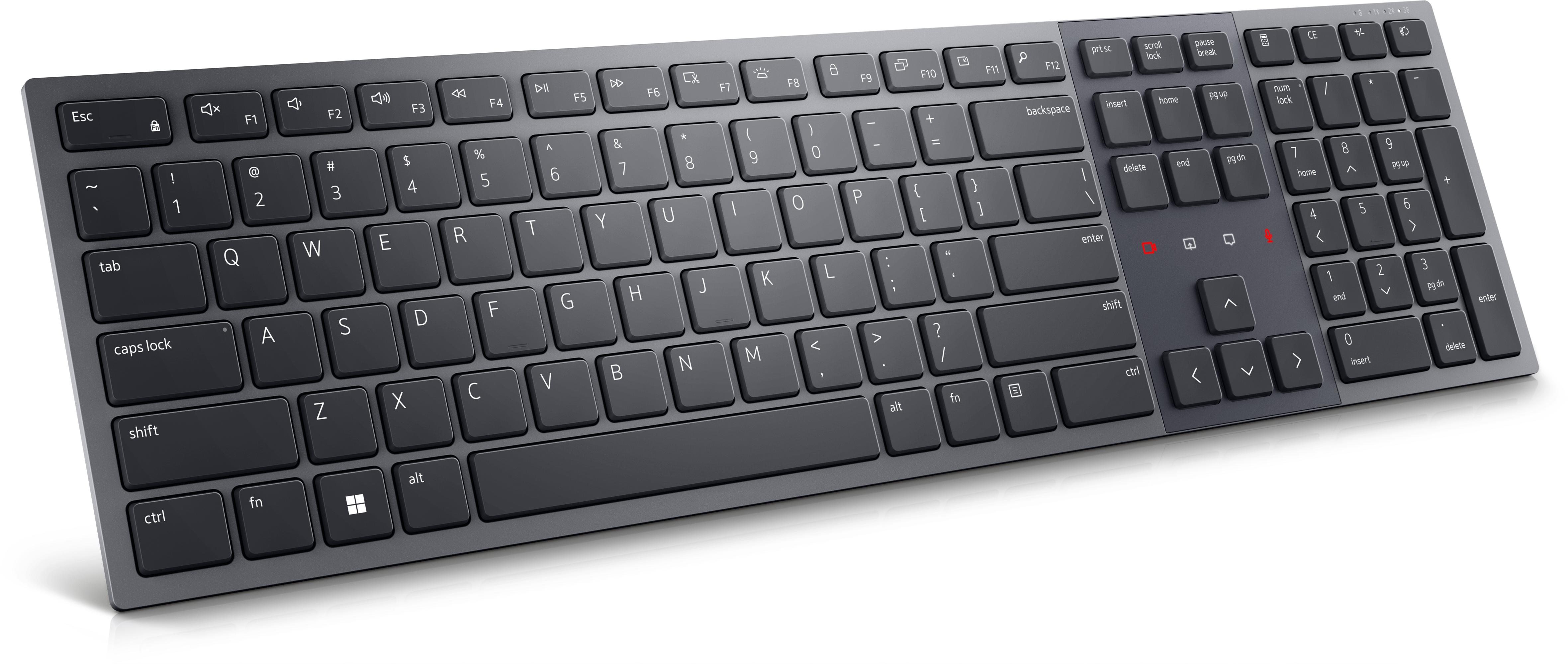
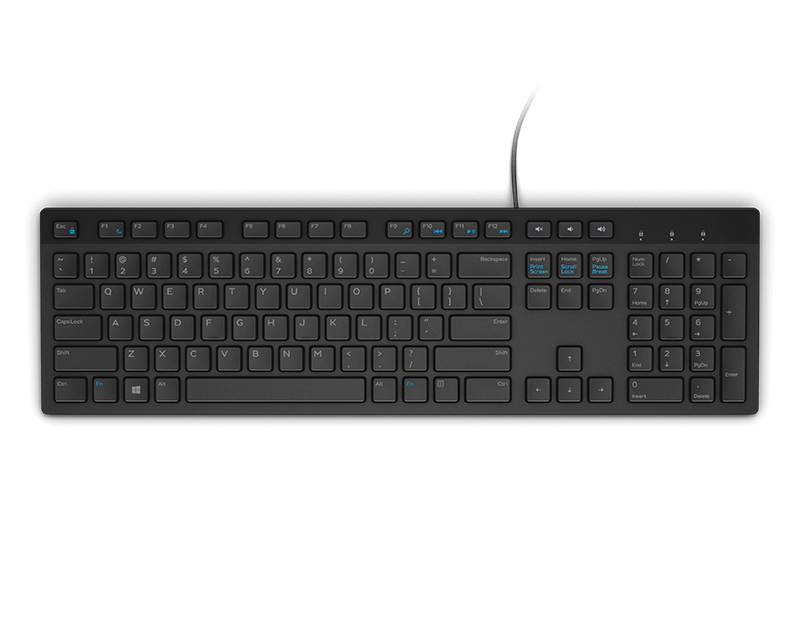
A Zoom-certified rechargeable keyboard designed for seamless collaboration, enhanced productivity, and all-day typing comfort.
A portable 7-in-1 USB-C hub offering fast charging and versatile connectivity for modern professionals.
A secure all-in-one stand for workstations and monitors with effortless setup and integrated cable management.
A professional 2K QHD webcam delivering clear visuals, secure features, and seamless collaboration across leading platforms.
A crisp FHD monitor with smooth 144Hz visuals, built-in speakers, and TÜV 4-star eye comfort certification.
A portable wired speakerphone with AI-based dual-directional noise-canceling microphones for clear, distraction-free audio.
A wireless headset with AI-based noise cancellation for comfortable, uninterrupted all-day conferencing.
A premium keyboard and mouse combo designed for productive collaboration and all-day comfort.
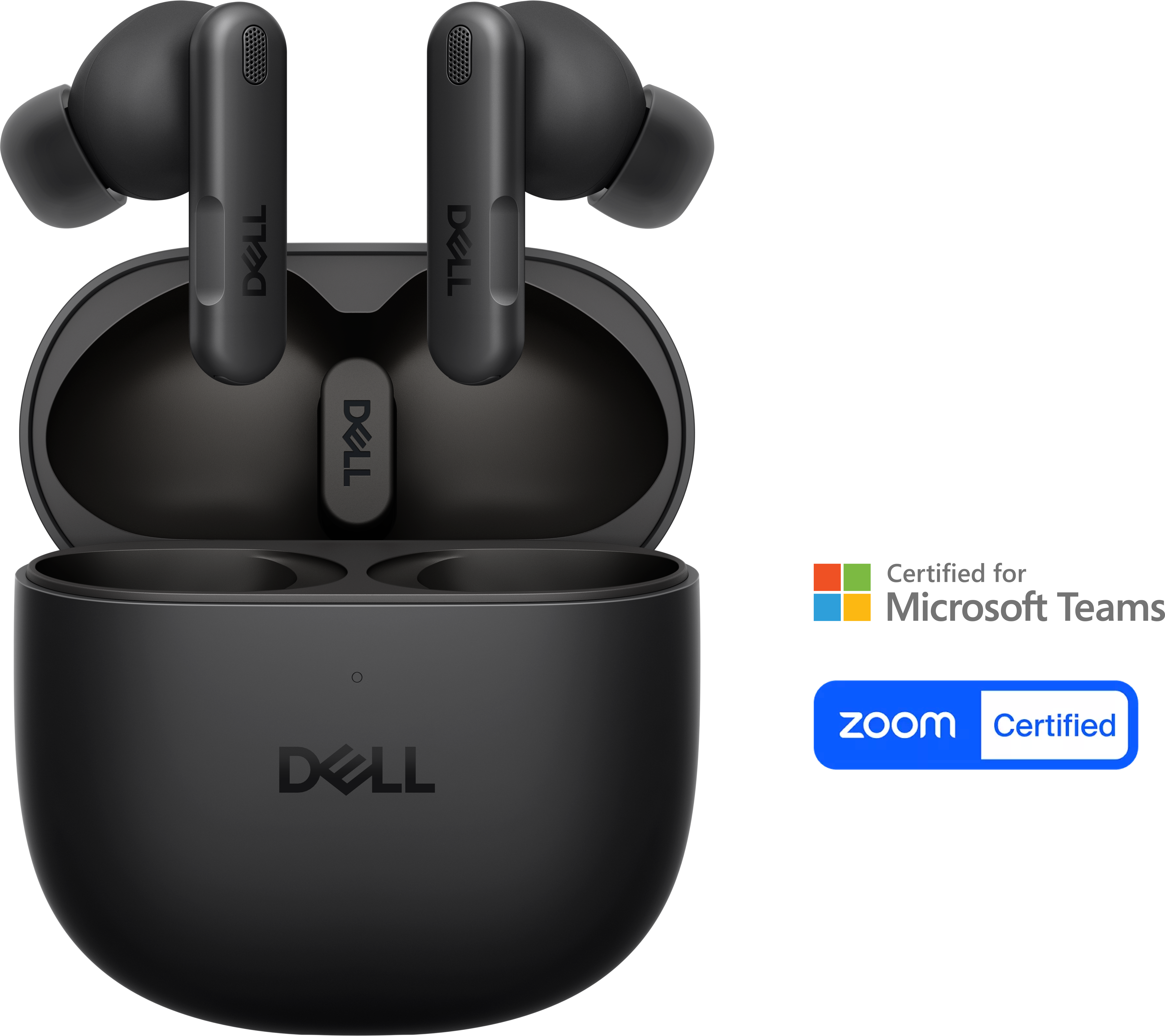
AI-powered earbuds with noise-cancelling microphones and Adaptive ANC for clearer calls and focused listening.
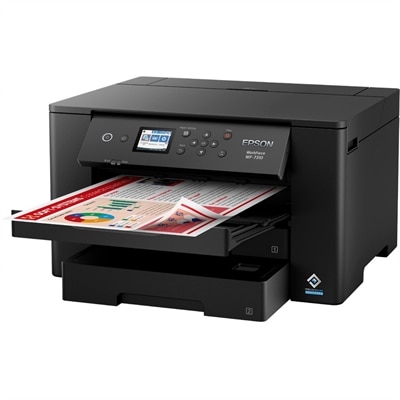
A wireless wide-format color inkjet printer with PrecisionCore technology, dual 250-sheet trays, and fast 25-ppm printing.
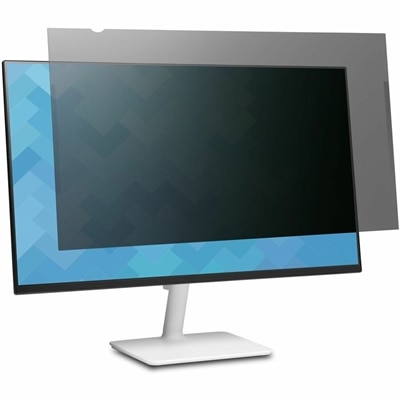
A frameless privacy filter offering edge-to-edge coverage, ±30° viewing, blue-light reduction, anti-glare coating, and reversible finishes.
Modern workplace tools help people stay productive when work moves between a home office, a shared office, a classroom, a client site or a quiet corner of the kitchen table. This category brings together the everyday technology that supports communication, focused work and comfortable collaboration, including laptops, desktops, monitors and accessories designed for a range of working styles. A laptop can give a mobile professional the freedom to move from a desk to a meeting room without interrupting a project, while a desktop can provide a dependable anchor for demanding daily tasks in a dedicated workspace. An external monitor may make a noticeable difference when reviewing detailed documents, comparing information or keeping a video meeting visible while taking notes. Accessories such as keyboards, mice, headsets, webcams and docking solutions can help turn a compact setup into a more complete workstation, reducing the tangle of cables and making it easier to connect the tools needed throughout the day. For an overview of equipment that supports flexible routines, explore Tools For Hybrid Work. These products can suit remote and hybrid employees, small-business owners, students, independent professionals and households where one workspace serves several people. They may also be thoughtful gifts for a graduate beginning a first job, a family member setting up a home office or someone whose work has outgrown a basic personal computer. A useful gift is rarely just about appearance; it is about matching the recipient’s habits, available space and daily responsibilities with technology that feels natural to use.
When choosing modern workplace tools, begin with the way the device will be used rather than with a single specification. Someone who travels between locations may value a lightweight laptop, a comfortable keyboard and a long-lasting battery, while a person who works primarily at one desk may prefer a larger display, a full-size keyboard and straightforward connections for peripherals. Consider the types of applications involved, the number of browser tabs and documents typically open, and whether the user spends long periods in video meetings. A clear camera, capable microphone and comfortable headset can make conversations easier to follow, especially when the room is busy or the weather outside encourages closed windows and indoor work. Screen size, resolution, brightness and adjustability also matter: a display positioned at a comfortable height can make a long afternoon of spreadsheets, writing or design work feel less cramped. For shared spaces, look for equipment that can be set up neatly and packed away without fuss. For a permanent office, a monitor with flexible positioning and accessories that keep the desk organized may be more valuable than a highly portable configuration. Families and small teams should also think about user profiles, connectivity, operating system preferences and compatibility with the communication, document and project-management platforms already in use. Modern workplace tools often support chat, video meetings, shared documents, task lists and centralized team information, so selecting equipment that works smoothly with these everyday workflows can help reduce interruptions and keep conversations, files and deadlines easier to manage.
A strong workplace setup should support both collaboration and concentration. During a video meeting, a well-placed display can keep the conversation in view while reference material remains accessible, and a reliable headset can help a user stay engaged without raising the volume for everyone nearby. Between meetings, a responsive computer and an uncluttered desk can make it easier to move from writing a proposal to reviewing a presentation or organizing a project plan. A docking solution can simplify the transition between mobile and stationary work by allowing one connection to reach a monitor, keyboard, mouse and other accessories. In a small room, compact equipment can preserve valuable surface area; in a larger office, a multi-display arrangement may help people compare information without constantly switching windows. Comfort deserves equal attention to performance. Look for a keyboard and mouse that feel natural over extended use, a chair and desk arrangement that encourage good posture, and a monitor positioned so the top of the screen sits at a comfortable viewing height. As cooler months bring more work indoors and routines settle into dedicated spaces, dependable equipment can make the difference between a workspace that feels improvised and one that is ready for the day. By considering portability, performance, display quality, sound, connectivity, comfort and the user’s preferred way of working, shoppers can choose modern workplace tools that remain useful well beyond a single project or season.
Add the products you would like to compare, and quickly determine which is best for your needs.