$749.99
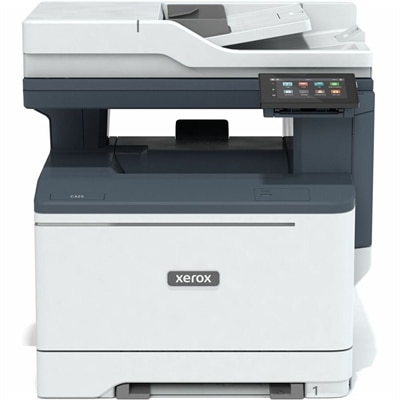
A color multifunction printer delivering productivity features and advanced security for home offices and small teams.
Elevate your productivity and collaboration with tools for hybrid work designed to support seamless transitions between home, office, and anywhere in between. Discover an array of innovative solutions that help you stay connected, organized, and efficient in every environment. Whether you're joining virtual meetings, managing projects remotely, or setting up a flexible workspace, find the essentials you need to empower your hybrid work experience.
A color multifunction printer delivering productivity features and advanced security for home offices and small teams.
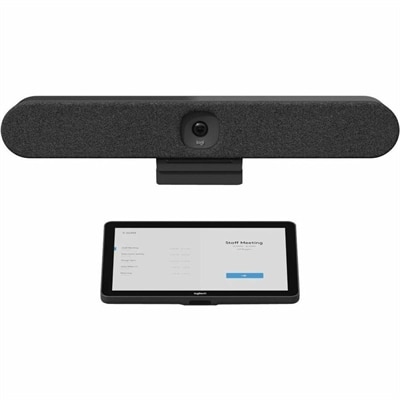
An all-in-one video bar with AI intelligence, sound pickup, and noise suppression for small meeting rooms.
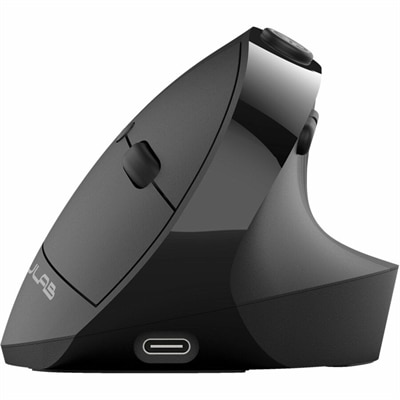
An ergonomic vertical mouse with seven silent buttons, Bluetooth/USB connectivity, and rechargeable four-month battery life.
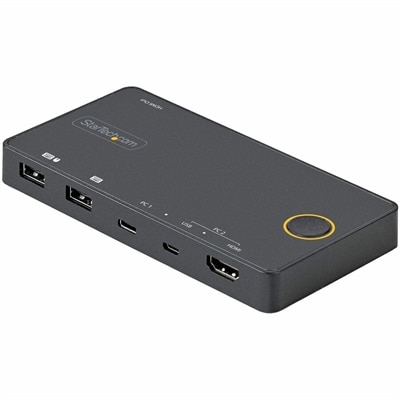
A two-port hybrid KVM switch supporting USB-C, USB-A, HDMI 2.0, and 4K 60Hz single-display switching.
A slim dual-OS keyboard and mouse set with quiet typing, silent clicks, and long battery life.
A Wi-Fi 7 wireless router delivering up to 5 Gbps speeds and 360° whole-home coverage.
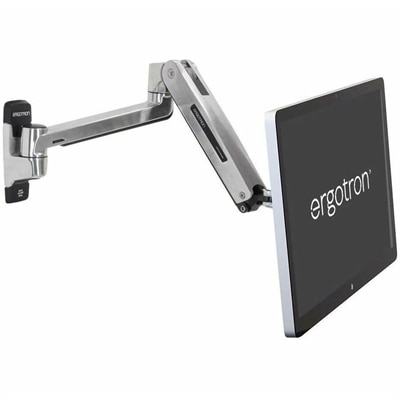
A wall-mounted sit-stand arm with a folding design and anchor holes for secure screen positioning.
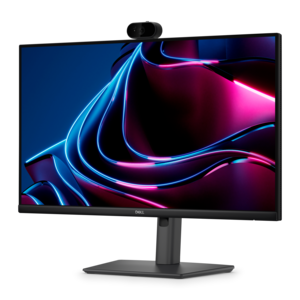
A Full HD IPS monitor with built-in webcam and USB-C hub, designed for streamlined open-workspace collaboration.
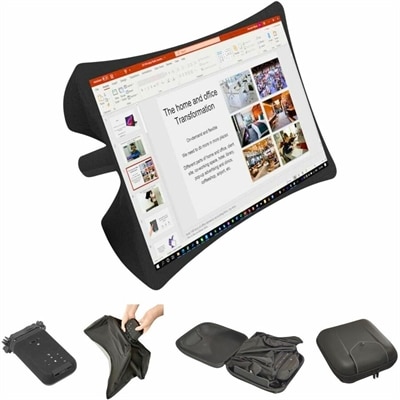
A foldable, rugged projection system with a nanomaterial screen, built-in battery, HDMI and USB-C connectivity.
A compact wireless multifunction inkjet printer with two-cartridge hybrid ink and a 60-sheet rear tray.
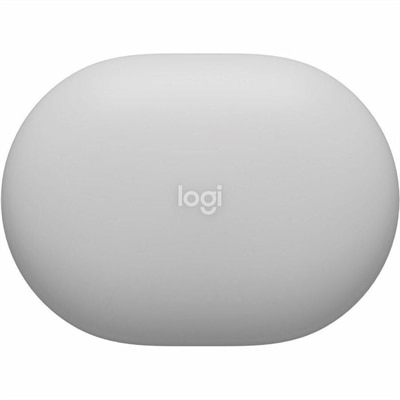
A sweatproof IP66 earbuds with hybrid ANC, spatial audio, 60+ hours battery, multipoint connectivity, and wireless charging.
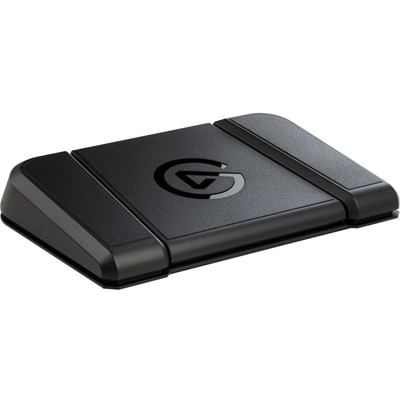
A sturdy, customizable foot pedal providing hands-free control for streaming apps and tools.
A professional 2K QHD webcam delivering clear visuals, secure features, and seamless collaboration across leading platforms.
A wireless headset with an AI-based microphone and hybrid active noise cancellation for clearer, more focused communication.
A battery-powered sensor delivering IAQ and occupancy insights with BLE and LoRaWAN connectivity for cable-free installations.
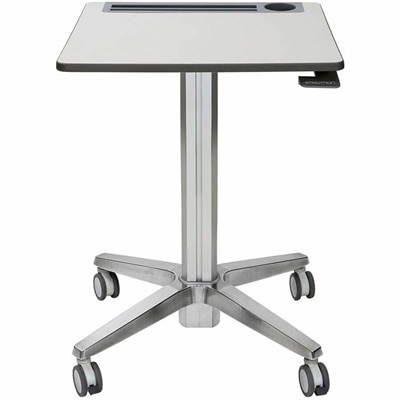
A mobile sit-stand desk enabling flexible, active learning and workspaces.
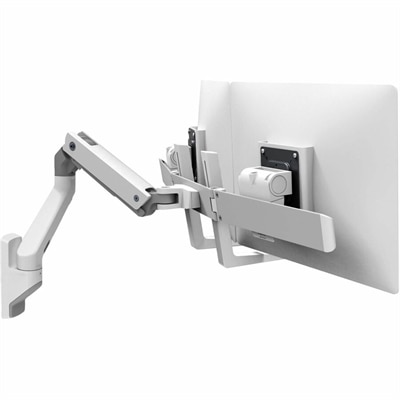
A white wall-mounted dual-monitor arm supporting two 32-inch displays with Constant Force repositioning technology.
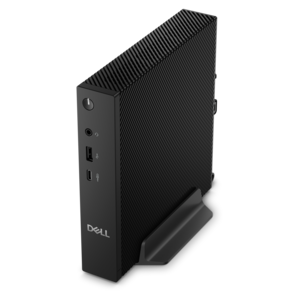
A desktop delivering reliable performance and security for everyday productivity workloads.
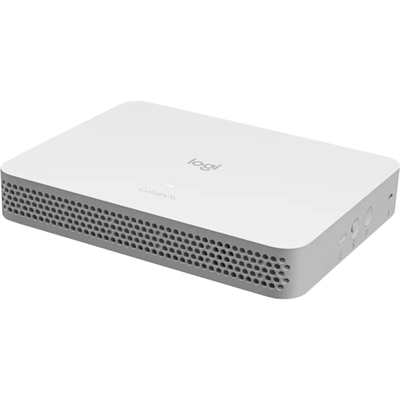
A purpose-built conferencing appliance supporting Zoom Rooms and Teams Rooms with USB cameras and HD displays.
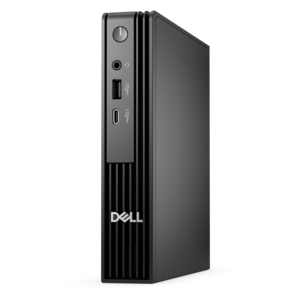
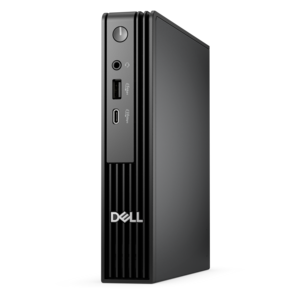
An ultracompact business desktop with Copilot+ PC options, AI-enhanced productivity, robust security, and streamlined manageability.
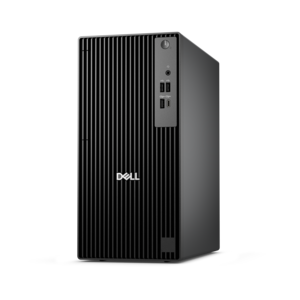
A business-ready tower desktop with Copilot+ PC options, robust security, manageable features, and expandable performance.
A compact, high-performance desktop with AI PC options, robust security, and streamlined manageability for demanding workloads.
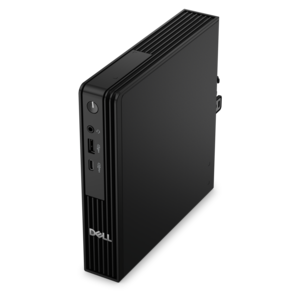
A compact business desktop with AI PC options, robust security and streamlined manageability for productive workflows.
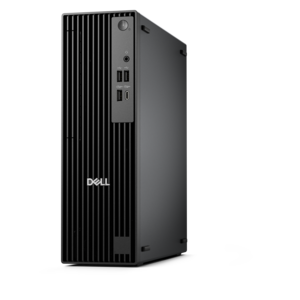
A business-ready tower desktop with AI-enhanced productivity, robust security, seamless manageability, and expandable performance.
Hybrid work brings together the focus of a home office, the energy of a shared workplace and the flexibility to move between them without losing momentum. The right tools help make that transition feel natural, whether someone is answering messages from a kitchen table, joining a video meeting from a quiet corner or returning to an office after several days away. A dependable laptop or desktop serves as the central workspace for communication, documents, planning and creative tasks, while a monitor can provide a larger, more comfortable view for comparing files, reviewing schedules or keeping a project dashboard visible during a call. Accessories such as a keyboard, mouse, webcam, headset and portable storage can make a familiar setup feel more complete and help each person work in a way that suits their routine. When evaluating tools for hybrid work, consider more than basic specifications. Look for a computer with enough performance for the applications used throughout the day, a display that supports comfortable viewing and an accessory layout that reduces clutter. Portability matters for people who regularly move between rooms or locations, while a larger screen and ergonomic peripherals may be more valuable to someone who works primarily from a dedicated desk. Battery life, camera quality, microphone clarity, connectivity options and ease of setup can all affect how smoothly a workday unfolds. These tools can also make thoughtful gifts for a new graduate, a freelancer, a small-business owner or anyone creating a productive workspace at home, particularly during the cooler months when more time may be spent indoors.
Hybrid teams rely on clear communication because coworkers are not always sharing the same room or working at the same time. Instant messaging platforms allow people to exchange quick updates, share files and resolve small issues without filling every calendar with meetings. Video conferencing platforms add face-to-face connection for team discussions, presentations, interviews and one-to-one conversations, but the quality of the experience depends on the equipment surrounding the software. A sharp webcam can help participants appear clear and engaged, while a headset or microphone can make speech easier to understand in a busy household or open office. Noise-cancellation features are especially useful when nearby conversations, traffic or appliances compete with a meeting. A second monitor can support more natural participation by keeping notes, a calendar or shared documents visible without covering the meeting window. For people who split their time between home and the office, a compact setup that connects quickly can remove friction at the start and end of each day. Workers who travel between locations may prefer lightweight equipment, a protective carrying solution and accessories that use familiar connections, while a home-based employee may prioritize a comfortable chair-side arrangement, a wide display and dedicated audio equipment. A reliable hybrid setup should support both planned collaboration and the small moments that keep a team connected, from a brief status message to a detailed presentation. Explore Hybrid Work Technology to consider how computers, displays and accessories can work together as part of a more adaptable workspace.
Organization is just as important as communication. Project management platforms help teams divide larger assignments into manageable steps, assign responsibility, set due dates and see progress in a shared location. Task boards can offer an at-a-glance view of what is waiting to begin, what is in progress and what has been completed, while calendar views and status updates help people coordinate across different schedules. These tools are useful for creative teams tracking reviews, administrative groups managing recurring work, students balancing projects or small businesses following customer requests. Office booking software and shared scheduling tools can add another layer of predictability by helping employees reserve desks, conference rooms or other spaces before arriving. This can be valuable when seating is limited or when a team wants to gather in person for focused collaboration. When choosing technology for a hybrid workflow, think about the full rhythm of the day: signing in, checking messages, joining meetings, completing concentrated work, sharing progress and packing up for the next location. A setup that is simple to use is more likely to become part of that rhythm. Keep cables and frequently used accessories within easy reach, position the display to reduce glare and choose tools that fit the actual needs of the household or team rather than adding unnecessary complexity. As daylight changes and routines shift between home and office, thoughtfully selected technology can create a steady foundation for productive work, comfortable communication and a clearer boundary between professional responsibilities and personal time.
Add the products you would like to compare, and quickly determine which is best for your needs.