$33.99
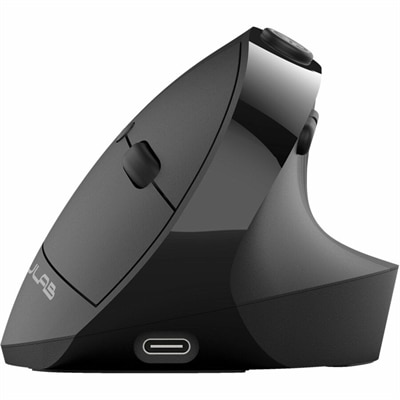
An ergonomic vertical mouse with seven silent buttons, Bluetooth/USB connectivity, and rechargeable four-month battery life.
Tech tools for remote workers are essential for staying connected, organized, and productive from anywhere. Whether you’re setting up a home office or working on the go, finding the right equipment can make all the difference in your daily workflow. Explore a wide range of innovative devices and accessories designed to support seamless communication, efficient multitasking, and a comfortable work environment. Discover how tech tools for remote workers can help you achieve more, collaborate easily, and maintain focus throughout your workday.
An ergonomic vertical mouse with seven silent buttons, Bluetooth/USB connectivity, and rechargeable four-month battery life.
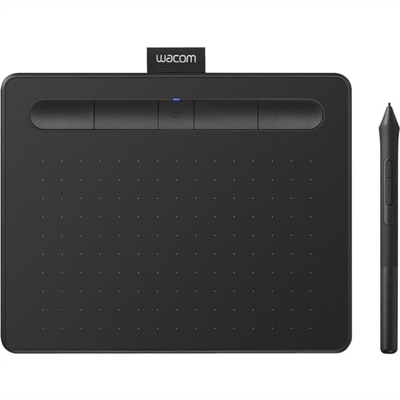
A wireless black graphics tablet with pressure-sensitive pen, Bluetooth, USB connectivity, and creative software for artistry.
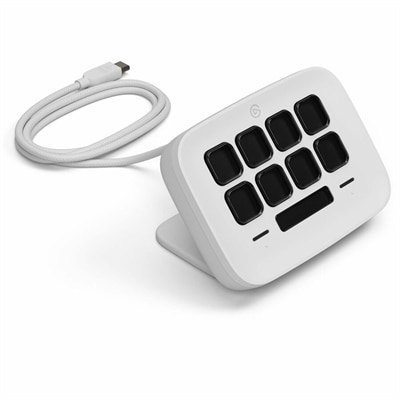
An eight-key USB controller with customizable shortcuts, real-time Infobar, Touch Points, and Windows or Mac compatibility.
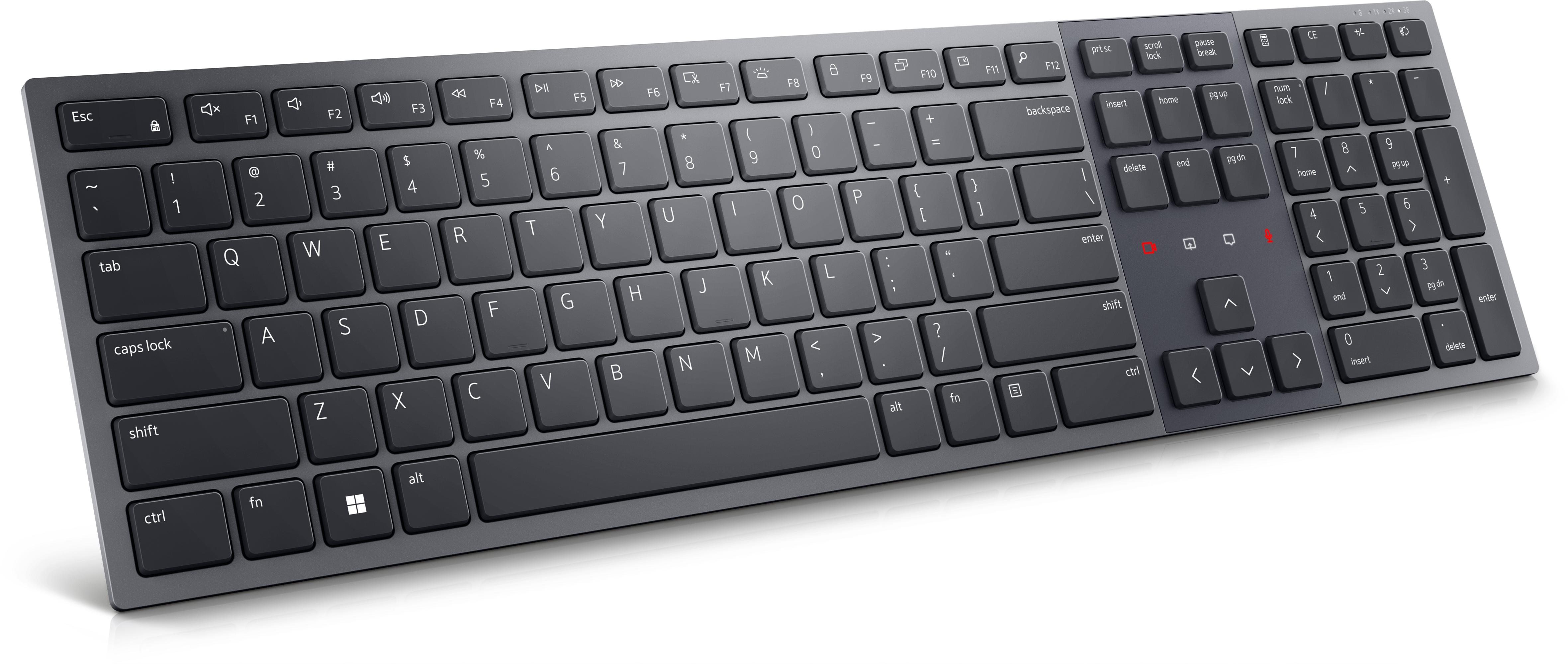
A Zoom-certified rechargeable keyboard designed for seamless collaboration, enhanced productivity, and all-day typing comfort.
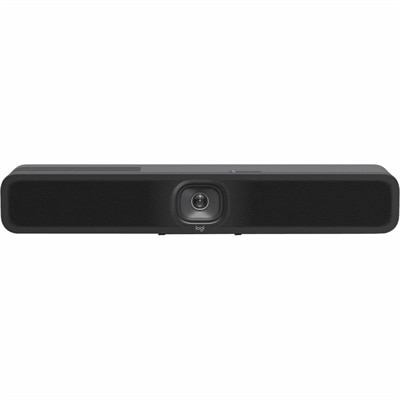
A 1080p conference camera with full-duplex speakerphone audio, autofocus, remote pan-tilt-zoom, and echo cancellation.
An AI-powered USB conference camera with intelligent audio, video features, flexible mounting, and BYOD compatibility.
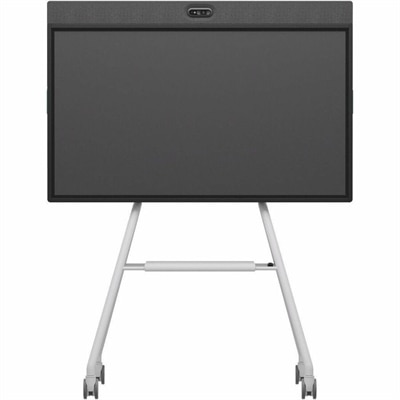
An all-in-one mobile conferencing system with touchscreen collaboration, AI-powered audio/video, recycled plastic, and lockable cart.
A compact USB-C to Ethernet adapter supporting transfer speeds up to 2.5Gbps anywhere.
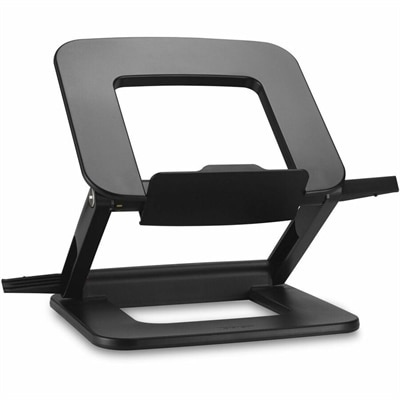
A compact laptop stand offering six adjustable viewing angles, dual locking latches, and a fold-flat design.
A lightweight, twistable Bluetooth mouse with multi-device connectivity, designed for portable productivity on the go.
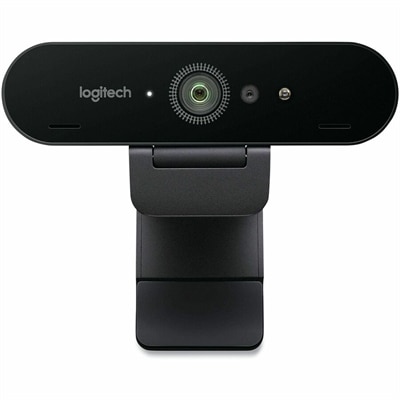
A professional 4K webcam with autofocus, Windows Hello biometrics, RightLight 3 correction, and Microsoft Teams compatibility.
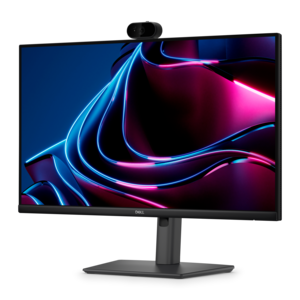
A Full HD conferencing monitor with built-in webcam, speakers, and microphone for seamless everyday collaboration.
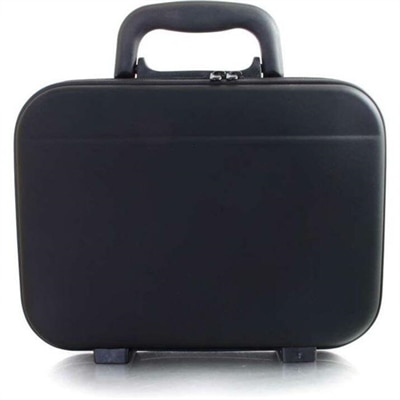
A computer repair kit with stainless steel tools, precision screwdrivers, soldering equipment, and PU carrying case.
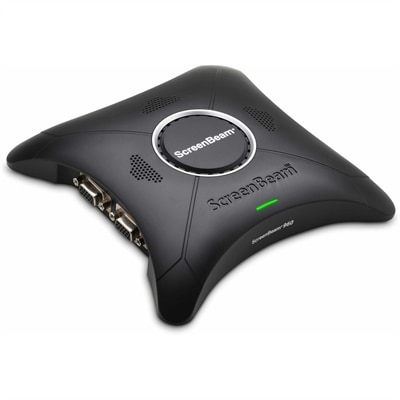
A wireless display receiver enabling app-free presentations, extended desktops, interactive touch, and centralized remote management.
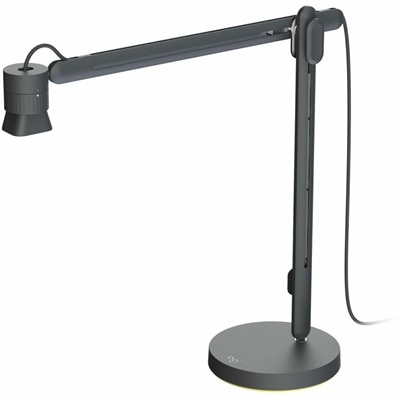
An articulating overhead camera arm with base mount, 1080p60 video, USB connectivity, and versatile pivoting controls.
A Full HD IPS monitor with built-in webcam and USB-C hub, designed for streamlined open-workspace collaboration.
A purpose-built conferencing appliance supporting Zoom Rooms and Teams Rooms with USB cameras and HD displays.
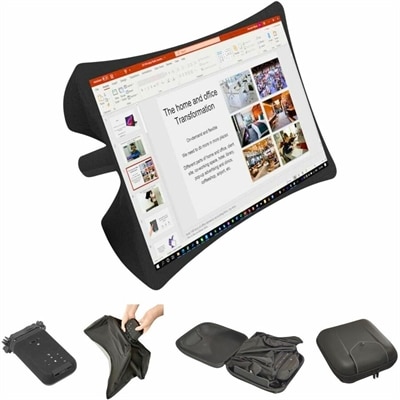
A foldable, rugged projection system with a nanomaterial screen, built-in battery, HDMI and USB-C connectivity.
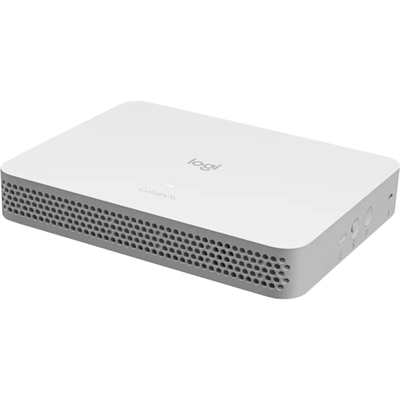
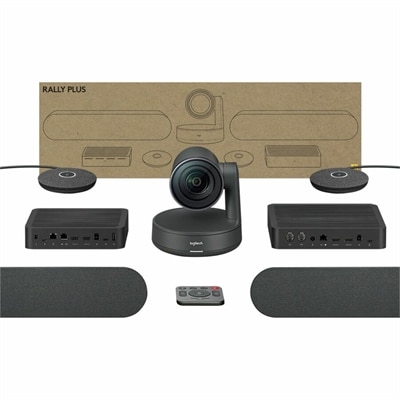
A compact appliance bundle with touch-to-join control and remote management for rooms with existing conference cameras.
A Microsoft Teams-certified speakerphone delivering rich, clear sound for intelligent, convenient communication.
A wireless headset with AI-based noise cancellation for comfortable, uninterrupted all-day conferencing.
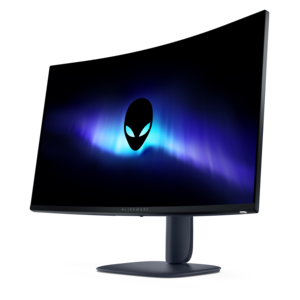
A color-critical gaming monitor with DisplayHDR True Black 500, anti-glare, built-in colorimeter, and remote calibration tools.
Remote work is easier when the technology around you supports the way you actually spend your day. A dependable laptop remains the center of many home and hybrid offices, giving professionals the flexibility to move from a dedicated desk to a kitchen table, shared workspace, or quiet corner near a window. When choosing one, consider more than processor performance. Screen size and resolution affect comfort during long stretches of reading, writing, design work, and video meetings, while a comfortable keyboard, responsive touchpad, and clear camera can make everyday tasks feel less tiring. Battery life is especially useful for workers who change locations throughout the day or need to remain productive during a brief power interruption. A desktop can be a strong choice for a permanent home office, particularly for people who work with large spreadsheets, creative applications, multiple browser windows, or demanding business software. Pairing either computer type with a properly sized monitor can reduce the need to constantly switch between documents and applications. An adjustable monitor stand or arm helps place the screen at a comfortable height, while a second display can make it easier to keep a video meeting, task list, reference document, or shared presentation visible while working on another screen. Accessories also have a meaningful effect on routine comfort. An external keyboard and mouse may provide a more natural hand position than built-in controls, and a headset can help workers hear clearly in a busy household or shared room. A separate webcam can improve framing and image quality for client calls, interviews, and team check-ins. These tools can be practical gifts for a recent graduate beginning a first remote role, a freelancer creating a more polished workspace, or a family member who has shifted from a traditional office to a home-based schedule. For broader inspiration, explore Tools For Hybrid Work to compare technology categories that support flexible routines across home and office settings.
The most useful remote-work setup also includes software that keeps communication, assignments, and shared information organized. Team communication platforms can separate quick conversations into channels or topic-based spaces, helping coworkers avoid long, confusing email threads while keeping important updates easier to find. Video meeting tools support face-to-face collaboration when colleagues, clients, or instructors work from different locations; features such as screen sharing, captions, recording, background controls, and meeting chat can make sessions more accessible and productive. A clear camera angle, even lighting, and a microphone that reduces surrounding noise can help a participant appear prepared without requiring a formal studio. Project management platforms are helpful for teams that need visibility into responsibilities, deadlines, and progress. Visual boards can show which tasks are waiting to begin, in progress, under review, or complete, while calendar and list views may suit projects with firm delivery dates. For solo workers, these tools can provide structure when there is no manager nearby to set the next priority. Cloud-based file services make it easier to reach documents across approved devices, share working files with colleagues, and collaborate on materials without relying on a single computer. Permission settings and clear folder naming are important considerations, particularly when several people contribute to the same project. Flexible note-taking and documentation workspaces can gather meeting notes, process instructions, links, and project details in one searchable location. Digital whiteboards extend brainstorming beyond a conference room, allowing remote participants to map ideas, arrange concepts, review diagrams, and plan workflows together. The right combination depends on the role: a consultant may value polished video meetings and secure document sharing, a designer may prioritize a high-resolution display and accurate color, while a small business owner may need simple task tracking and reliable communication across a small team. Starting with the tasks that take up the most time often leads to a more useful setup than collecting tools based on a feature list alone.
A comfortable remote workspace should support focus as well as connection. During the cooler months, natural light can shift earlier in the day, making an adjustable desk lamp useful for reading notes, writing, or joining a call without harsh glare on the screen. Position the monitor so windows and bright lamps are not directly reflected in the display, and leave enough room for a notebook, water bottle, or reference materials without crowding the keyboard. Workers who spend part of the day at a shared table may benefit from compact accessories, cable organization, and a lightweight computer that can be put away easily when work ends. Someone with a dedicated office may prefer a larger display, a full-size keyboard, and an ergonomic pointing device for longer sessions. A portable computer stand can raise the screen closer to eye level, while a separate keyboard and mouse help create a more comfortable arrangement. People who participate in frequent calls may appreciate a headset with a comfortable fit, dependable wireless performance, and controls that are easy to reach between conversations. Those who work in open homes, apartments, or spaces shared with roommates may place a higher value on noise management and a microphone that emphasizes speech. Before purchasing, check compatibility with the computer and operating system, available ports, wireless requirements, desk dimensions, return policies, and warranty coverage. It is also worth considering how a device will be used over the next several years rather than focusing only on today’s workload. A remote worker who begins with email and video calls may later add design projects, large data sets, online courses, or collaborative presentations. Thoughtful technology choices can make the workday feel less fragmented: a laptop handles essential tasks, a monitor opens room for comparison and concentration, communication tools keep people connected, and project software provides a clear path from first assignment to final delivery. With the right balance of performance, comfort, portability, and organization, remote-work technology can help turn a spare room, apartment nook, or shared household space into a reliable place to get things done.
Add the products you would like to compare, and quickly determine which is best for your needs.