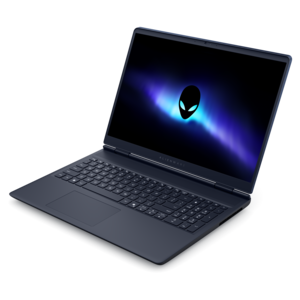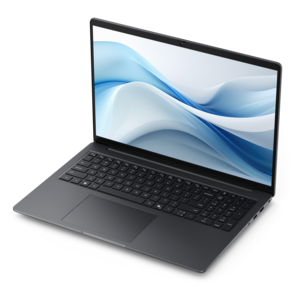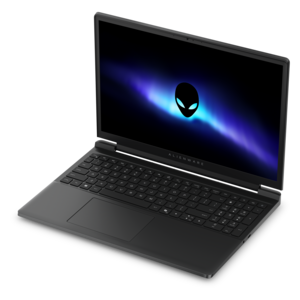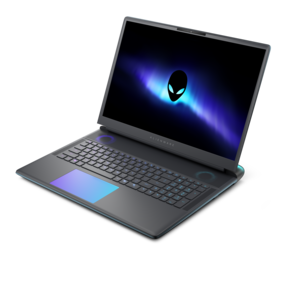
$2249.99
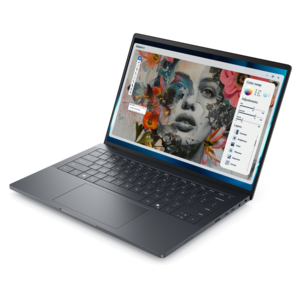
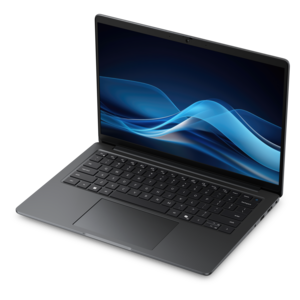
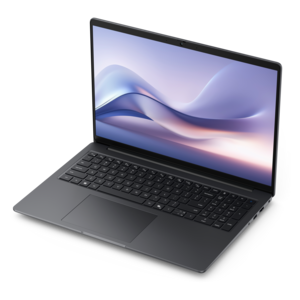
A thin laptop built for mobile creation with exceptional battery life.
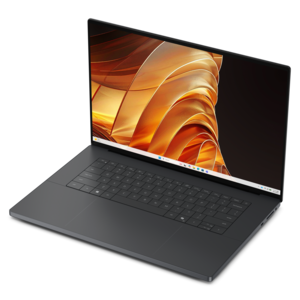
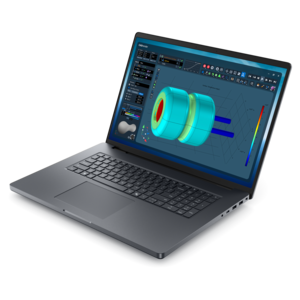
A sleek workstation delivering exceptional performance with advanced on-device AI and exuberant style.
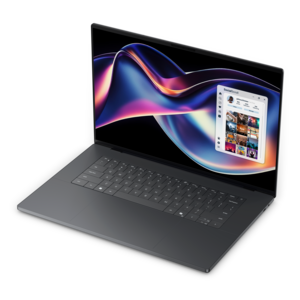
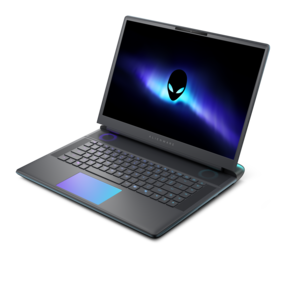
A high-performance creator laptop with NVIDIA RTX Spark™ graphics for AI, development, and gaming.
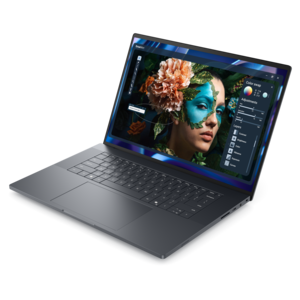
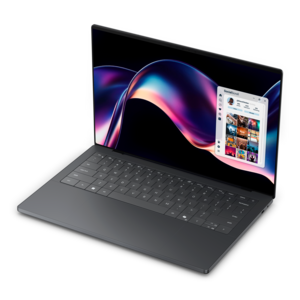
A thin, high-performance creator laptop delivering exceptional battery life for demanding projects.
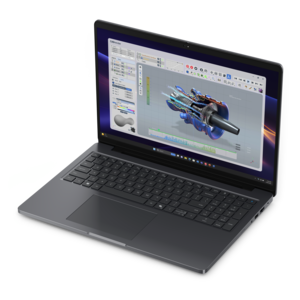
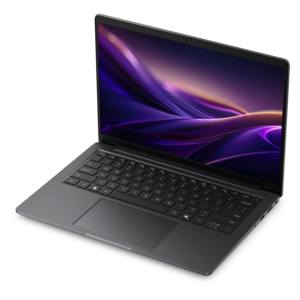
A sleek, lightweight professional laptop with Intel Core Ultra processors, NVIDIA graphics, and advanced on-device AI.
A powerful productivity laptop with scalable performance and advanced on-device AI capabilities.
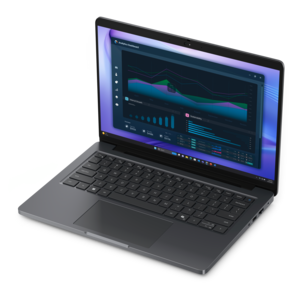
A modern workstation-class laptop delivering cost-effective performance for professional productivity.
A streamlined gaming laptop powered by AMD Ryzen 200 Series processors and NVIDIA GeForce RTX graphics.
A productivity-focused Copilot+ PC powered by a capable AMD CPU, GPU and NPU combination.
A streamlined gaming laptop delivering powerful performance with NVIDIA GeForce RTX 50 Series graphics.
A powerful Copilot+ PC combining Intel CPU, GPU, and NPU performance to enhance productivity.
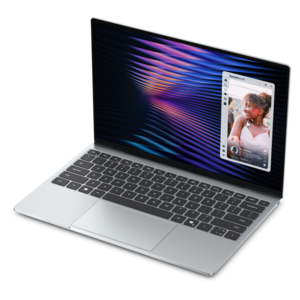
A slim, lightweight laptop designed for ultimate mobility.
A cost-effective workstation laptop delivering professional performance in a modern-looking design.
A streamlined gaming laptop delivering essential performance with up to NVIDIA GeForce RTX 50 Series graphics.
A thin, lightweight Copilot+ PC with powerful AMD CPU, GPU, and NPU performance for productive multitasking.
A gaming laptop powered by Intel Core Series 2 processors and NVIDIA GeForce RTX graphics.
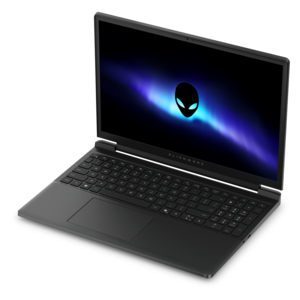
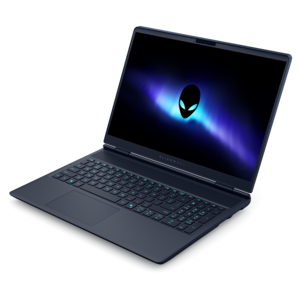
A flagship gaming laptop engineered for innovative, high-performance gameplay.
A thin, lightweight Copilot+ PC with powerful Intel CPU, GPU, and NPU performance for productive multitasking.
A flagship gaming laptop engineered for innovative, high-performance play.
A laptop for rendering is a computer used to turn digital scenes, models, or visual effects into finished images and video frames. Rendering is part of workflows such as 3D animation, architectural visualization, and product design.
CPU rendering uses the laptop’s processor to calculate an image, while GPU rendering uses its graphics processor. Some rendering applications support both methods, while others require a particular type of processor or graphics technology.
Check your rendering application’s requirements for the operating system, processor, graphics hardware, and drivers. Also review compatibility requirements for any plug-ins, rendering engines, and 3D modeling tools used in your workflow.
Real-time rendering updates a scene as you interact with it, as in an interactive walkthrough or viewport preview. Offline rendering calculates individual images or animation frames separately rather than maintaining an interactive display. Your software determines which rendering methods are available.
Consider connections for your monitors, keyboard, mouse, and drawing tablet. HDMI and video-capable USB-C ports can connect compatible displays, while USB ports support many peripherals. If you plan to use a dock, check that the laptop’s port supports the dock’s required connection standard.
Add the products you would like to compare, and quickly determine which is best for your needs.