Laptops for Streaming and Editing

Compare laptops for streaming and editing with a focus on processor performance, RAM, graphics capabilities, and storage capacity. Whether you’re watching videos, broadcasting live, or editing footage, check each laptop’s specifications against your software’s requirements and the demands of your projects.

Filters

$629.99

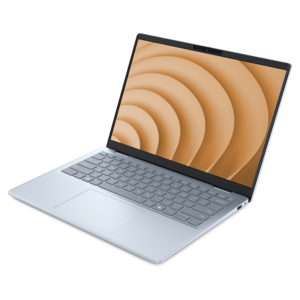
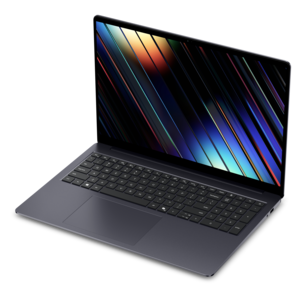
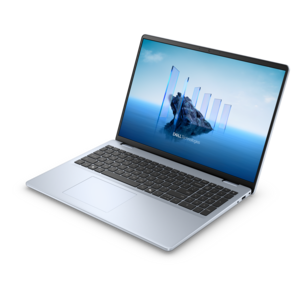
A laptop featuring an FHD camera, enlarged ergonomic keyboard, and AMD Ryzen™ processing.

$629.99
$799.99

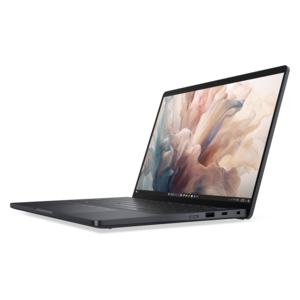
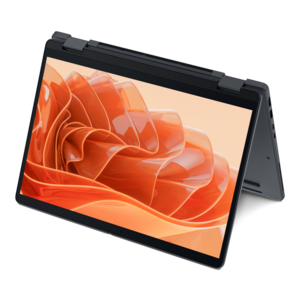
A versatile 2-in-1 laptop with Intel Core processors, DDR5 memory, and multiple modes for creative work.

$799.99
$1249.99

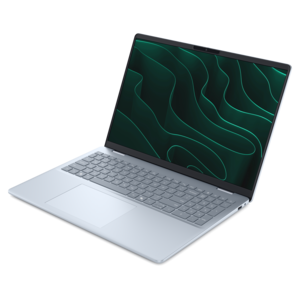
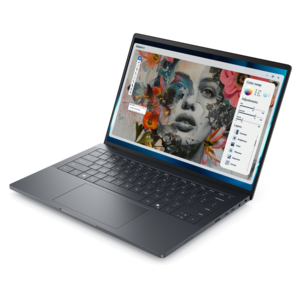
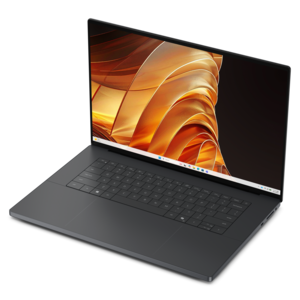
A lightweight AI-powered laptop designed for creative professionals and small businesses.

$1249.99
$2287.00

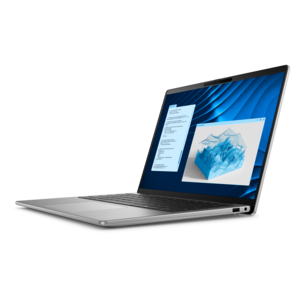
A lightweight AI PC delivering outstanding performance and battery life for highly mobile professionals.

$2287
$1549.99

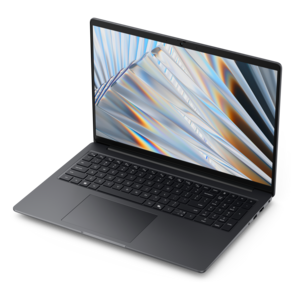
An AI-ready laptop with a spacious display, designed for creators and developers seeking high performance.

$1549.99
$1789.00

A professional laptop delivering powerful on-device AI, impressive unplugged performance, and groundbreaking battery life.

$1789
$4190.00

A powerful productivity laptop with scalable performance and advanced on-device AI capabilities.

$4190
$2005.00

A remarkably thin laptop powered by AMD Ryzen AI PRO 400 Series processors for professional performance.

$2005
$1299.99

A streamlined gaming laptop powered by AMD Ryzen 200 Series processors and NVIDIA GeForce RTX graphics.

$1299.99
$2249.99

A thin laptop built for mobile creation with exceptional battery life.

$2249.99
$1299.99

A sleek laptop powered by AMD Ryzen AI 400, designed for smooth, capable multitasking.

$1299.99
$2507.00

A thin, durable laptop delivering reliable performance for professional productivity.

$2507
$1469.98

An AI-powered, lightweight laptop with Intel Arc graphics, ideal for creative professionals and small businesses.

$1469.98
$2301.00

A thin 2-in-1 laptop combining versatility, portability, and performance with Series 3 Intel Core Ultra processors.

$2301
$1849.99

A sleek laptop with AI-enhanced performance and accelerated creative workflows for demanding productivity.

$1849.99
$3430.00

A sleek workstation delivering exceptional performance with advanced on-device AI and exuberant style.

$3430
$2183.00

A remarkably thin 2-in-1 laptop powered by AMD Ryzen AI PRO 400 Series processors for performance.

$2183
$2153.00

A professional laptop powered by AMD Ryzen AI PRO processors for complex workflows and productive results.

$2153
$1409.99

A sleek laptop powered by the latest AMD Ryzen AI 400 Series processors for demanding users.

$1409.99
$2193.00

A remarkably thin laptop delivering portable performance with Series 3 Intel Core Ultra processors.

$2193
$2199.99

A gaming laptop with NVIDIA GeForce RTX 50 Series graphics in a streamlined design.

$2199.99
$2321.00

A thin 2-in-1 laptop powered by AMD Ryzen AI PRO 400 Series processors for versatile performance.

$2321
$1189.99

A modern laptop with Intel Core processors and graphics for effortless productivity and captivating entertainment.

$1189.99
$4799.99

A high-performance creator laptop with NVIDIA RTX Spark™ graphics for AI, development, and gaming.

$4799.99

Laptops for Streaming and Editing

Laptops for streaming and editing bring video production, live broadcasting, and everyday creative work into one portable workspace. Their role can range from trimming a weekend travel video to managing a live presentation while recording a local copy for later editing. A balanced configuration matters more than any single specification: the processor, graphics capabilities, memory, internal drive, and cooling system all contribute to how comfortably a laptop handles demanding projects. A modern multicore processor supports tasks such as rendering, decoding footage, and running several applications at once. Dedicated graphics can accelerate supported effects, color adjustments, and exports, while a compatible hardware encoder can reduce the processor workload during a broadcast. Integrated graphics may be sufficient for lighter editing and straightforward streams, so a dedicated graphics processor is not a universal requirement. The right fit depends on the footage, effects, software, and output settings involved. For memory, 16GB can support lighter 1080p projects, while 32GB is a practical starting point for frequent 4K editing or streaming with several applications open. Complex compositions, large projects, and demanding multitasking may benefit from 64GB or more. A fast solid-state drive helps with loading projects, accessing media, and working with cache files; 1TB or 2TB of capacity provides more room for footage than a smaller drive, although actual needs vary considerably. An hour of highly compressed video and an hour of high-bitrate camera footage can occupy very different amounts of space. Sustained performance deserves attention, too. A laptop that remains responsive through a long export or an extended broadcast supports a different workload from one used mainly for short clips. Picture an editor moving between a timeline, an audio panel, and a folder of camera files while a finished sequence exports in the background. That experience depends on the whole system working together, not simply on a high processor rating or a large memory specification.

The display is both a viewing surface and a creative workspace, shaping everything from the visibility of small timeline controls to the appearance of skin tones in a finished video. A larger screen can make room for preview windows, audio meters, and multiple editing tracks, while a smaller laptop is easier to carry between a desk, classroom, and recording location. Higher resolution adds detail, but screen size and interface scaling also affect how readable menus and controls feel during a long session. For color-sensitive work, published color-gamut coverage and measured accuracy are more useful than a general promise of vivid color. Strong sRGB coverage is relevant to much web content, while wider-gamut capabilities can support workflows that call for them. A wide color gamut alone does not guarantee accuracy; calibration, application settings, and the intended delivery format also matter. Brightness and screen finish influence visibility near windows or under room lighting, and refresh rate is a separate consideration from color fidelity. A fast-refresh display may benefit gameplay or motion viewing without necessarily improving the accuracy of an edit. The priorities behind Laptops For Editing extend beyond the screen to the connections that keep a project moving. Ports may need to accommodate an external display, microphone, camera, capture device, or fast external drive, sometimes at the same time. A USB-C connector does not automatically support every display, charging, or data-transfer feature, making the stated capabilities important for a particular setup. Card-reader compatibility can also simplify the transition from a camera shoot to an editing session. For live broadcasts, a dependable internet connection and sufficient upload capacity are essential alongside laptop performance. A capable computer cannot compensate for an unstable connection. Clear microphone input, headphone monitoring, and a comfortably positioned camera help complete a workspace where the audience can follow both the picture and the sound.

The physical design of a laptop for streaming and editing becomes especially noticeable when creative work extends beyond a single desk. Someone recording interviews across town may value a manageable carrying weight and compact power adapter, while an editor working mostly at home may prefer a larger chassis with more screen space and room for cooling. Metal construction can provide a rigid feel, and well-designed reinforced composite housings can also stand up to regular transport; material alone does not determine durability. Hinge stability, keyboard comfort, and a responsive touchpad contribute to everyday usability, especially when external accessories are not practical. During demanding work, heat and fan noise are normal considerations. Effective cooling helps maintain performance, but audible fans can matter when a sensitive microphone sits nearby. A hard, flat surface with clear ventilation supports airflow, while a padded sleeve helps protect the laptop during travel. Routine care includes cleaning the display with an appropriate soft cloth, following the manufacturer’s cleaning guidance, and keeping liquids away from the keyboard and ports. Battery expectations should reflect the workload: rendering, graphics-intensive editing, and live encoding generally consume more power than writing captions or reviewing notes. Performance may also change on battery power, and an appropriate power adapter is often important for sustained demanding work. These laptops can suit students building a portfolio, educators recording lessons, independent creators producing regular episodes, and professionals turning presentations or interviews into polished video. They can also make a thoughtful gift for someone developing an established creative interest, particularly when the configuration matches the software and equipment already in use. Software requirements, supported video formats, and encoder compatibility help define that match. For an occasional highlight reel, a straightforward configuration may be enough; for layered 4K projects and simultaneous broadcasts, additional processing headroom can make a meaningful difference. The most useful combination supports the actual rhythm of the work, from the first recording through revisions, export, and the next live session.

FAQs:

Add the products you would like to compare, and quickly determine which is best for your needs.
Add the products you would like to compare, and quickly determine which is best for your needs.