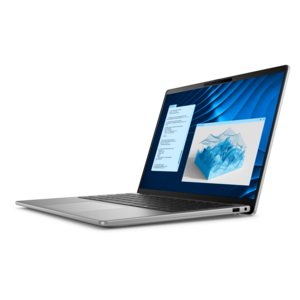
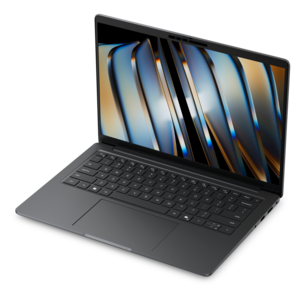
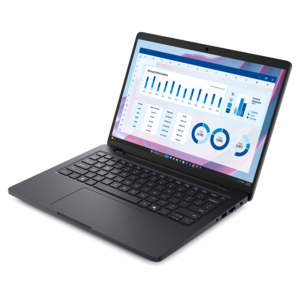
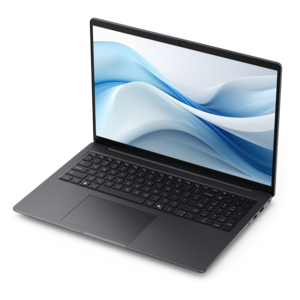
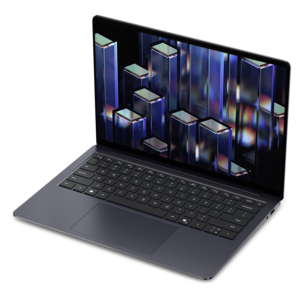
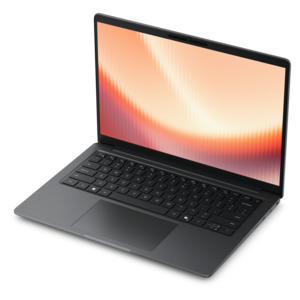
$1339.99
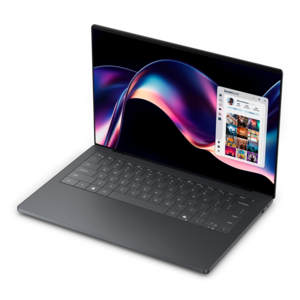
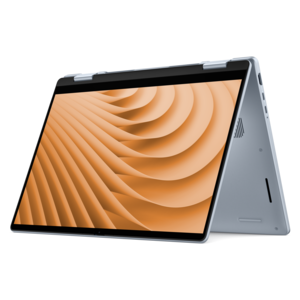
A versatile 2-in-1 laptop with AI experiences, all-day battery life, and seamless multitasking.
Explore laptops with AMD Ryzen processors and compare options for your everyday computing needs. Consider processor specifications, memory, screen size, and portability to find a laptop that fits how you work, study, or unwind.
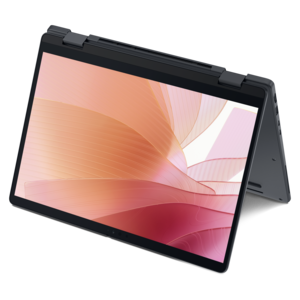
A versatile 2-in-1 laptop with AI experiences, all-day battery life, and seamless multitasking.
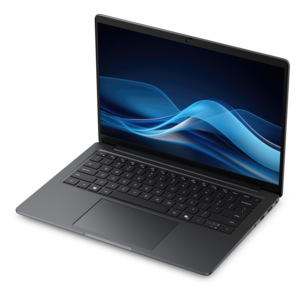
A thin laptop built for mobile creation with exceptional battery life.
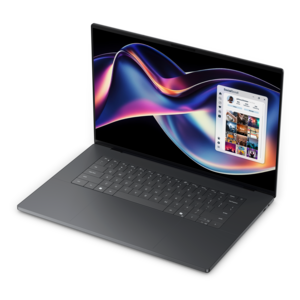
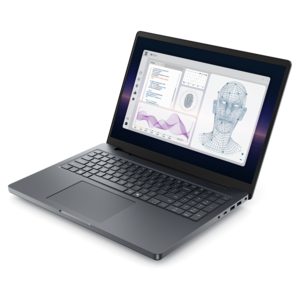
A thin, high-performance 16-inch laptop with exceptional battery life, designed for creators.
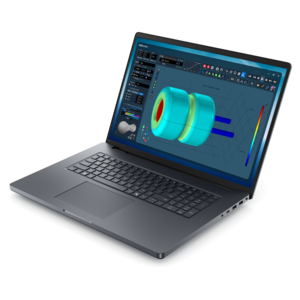
An AI-ready laptop with a spacious display, designed for creators and developers seeking high performance.
A thin 2-in-1 laptop powered by AMD Ryzen AI PRO 400 Series processors for versatile performance.
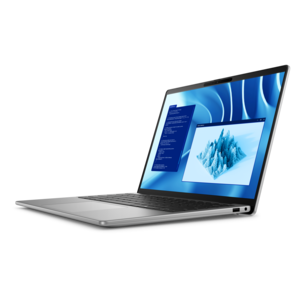
A remarkably thin laptop powered by AMD Ryzen AI PRO 400 Series processors for professional performance.
A sleek laptop delivering smooth AI experiences and accelerated creative workflows for demanding high-performance users.
A laptop featuring an FHD camera, enlarged ergonomic keyboard, and AMD Ryzen™ processing.
A sleek laptop powered by the latest AMD Ryzen™ AI 400 Series processors for demanding users.
A powerful productivity laptop with scalable performance and advanced on-device AI capabilities.
A versatile 2-in-1 laptop designed for AI experiences and seamless multitasking on the go.
A powerful professional laptop delivering productivity, scalability, ease of use, and advanced on-device AI.
A productivity-focused Copilot+ PC powered by a capable AMD CPU, GPU and NPU combination.
A premium laptop delivering powerful on-device AI, game-changing unplugged performance, and outstanding battery life.
A modern laptop with AMD Ryzen™ processors delivers effortless productivity and captivating entertainment.
A professional laptop delivering powerful on-device AI, impressive unplugged performance, and groundbreaking battery life.
A durable modular laptop with a 16:10 display, numeric keypad, robust security, and built-in AI options.
A thin, durable laptop powered by AMD Ryzen™ AI PRO 400 Series processors for professional work.
A portable performance laptop with AMD Ryzen processing, extended battery life, and seamless on-device AI capabilities.
A thin, lightweight Copilot+ PC combining powerful AMD CPU, GPU, and NPU performance for enhanced productivity.
A streamlined gaming laptop powered by AMD Ryzen 200 Series processors and NVIDIA GeForce RTX graphics.
A sleek laptop powered by AMD Ryzen AI 400, designed for smooth, capable multitasking.
A sleek laptop with a stylish design, delivering powerful performance for modern multitasking.
A remarkably thin laptop powered by AMD Ryzen AI PRO 400 Series processors for professional performance.
Laptops with AMD Ryzen processors combine portable computing with capabilities suited to everyday work, school, creative projects, and gaming, depending on the configuration. The processor handles the calculations behind opening applications, managing browser tabs, running spreadsheets, and keeping several tasks moving at once. For a student working through research notes while attending an online lecture, or a professional switching between a presentation and a video meeting, responsiveness depends on more than the processor name alone. Processor generation, core count, memory, graphics, and cooling all contribute to how a laptop performs during a typical day. Additional processor cores can help with applications designed to divide work across multiple tasks, including some video editing and rendering software. A lighter workload, such as writing documents or checking email, places different demands on the system than exporting a lengthy video project. Memory gives active applications room to work; keeping several large files and browser windows open generally calls for more memory than using one application at a time. An SSD helps applications launch and files load quickly, while its capacity determines how much room remains for locally saved photos, coursework, software, and other files. These details matter in familiar situations: a shared household laptop may need space for several users’ documents, while a traveler working with an extensive photo library may have much larger files. Some Ryzen processors also include hardware for supported AI features, although those capabilities depend on the processor and the application. Not every Ryzen laptop includes the same features, and software requirements remain important for specialized work. For college assignments, home administration, professional projects, and personal interests, a well-matched configuration can make the computer feel comfortable rather than constrained. The most useful balance is one that supports the applications used regularly without overlooking the heavier tasks that appear occasionally, such as editing vacation footage or building a detailed presentation. That balance also depends on the complete laptop design, since cooling and power settings influence how consistently the processor can sustain demanding work.
The screen and graphics system shape much of the daily experience with a Ryzen-powered laptop, especially when the same computer handles both focused work and entertainment. Integrated graphics share system resources and can support everyday visual tasks, streaming, and some games, with capabilities varying substantially by processor and configuration. Dedicated graphics can provide additional capacity for demanding games, complex three-dimensional projects, and applications that use graphics acceleration. Neither option guarantees a particular result across every program: resolution, visual settings, memory, and the demands of the software all affect performance. A game running smoothly at moderate settings can place a very different load on the system when visual detail and resolution increase. Higher-refresh-rate displays can make movement appear smoother when the laptop produces enough frames, while screen resolution influences the sharpness of text and images. For document work, a clear display makes small spreadsheet entries and long reading sessions more comfortable. A taller screen shape can show more lines of a document, and a larger panel can make side-by-side windows easier to arrange. Compact screens suit close quarters, including lecture desks and small kitchen tables, but larger screens offer more room for timelines, reference images, and multiple applications. Brightness and surface finish affect visibility near windows; reflections can remain distracting even on an otherwise sharp screen. Color coverage matters for photo and design work, where subtle differences in skin tones, fabric shades, or printed artwork deserve attention. Higher-resolution screens can also increase power demands, so visual detail and unplugged runtime need to be considered together. A practical workspace extends beyond the display: an external monitor, comfortable mouse, and separate keyboard can make extended desk sessions easier. Port selection determines how those accessories connect, and USB-C capabilities vary, so the presence of a connector alone does not confirm charging or video output support. Clear microphones, a suitable webcam, and accessible audio controls also matter when the laptop becomes the center of a remote meeting or study session.
Portability is about the whole laptop, not just the weight listed for the computer itself. A charger, protective sleeve, and frequently used accessories add to the load carried between a desk, classroom, and airport gate. Battery runtime varies with screen brightness, application activity, wireless use, battery capacity, and power settings, so demanding games or video exports typically drain a charge faster than reading and writing. Cooling also becomes noticeable during sustained work: fans may run more often, and keeping vents unobstructed helps the system manage heat. A firm desk or table provides a better working surface than a blanket or soft cushion that can block airflow. Chassis materials commonly include aluminum, magnesium alloys, or reinforced plastics, each used in designs with different weights, textures, and structural characteristics. Material alone does not establish durability; hinge construction, panel rigidity, and the overall build also influence how a laptop handles regular movement. A padded sleeve protects against everyday scuffs inside a bag, while a separate compartment helps keep loose objects from pressing against the screen. Cleaning with an appropriate microfiber cloth and following the manufacturer’s care directions helps preserve the display and exterior without exposing them to unnecessary moisture or harsh chemicals. Keyboard spacing, key travel, and touchpad size are equally personal considerations, particularly for someone typing reports for hours or navigating without a mouse. Convertible designs add another way to work, allowing supported devices to shift between a traditional typing position and touch-oriented use; AMD Ryzen 2 In 1 Laptops bring that flexibility to this processor category. Touch and pen capabilities vary by device, and pen compatibility should be confirmed for handwritten notes or drawing. For a graduation gift or birthday present, the recipient’s daily routine offers useful context: a frequent traveler may value a lighter design, while a hobbyist photographer may appreciate a larger, color-capable screen. Across these uses, comfortable handling, appropriate performance, and thoughtful care help a laptop remain a useful companion through ordinary days and demanding projects.
Add the products you would like to compare, and quickly determine which is best for your needs.