$1499.99
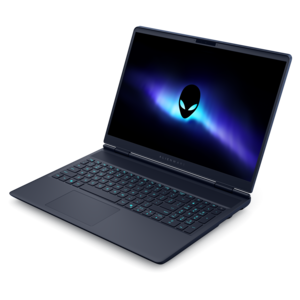
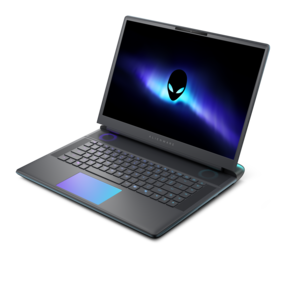
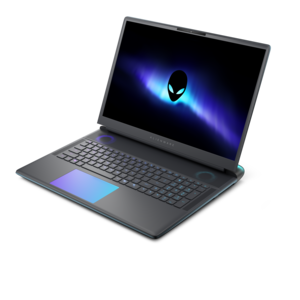
A streamlined gaming laptop with AMD Ryzen 200 Series processors and NVIDIA GeForce RTX graphics.
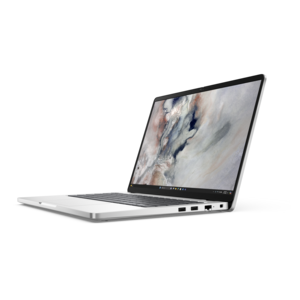
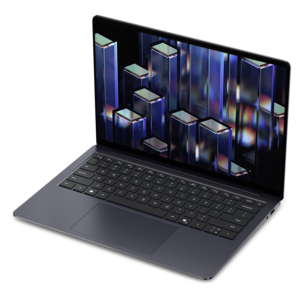
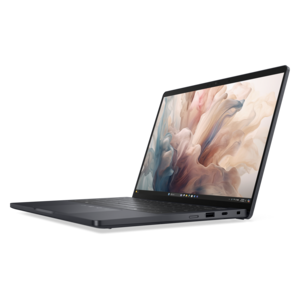
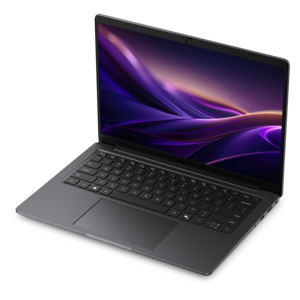
Explore the possibilities of high-performance computing with laptops with NVIDIA graphics cards. Engineered for users who demand smooth visuals and responsive performance, these laptops are ideal for creative projects, gaming, and everyday multitasking. Whether you’re editing videos, designing graphics, or enjoying immersive entertainment, find the right balance of power and portability to support your needs. Discover a wide selection of laptops with NVIDIA graphics cards designed to elevate your experience.
A streamlined gaming laptop with AMD Ryzen 200 Series processors and NVIDIA GeForce RTX graphics.
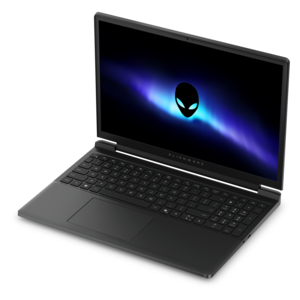
A streamlined gaming laptop delivering exceptional performance with NVIDIA GeForce RTX 50 Series graphics.
A thin, lightweight laptop with Intel Core Ultra processors, NVIDIA graphics, battery life, and on-device AI.
A powerful gaming laptop with Intel Core processors and NVIDIA GeForce RTX graphics for immersive gaming.
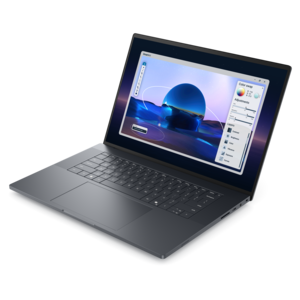
A sleek, lightweight creative laptop with Intel Core Ultra processors, NVIDIA graphics, and advanced on-device AI.
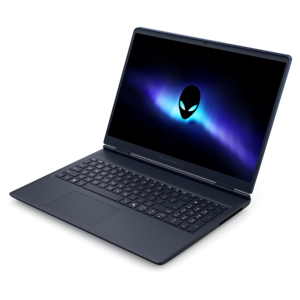
A streamlined gaming laptop delivering essential performance with up to NVIDIA GeForce RTX 50 Series graphics.
A portable laptop with a sleek design, 16:10 display, and AI PC options for productivity anywhere.
A lightweight AI-powered laptop designed for creative professionals and small businesses.
A portable, durable laptop with modular design, strong security, spacious 16:10 display, and built-in AI options.
A sleek laptop with a stylish design, delivering powerful performance for modern multitasking.
A remarkably thin and lightweight laptop designed for ultimate mobility.
A lightweight AI PC delivering outstanding performance and battery life for highly mobile professionals.
A sleek, high-performance laptop delivering smooth AI experiences and accelerated creative workflows.
A Copilot+ PC combining powerful Intel® CPU, GPU, and NPU performance for productive everyday computing.
An elegant, ultralight, durable AI PC delivering premium productivity experiences for highly mobile professionals.
A flagship 16-inch gaming laptop engineered with innovative performance for passionate gamers.
A thin, lightweight Copilot+ PC combining powerful Intel® CPU, GPU, and NPU performance for productive multitasking.
A powerful productivity laptop with scalable performance and advanced on-device AI capabilities.
A flagship gaming laptop engineered with innovative performance for passionate gamers.
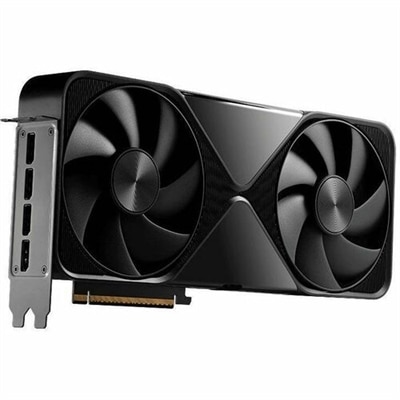
Laptops with NVIDIA graphics cards bring dedicated graphics performance to a portable design, giving gamers, creators, students and professionals more room to work with demanding applications. Instead of relying only on integrated graphics, these laptops use a separate NVIDIA GPU to process visual workloads such as game environments, real-time lighting, video effects, 3D scenes and image-generation tools. That extra capability can make a noticeable difference when moving from a basic desktop task to a high-resolution game, a layered editing project or a design application with complex models. NVIDIA GeForce RTX graphics cards also support technologies such as ray tracing, which creates more realistic reflections and shadows, and DLSS, which can help improve frame rates while maintaining detailed image quality in compatible games. Entry-level RTX configurations are well suited to 1080p gaming, everyday creative work and school or office use that occasionally calls for additional graphics power. Midrange configurations offer a stronger balance for high-refresh-rate gaming, streaming, photo and video editing, coding with visual tools, and 3D design. Higher-tier mobile GPUs are designed for people who want to run demanding games at 1440p or 4K resolutions, build intricate 3D scenes, edit high-resolution footage or work with local AI and machine-learning applications. Exploring NVIDIA Gaming Notebooks can help shoppers compare portable systems built around these different levels of graphics performance.
When comparing laptops with NVIDIA graphics cards, begin with the way the laptop will be used and then consider the rest of the system around the GPU. The graphics card is important, but it works alongside the processor, system memory, storage and cooling design. A laptop intended for modern games or creative software benefits from a capable multi-core processor and at least enough memory to keep several applications open without constant slowdowns. More system memory is helpful for large photo catalogs, video timelines, virtual environments and browser-heavy schoolwork, while a fast solid-state drive can make applications load quickly and leave files feeling more accessible. Graphics memory, or VRAM, deserves particular attention because it stores textures, frame data and other visual information. More VRAM can be especially useful for demanding games, high-resolution displays, expansive creative projects and local AI workloads. Display specifications should match the GPU as well. A 1080p panel with a high refresh rate can make fast games feel smooth, while a 1440p or 4K display can show more detail when the graphics hardware is strong enough to drive it. OLED displays may appeal to creators and entertainment-focused users who value rich contrast and vivid color, while an IPS-style panel can provide a practical balance of color, brightness and viewing angles. Check the panel’s color coverage if accurate editing matters, and look for adaptive synchronization support when smooth gameplay is a priority. Screen size also affects portability: a compact laptop is easier to carry between classrooms, offices and living rooms, while a larger screen can make timelines, spreadsheets and game worlds more comfortable to view. Connectivity, keyboard design, webcam quality, audio, battery capacity and the number of available ports are equally practical considerations, especially for someone who plans to attach an external monitor, drawing tablet, headset or other accessories.
These laptops can fit naturally into many routines. A college student might use one for research and presentations during the day, then switch to game development, competitive play or video editing after class without moving to a separate desktop. A creative professional can take a capable workstation from a home office to a studio, client meeting or shared workspace, using the dedicated GPU for motion graphics, 3D rendering, photography or color-intensive video projects. Gamers may appreciate the freedom to play at a desk with an external monitor or move to another room when the weather turns cooler, while a robust cooling system helps the laptop sustain performance during long sessions. For families, a laptop with NVIDIA graphics can serve multiple roles, from homework and remote learning to streaming, personal projects and entertainment. It can also be a thoughtful gift for someone beginning a degree in animation, architecture, engineering, game design or digital media, provided the graphics tier, screen size and software requirements align with their plans. Keep in mind that powerful graphics hardware may increase weight, fan noise and energy use compared with a thin everyday laptop, and battery life can vary significantly when demanding applications are running away from an outlet. A comfortable keyboard, sturdy hinge, dependable wireless connectivity and a manageable charger can matter just as much as benchmark performance during long days. As the seasons shift from warmer afternoons to cooler months, a well-matched NVIDIA laptop can remain a flexible companion for work, study, creative exploration and gaming, offering the graphics headroom to handle today’s projects while leaving room for more ambitious ones ahead.
Laptops with NVIDIA graphics cards offer hardware acceleration for demanding creative applications like video editing, 3D rendering, and graphic design. Features such as real-time ray tracing, AI-powered enhancements, and optimized drivers ensure smoother workflows, faster rendering times, and more accurate color reproduction, making them ideal for professionals and hobbyists in creative fields.
NVIDIA RTX graphics cards generally provide higher performance and advanced features such as real-time ray tracing, DLSS (Deep Learning Super Sampling), and AI-driven capabilities. GTX cards, while still capable, are more suited to mainstream gaming and everyday tasks, lacking some of the cutting-edge technologies found in the RTX series.
Gamers, content creators, engineers, and students in STEM fields often benefit the most from laptops with NVIDIA GPUs. These laptops are also a great fit for anyone who uses graphically intensive software or wants a machine that can handle multitasking, entertainment, and productivity with ease.
To get the most out of an NVIDIA graphics card, consider a laptop with a high refresh rate display (120Hz or higher) for smooth gaming, or an OLED panel for superior color accuracy and contrast if you’re focused on creative work. High resolution screens (such as QHD or 4K) can also enhance visual detail.
Yes, high-performance GPUs can generate significant heat during gaming or intensive tasks. Look for laptops with advanced cooling solutions such as multiple heat pipes, vapor chambers, or dual-fan systems to maintain optimal performance and comfort during extended use.
Add the products you would like to compare, and quickly determine which is best for your needs.