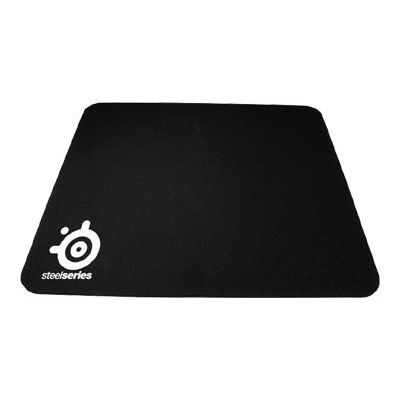
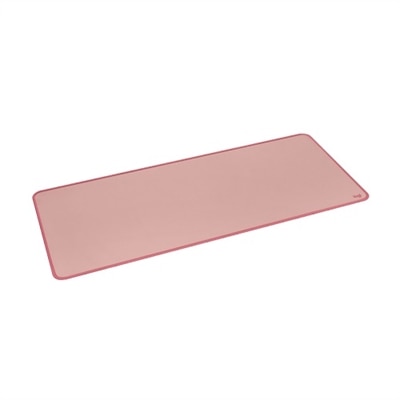
Large Mouse Pads
Large mouse pads offer ample space and flexibility for both work and play, making them an essential addition to any desktop setup. Designed to accommodate a wide range of movements, these mouse pads help create a comfortable and organized workspace. Whether you're a gamer seeking precision or a professional aiming for efficiency, large mouse pads provide the surface area needed for smooth navigation and enhanced productivity. Discover options that fit your style and elevate your computing experience.
This product is not available
Check out the following recommendations.
Related Products
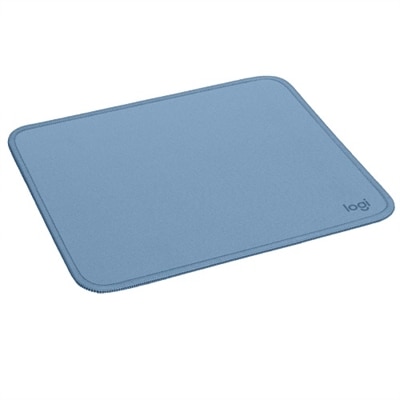
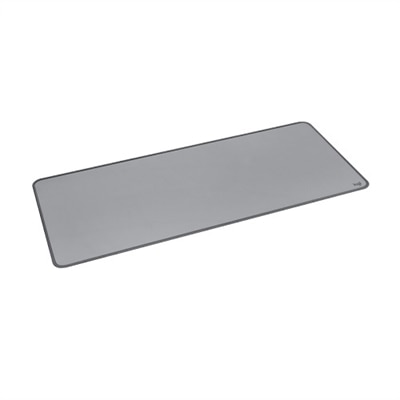
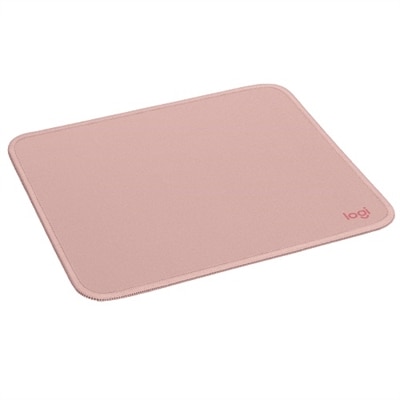

Large Mouse Pads
Large mouse pads can bring a surprising sense of order to a desk. Instead of keeping a mouse confined to a small square beside the keyboard, an extended surface creates room for broad, comfortable movements across the entire workstation. This extra coverage is especially helpful for people who use lower pointer speeds, work with large screens, edit photos or video, play games, or move between several applications throughout the day. A typical desk can become a patchwork of wood grain, glass, papers, and other objects, and each change in texture may affect how the mouse glides. A large mouse pad provides a consistent surface from one side of the workspace to the other, helping the hand move smoothly while keeping the keyboard and mouse visually connected. It can also soften the sound of typing and reduce the small bumps that occur when a keyboard shifts during a busy work session. For a home office, study area, creative corner, or gaming setup, the broad surface can make the desk feel more intentional without requiring a complete redesign. It is useful for a desktop computer with a separate monitor, and it can also complement a laptop setup when the computer is connected to a larger display, keyboard, and mouse. Shoppers comparing options may want to consider the available desk space first. Measure the width and depth of the area, allowing enough room for the mouse to move naturally without reaching the edge. A pad that extends beneath a keyboard should leave enough clearance for nearby notebooks, speakers, a monitor stand, or other everyday accessories. If the workspace changes often, a flexible design that can be rolled or moved may be practical. For a more permanent setup, a heavier pad with a stable underside can help it stay in place through long periods of typing and navigation.
Material and construction are just as important as size. The top surface influences how quickly and quietly the mouse moves, while the underside helps prevent sliding on smooth desks. A fabric-style surface may offer a soft feel and controlled movement that suits office work, school assignments, and everyday browsing. Other surfaces may feel faster or more responsive, which can appeal to users who make quick, precise motions in creative software or games. The edges also deserve attention. Reinforced or stitched edges can help the pad keep its shape after repeated use, while a low-profile edge may feel more comfortable when the wrist rests near the perimeter. Thickness affects both comfort and appearance: a cushioned pad can help smooth out minor desk imperfections, while a thinner profile may sit neatly beneath a keyboard and be easier to store. Maintenance is another practical consideration, particularly for shared workspaces or desks used for snacks and drinks. Look for a surface that can be cleaned according to the care instructions, and keep liquids away from the area whenever possible. A quick wipe can remove dust, but deeper cleaning should be handled gently to avoid damaging the surface or causing the edges to curl. People who travel between rooms, classrooms, or offices may prefer a pad that folds or rolls without taking up much space. Those building a laptop workstation can also explore Mouse Pads For Laptops for additional options suited to compact and flexible setups. Matching the pad to the way the desk is used often matters more than choosing the largest available size.
A large mouse pad can be a thoughtful addition to a practical gift for someone who spends time at a computer. It may suit a student arranging a first study space, a remote worker refreshing a home office, a designer looking for a smoother editing surface, or a player refining a desktop gaming setup. It is also a useful choice for someone who already has a reliable mouse and keyboard but wants the desk to feel more comfortable and cohesive. During the warmer part of the year, a broad pad can help keep a lightweight laptop and mouse area organized on a kitchen table or spare desk, while during cooler months it can make a dedicated indoor workspace feel more inviting. Color, texture, and overall size can help the surface blend with an existing room, whether the setting includes natural wood, bright accessories, or a simple neutral arrangement. Before choosing, consider the recipient’s habits: a person who frequently carries a laptop may value portability, while someone who leaves a desktop setup in place may prioritize coverage and stability. A shared family desk may benefit from a durable, easy-care surface, and a creative workspace may need enough room for wide mouse movements alongside notebooks, drawing tools, or reference materials. Once positioned, the pad works best when the desk is cleared of unnecessary clutter and the keyboard sits comfortably near its center. The result is a smoother motion from one task to the next, whether that means reviewing documents, navigating spreadsheets, attending video calls, adjusting a design, browsing the web, or settling in for an evening of play. With the right dimensions, surface feel, and construction, a large mouse pad can quietly improve the everyday rhythm of a computer setup while protecting the desk from routine friction and scuffs.
FAQs:
A large mouse pad provides a spacious surface that accommodates both your mouse and keyboard, allowing for smoother, uninterrupted movements. This is especially helpful for gamers who need precise, sweeping motions and for professionals who want a comfortable, clutter-free workspace. The added space also helps protect your desk from scratches and spills.
Yes, a large mouse pad can help organize your workspace by creating a unified area for your mouse, keyboard, and other accessories. It can also reduce desk clutter, keep items in place, and add a cohesive look to your setup, making your work or gaming area more inviting and efficient.
For creative work, features like a smooth, consistent surface for precise mouse or stylus movements, stitched edges for durability, and easy-to-clean materials are important. Some users also prefer mouse pads with non-slip bases to keep everything stable during detailed tasks.
An RGB mouse pad, such as an alienware rgb mouse pad, adds customizable lighting effects to your desk, creating a personalized atmosphere for gaming, work, or study. These lighting options can be synchronized with other devices, helping set the mood or match your unique style.
A large mouse pad makes a thoughtful and practical gift for students, remote workers, or anyone updating their workspace. It offers comfort, improved organization, and a touch of personal style, making it a useful addition to any desk, especially during busy study sessions or long workdays.