$79.95
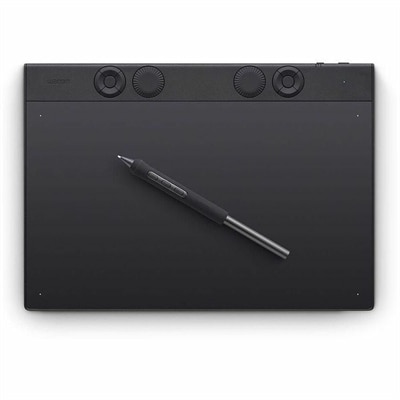
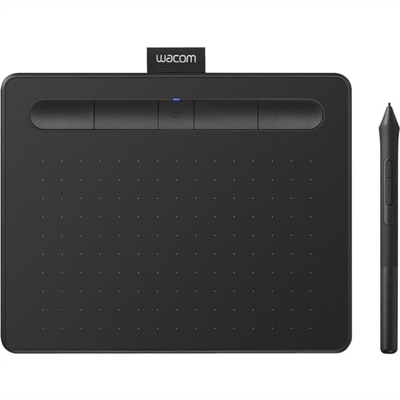
A wireless black graphics tablet with pressure-sensitive pen, Bluetooth, USB connectivity, and creative software for artistry.
Mac compatible graphics tablets empower digital artists, designers, and creators to bring their ideas to life with precision and ease. Whether you're sketching, editing photos, or working on detailed illustrations, these tablets are designed to seamlessly integrate with your Mac setup. Explore a wide selection of mac compatible graphics tablets that deliver responsive performance and intuitive control, making them an ideal choice for both beginners and experienced professionals seeking reliable creative tools.
A wireless black graphics tablet with pressure-sensitive pen, Bluetooth, USB connectivity, and creative software for artistry.
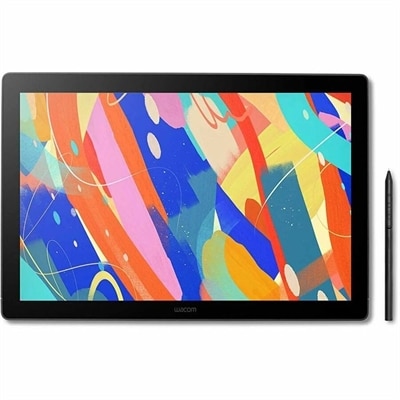
A professional magnesium drawing tablet with customizable pen, 8192 pressure levels, Bluetooth, ExpressKeys, and mechanical dials.
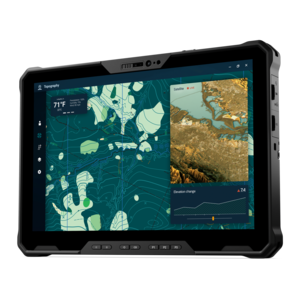
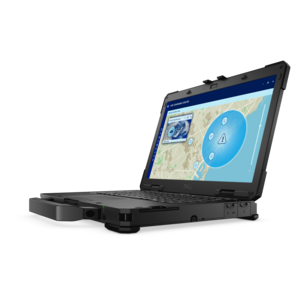
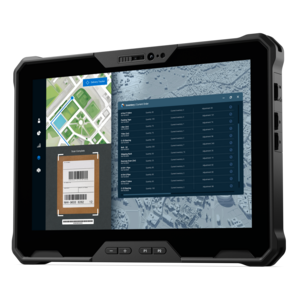
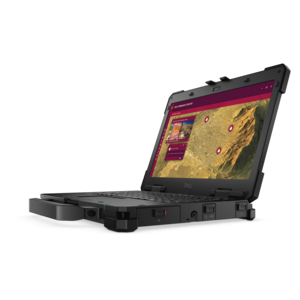
A fully rugged tablet with Copilot+ features, designed for all-day productivity and extended battery life.
Mac-compatible graphics tablets give artists, photographers, designers, students, and hobbyists a more natural way to work with a computer. Instead of relying only on a mouse, you can use a pressure-sensitive pen to sketch, paint, retouch, trace, annotate, and navigate creative software with the familiar movement of a pencil on paper. The available formats generally fall into two groups: standard pen tablets without built-in screens and pen displays that show your artwork directly beneath the stylus. A screen-free tablet is often a practical starting point for beginners, photo editors, and anyone who already has a comfortable Mac monitor. Your drawing appears on the monitor while your hand moves across the tablet surface, a setup that can feel slightly unfamiliar at first but becomes quick and precise with practice. Pen displays are more direct because the cursor follows the point where the stylus touches the screen, making them appealing to illustrators, character artists, lettering specialists, and designers who prefer to see every stroke beneath their hand. Compact models can fit beside a keyboard in a small home workspace, while larger displays provide room for broad brushwork, detailed line art, and multi-panel creative applications. When comparing options, consider the active drawing area rather than the tablet’s total outside dimensions, especially if your desk has limited space. A generous active area can make sweeping strokes feel more comfortable, while a smaller surface may be easier to carry between a home office, classroom, studio, or shared workspace.
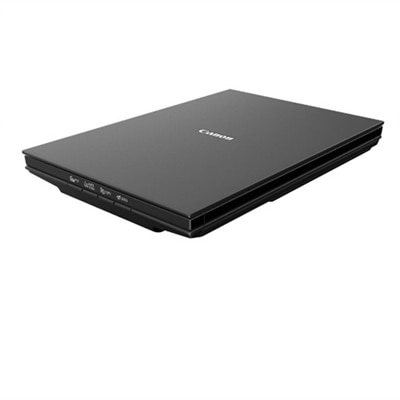
Compatibility is one of the most important considerations when choosing a graphics tablet for a Mac. Look for current drivers that support your version of macOS, along with clear instructions for installation, firmware updates, pen calibration, and application permissions. A tablet may connect through USB, Bluetooth, or both; wired connection is typically simple and dependable, while wireless connectivity can reduce cable clutter and make it easier to move the tablet around your desk. Some models draw power through the same USB connection, whereas a display tablet may require a separate power adapter and additional video or data connections. Check the available ports on your Mac before ordering, and account for the possibility that an adapter or hub may be needed. Pressure sensitivity affects how naturally the pen responds to a light touch or a firmer stroke. Common configurations range from 4,096 levels to 8,192 or more, with some newer displays offering still higher sensitivity. More levels can help create smoother transitions in line weight and opacity, but pen shape, calibration, software support, and your own control matter just as much. Tilt recognition is useful for shading and brush effects, and a battery-free stylus can eliminate charging interruptions during a long project. Express keys, a touch ring, or customizable pen buttons can place undo, zoom, brush size, pan, and other frequently used commands close at hand. If you scan sketches, photographs, or artwork as part of your process, a compatible Mac Compatible Flatbed Scanners collection can complement a graphics tablet and help bring physical work into a digital workflow.
Think about the way you intend to use the tablet each day, not just the specifications listed on the box. A photographer may value a smooth surface, accurate pen tracking, and comfortable control over masking, dodge-and-burn adjustments, and fine retouching. A digital painter may prioritize a larger active area, low pen latency, tilt support, and a surface texture that provides a little resistance instead of feeling slick. A student learning illustration may benefit from a straightforward screen-free tablet with shortcut keys, while an experienced designer working on detailed layouts may prefer a display with strong color coverage, adjustable brightness, an anti-glare surface, and a stand that supports several viewing angles. Screen displays are also worth evaluating for resolution, viewing comfort, color consistency, and parallax, which is the visible gap between the pen tip and the line appearing on screen. For anyone who spends several hours drawing, ergonomic details become meaningful: a stable stand, a comfortable pen grip, a surface large enough to avoid cramped movements, and controls that do not require constant reaching can make a noticeable difference by the end of a long session. These tablets can make thoughtful gifts for aspiring artists, architecture students, scrapbookers, animators, photographers, and creative family members who enjoy turning ideas into finished images. They can also be useful beyond art, supporting handwritten notes, digital signatures, online instruction, remote collaboration, and precise cursor control. Before choosing, consider desk space, preferred connection type, software compatibility, display size, pen technology, shortcut controls, warranty coverage, and how easily the device can grow with the user’s skills. A well-matched Mac-compatible graphics tablet should feel responsive and unobtrusive, allowing the computer to fade into the background while each line, texture, and adjustment takes shape under the stylus.
Add the products you would like to compare, and quickly determine which is best for your needs.