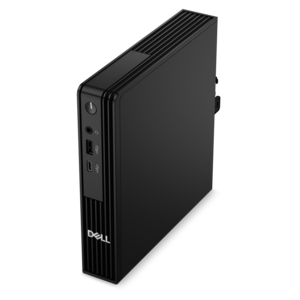
Mini PC Desktops

Explore the compact and versatile world of mini PC desktops, where efficiency meets innovation in a sleek, space-saving design. Perfect for both home and office use, these small but mighty machines offer a streamlined solution for those seeking powerful performance without the bulk of traditional desktop towers. Whether you're tackling everyday tasks, streaming your favorite content, or diving into creative projects, mini PC desktops provide the flexibility and convenience you need to enhance your digital experience. Discover how these pint-sized powerhouses can seamlessly fit into any workspace while delivering impressive capabilities to meet your computing needs.

Filters

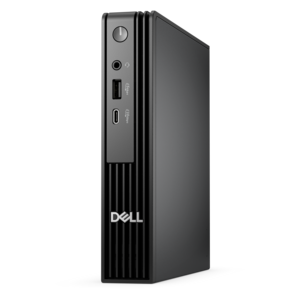
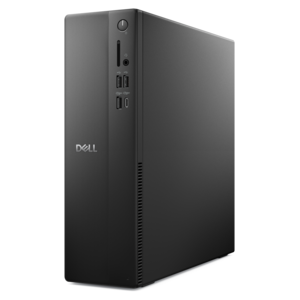
$1039.00

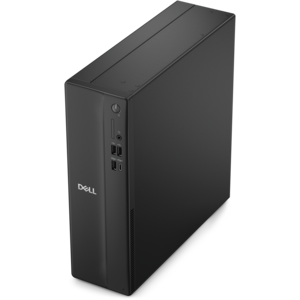
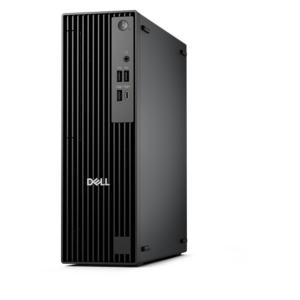
A compact desktop delivering reliable performance and security for everyday productivity.

$1039
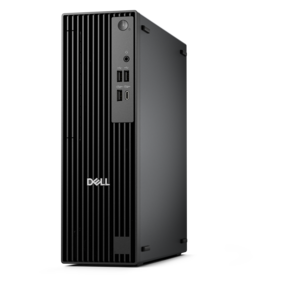
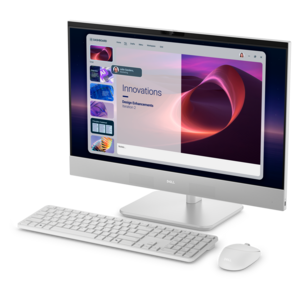
$1417.00

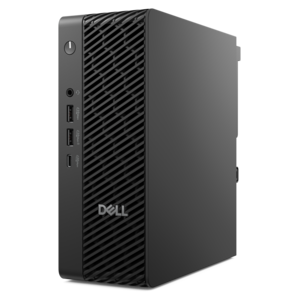
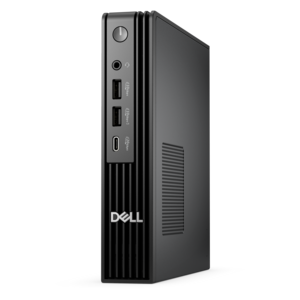
A micro desktop with AI PC options, robust security and seamless manageability for business productivity.

$1417
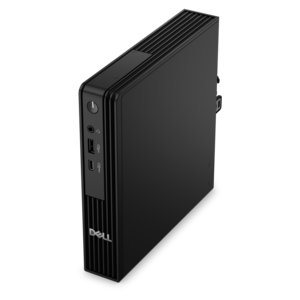
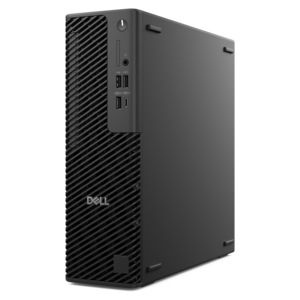
$829.99

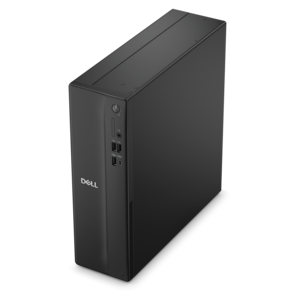
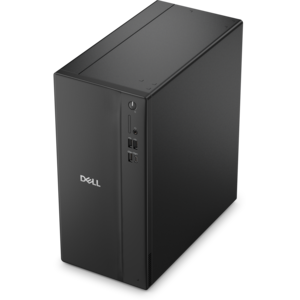
A compact desktop designed for everyday productivity and creative tasks.

$829.99
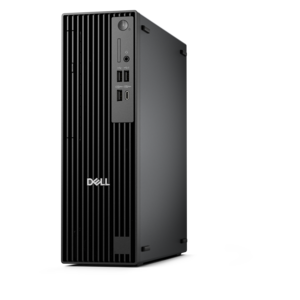
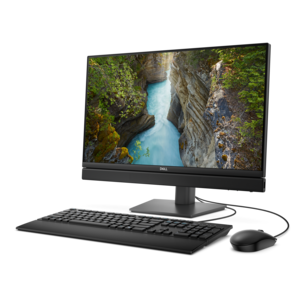
$1417.00

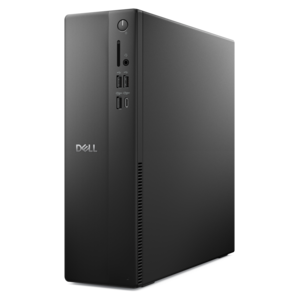
A space-saving desktop engineered for exceptional speed and efficiency in a sleek, compact design.

$1417
$1089.00

A space-saving desktop delivering reliable performance and security for everyday productivity.

$1089
$1349.99

A compact desktop designed for everyday productivity and creative projects.

$1349.99
$1299.00

An ultracompact business desktop with Copilot+ PC options, AI-enhanced productivity, robust security, and streamlined manageability.

$1299
$1488.00

A compact, high-performance desktop with AI PC options, robust security, and streamlined manageability for demanding workloads.

$1488
$1589.00

An AI-powered Copilot+ PC featuring Series 3 Intel Core Ultra processors for efficient performance.

$1589
$1762.00

A compact, high-performance AI-ready desktop delivering secure, manageable performance for demanding business workloads.

$1762
$1359.00

A high-performance business desktop with Copilot+ PC options, AI-enhanced productivity, robust security, and manageability.

$1359
$1775.00

An ultracompact AI-ready desktop delivering robust business performance with exceptional security and seamless manageability.

$1775
$800.00

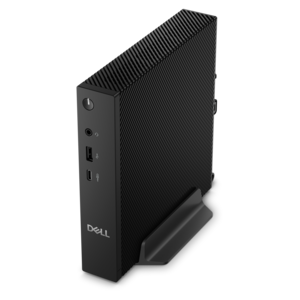
A compact thin client supporting cloud software, ThinOS, Windows 11 IoT Enterprise, or no operating system.

$800
$829.99

A powerful desktop designed to boost everyday productivity in a streamlined setup.

$829.99
$1059.00

A space-saving business desktop delivering reliable everyday performance with essential security features for productive work.

$1059
$1549.99

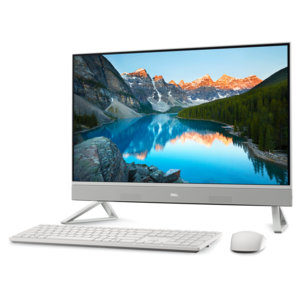
A space-saving all-in-one desktop designed for productive work and entertaining.

$1549.99
$1575.00

A slim desktop delivering exceptionally fast CPU and GPU performance for demanding professional workloads.

$1575
$1764.00

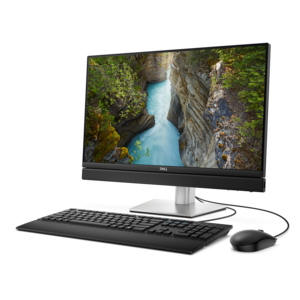
A space-saving all-in-one desktop with AI options, enhanced productivity, and robust security and manageability features.

$1764
$1399.99

A sleek all-in-one desktop featuring a spacious display for streamlined computing and everyday productivity.

$1399.99
$2257.00

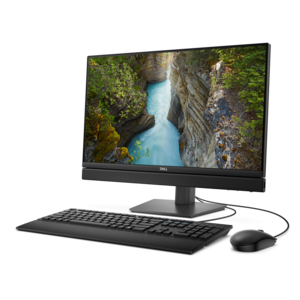
An AI-ready all-in-one desktop with an optional 5MP IR camera and streamlined security and manageability features.

$2257
$1858.00

A space-saving, AI-ready all-in-one desktop with a 24-inch display and streamlined security and manageability features.

$1858
$2149.99

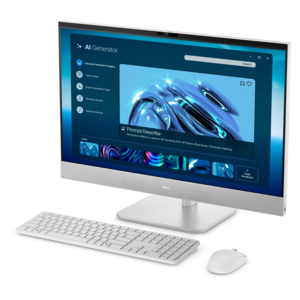
A space-saving all-in-one desktop designed for productive work and everyday entertainment.

$2149.99

Mini PC Desktops

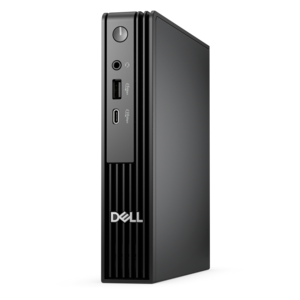
Mini PC desktops are compact desktop computers designed to handle everyday computing while taking up less room than a traditional tower. They typically connect to a separate monitor, keyboard, and mouse, creating a familiar desktop setup in a much smaller footprint. For a home office tucked into a bedroom corner, a shared family desk, or a reception counter with limited surface space, that smaller enclosure can make a noticeable difference. There is more room for a notebook, a drawing tablet, or simply a clear stretch of desk between the keyboard and display. Depending on the design, a mini desktop may sit horizontally beside a monitor, stand vertically with a compatible support, or attach behind a display using an approved mounting bracket. Mounting compatibility varies, and the computer still needs room for airflow, cable connections, and access to its power button. The external power adapter, if included in the design, also needs a practical place to rest without putting tension on its cord. Overall dimensions tell only part of the story: a shallow shelf may accommodate the computer itself but leave too little clearance for cables at the back. Front-facing connections can be especially useful for plugging in headphones or moving files from a portable drive without reaching around the desk. A compact desktop generally remains in one place and depends on connected peripherals, unlike a laptop with a built-in screen and battery. That makes it a natural fit for people who prefer a larger display, a full-size keyboard, or a workspace arranged around their own seating position. Remote workers, college students, household organizers, and small-business teams can all benefit from this format. The appeal is not just that the computer is small; it is that the essential parts of a comfortable desktop workspace can stay in place without a large chassis occupying the floor or crowding the work surface.

Performance in a mini desktop depends on its processor, memory, graphics capability, cooling design, and power limits rather than its dimensions alone. Web browsing, document editing, online learning, and video calls have different requirements from editing high-resolution footage, working with complex design files, or playing demanding games. A household computer used for recipes, appointments, and occasional spreadsheets may need less processing headroom than a work machine that keeps a video meeting, several large documents, and dozens of browser tabs open at once. Memory capacity affects how comfortably those tasks run together, while a solid-state drive supports responsive startup and quick access to applications and files. Drive capacity matters separately: a large photo collection or a growing library of video projects can occupy considerable space even when everyday applications feel fast. Graphics also deserve a closer look. Integrated graphics can suit routine desktop work, streaming, and some lighter games, but more demanding visual workloads may require capabilities that not every compact system provides. The computers grouped under Mini Desktops For Gaming relate to that more specialized use, where game requirements, resolution, and graphics performance matter alongside physical size. Multiple-monitor setups bring their own compatibility considerations, including the number and type of display connections and the resolutions and refresh rates supported. A connector’s shape alone does not establish every feature it supports, so the computer and display specifications need to align. The same principle applies to connections for external drives, webcams, and other accessories. Wireless connectivity can help keep a desk tidy, while a wired internet connection can be useful in a fixed workspace when supported. Operating system compatibility, required applications, and accessibility features help determine whether a mini PC fits into an existing routine. For professional use, supported security features and device management capabilities may matter as much as speed. A well-matched configuration is one that handles the intended workload comfortably without relying on assumptions that every small desktop performs like a larger workstation.

The enclosure and cooling system play an important role in how a mini PC desktop lives on a desk over time. Depending on the design, the chassis may use metal, molded plastic, or a combination of materials, with ventilation openings positioned around the sides, top, or rear. Material alone does not determine durability; construction quality, operating conditions, and careful handling also matter. A stable, dry surface away from spills and direct heat helps protect the computer, while clear space around its vents allows the cooling system to work as intended. An enclosed drawer, a pile of papers, or a soft fabric surface can obstruct airflow even when the machine appears to fit neatly. Fan sound and surface warmth vary with the workload and design, so a computer used for long video exports may behave differently from the same system displaying a document. Routine care is straightforward: shut down and unplug the computer before cleaning, use a soft cloth on the exterior, and follow the manufacturer’s directions for removing dust from ventilation openings. Liquid should not be sprayed directly onto the enclosure. Longer-term flexibility depends on the particular design, too. Some compact desktops allow access to memory or internal drives, while others have more limited upgrade options; supported components, service procedures, and warranty terms deserve attention before changes are made. For a student moving between semesters, a mini desktop can be easier to pack than a full tower, although a display and peripherals still need separate transport. For someone receiving one as a gift, compatibility with their monitor, software, and preferred activities is more meaningful than size alone. In a shared household workspace, pairing the computer with a comfortably positioned display and reachable connections can make everyday use simpler for different people. These practical details give compact desktop computing its lasting value: a smaller physical presence, a familiar way to work, and a setup shaped around the tasks that happen at the desk each day.

FAQs:

Add the products you would like to compare, and quickly determine which is best for your needs.
Add the products you would like to compare, and quickly determine which is best for your needs.