$199.99
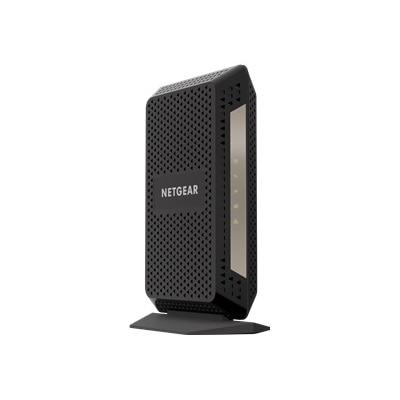
A black desktop modem offering ultra-high-speed internet with DOCSIS 3.1 compatibility for major US providers.
Modems for small businesses play a crucial role in keeping teams connected and operations running smoothly. Whether you’re setting up a new office or upgrading your current network, finding the right modem can help support efficient communication and productivity. Explore a range of options designed to meet the unique needs of small businesses, ensuring reliable internet access for daily tasks and seamless collaboration.
A black desktop modem offering ultra-high-speed internet with DOCSIS 3.1 compatibility for major US providers.
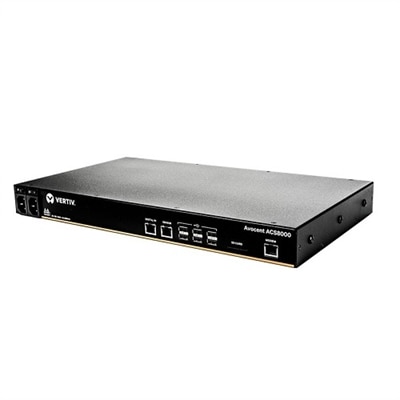
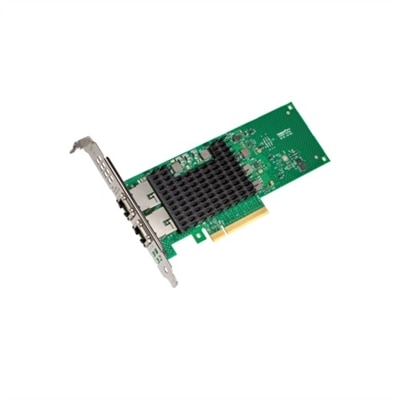
A 48-port console server with dual AC power for secure remote IT asset management.
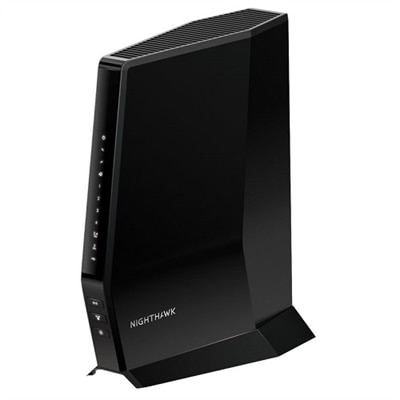
A high-performance WiFi 6 router with built-in DOCSIS 3.1 modem for ultra-fast, multi-device connectivity.
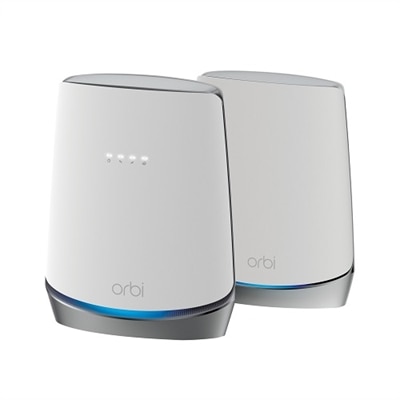
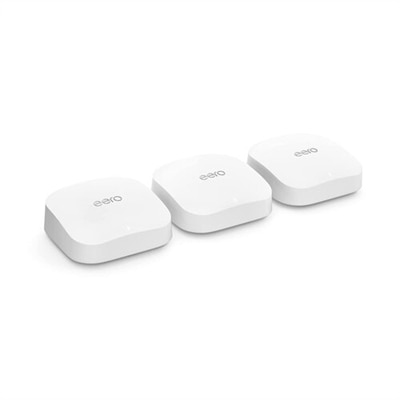
A tri-band WiFi 6 router with DOCSIS 3.1 modem offers seamless, ultra-fast internet for 40+ devices.
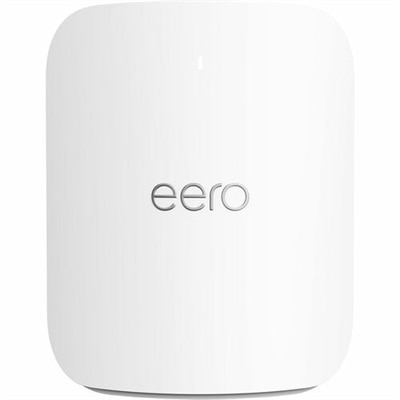
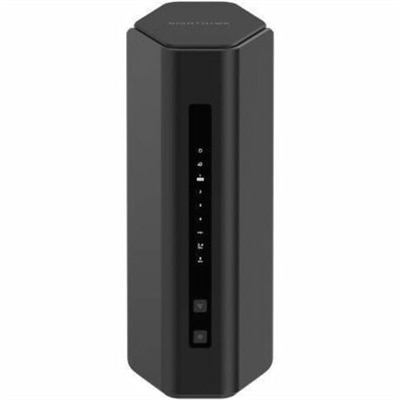
An advanced Wi-Fi 7 router providing tri-band connectivity, supporting 200+ devices with seamless coverage.
Modems for small businesses help establish the connection that keeps everyday work moving, from processing customer payments and answering cloud-based phone calls to sending large files, joining video meetings, and keeping laptops, desktops, printers, and other office devices online. A modem translates the signal from an internet service provider into a connection your business can use, making it an important part of a home office, storefront, studio, or growing workspace. The right choice depends first on the service available at your location. Before purchasing, check your provider’s approved-device list and confirm that the modem supports your plan type, connection technology, advertised download and upload speeds, and any business telephone features you need. Compatibility matters more than a long list of specifications: a modem that is not approved by the provider may be difficult to activate, and some providers limit voice service on independently purchased equipment. It is also useful to compare the modem’s maximum supported speed with the plan you have today and the plan you may choose as your business expands. A model that comfortably handles your current service can provide a smoother experience during busy periods, while extra capacity may help prevent an immediate replacement if your team begins transferring larger files, adding cloud applications, or supporting more simultaneous users.
Small businesses can choose between a standalone modem and a combination modem with built-in Wi-Fi capabilities. A standalone unit can be a practical fit when you already have a separate wireless device or want to replace each part independently over time. This arrangement may make it easier to upgrade coverage, add features, or adapt the setup as a business moves into a larger office. A combination unit can save space and simplify installation, which is especially appealing for a small reception desk, a compact studio, or a home office where every cable and square inch matters. Look for clear information about supported speeds, the number and type of wired ports, wireless standards when included, security features, warranty coverage, and the manufacturer’s activation process. A faster wired port may be valuable for a workstation that regularly moves large design files or handles local backups, while a simple configuration process can reduce interruptions for a business owner who manages technology between appointments and customer calls. Businesses that use voice over IP should verify support for the required phone lines and service features before ordering. Some telephone-focused modems are designed to support multiple voice lines, while other devices are intended only for internet access. Also consider placement: a modem should have ventilation, a nearby power outlet, and enough room for its cables without being squeezed behind furniture or exposed to dust, heat, or accidental bumps.
Buying compatible equipment may reduce recurring rental charges from an internet provider, although the total value depends on the purchase price, warranty, service terms, and how long the business expects to use the device. Keep the activation instructions and account information nearby, and schedule installation during a quieter work period so a brief interruption does not affect customer service or time-sensitive tasks. Once connected, test both wired and wireless performance in the areas where employees actually work rather than relying only on a speed shown beside the modem. A checkout counter, back office, conference table, and upstairs home workspace can each have different results because of distance, walls, and nearby electronics. For a new business owner setting up a first office, a modem can be part of a larger technology refresh that includes reliable displays, comfortable accessories, and the right Computers For Small Business Owners to support daily work. During the warmer or cooler seasons alike, dependable connectivity helps a small team stay responsive when the day fills with customers, appointments, deliveries, and remote collaboration. With provider compatibility confirmed and the choice between a standalone modem and a combination unit matched to the workspace, businesses can create a practical foundation for communication, productivity, and steady growth.
Add the products you would like to compare, and quickly determine which is best for your needs.