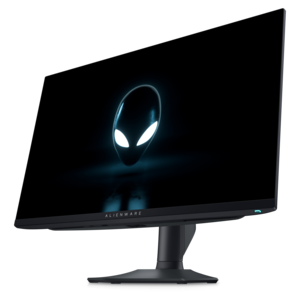
$649.99
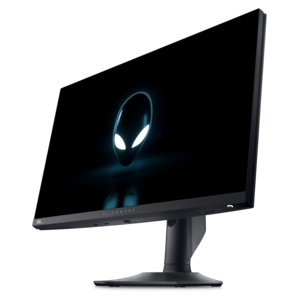
A QHD QD-OLED gaming monitor delivering 360Hz refresh rates and VESA DisplayHDR True Black 400 visuals.
Compare monitor features to find a screen that fits your workspace and daily tasks. Consider screen size, resolution, refresh rate, and available connections to narrow your options based on desk space, image clarity, smooth motion, and compatibility with your computer.
A QHD QD-OLED gaming monitor delivering 360Hz refresh rates and VESA DisplayHDR True Black 400 visuals.
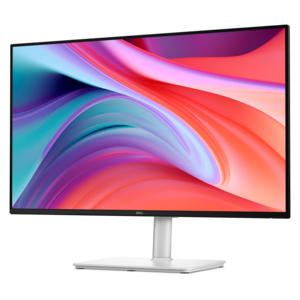
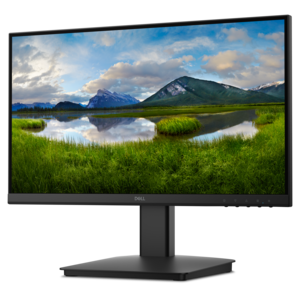
A Full HD monitor with 144Hz refresh rate, built-in speakers, and TÜV 4-star eye comfort certification.
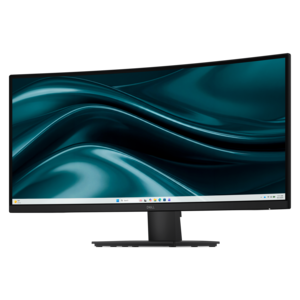
A curved WQHD monitor with 165Hz refresh rate, 1ms MPRT, and TÜV Rheinland 3-star certification.
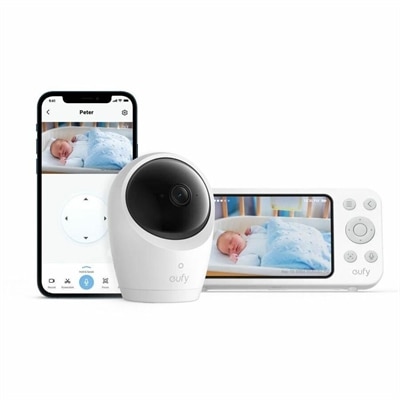
A 2K monitor with autofocus, pan/tilt/zoom, temperature and noise alerts, encrypted local storage, and two-way audio.
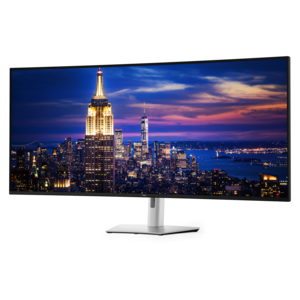
A 6K ultrawide monitor with Thunderbolt hub connectivity, exceptional clarity, seamless multitasking, and all-day eye comfort.
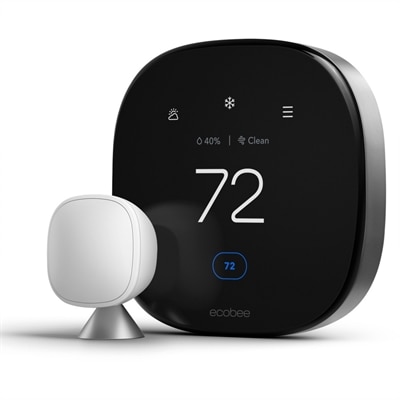
A smart thermostat with room sensing, air quality monitoring, smoke detection, geofencing, and broad voice-assistant compatibility.
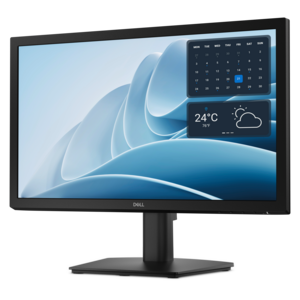
A productivity-focused FHD monitor with extensive connectivity, high refresh rate, and TÜV-certified four-star eye comfort.
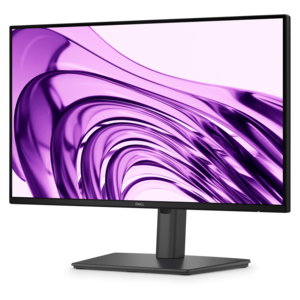
A productivity monitor offering 100Hz refresh and eye comfort solutions that reduce blue light emissions.
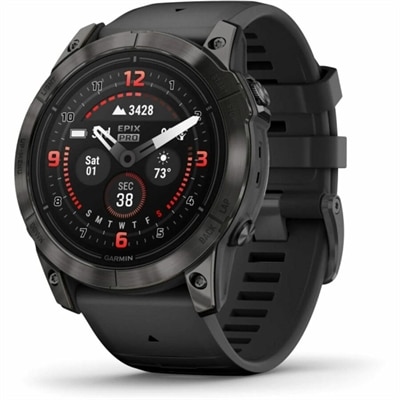
A premium AMOLED smartwatch with health monitoring, sports apps, mapping, and up to 16-day battery life.
Monitor features are the physical characteristics and display technologies that determine how clearly, smoothly, and comfortably a screen presents information. Screen size, resolution, panel type, refresh rate, response time, brightness, and connectivity all influence the experience, whether the display holds a spreadsheet, a digital illustration, or a fast-moving game. Screen size is measured diagonally, while resolution describes the number of pixels available to form text and images. A larger screen provides more physical viewing space, but higher pixel density can make small lettering and fine details appear sharper at a comfortable viewing distance. Full HD, QHD, and 4K resolutions offer different levels of detail; operating system scaling also affects how large menus, icons, and text appear. Aspect ratio shapes the workspace as well. A widescreen display suits everyday documents and entertainment, while an ultrawide format can place a project timeline beside reference material without a bezel separating the two. Curved screens bring the edges of a wide display closer to the viewer, though their appeal depends on seating position and personal preference. Panel technology adds another layer of distinction. IPS panels generally maintain consistent color across wide viewing angles, while VA panels commonly provide strong native contrast. OLED displays control light at the pixel level, producing deep blacks and precise highlights, with care requirements that can include precautions around prolonged static images. Surface finish matters in a bright room: matte treatments scatter reflections, while glossy finishes can preserve a crisp appearance but make reflected windows and lamps more noticeable. Brightness describes light output, not image quality by itself. HDR performance depends on several characteristics working together, including contrast, peak brightness, color capability, and, where applicable, local dimming. For photography and design, color gamut describes the range of colors a monitor can reproduce, while color accuracy describes how faithfully those colors match a reference. A wide gamut alone does not guarantee accurate results.
Motion performance becomes especially noticeable when a screen shifts from a still document to scrolling text, live video, or interactive entertainment. Refresh rate, expressed in hertz, indicates how often the display updates each second. A higher refresh rate can make pointer movement and animation appear smoother, although the connected computer and application must supply enough frames to take full advantage of it. Response time measures how quickly pixels change between states and can affect the visibility of trails behind moving objects. It is different from input lag, which is the delay between an action and its appearance on screen. Published response-time figures may use different testing methods, so a single number does not fully describe motion clarity. Adaptive sync can coordinate the monitor’s refresh behavior with a compatible graphics processor to reduce tearing and uneven motion within a supported operating range. For someone moving between focused work and evening gaming, these features influence both responsiveness and visual continuity. Connections determine how those capabilities reach the screen. HDMI, DisplayPort, and USB-C support varies by monitor, cable, and connected device, with bandwidth affecting the combinations of resolution and refresh rate that can be used. A USB-C connection may carry video, data, and power through one cable, but those functions are not present on every USB-C port. Power delivery also needs to match the requirements of the connected laptop. Built-in USB hubs keep peripherals within reach, while an integrated keyboard, video, and mouse switch can let compatible computers share a display and connected input devices. Picture-by-picture modes can place two sources side by side, making it possible to keep a personal computer visible beside a work system. Integrated speakers and headphone connections may simplify casual listening or video calls, though sound quality and microphone capabilities vary. These practical details can matter as much as headline specifications in a workspace where the same screen supports meetings, research, entertainment, and daily communication.
Physical design determines how naturally a monitor fits into everyday surroundings. In the Technology Monitors collection, display characteristics and workspace fit provide useful context for different uses. A broad screen can make a detailed spreadsheet easier to navigate, yet its stand, width, and viewing distance still need to suit the desk. Height adjustment, tilt, swivel, and portrait rotation provide flexibility for different seating positions and tasks. Portrait orientation can be useful for long documents or code, while swivel adjustment makes it easier to share a presentation with someone seated nearby. A compatible mounting pattern allows use with an appropriate arm or wall mount, provided the mounting hardware supports the display’s dimensions and weight. Stand footprint, cable routing, and access to controls also affect the feel of the workspace: a compact base leaves more room for a notebook, and accessible ports reduce the need to reach behind the screen. Monitor housings commonly combine molded plastics with metal supports or internal structural components. Durability depends on construction, secure placement, careful handling, and appropriate operating conditions rather than a material label alone. The display surface needs particular care because rough cloths, excessive pressure, and unsuitable cleaners can damage coatings. Cleaning with the power off, following the manufacturer’s instructions, and keeping liquid away from openings help protect the screen and housing. Open ventilation space supports normal operation, while positioning the display away from direct sunlight can reduce glare and unnecessary heat exposure. Comfort features such as flicker reduction, adjustable brightness, and reduced-blue-light modes can make extended sessions more pleasant, but they do not replace sensible lighting, regular breaks, or a comfortable viewing position. Students may value readable text and space for reference materials; creative users may prioritize consistent color; and home-office users may appreciate simple connections and flexible positioning. As a gift for a graduate, remote worker, or gaming enthusiast, a monitor is most useful when its connections, dimensions, and capabilities match the recipient’s computer and daily routine.
Add the products you would like to compare, and quickly determine which is best for your needs.