$314.99
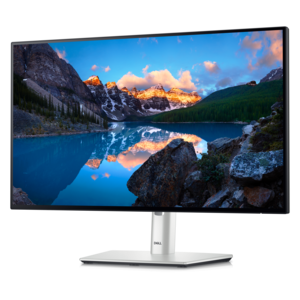
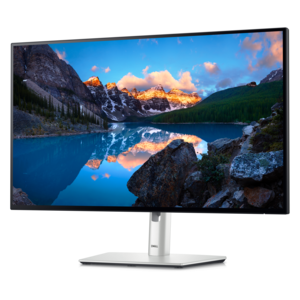
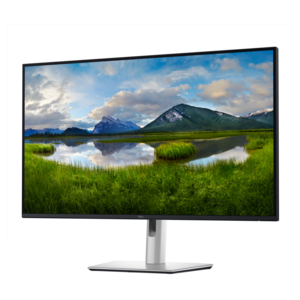
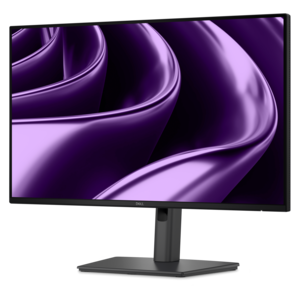
A Full HD USB-C hub monitor offering extensive connectivity, 100W power delivery, and TÜV-certified eye comfort.
Monitor hubs provide a convenient solution for streamlining your workspace and connecting multiple devices with ease. Designed to enhance productivity and organization, monitor hubs help simplify cable management and support a seamless workflow. Whether setting up a home office or upgrading your professional environment, monitor hubs offer the flexibility needed for efficient multitasking and connectivity. Explore a range of options to find the right fit for your setup and enjoy a more organized, efficient workspace.
A Full HD USB-C hub monitor offering extensive connectivity, 100W power delivery, and TÜV-certified eye comfort.
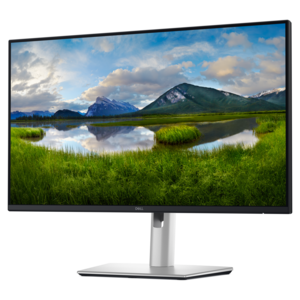
A TÜV-certified USB-C hub monitor offering 4-star eye comfort, enhanced productivity and extensive connectivity.
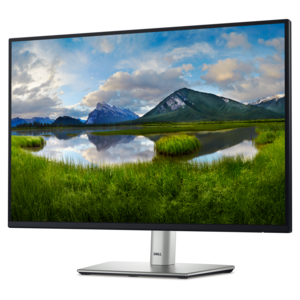
A QHD monitor with USB-C hub connectivity and TÜV-certified four-star eye comfort for productive, comfortable viewing.
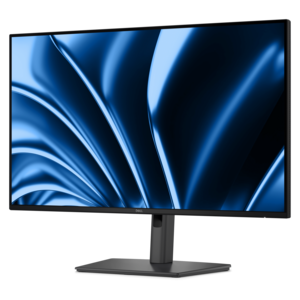
A TÜV-certified 16:10 hub monitor with 4-star eye comfort and up to 90W power delivery.
A Full HD hub monitor with extensive connectivity, 100W power delivery and TÜV-certified 4-star eye comfort.
A TÜV-certified hub monitor offering 5-star eye comfort, Thunderbolt 4, and extensive connectivity.
A 4K USB-C hub monitor with extensive connectivity and TÜV-certified four-star eye comfort.
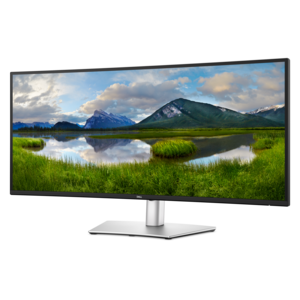
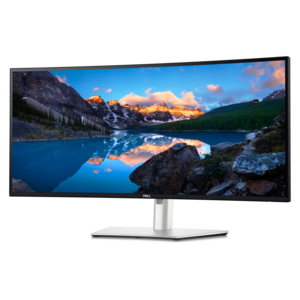
A curved ultrawide WQHD monitor with USB-C power delivery up to 90W and RJ45 Ethernet connectivity.
A curved Thunderbolt™ hub monitor with 120Hz refresh rate and 5-Star Eye Comfort certification.
Monitor hubs, also called hub monitors or docking monitors, combine a computer display with built-in connections for accessories and, on supported models, laptop charging. Instead of plugging a keyboard, mouse, webcam, and other desk essentials into a laptop each morning, those accessories can remain connected to the monitor. A compatible USB-C connection can carry video, USB data, and power between the display and computer through one cable, making it easier to move between a portable workspace and a full desktop setup. The monitor still needs its own power connection, but fewer cables need to run directly to the laptop. That difference is especially noticeable on a small home office desk, where a notebook, coffee cup, and external keyboard already compete for space. Built-in ports vary by model and may include USB-A for familiar accessories, additional USB-C connections, audio connections, and an Ethernet port for a wired internet connection. Some displays also support connecting a second monitor through the first, although that capability depends on the display, computer, operating system, and connection standard. For hybrid workers, students, and anyone who carries a laptop from room to room, a hub monitor can make returning to a desk feel less like rebuilding a workstation. It also suits a permanent desktop arrangement where accessible accessory ports are more convenient than reaching behind the computer. Separate Laptop Hubs provide another way to expand a computer’s connections, while a monitor with an integrated hub brings those functions into the display itself. The practical distinction is how much of the setup stays on the desk: an integrated hub keeps connected accessories anchored around the screen, with fewer separate components to position. These displays are useful wherever a larger viewing area and simpler everyday connections matter together, from reviewing a spreadsheet beside an email window to joining a video call with a full-size keyboard and a camera positioned above the screen.
The display remains the center of that experience, so screen size, resolution, panel characteristics, and physical fit matter just as much as the hub connections. A compact screen can sit comfortably on a shallow desk, while a larger display provides room for side-by-side documents, creative applications, or a calendar kept open next to the day’s work. Higher resolution can make fine text and detailed images look sharper, though operating system scaling affects how large menus and text appear. An ultrawide format can create a broad, continuous workspace; two separate displays offer distinct areas for different tasks. Neither arrangement automatically suits every desk, and the stand’s depth can affect usable space as much as the screen’s width. Height adjustment, tilt, swivel, and, where supported, portrait rotation help position the display for different users and activities. Portrait orientation can be useful for reading lengthy documents or working with tall layouts, while a centered landscape display accommodates everyday browsing and video meetings. A compatible mounting pattern allows some monitors to attach to an arm, provided the arm supports the display’s weight and dimensions. Matte screen surfaces can reduce distracting reflections, but placement relative to a bright window still matters. Wide viewing angles help maintain a consistent picture when a colleague pulls up a chair, and appropriate color performance is important for photography, illustration, and other visually demanding work. Color coverage, accuracy, and calibration capabilities vary, so a display intended for general office tasks should not automatically be treated as a color-critical tool. Refresh rate and response time also influence moving images, whether the screen is used for scrolling documents, watching video, or playing games after work. For a student balancing lectures, research, and writing, readable text and comfortable positioning may matter most. For a creative professional, detail and dependable color may carry more weight. A shared household workstation benefits from an adjustable stand and controls that are easy for different people to reach.
Connection compatibility determines how completely a hub monitor can simplify a workspace. A USB-C connector alone does not guarantee video output, accessory data, or laptop charging; the computer port, monitor port, and cable must support the functions being used. Some USB-C ports on a display are intended only for connecting accessories, while a designated upstream port connects the hub to the computer. USB power delivery wattage also varies. A monitor that provides enough power for a lightweight laptop may not meet the needs of a higher-powered computer during demanding work, leaving the laptop’s own power adapter necessary. The cable must support the required power and data capabilities as well. Computers connected through a dedicated video cable may need a separate USB upstream cable to use the monitor’s accessory ports. For a desk shared between two computers, a built-in keyboard, video, and mouse switch can let compatible displays share connected input devices, but this feature is not universal. Port placement makes a daily difference, too: side-facing or easily reached ports suit frequently connected accessories, while rear-facing ports help keep permanent cables out of sight. Durable housings, stable stands, and well-supported connections contribute to a setup that handles repeated adjustments and regular use. Monitor construction commonly combines plastic exterior surfaces with metal structural parts, though materials and finishes differ. Cable slack helps prevent strain when the screen moves, and open ventilation space helps the display dissipate heat. Routine care is straightforward: turn off and unplug the monitor before cleaning, use a soft microfiber cloth, and follow the manufacturer’s directions for any permitted cleaning solution. Spraying liquid directly onto the screen or using abrasive cleaners can damage coatings and surfaces. With suitable connections, a comfortable screen position, and enough room for the stand and cables, a monitor hub supports a workspace where plugging in a laptop brings the larger display and everyday accessories together without a string of separate connections.
Add the products you would like to compare, and quickly determine which is best for your needs.