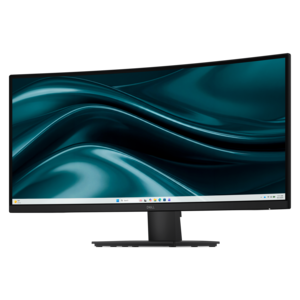
$229.99
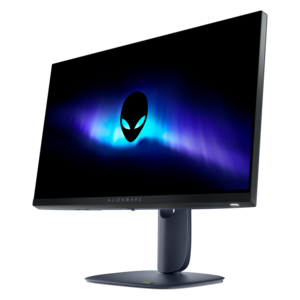
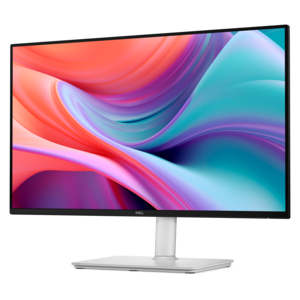
A curved WQHD monitor with 165Hz refresh rate, 1ms MPRT, and TÜV Rheinland 3-star certification.
Browse computer monitors with your workspace and daily needs in mind. Compare screen size, resolution, refresh rate, and connection options to narrow your choices for work, gaming, or everyday use. Check your available desk space and your computer’s ports to help find a display that fits your setup.
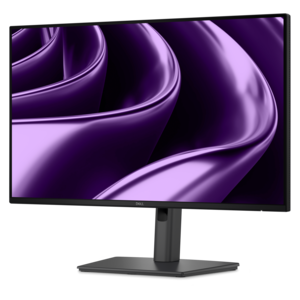
A curved WQHD monitor with 165Hz refresh rate, 1ms MPRT, and TÜV Rheinland 3-star certification.
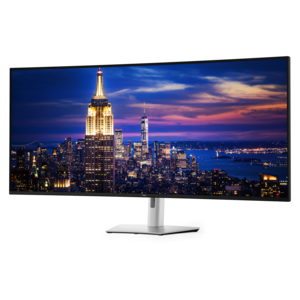
A 6K ultrawide monitor with Thunderbolt hub connectivity, exceptional clarity, seamless multitasking, and all-day eye comfort.
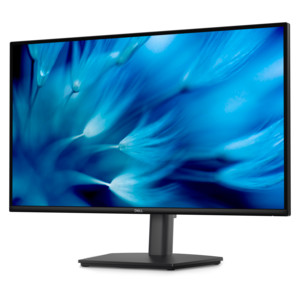
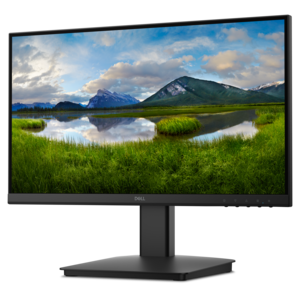
A height-adjustable QHD monitor certified by TÜV Rheinland for 3-star eye comfort and productive work.
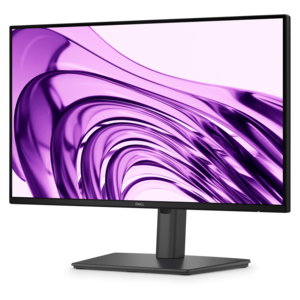
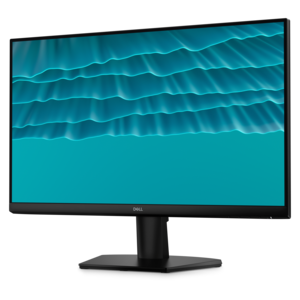
A productivity-focused FHD monitor with extensive connectivity, high refresh rate, and TÜV-certified four-star eye comfort.
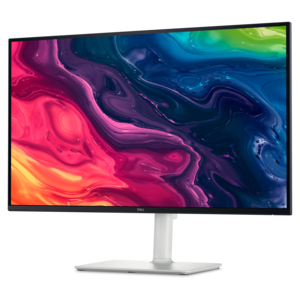
A 4K monitor with up to 120Hz refresh rate and dual 5W speakers for elevated entertainment.
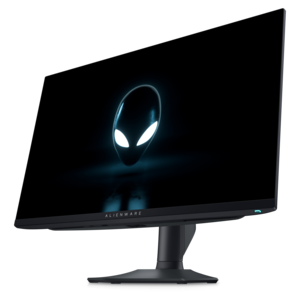
A Fast IPS gaming monitor delivering vivid colors and ultra-smooth visuals at a 320Hz refresh rate.
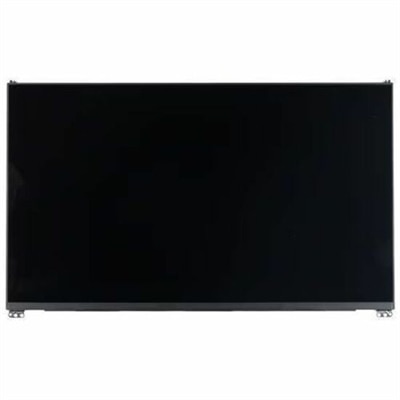
A replacement notebook screen made from OEM-grade components for tested compatibility and reliable performance.
Computer monitors connect to compatible laptops and desktops to create a dedicated space for work, gaming, creative projects, and everyday entertainment. Monitor shopping includes everything from compact displays for small desks to expansive screens that keep several windows visible at once. The right fit depends on both the tasks on screen and the space around it. A smaller monitor can suit a kitchen workspace or a student’s desk, while a larger display can make room for a spreadsheet beside a video meeting without constant window switching. Screen size is measured diagonally, but the width, height, and stand depth determine how a monitor actually fits on a desk. Enough room for a keyboard, a comfortable viewing distance, and clearance beneath a shelf can matter just as much as the screen measurement. Standard widescreen monitors work well for documents, browsing, and video, while ultrawide formats offer a broader canvas for timelines, side-by-side files, and supported games. Curved screens bring the outer edges of a wide display closer to the viewer, although the experience depends on seating position and screen size. Flat displays remain practical for shared viewing and work that benefits from straight visual references. A two-monitor arrangement creates separate spaces for different tasks, such as keeping reference material open beside a draft, but it also requires enough desk width and compatible computer connections. Adjustable stands add flexibility through height, tilt, swivel, or rotation, with portrait orientation particularly useful for long documents and code. A compatible monitor arm can free desk space, provided its mounting pattern and weight capacity match the display. For someone working from home, attending online classes, or organizing family photos, these physical details help a screen feel like a natural part of the room rather than an obstacle on the desktop. They also make monitors thoughtful gifts for graduates or people setting up a new workspace, especially when desk dimensions and computer compatibility are already known.
Resolution, panel technology, and screen performance shape what that workspace looks like in use. Full HD, QHD, and 4K describe different pixel counts, with higher resolutions providing more detail when content and settings support it. Screen size matters alongside resolution: spreading the same number of pixels across a larger area generally makes individual pixels easier to distinguish at a similar viewing distance. Higher pixel density can give text and fine lines a cleaner appearance, though operating system scaling may be needed to keep menus and icons comfortably sized. For office tasks, readable text and enough space for open applications often matter more than the highest specification. Photographers, designers, and video editors may place greater emphasis on color accuracy, color gamut, and consistent brightness. Coverage of a color space is not the same as accuracy, and color-sensitive work may benefit from calibration and controlled room lighting. Panel types have different strengths. IPS panels are often valued for wide viewing angles and consistent color, while VA panels commonly offer stronger native contrast. OLED displays can produce deep blacks and fast pixel transitions, but prolonged static content requires attention to the manufacturer’s care recommendations because of burn-in risk. Matte screen finishes can soften reflections in bright rooms, while glossy surfaces may look especially crisp but show nearby windows and lamps more clearly. For gaming, refresh rate describes how often the screen updates, and response time describes how quickly pixels change. Smooth motion also depends on the computer’s graphics performance, the connection, and the settings being used. Compatible adaptive sync can reduce tearing when frame rates vary. HDR performance depends on brightness, contrast, color capability, and supported content, not simply the presence of an HDR label. The specifications described in Monitor Features provide useful context for differences that may not be obvious from a product photo. A screen used mainly for email has different demands from one showing fast-moving games or detailed architectural drawings, even when both occupy the same amount of desk space.
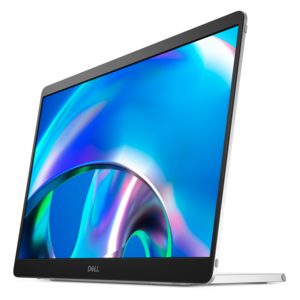
Connections, construction, and everyday upkeep round out a monitor’s usefulness over time. HDMI and DisplayPort are common video connections, while some USB-C ports can carry video, data, and power through a single cable. Those capabilities vary by monitor, computer, and cable, so a USB-C connector alone does not guarantee laptop charging or video support. Where charging is supported, the monitor’s power delivery should suit the laptop’s requirements. Built-in USB hubs can put compatible accessories within easier reach, and certain displays can share a keyboard and mouse between connected computers. Speakers, headphone connections, and integrated cameras can simplify a workspace, but each feature serves a different need. Someone who joins frequent video meetings may appreciate fewer separate devices, while a gamer or music listener may prefer dedicated audio equipment. Cable routing through a stand or arm can keep the desk easier to clean and reduce strain on connectors. Most monitor housings use plastic, sometimes combined with metal in the stand or structural components; a stable base, secure adjustment mechanisms, and protected cable connections all contribute to everyday durability. A slim frame can make adjacent screens feel less visually separated, but the stand still needs enough room to remain stable. Portable monitors offer a different balance, with lighter construction and compact dimensions suited to temporary workspaces or travel. Their usefulness depends on compatible connections, power requirements, and protection during transport. For any display, leaving ventilation openings clear and keeping drinks away from the screen and ports helps protect its components. Cleaning should follow the manufacturer’s instructions, generally using a soft, lint-free cloth without pressing hard on the panel or spraying liquid directly onto it. Harsh cleaners and abrasive materials can damage screen coatings. Turning the display off before cleaning also makes smudges easier to see. Brightness that suits the room, text sized for comfortable reading, and regular breaks support a more comfortable routine without relying on a single screen setting. Whether the monitor will anchor a home office, support a college workload, or make an evening game more immersive, lasting satisfaction comes from how well its picture, connections, and physical design suit the way it will actually be used.
Add the products you would like to compare, and quickly determine which is best for your needs.