Multi-Device Charging Stations for Workspaces

Multi-Device Charging Stations for Workspaces are essential for keeping all your devices powered and organized throughout the day. Whether you’re managing a busy office or setting up a productive home workspace, these charging solutions help streamline your workflow by providing centralized power for laptops, tablets, smartphones, and more. Explore a range of options designed to support multiple devices, making it easier to stay connected and efficient in any work environment.

Filters

$624.99

A versatile Thunderbolt 5 smart dock delivering up to 300W power with remote management capabilities.

$624.99
$534.99

A powerful Thunderbolt 5 dock delivering up to 300W power for demanding workloads.

$534.99
$752.99

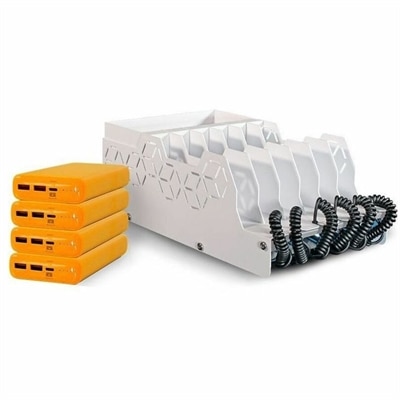
A USB-C charging station kit with four power banks, 65W PD charging, adapters, and cable storage.

$752.99
$2429.99

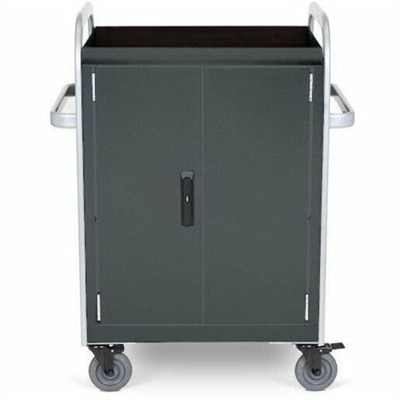
A network-ready charging cart stores and charges 32 devices with Ethernet connectivity and dual cooling fans.

$2429.99
$109.99

A portable 7-in-1 USB-C hub offering fast charging and versatile connectivity for modern professionals.

$109.99
$997.99

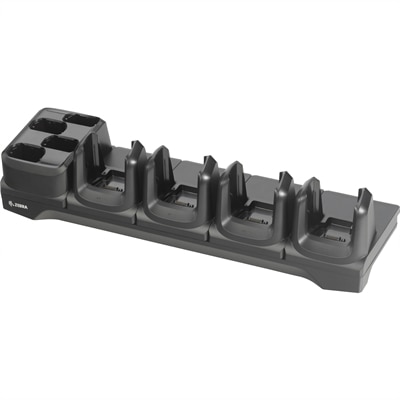
A charge-only four-slot cradle that charges up to four devices and four spare batteries simultaneously.

$997.99
$19.99

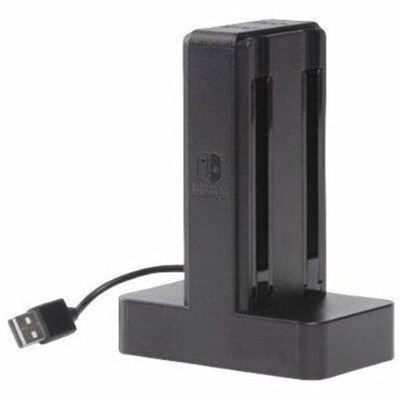
A weighted USB-powered dock charges four Joy-Con controllers simultaneously with individual LEDs and easy slide-in connectivity.

$19.99
$60.99

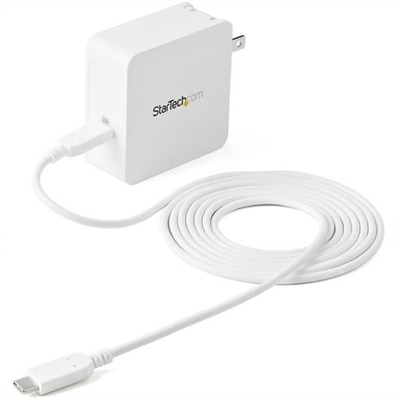
A 60W USB-C Power Delivery wall charger with protective safeguards and an included charging cable.

$60.99
$168.99

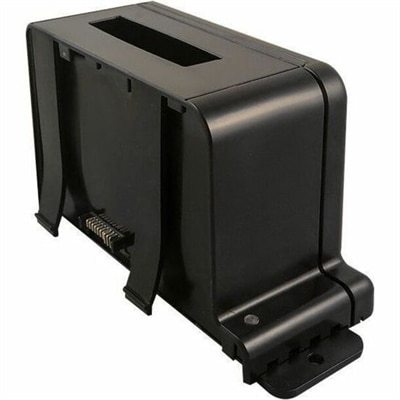
A modular multi-bay charger supporting up to 16 Dell Latitude Rugged batteries with interchangeable charging bays.

$168.99
$213.99

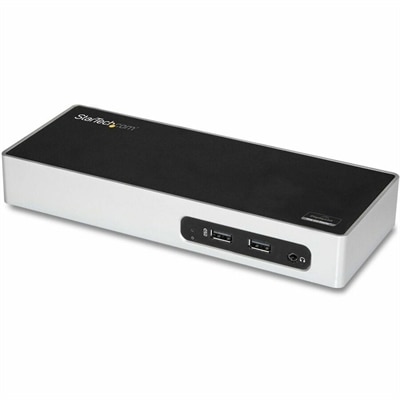
A USB 3.0 docking station with dual-monitor HDMI, DVI/VGA, six USB-A ports, Gigabit Ethernet, and audio.

$213.99
$259.99

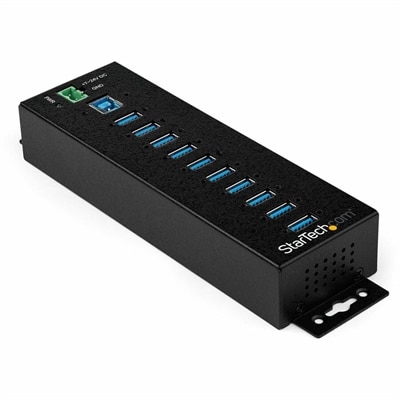
A rugged metal 10-port USB 3.2 Gen 1 hub with 5Gbps connectivity, versatile mounting, and power adapter.

$259.99

Multi-Device Charging Stations for Workspaces

Multi-device charging stations bring laptop, phone, tablet, and accessory charging into one organized area, helping keep work surfaces clear without scattering separate adapters across a desk. Depending on the design, a station may combine USB-C ports, USB-A ports, wireless charging surfaces, or AC outlets, with space to position devices while they recharge. That arrangement can make a noticeable difference in a home office where a laptop shares the desk with a phone, earbuds, and a tablet used for handwritten notes. In a shared workspace, a central charging spot gives everyday devices a predictable place between meetings rather than leaving cables draped over chair arms or stretched across a keyboard. Physical layout matters as much as the number of connections. A low-profile charging block can sit beneath a monitor riser if there is adequate clearance and ventilation, while an upright station with dividers can keep tablets and phones standing neatly along the back of a desk. Slotted designs need enough room for protective cases, and wider devices should sit securely without pressing against neighboring screens. Wireless charging stands can keep a compatible phone visible for notifications, while flat pads create a lower profile beside a desk mat. Smooth plastic housings are often lightweight and easy to wipe down; metal enclosures can feel more substantial but still need unobstructed airflow. Soft contact surfaces, rounded edges, and nonslip feet are useful details where devices are picked up repeatedly throughout the day. A station’s footprint also includes the space needed for plugs, cable bends, and the power cord, not just the dimensions of its base. On a narrow writing desk, a compact unit with ports facing the user may be easier to reach than a larger station tucked behind a display. Short charging cables can reduce loose loops, provided they still allow a phone to be lifted comfortably without pulling the station toward the desk edge.

Charging performance depends on compatible power standards, suitable cables, and how a station distributes its output across connected devices. The total wattage describes the power a station can supply overall, but it does not necessarily describe what every port can deliver individually. A station with several connections may reserve its highest output for one USB-C port, then redistribute power when a second laptop or tablet is plugged in. That distinction matters during a busy morning when a notebook computer is running a video meeting while a phone and wireless headset recharge nearby. Laptop requirements vary widely, from roughly 45 watts for some compact systems to well over 100 watts for more demanding models, so the computer’s charging specifications remain the most useful reference. For workspaces where notebook charging takes priority, Laptop Charging Stations can help narrow the focus to that category. USB-C Power Delivery supports negotiated power between compatible equipment, but a USB-C connector alone does not establish charging speed or confirm laptop compatibility. Cable power ratings matter, too, especially at higher outputs. USB-A connections can remain useful for compatible accessories, while wireless charging surfaces offer a convenient place for supported phones and earbud cases that are picked up frequently. Wireless performance depends on alignment, the supported charging standard, case thickness, and temperature; a thick case or metal attachment can interfere with charging. Smartwatches may require a dedicated charging module rather than a general-purpose wireless pad. Gallium nitride, commonly called GaN, can help enable compact power adapters, although the housing size alone says little about total output or performance with several devices connected. Even with a compatible setup, charging speed changes as a battery fills and may decrease when a device is warm or actively handling demanding tasks. Clear specifications for individual ports and simultaneous charging are more meaningful than a port count by itself.

A well-matched workspace charging station fits the daily routine as comfortably as it fits the devices. Someone moving between a home office and a shared desk may value a compact design with a detachable power cord, while a permanent workstation can accommodate a larger base with separate places for a phone, tablet, and frequently used accessories. Integrated or retractable cables can simplify the surface, although replaceable cables offer flexibility when connector needs change or a cable becomes worn. Cable channels and rear-facing connections help keep cords away from a mouse area, and a stable base makes one-handed connections less awkward. Charging stations should also be distinguished from docking stations: charging ports do not automatically support file transfers, external displays, or other dock functions. A workspace that needs both charging and monitor connectivity may require separate equipment or a device explicitly designed to handle both. For versions with AC outlets, the electrical rating and manufacturer’s usage limits deserve attention, and built-in outlets should not be assumed to provide surge protection unless that capability is specified. Recognized independent safety certification and clearly documented protection features provide useful information when comparing designs. Day-to-day care is generally straightforward: disconnect the station before cleaning, follow its care instructions, and keep liquids away from ports and seams. Dust can be removed with a soft, dry cloth, while damaged cords, loose connectors, or cracked housings are reasons to stop using the equipment. A hard, open surface allows better ventilation than a soft cushion or a crowded drawer, and direct sunlight can add unnecessary heat near a window. For remote workers, college students, and people setting up a dedicated creative desk, a compatible station can also make a practical gift. Knowing the recipient’s connectors, laptop power requirements, and available desk space helps ensure it becomes part of the everyday setup rather than another accessory competing for room.

FAQs:

Add the products you would like to compare, and quickly determine which is best for your needs.

Add the products you would like to compare, and quickly determine which is best for your needs.