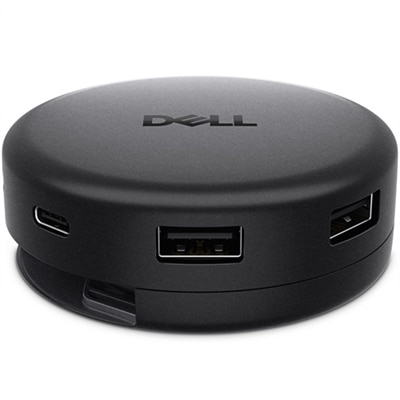
$109.99
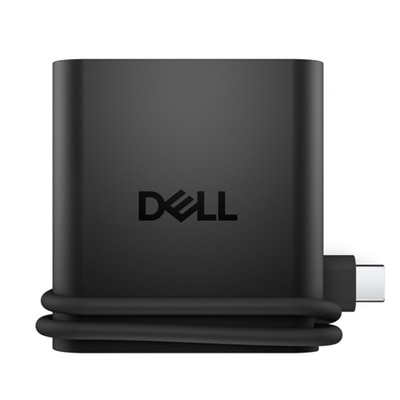
A versatile 7-in-1 USB-C hub offering fast charging and broad compatibility for modern professionals.
Multi-Port USB-C Hubs offer a convenient solution for expanding connectivity options on laptops, desktops, and other compatible devices. Designed to streamline your workspace, these hubs make it easy to connect multiple peripherals through a single USB-C port. Whether you need to attach external monitors, transfer data, or connect accessories, Multi-Port USB-C Hubs help keep your setup organized and efficient for both work and play.
A versatile 7-in-1 USB-C hub offering fast charging and broad compatibility for modern professionals.
A portable 4-in-1 USB-C travel hub offering plug-and-play connectivity for multiple operating systems.
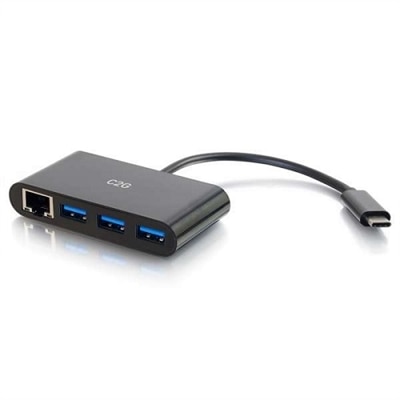
A black USB-C adapter offering Gigabit Ethernet and three USB 3.0 ports for seamless connectivity.
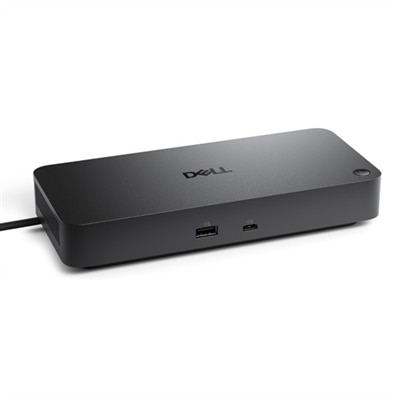
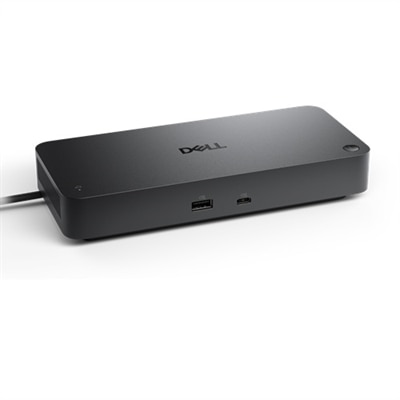
A versatile Thunderbolt 4 dock delivering up to 130W power with LED indicator, supporting multiple operating systems.
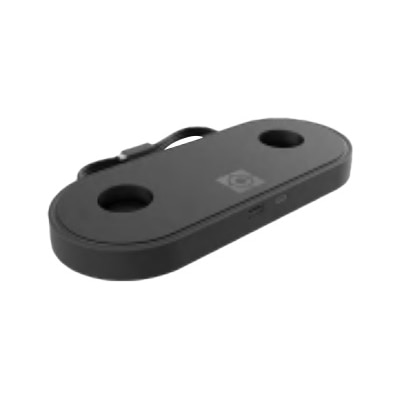
A sleek black charging hub with USB-A and USB-C ports for convenient desktop device charging.
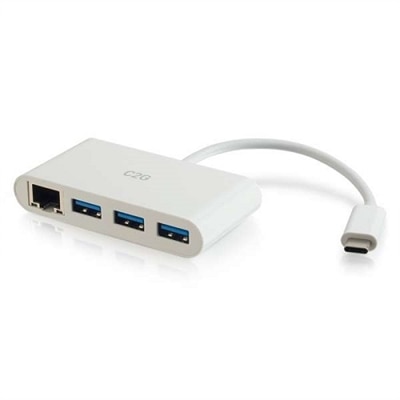
A white USB-C adapter offering Gigabit Ethernet and three USB 3.0 ports for fast connectivity.
A 24-inch FHD monitor with USB-C hub, eye comfort technology, and 90W power delivery.
A dark gray 24-inch FHD monitor with 16:10 aspect ratio, USB-C hub, and advanced eye comfort features.
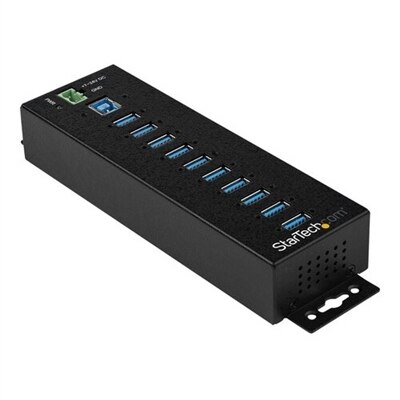
A rugged black metal USB 3.0 hub with 10 ports, surge protection, and versatile mounting options.
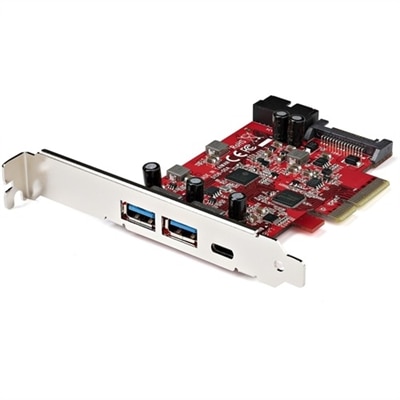
A red plug-in PCIe card adding five high-speed USB 3.2 ports, including USB-C and USB-A, for versatile connectivity.
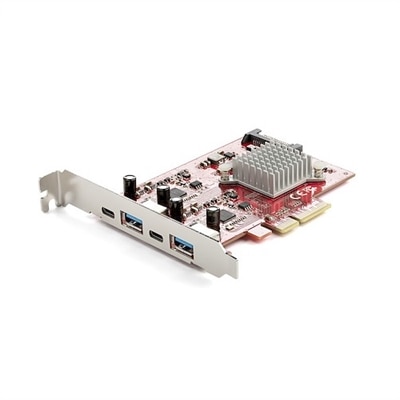
A red PCIe expansion card offering two USB-C and two USB-A 10Gbps ports for versatile connectivity.
As technology continues to evolve and devices become increasingly streamlined, the need for versatile connectivity solutions has never been greater. Multi-port USB-C hubs have emerged as essential companions for anyone looking to expand the capabilities of their laptops, desktops, or tablets. These compact accessories transform a single USB-C port into a gateway for multiple connections—such as USB-A for legacy peripherals, HDMI for high-resolution external monitors, Ethernet for reliable wired internet, and SD or microSD card slots for effortless media transfers. Whether you’re a professional working remotely, a student juggling assignments, or a creative managing large files and multiple screens, a multi-port USB-C hub can simplify your daily routine. The ability to connect older accessories like keyboards, mice, and external drives alongside newer USB-C devices makes these hubs a practical solution for bridging the gap between generations of technology, especially as more devices phase out traditional ports in favor of slimmer designs.
During the late summer and into the cooler months of fall, many people find themselves transitioning between workspaces—whether returning to campus, setting up a home office, or preparing for collaborative projects. Multi-port USB-C hubs are particularly valuable in these moments of change, offering the flexibility to quickly connect to a variety of displays, projectors, and network environments without the hassle of carrying multiple adapters. For those who travel frequently or move between classrooms, offices, and meeting rooms, the convenience of a single hub that supports high-speed data transfers, power delivery pass-through charging, and smooth video output cannot be overstated. These hubs also make thoughtful gifts for anyone upgrading their tech setup, from recent graduates gearing up for new opportunities to family members embracing remote work or digital hobbies. When selecting a hub, it’s important to consider factors like the number and type of ports, compatibility with your devices, and support for features like 4K HDMI output at 60Hz for crisp, fluid visuals or robust power delivery for charging laptops and accessories. A well-chosen USB-C hub can make all the difference in creating a seamless, clutter-free workspace that adapts to your needs through every season.
For those looking to explore more options and find a hub that fits their unique connectivity requirements, you can discover a wide range of solutions on the Universal USB-C Hubs for Expanded Connectivity page. Here, you’ll find information to help you compare features like port selection, power delivery capabilities, and compatibility with various operating systems. Whether you’re aiming to streamline your daily workflow, enhance your entertainment setup, or simply ensure you’re prepared for whatever the day brings, investing in a quality multi-port USB-C hub is a smart step toward greater flexibility and productivity.
Add the products you would like to compare, and quickly determine which is best for your needs.