$39.99
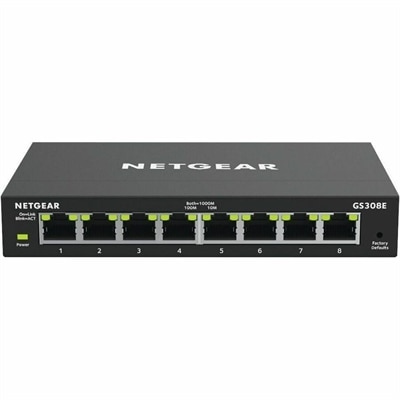
A managed Ethernet switch providing VLANs, QoS, and IGMP snooping for optimized SOHO network traffic.
Unlock the potential of seamless communication and efficient data transfer with our comprehensive range of network connectivity solutions. Whether you're setting up a home office, expanding your business infrastructure, or enhancing your gaming experience, the right connectivity tools can make all the difference. Explore options designed to keep you connected at lightning speed, ensuring stability and reliability for all your digital needs. From routers to switches, our selection is tailored to meet the demands of modern technology, empowering you to stay ahead in an ever-evolving digital landscape.
A managed Ethernet switch providing VLANs, QoS, and IGMP snooping for optimized SOHO network traffic.
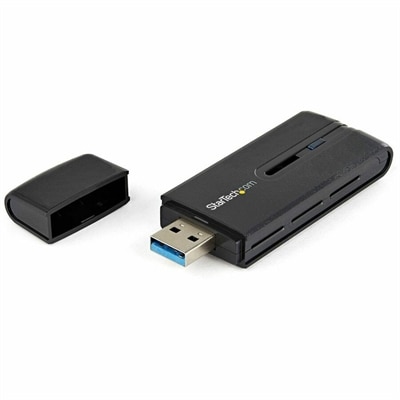
A dual-band USB 3.0 Wireless-AC adapter delivering up to 867 Mbps with WPS and backward compatibility.
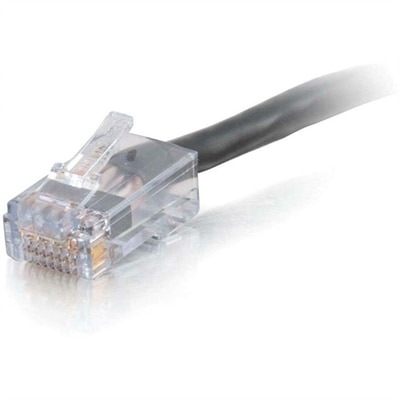
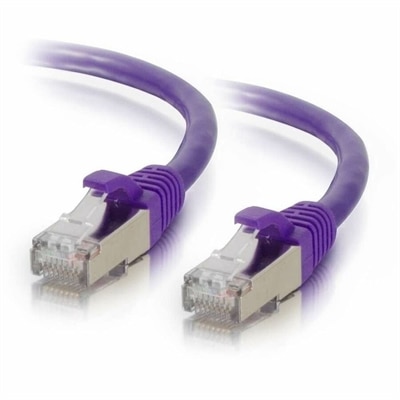
A black, plenum-rated Cat6 Ethernet cable with RJ-45 connectors for high-bandwidth voice, data and video distribution.
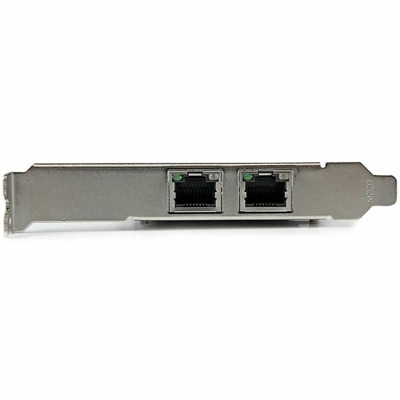
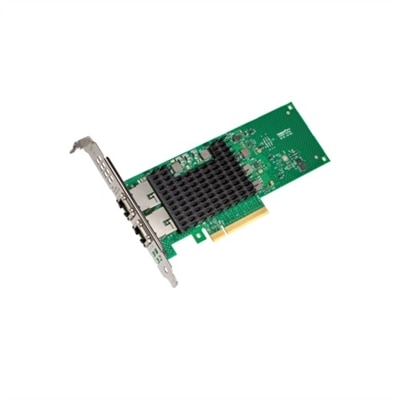
A dual-port PCIe x4 Gigabit Ethernet adapter featuring Intel i350, VLAN tagging, link aggregation, low-profile support.
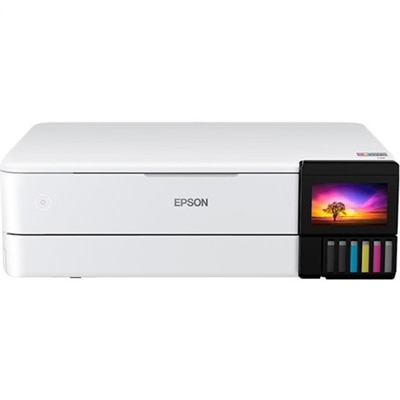
A wireless inkjet printer delivering detailed color output with five individual ink tanks, versatile connectivity, and automatic paper feeding.
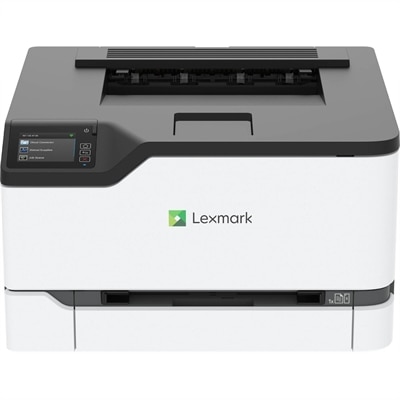
A compact color wireless laser printer with steel construction, duplex printing, mobile connectivity, and Unison toner.
A versatile Thunderbolt 5 smart dock delivering up to 300W power with remote management capabilities.
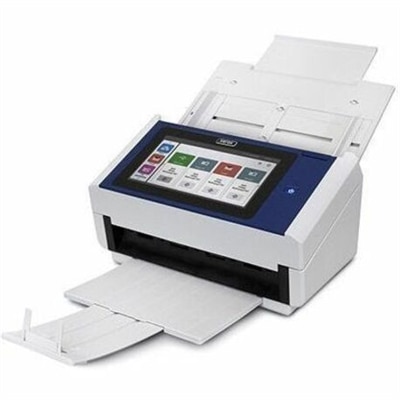
A document scanner with an 8-inch touchscreen, 600 dpi optical resolution, Wi-Fi, Ethernet, and 100-sheet feeder.
Network connectivity is the foundation that lets computers, phones, tablets, printers, displays and other everyday devices communicate, share information and access online services. In a home office, it can carry a video meeting from a laptop to the internet, send a document from a computer to a printer or keep a streaming display connected while other household members browse and work. In a small office, dependable connectivity helps people collaborate, exchange files and stay in touch across different rooms. The right setup may combine wired and wireless connections, depending on the location of each device and the type of performance needed. Wired connections use physical cables, commonly copper or fiber, to move data between compatible devices. They are often valued for consistent speeds, low delay and reduced exposure to wireless interference, making them useful for stationary computers, work areas and other devices that remain in one place. Wireless connections use radio signals to give people more freedom to move around without running cables through a room. To explore related options for wireless environments, visit WLAN Connectivity. A thoughtful connectivity setup can make a room feel less cluttered, support a smoother work routine and help each device communicate in the way that best fits its role.
When choosing connectivity products or accessories, start by considering the devices involved, their available ports and the distance between them. A cable must use compatible connectors and support the requirements of the connected devices; an adapter may be useful when newer equipment and older accessories use different connection types. Length matters as well. A cable that barely reaches a desk can create strain and awkward bends, while excessive length may add clutter beneath a workstation. People who move between rooms may prefer the flexibility of wireless access, while someone working at a fixed desk may appreciate the steadiness of a physical connection. Think about the number of devices sharing the connection, too. Multiple computers, phones, smart displays and other equipment can create congestion when they all send or receive data at the same time. Connectivity hardware acts as a traffic director, helping data packets reach the intended destination, while network protocols provide the rules that allow different devices to communicate. Addressing gives each connected device a distinct identifier, such as an IP address, so information can find its way to the right destination. These details may remain behind the scenes during a normal day, but they become important when adding a new computer, rearranging a workspace or trying to improve an inconsistent connection. For a family, a remote professional, a student or a small team, dependable connectivity can reduce interruptions and make shared technology easier to use. It can also be a practical gift for someone setting up a first home office, refreshing a study area or organizing a flexible workspace during the cooler months.
Connection problems often have simple physical or environmental causes. A loose connector, damaged cable or aging component can cause dropped connections, slow transfers or intermittent access. Check that each connection is firmly seated, inspect cables for visible wear and confirm that the selected input or port matches the connected device. Wireless performance may change when signals pass through thick walls, floors, furniture or large appliances, and nearby electronics can sometimes introduce interference. Moving a device or access point to a more open, central location may help, while keeping equipment away from obstructions can improve signal consistency. Distance also matters: a connection that works well near its source may weaken farther away or behind several barriers. If only one device is affected, inspect that device’s settings, adapter and cable before changing the entire setup. If many devices slow down together, congestion or a broader connectivity issue may be more likely. Restarting compatible equipment, installing available firmware or driver updates and confirming that the correct wireless network or wired connection is selected can resolve common problems. For a more dependable experience, match connection capabilities across the devices being used and leave room for future additions. Whether supporting a quiet corner desk, a busy household or a shared creative workspace, well-matched connectivity products can help devices communicate reliably, keep information moving and make everyday technology feel more seamless.
Add the products you would like to compare, and quickly determine which is best for your needs.