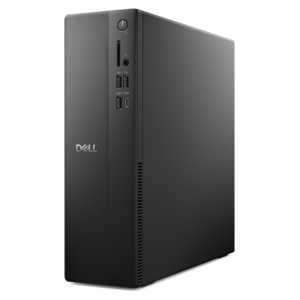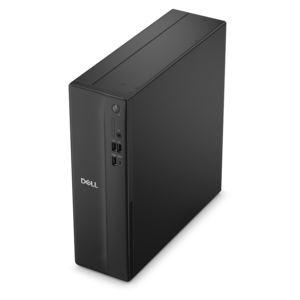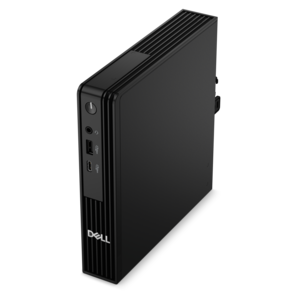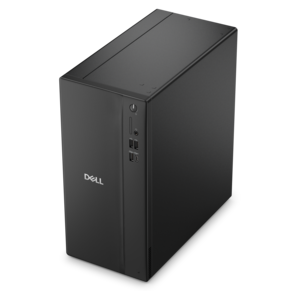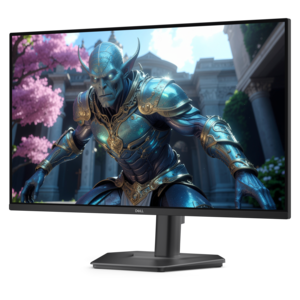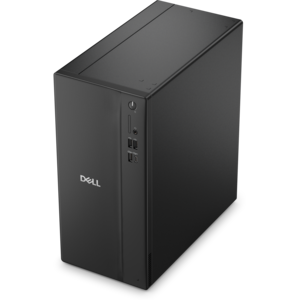
$829.99
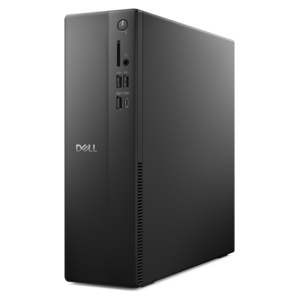
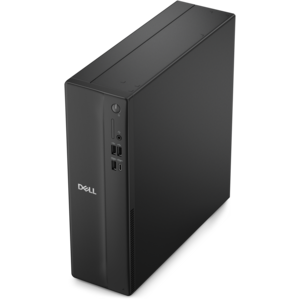
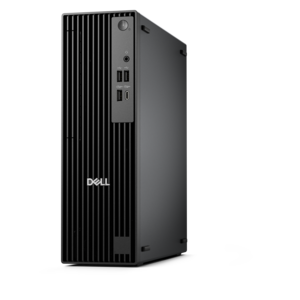
A powerful desktop designed to boost everyday productivity in a streamlined setup.
Transform your workspace into a hub of productivity and creativity with the perfect new computer setup. Whether you're gearing up for remote work, diving into digital design, or enhancing your gaming experience, having the right components can make all the difference. Explore a wide range of cutting-edge desktops, sleek monitors, ergonomic peripherals, and essential accessories that cater to every need and style. Elevate your computing experience with a setup that not only meets but exceeds expectations, ensuring seamless performance and unparalleled efficiency in every task you undertake.
A powerful desktop designed to boost everyday productivity in a streamlined setup.
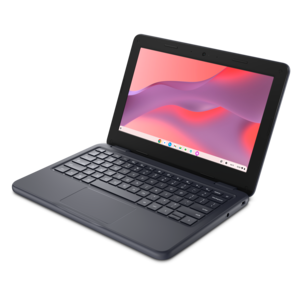
A durable, serviceable Chromebook designed specifically for education environments.
A durable, serviceable laptop or 2-in-1 designed specifically for K-12 learning environments.
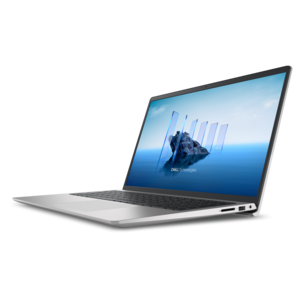
A laptop featuring Intel® 13th Gen processors, a built-in FHD camera, and an enlarged ergonomic keyboard.
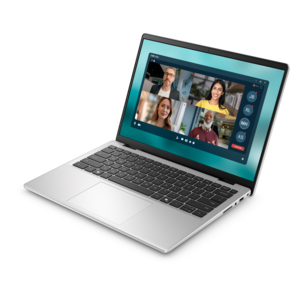
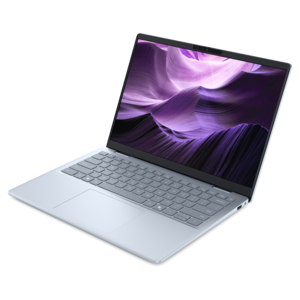
A thin, lightweight laptop crafted from eco-friendly materials with Series 3 Intel Core processors for productivity.
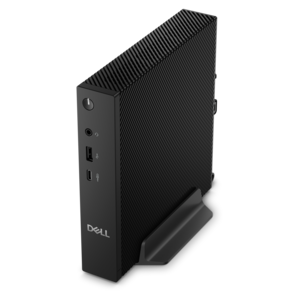
A compact thin client supporting cloud software, ThinOS, Windows 11 IoT Enterprise, or no operating system.
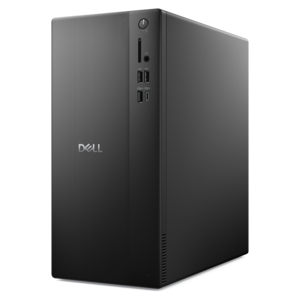
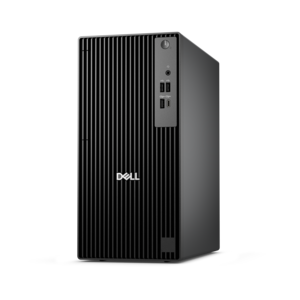
A business-ready tower desktop delivering reliable everyday performance with essential security features for productive workflows.
A versatile desktop for everyday productivity and creative tasks.
A space-saving desktop delivering reliable performance and security for everyday productivity.
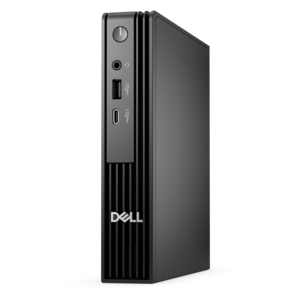
A compact desktop delivering reliable performance and security for everyday productivity.
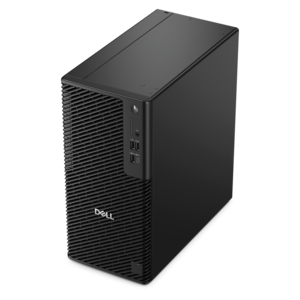
A business-ready tower desktop delivering dependable performance and security for everyday productivity workloads.
A space-saving, business-ready desktop delivering reliable everyday performance with essential security features.
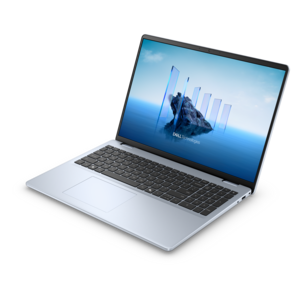
A sleek, portable laptop with an expansive 16:10 display for reliable productivity anywhere.
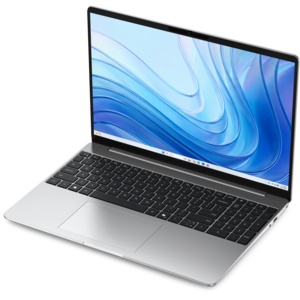
A laptop featuring an FHD camera, enlarged ergonomic keyboard, and AMD Ryzen™ processors for everyday productivity.
A compact desktop designed for everyday productivity and creative tasks.
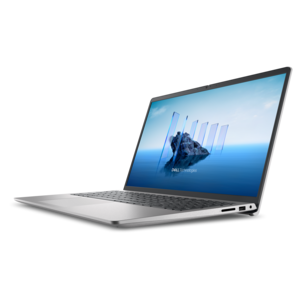
A modern laptop with Intel® Core™ processors and graphics for effortless productivity and captivating entertainment.
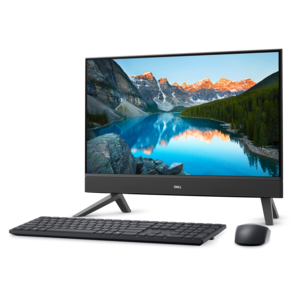
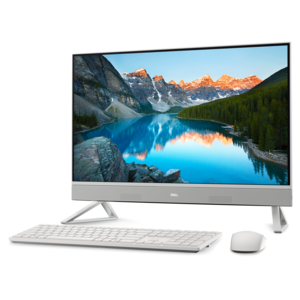
A compact all-in-one desktop designed for productive work and everyday entertainment.
An ultracompact business desktop with Copilot+ PC options, AI-enhanced productivity, robust security, and streamlined manageability.
A reliable workstation desktop delivering excellent performance with professional graphics for demanding productivity and creative workloads.
A durable productivity laptop featuring an expansive 16:10 display and convenient numeric keypad.
An AI-powered, lightweight laptop with Intel Arc graphics, ideal for creative professionals and small businesses.
A sleek all-in-one desktop featuring a spacious display for streamlined computing and everyday productivity.
A business-ready tower desktop with Copilot+ PC options, robust security, manageable features, and expandable performance.
A compact, high-performance business desktop offering AI-enhanced productivity, robust security, and streamlined manageability.
A new computer setup is more than choosing a computer alone. It is the combination of the device, display, input accessories, power connections and everyday tools that make a workspace feel complete from the first use. A laptop can provide a flexible setup for students, remote professionals and anyone who moves between rooms, classrooms or offices, while a desktop can create a dedicated station for creative projects, gaming, communication, learning and household tasks. A monitor may be useful when a larger view makes it easier to compare documents, organize multiple windows or enjoy photos and video, and a comfortable keyboard and mouse can make long sessions feel more natural. When selecting products, consider where the setup will live, how much desk space is available and whether the computer will be used primarily for web browsing, office applications, creative work, entertainment or a mixture of activities. Screen size, resolution, portability, battery expectations, available ports and operating system preferences all influence how well a new computer fits into a routine. It is also worth thinking about the people who will use it: a family computer may benefit from a straightforward interface and a roomy display, a student may value a lightweight design and dependable battery life, and a home office may call for an ergonomic arrangement that supports focused work during the day. These products can also make thoughtful gifts for a graduate, a family member beginning remote work or someone ready to refresh an older setup, especially when the selection reflects the recipient’s space, interests and comfort.
The first-use experience is shaped by a few practical details. A desktop setup generally needs a suitable power connection, display connection and input devices, while a laptop may only need its power adapter and preferred accessories before it is ready to go. Place the computer where air can circulate freely, keep cables from crossing a walkway and position the display so the top portion of the screen sits near eye level. After powering on, the on-screen setup typically asks for a region, language and keyboard layout, followed by an internet connection and account sign-in. Having the Wi-Fi password nearby can make this process smoother. A secure PIN or password helps protect access, and privacy, location and notification settings can be reviewed rather than accepted automatically. Once the initial setup is complete, check system settings for available operating system and hardware updates, allow the computer to restart when required and install the applications needed for work, school, communication or entertainment. Removing unnecessary trial applications and adjusting startup preferences can help keep the experience uncluttered. Before moving important documents from an older computer, decide which files and applications truly belong in the new setup, confirm that essential files are backed up elsewhere and make sure each person who uses the device understands their own sign-in details. A short period of adjustment is normal; small refinements such as increasing text size, changing display brightness, arranging frequently used applications and connecting familiar accessories can make the computer feel personal rather than simply new. For customers planning a broader refresh, Computer Upgrades can provide a useful starting point for considering how a computer, display and accessories work together.
During the cooler months, a comfortable indoor workspace often becomes a central place for schoolwork, professional projects, creative hobbies and staying in touch with family. A laptop can move easily from a desk to a kitchen table or a quiet corner, while a desktop and monitor can establish a dependable home base where everything has a designated place. Accessories can add convenience without changing the computer itself: a larger keyboard may suit someone who types throughout the day, a precise mouse can help with design or detailed navigation, and a headset can make meetings, classes and entertainment easier to manage in a shared home. Families may want to consider screen placement, sound levels and simple account separation when several people use the same setup. For a gift, practical compatibility matters as much as appearance, so it helps to think about the recipient’s preferred computer type, the connections already available and whether the product will support a new job, school term, hobby or home project. A well-matched setup should feel ready for ordinary moments as well as ambitious ones: opening a video call beside a notebook, editing photos after a day outdoors, completing coursework at a tidy desk or enjoying a favorite show with a clearer view. Choosing complementary products with room for changing needs can make the setup useful well beyond its first day, giving the owner a reliable foundation for work, learning and personal time.
Add the products you would like to compare, and quickly determine which is best for your needs.