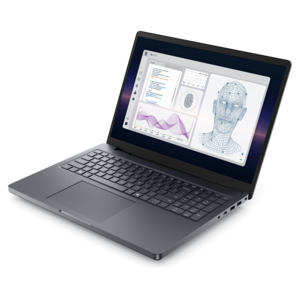
New Workstations

Shop new workstations for professional computing, and compare available configurations against your software requirements and daily workload. Consider processing power, memory, graphics capabilities, and connectivity to find the right fit for your workspace.

Filters

$3395.00

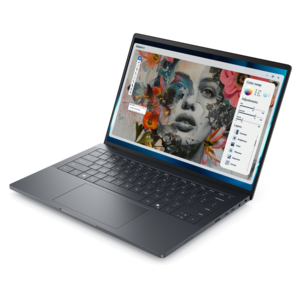
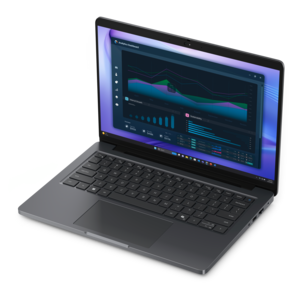
A powerful professional laptop combining exceptional performance, scalability, ease of use, and advanced on-device AI.
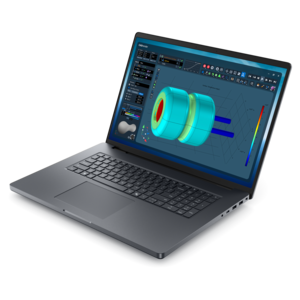
$3395
$4190.00

A powerful productivity laptop with scalable performance and advanced on-device AI capabilities.

$4190
$3418.00

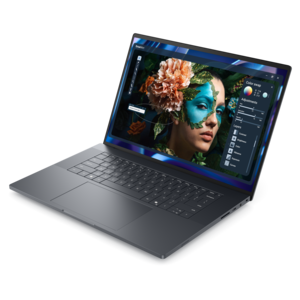
A sleek, lightweight laptop with Intel Core Ultra processors, NVIDIA graphics, and advanced on-device AI.
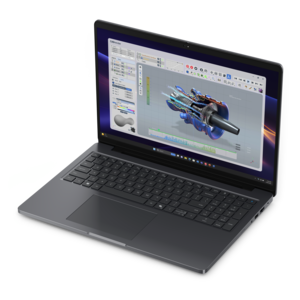
$3418
$1298.00

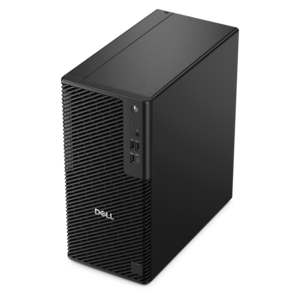
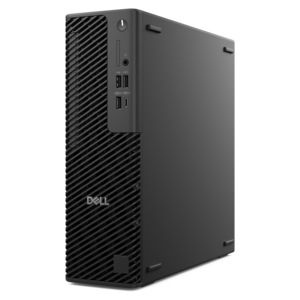
A reliable workstation desktop delivering excellent performance with professional graphics for demanding productivity and creative workloads.

$1298
$4958.00

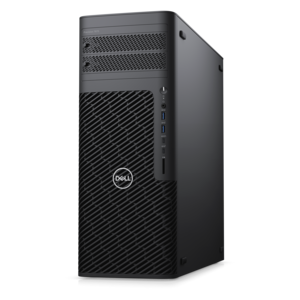
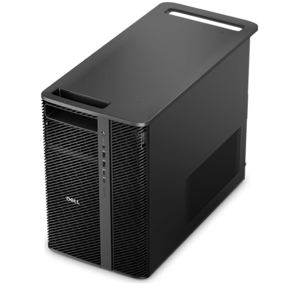
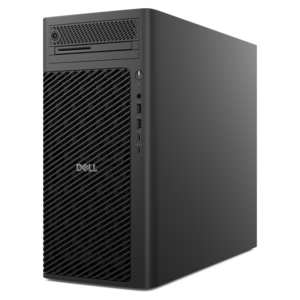
A scalable tower workstation delivering reliable, outstanding performance for demanding multi-threaded applications.

$4958
$4104.00

A workstation with Xeon processing, dual 300W graphics, 56TB storage, 2TB memory, and Windows 11 Pro.

$4104
$5366.00

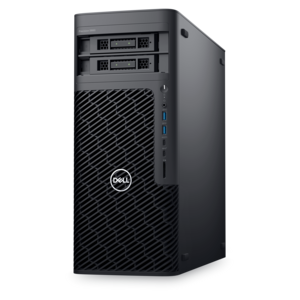
A scalable tower workstation with professional graphics and up to a 56-core Intel Xeon processor.

$5366
$7979.00

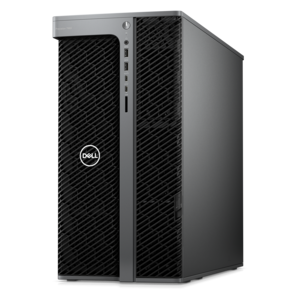
A scalable, high-performance workstation designed to handle critical professional tasks and evolving workloads.

$7979
$4134.00

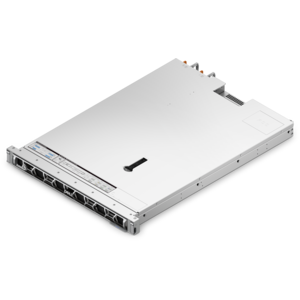
A dense, powerful rack-ready desktop engineered to optimize demanding computing environments.

$4134
$7018.00

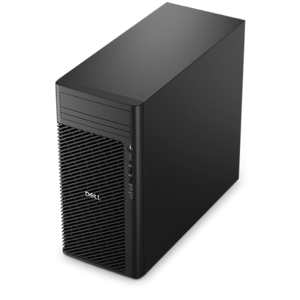
A sleek workstation laptop with exceptional performance and advanced on-device AI.
$7018
$140735.00

A high-performance desktop powered by the NVIDIA Grace Blackwell Ultra Desktop Superchip with MaxCool technology.

$140735
$1575.00

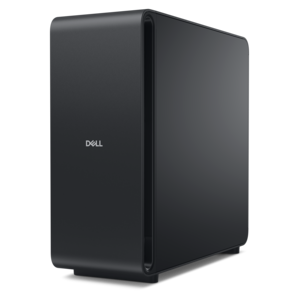
A slim desktop delivering exceptionally fast CPU and GPU performance for demanding professional workloads.

$1575
$4211.00

A modern workstation-class laptop delivering cost-effective performance for professional productivity.

$4211
$4124.00

A high-performance desktop combining Intel Xeon 6 processors and advanced graphics for demanding professional workloads.

$4124
$1476.00

A scalable desktop delivering the world’s fastest single-threaded performance for demanding professional workloads.

$1476
$3551.00

A cost-effective workstation laptop delivering professional performance in a modern-looking design.

$3551
$7901.00

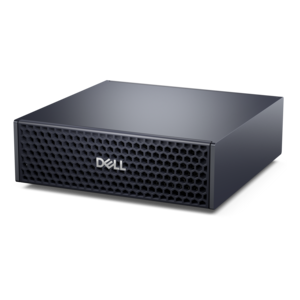
A compact AI accelerator delivering powerful local inferencing, AI development, and versatile edge performance.

$7901

New Workstations

New workstations bring desktop and mobile computing into focus for people whose work extends beyond everyday documents and browser tabs. Architects rotating a detailed building model, editors assembling footage, and designers adjusting the texture of a product rendering all place different demands on a computer. A workstation brings processing power, graphics capability, memory, and thermal design together around those more demanding tasks, with configurations that vary according to the work involved. For a mechanical designer, smooth interaction with a complex assembly may matter as much as the time needed to complete a final calculation. For a video editor, responsive playback and enough memory to keep several creative applications open can make a long afternoon of revisions feel more manageable. Processor performance is not simply a matter of choosing the highest core count: some applications benefit from additional cores, while others depend more heavily on the performance of individual cores. Graphics requirements vary just as much. Three-dimensional modeling, animation, and certain computational tasks may benefit from a capable dedicated graphics processor, while other workflows lean more heavily on the main processor and system memory. Generous memory capacity can help accommodate large drawings, layered images, and multiple active projects, and solid-state drives support responsive access to applications and files. Capacity still matters when project folders contain high-resolution footage, extensive reference images, or successive versions of a design. Workstation configurations may also offer application certifications or specialized hardware features, which are relevant when a professional workflow depends on particular software requirements. Those details are configuration-specific rather than universal. The strongest fit comes from a balanced system whose components suit the actual workload, whether that means preparing construction documents, developing interactive content, analyzing research results, or producing polished visual presentations. For independent professionals, creative teams, engineers, and advanced students, a new workstation can serve as the central tool for turning an initial sketch, dataset, or concept into a finished piece of work. Its value lies in how well it supports the full working day, including the ordinary tasks that happen between more demanding stages.

The physical format shapes that working day almost as much as the components inside. Desktop workstations suit spaces where a computer can remain connected to a full-size keyboard, a precise pointing device, and one or more monitors. Depending on the chassis, a desktop may provide room for additional components and more accessible internal maintenance, although expansion options differ by design. A compact enclosure can make a smaller office feel less crowded, while a larger tower may require dedicated floor or desk space with unobstructed ventilation. Dimensions matter beyond the footprint alone: rear cable clearance, access to front ports, and room to open panels can affect how comfortably a system fits into an established workspace. For people moving between a studio, a client location, and a home office, Workstation Laptops offer a portable approach to demanding professional applications. Screen size, overall weight, charger size, and battery expectations all influence how practical a mobile system feels in a daily bag. A larger display can give drawings and editing timelines more breathing room, while a smaller format may be easier to carry through a commute. Demanding applications can increase power consumption and fan activity, and maximum performance may depend on connection to external power. Construction details also deserve attention. Metal panels, reinforced sections, hinge design, and surface finishes vary across systems, so durability is best understood through the specifications and testing information for the particular configuration. A frequently carried computer faces different wear than a tower that stays beside a desk. At either end, useful connections help the computer fit the surrounding equipment: external displays, drawing tablets, cameras, audio interfaces, and compatible docking accessories may each have different requirements. Port shape alone does not establish every supported function. Display resolution, color characteristics, keyboard comfort, and an adjustable workspace complete the picture, especially when the same setup will support hours of detailed work rather than a brief check of messages. A well-proportioned arrangement leaves space for reference materials and lets frequently used controls remain within easy reach.

Long-term suitability depends on the less visible details as well. Sustained workloads generate heat, making airflow and cooling important considerations for a workstation that regularly spends extended periods rendering, compiling, or calculating. A computer enclosed tightly inside a cabinet may not have the clearance its cooling system needs, even when the surrounding desk looks tidy. Clear vents, a stable surface, and placement away from direct heat help support the intended operating conditions. Routine care is generally straightforward: exterior cleaning should follow the manufacturer’s directions, liquids should stay away from openings, and internal maintenance should follow the relevant service procedures. Portable systems also benefit from a properly fitted protective sleeve or padded compartment that limits movement during transport. For workstations expected to remain useful as projects become more complex, supported memory upgrades, drive options, component access, and repair provisions can be meaningful distinctions. Not every system allows the same changes, and a thin mobile design may trade some internal flexibility for easier carrying. Compatibility with essential applications and peripherals remains important throughout that lifecycle, including operating system requirements and supported graphics drivers. Hardware specifications are only part of a dependable workflow; regular backups of important project files and appropriate software updates help protect the effort invested in the work itself. The surrounding equipment should reflect the task, too. A photographer may place particular importance on a suitable display and a consistent color workflow, while a designer working across drawings and reference documents may prefer additional screen space. An engineer reviewing intricate models may benefit from an input device suited to precise navigation. These differences explain why new workstations span a range of sizes and configurations rather than a single definition of performance. The right combination supports both intensive project milestones and the quieter work around them: reviewing feedback, organizing revisions, preparing presentations, and delivering final files. Whether positioned in a dedicated studio or carried between workspaces, a thoughtfully matched workstation provides a practical foundation for skilled, detail-oriented work.

FAQs:

Add the products you would like to compare, and quickly determine which is best for your needs.

Add the products you would like to compare, and quickly determine which is best for your needs.