$4041.00
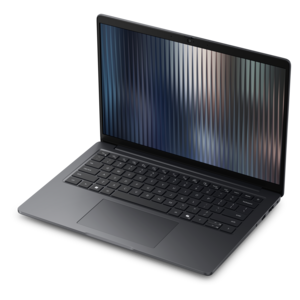
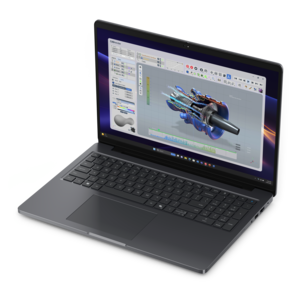
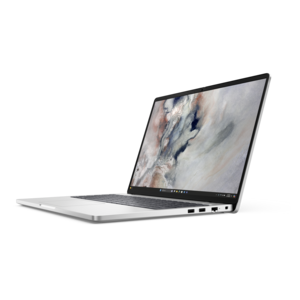
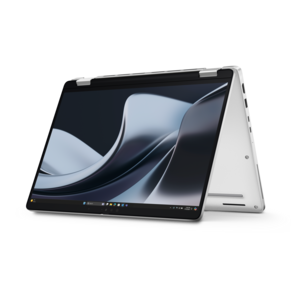
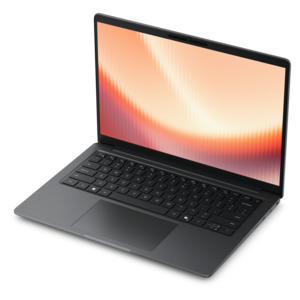
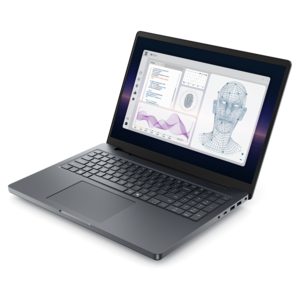
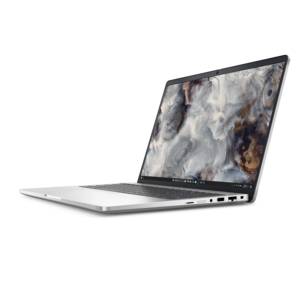
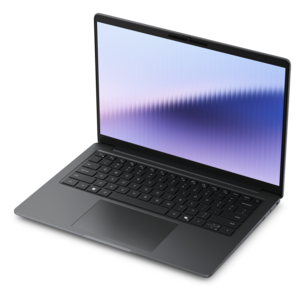
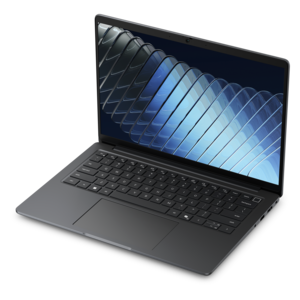
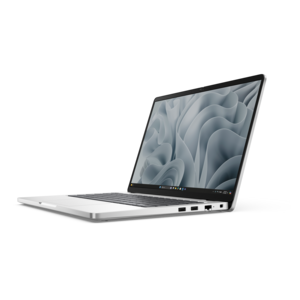
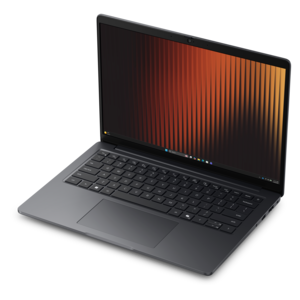
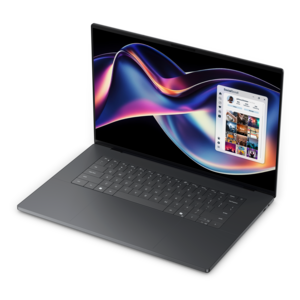
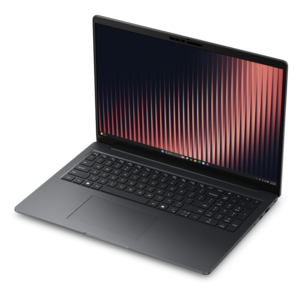
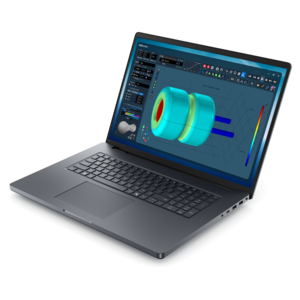
A cost-effective workstation laptop delivering professional performance in a modern-looking design.
Discover the ultimate blend of performance and reliability with workstation laptops, designed to meet the demanding needs of professionals across various industries. Whether you're an architect, engineer, designer, or data scientist, these powerful machines are built to handle intensive tasks with ease. Equipped with advanced hardware and optimized for multitasking, workstation laptops provide the perfect solution for those who require exceptional computing power on the go. Explore our range of high-performance laptops that offer unparalleled efficiency and productivity for your most challenging projects.
A cost-effective workstation laptop delivering professional performance in a modern-looking design.
A durable, modular productivity laptop featuring robust security, a 16:10 display, numeric keypad and AI options.
A thin, lightweight business laptop with durable construction, commercial-grade security, and easy manageability.
A modern workstation-class laptop delivering cost-effective performance for professional productivity.
A secure, scalable commercial AI PC in a sleek, durable aluminum body for on-the-go multitasking.
A high-performance professional laptop with on-device AI and exceptional battery life for unplugged productivity.
A durable modular laptop with robust security, a numeric keypad, and built-in AI options for productive workdays.
A remarkably thin professional laptop combining portability and performance with Intel Core Ultra Series 3 processors.
An elegant, ultralight, durable AI PC delivering premium productivity experiences for highly mobile professionals.
A professional laptop powered by AMD Ryzen AI PRO processors for complex workflows and productive results.
A commercial AI laptop with a durable aluminum body, roomy 14-inch display, security, and scalability.
A remarkably thin business laptop with AMD Ryzen AI PRO 400 Series processors for high-performance productivity.
A powerful professional laptop combining exceptional performance, scalability, ease of use, and advanced on-device AI.
A commercial AI laptop with strong security, scalable performance, durable aluminum construction, and a productivity-focused display.
A remarkably thin professional laptop combining portability and performance with Series 3 Intel Core Ultra processors.
A powerful professional laptop with an ultra-thin, durable chassis for productive work wherever you go.
A slim, lightweight laptop with Intel® Core™ processors and graphics for productive work anywhere.
A sleek, portable laptop with an expansive 16:10 display for reliable productivity anywhere.
A durable, modular laptop with robust security, a spacious display, and optional built-in AI for workdays.
A sleek laptop delivering smooth AI experiences and accelerated creative workflows for demanding high-performance users.
A thin, lightweight business laptop with AMD Ryzen processors, commercial-grade security, and durable, manageable construction.
A thin, high-performance creator laptop delivering exceptional battery life for demanding creative workflows.
A thin, lightweight business laptop with AMD Ryzen processors, commercial-grade security, manageability, and durable design.
A durable aluminum commercial AI laptop with outstanding security, scalability, and versatile multitasking performance.
Workstation laptops are built for people whose everyday computer needs extend well beyond email, web browsing, and standard office applications. They combine the portability of a laptop with the high-performance hardware needed for demanding professional workflows, making them a practical choice for architects, engineers, designers, animators, filmmakers, researchers, developers, and other technical users. A workstation laptop may be used to create detailed CAD drawings, model and render three-dimensional spaces, edit high-resolution video, develop software, analyze large datasets, or run several specialized applications at once. The right configuration can help a project move smoothly from an initial sketch to a finished presentation, whether that work takes place at a studio desk, on a jobsite, in a classroom, or at a kitchen table during the cooler months. Compared with a general-purpose laptop, a workstation model typically places greater emphasis on sustained processing power, professional graphics capability, generous memory, durability, and dependable performance under extended workloads. These systems are often designed to remain responsive while complex files are open, calculations are running, or visual assets are being rendered. For professionals who regularly carry their computer between meetings, client locations, classrooms, and home offices, that combination of mobility and capability can reduce the need to transfer projects between multiple computers. Workstation laptops can also make thoughtful gifts for graduates entering design, engineering, architecture, film, or other technical fields, as well as for experienced professionals replacing an older computer that no longer keeps pace with their applications. A carefully chosen model can support a portfolio review, a first independent project, or the daily demands of a busy creative practice for years to come.
Performance begins with the processor and graphics system. A high-end multi-core processor is useful for compiling code, calculating simulations, exporting video, and handling demanding productivity workloads, while a professional graphics processor can accelerate three-dimensional modeling, visual effects, computer-aided design, and other graphics-intensive applications. When software certification is important, look for workstation configurations tested with the applications used in a particular profession; certification can provide added confidence that drivers and hardware are designed to work reliably together. Memory is another key consideration. Larger memory configurations allow users to work with complex models, high-resolution media, extensive spreadsheets, virtual machines, and multiple applications without constantly closing files or waiting for the system to catch up. For graphics work, examine the amount of dedicated graphics memory as well as the capabilities of the graphics processor. A fast solid-state drive can shorten startup times and make large project files easier to open, while sufficient capacity helps keep active work close at hand. Screen size and resolution also influence the experience: a larger display provides more room for timelines, tool panels, drawings, and reference material, while a high-resolution panel can make fine details easier to inspect. Color coverage and factory calibration may matter greatly to photographers, illustrators, video editors, and other professionals whose work depends on accurate visual reproduction. A bright, sharp screen with comfortable viewing angles is useful in changing work environments, from a sunlit office to a dim editing room. Look for a sturdy chassis, a comfortable keyboard, a responsive touchpad, and a hinge that feels secure when the laptop is opened repeatedly throughout the day. Cooling design is equally important because demanding workloads can generate heat for long periods. Effective airflow and thermal management help a workstation laptop maintain consistent performance rather than slowing sharply during extended rendering or analysis.
Port selection, wireless connectivity, battery capacity, and upgrade options help determine how well a workstation laptop fits a specific routine. Professionals may need several types of connections for external monitors, projectors, cameras, drawing tablets, removable drives, or other accessories, so reviewing the available ports before purchase can prevent inconvenient adapters later. A laptop that supports one or more high-resolution external monitors can create a more spacious workspace when used at a desk, while a compact design and capable battery make it easier to continue working away from an outlet. Battery life varies with screen brightness, graphics activity, software, and workload, so users who spend long periods rendering or running simulations should treat battery specifications as one part of the decision rather than the entire picture. Weight also deserves attention: a larger workstation laptop may provide a more expansive screen, stronger cooling, and more powerful components, while a thinner model may be easier to carry between locations. Consider the applications that will be used most often, the size and complexity of typical files, the need for professional graphics features, and the expected lifespan of the computer. It can be helpful to leave room for future demands by selecting more memory, graphics capability, or solid-state drive capacity than today’s projects require. A comfortable workstation includes more than the laptop itself; an external monitor can provide additional room for detailed work, an ergonomic mouse can improve long sessions, and a reliable carrying case can protect the computer as it moves between workspaces. For additional options centered on dependable everyday performance, explore Reliable Laptops For Work. With the right balance of processing power, professional graphics, display quality, durability, connectivity, and portability, a workstation laptop can serve as a capable foundation for focused work across creative, technical, and professional settings.
Add the products you would like to compare, and quickly determine which is best for your needs.