$699.99
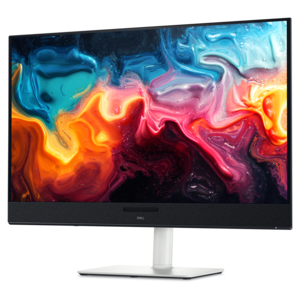
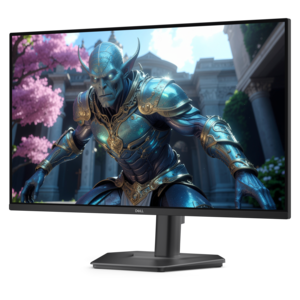
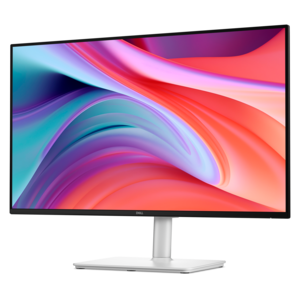
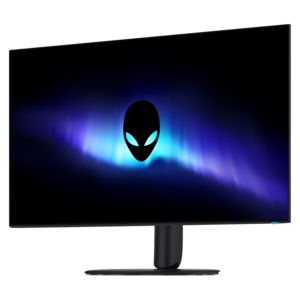
A 4K OLED gaming monitor delivering vibrant colors, sharp text, immersive HDR, and deep black levels.
Elevate your gameplay with OLED gaming monitors designed to deliver an immersive and responsive experience. Discover a range of screens that bring your favorite titles to life with vivid visuals and smooth action. Whether you’re a competitive gamer or enjoy exploring expansive worlds, OLED gaming monitors provide the clarity and performance to keep you ahead of the competition. Find the perfect display to enhance every moment of your gaming journey.
A 4K OLED gaming monitor delivering vibrant colors, sharp text, immersive HDR, and deep black levels.
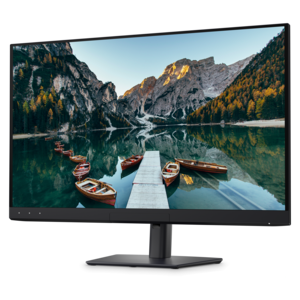
A 4K QD-OLED monitor with AI-enhanced 3D Spatial Audio for captivating entertainment.
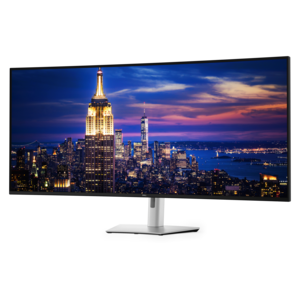
A color-critical 4K QD-OLED monitor with DisplayHDR True Black 500, anti-glare coating, and built-in colorimeter.
OLED gaming monitors are designed for players who want striking image quality without giving up the speed needed for responsive gameplay. Unlike a traditional LCD monitor, an OLED display controls each pixel independently, allowing individual pixels to turn completely off when showing black. The result is an exceptionally deep contrast ratio, vivid color, and fine detail in scenes that move from bright sunlight to near-total darkness. A dim corridor can look genuinely shadowed rather than gray, while glowing effects, fire, neon signs, and colorful environments appear rich and defined. OLED pixels also switch states extremely quickly, which helps reduce motion blur and ghosting during fast camera movement, racing games, action titles, and competitive matches. Many OLED gaming monitors offer refresh rates of 120Hz or higher, creating smoother motion than a standard 60Hz display when the connected computer can produce enough frames per second. Low input lag is another important benefit for games where timing matters, including first-person shooters, fighting games, sports titles, and rhythm games. Some displays use a quantum dot OLED panel, often called QD-OLED, to combine OLED contrast with a broad color range and vibrant, accurate-looking images. Resolution is equally important: a QHD display can provide an appealing balance of sharpness and performance, while a 4K monitor delivers more detail for powerful gaming PCs and visually demanding single-player games. Consider the games you play most, the graphics capabilities of your computer, and the viewing distance before choosing a resolution and screen size. A wider ultrawide display can fill more of your peripheral vision and make expansive worlds feel more immersive, while a conventional widescreen monitor may fit more naturally on a compact desk or in a shared workspace.
Choosing among OLED gaming monitors starts with matching the display to the way you use your desk. Screen size affects both immersion and comfort, so measure the available width and depth, and leave room for the stand, keyboard, speakers, and other accessories. If you prefer a cinematic view for open-world games, simulation titles, and multitasking, an ultrawide monitor can provide a sweeping workspace with fewer interruptions between windows. Those who focus on competitive play may value a more moderate size that keeps the full screen within easy view, along with a high refresh rate, fast response time, and adaptive sync support to help coordinate the monitor’s refresh with the graphics card. Check the available connections as well. HDMI and DisplayPort are common choices for gaming systems, while USB connectivity can simplify the use of peripherals and other desktop accessories. A height-adjustable stand, tilt and swivel controls, VESA compatibility, and a low-reflection surface can make a meaningful difference during long sessions. HDR support can add greater range between dark and bright areas, but the experience depends on the panel’s brightness, the game or video content, and the room’s lighting. OLED monitors may not reach the same full-screen brightness as some LCD displays, so a room with controlled lighting can help the image look its best. OLED technology can also be susceptible to image retention or burn-in when the same static elements remain visible for extended periods. Manufacturers commonly include protective features such as pixel shifting, screen savers, automatic dimming, panel refresh routines, and other OLED care settings. These tools are useful, but habits matter too: allow built-in maintenance cycles to run, avoid leaving a static desktop displayed for long stretches, and use sleep settings when stepping away. Reviewing the manufacturer’s coverage and care recommendations can provide additional peace of mind, particularly if the monitor will serve as a primary display for work and entertainment.
OLED gaming monitors can suit dedicated PC gamers, streamers, creative users, and anyone who appreciates a polished home entertainment setup. A player who spends cooler evenings exploring a sprawling role-playing game may notice the difference in dark-scene detail and richly layered color, while someone who alternates between gaming and school or office tasks may benefit from a large, high-resolution workspace. For a family room or bedroom setup, an OLED monitor can also support movie viewing and console gaming when its resolution, refresh rate, input support, and variable refresh features align with the rest of the equipment. These monitors can be a thoughtful gift for a gaming enthusiast who is upgrading a desk, building a new computer, or replacing an older display, though it is wise to confirm the recipient’s graphics card, preferred screen size, and available connections before choosing. A large display can create a more absorbing experience when viewed from a little farther away; explore Large Gaming Monitors for options suited to a spacious desk or entertainment area. Keep the full setup in mind, including the computer’s frame-rate capability, the desk’s load capacity, the viewing distance, and whether the monitor will be used for fixed work applications as well as games. The best OLED gaming monitor is not simply the one with the highest resolution or fastest refresh rate. It is the display whose size, contrast, color, responsiveness, connectivity, ergonomics, and care features fit naturally into everyday use. With the right match, a monitor can make a quiet evening of gaming feel more immersive, make fast action easier to follow, and give a well-organized desk a vivid centerpiece that remains useful for entertainment, productivity, and creative work.
Add the products you would like to compare, and quickly determine which is best for your needs.