$2329.99
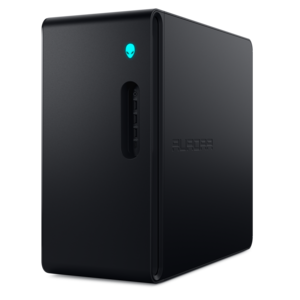
A purpose-built gaming desktop featuring efficient airflow and improved acoustics for immersive play in any setting.
Elevate your play with PC gaming setups designed to immerse you in every adventure. Whether you’re building your first gaming space or upgrading for peak performance, find everything you need to create a personalized environment. Explore desktops, laptops, monitors, and essential accessories that bring your games to life and help you stay ahead of the competition. Unlock new possibilities and take your experience to the next level with PC gaming setups tailored to your style.
A purpose-built gaming desktop featuring efficient airflow and improved acoustics for immersive play in any setting.
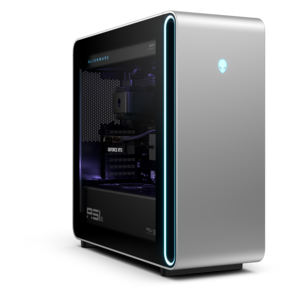
A flagship gaming desktop featuring AMD Ryzen 9000X3D series processors, advanced design, and high-performance hardware.
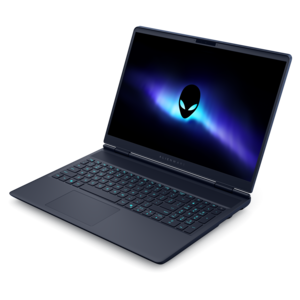
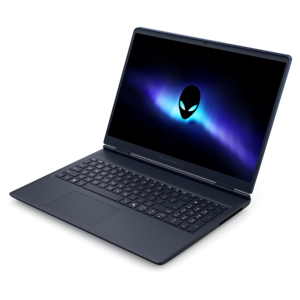
A streamlined gaming laptop delivering powerful performance with NVIDIA GeForce RTX 50 Series graphics.
A streamlined gaming laptop delivering essential performance with up to NVIDIA GeForce RTX 50 Series graphics.
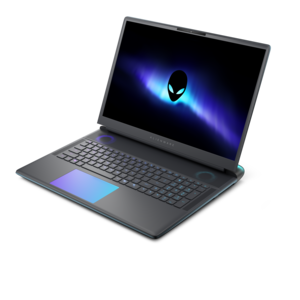
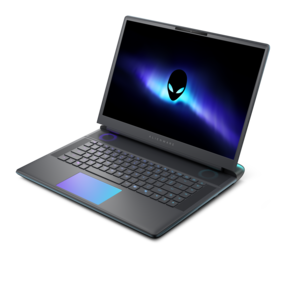
A flagship gaming laptop engineered with innovative performance for passionate gamers.
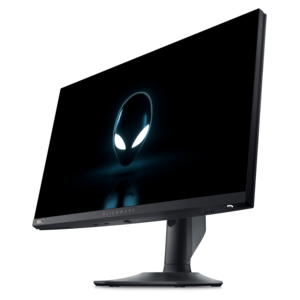
A high-performance IPS gaming monitor delivering ultra-smooth 500Hz refresh rates with AMD FreeSync Premium.
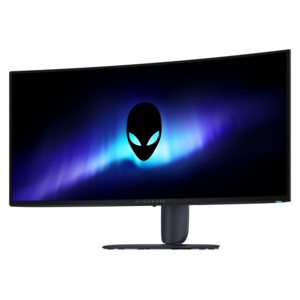
An ultrawide QD-OLED gaming monitor with 280Hz refresh, Penta Tandem technology, and vibrant RGB stripe color.
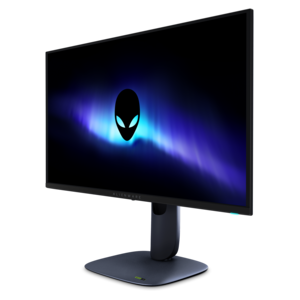
A 4K QD-OLED gaming monitor with 240Hz refresh rate, high pixel density, and Dolby Vision.
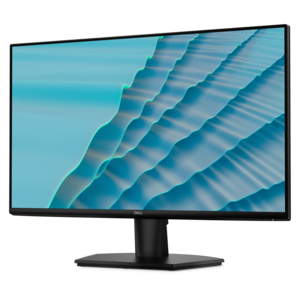
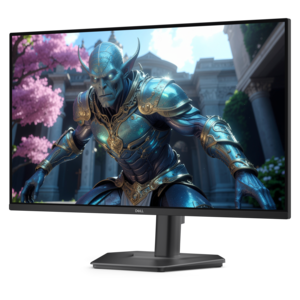
A 27-inch monitor with TÜV-certified eye comfort, 144Hz refresh rate, low blue light, and compact design.
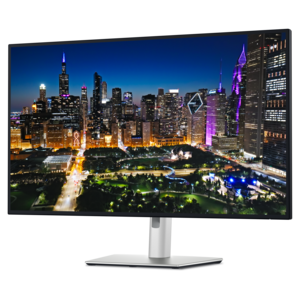
A 4K monitor with enhanced IPS Black, 3000:1 contrast, 120Hz refresh, eye comfort, and ambient sensing.
A powerful desktop with advanced graphics and massive expandability for creative workloads, gaming, and more.
A gaming laptop powered by AMD Ryzen 200 Series processors and NVIDIA GeForce RTX laptop graphics.
A flagship 16-inch gaming laptop engineered with innovative performance for passionate gamers.
A powerful gaming desktop featuring an advanced design for a legendary gaming experience.
PC gaming setups bring together a gaming desktop or laptop, a monitor, and responsive accessories to create a space suited to the games someone plays and the way they spend time at their desk. The computer handles the work behind every scene, from rendering detailed landscapes to keeping a crowded multiplayer match moving smoothly. A capable processor supports game logic, simulation, and background tasks, while a dedicated graphics processor is especially important for demanding visuals and higher resolutions. System memory also matters when a game runs alongside voice chat, a browser, or streaming software. The right balance depends on intended use: a fast-paced competitive game places different demands on a computer than a sprawling strategy game or a visually rich single-player adventure. Gaming desktops generally offer more room for cooling and future component changes, although upgrade options depend on the design. Gaming laptops combine a built-in screen, keyboard, and portable form factor, making them practical for someone who moves between a home desk and another workspace. Connected to an external display and peripherals, a laptop can also anchor a full desktop-style arrangement, provided its ports support the intended connections and display settings. Neither format needs to dominate a room to feel complete. A compact setup can suit an apartment corner or a shared study, while a larger desk can accommodate a full-size tower, a wide display, and generous mouse movement. Physical fit includes room for ventilation, clearance around connectors, and access to frequently used ports. Cooling fans need unobstructed airflow, and a computer positioned on a stable surface with open vents is better placed to manage heat during demanding sessions. For players who also use the same computer for coursework, creative projects, or everyday tasks, a versatile PC gaming setup can transition from a quiet afternoon of focused work to an evening of cooperative play without requiring a separate space.
The monitor shapes how that performance looks and feels. Resolution describes the number of pixels on the screen, while refresh rate describes how many times the display can update its image each second. A 144Hz or 240Hz monitor can show motion more fluidly than a 60Hz display when the computer delivers sufficiently high frame rates and the connection supports the selected settings. Higher resolution can reveal finer detail, but it also increases graphics demands, so screen specifications make the most sense alongside the computer’s capabilities and the games being played. Response time, which concerns how quickly pixels change, is another factor in motion clarity; it is not the same measurement as refresh rate. Adaptive sync can reduce visible tearing when supported and configured on compatible hardware. Screen size and shape affect the experience, too. A moderately sized monitor can keep the action within an easy glance on a shallow desk, while a larger or ultrawide screen can give compatible games a more expansive view. Not every game supports every aspect ratio equally, and a second monitor requires enough desk space and suitable display outputs. For someone who keeps a chat window or broadcast controls open beside a game, a dual-monitor arrangement can separate those activities without covering the main image. An adjustable stand helps position the screen at a comfortable viewing height, while a compatible monitor arm can free up surface space if the desk supports its mounting requirements. Matte screen finishes can soften reflections, though positioning the display away from a bright window remains useful. Ambient lighting behind the screen can make the contrast between a bright display and a dark room feel less stark; lighting aimed directly at the screen can instead introduce glare. The result should feel comfortable in actual use, whether that means following a small moving target, reading dense game menus, or settling into an atmospheric landscape after sunset.
The details closest to the player often determine whether a gaming space feels comfortable for a quick match or an extended session with friends. Keyboards differ in size, switch feel, sound, and layout: a compact design leaves more room for broad mouse movements, while a full-size layout retains a number pad for everyday tasks. Mechanical switches offer distinct tactile options, but their sound and resistance vary, which matters in a shared room. A gaming mouse should suit hand size and grip as well as the available surface area; a comfortable shape and predictable tracking are more useful than sensitivity specifications alone. Cloth mouse pads typically provide a softer contact surface, while hard surfaces have a different glide and cleaning routine. Headsets bring game audio and conversation together, with fit influenced by headband adjustment, ear-cushion material, clamping pressure, and room for eyeglass frames. Breathable fabric cushions and leatherette finishes feel different against the skin, and removable cushions can simplify care when the design permits it. Speakers offer another listening option where sound will not disturb others, while a separate microphone can suit regular voice chat or streaming. Compatible PC Gaming Accessories can round out these everyday interactions, including controllers for games that feel more natural with thumbsticks and triggers. Wired connections avoid battery charging, while wireless peripherals reduce visible cords but require attention to battery life and receiver placement. A sturdy desk, a supportive adjustable chair, and enough legroom help the whole arrangement fit the person rather than forcing an awkward posture. Cable routing should leave slack for movement without crossing walkways or blocking vents. Durability comes from both construction and routine care: stable stands, secure connectors, and well-supported cables withstand daily handling better than strained connections. A soft cloth and manufacturer-approved cleaning methods help protect screens and finishes, while regular dust removal keeps vents clear. For a birthday or graduation gift, peripherals can add a personal touch to an existing setup, especially when their connections, dimensions, and intended use match the recipient’s computer and play habits.
Add the products you would like to compare, and quickly determine which is best for your needs.