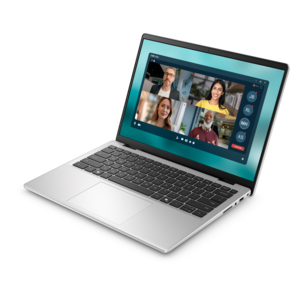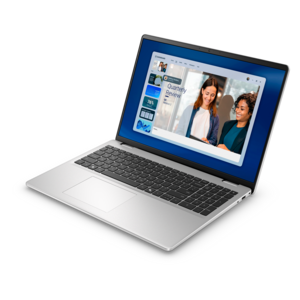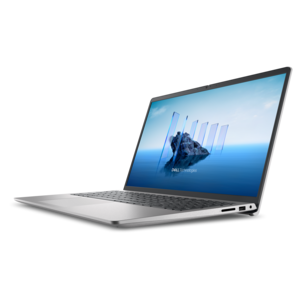
$550.00
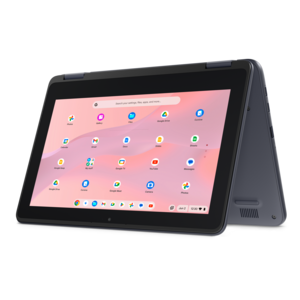
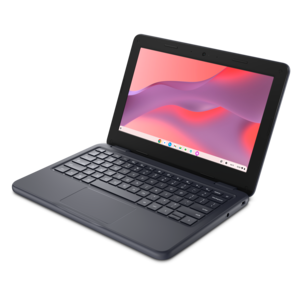
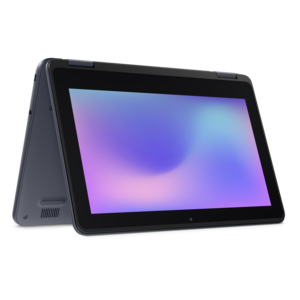
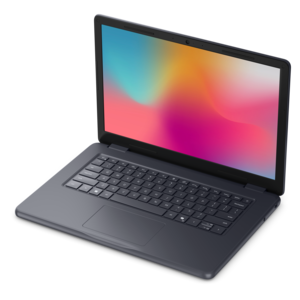
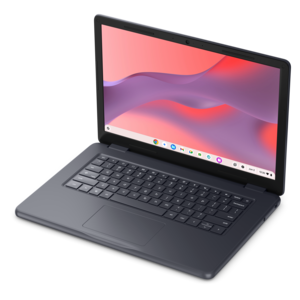
A durable, serviceable Chromebook tailored for education environments and commercial learning needs.
Discover the perfect pcs for coding that blend power, performance, and reliability to elevate your programming experience. Whether you're a seasoned developer or just starting your coding journey, finding the right PC is crucial for efficient workflow and seamless multitasking. Explore a range of options tailored to meet the demands of various coding environments, ensuring you have the tools needed to build, test, and deploy your projects with ease. From handling complex algorithms to running multiple virtual machines, these pcs for coding are designed to support your creative and technical endeavors.
A durable, serviceable Chromebook tailored for education environments and commercial learning needs.
A durable, serviceable Chromebook designed specifically for education environments.
A durable, serviceable Chromebook designed for K–12 learning environments.
A durable, serviceable laptop or 2-in-1 designed specifically for K-12 learning environments.
A laptop featuring Intel® 13th Gen processors, a built-in FHD camera, and an enlarged ergonomic keyboard.
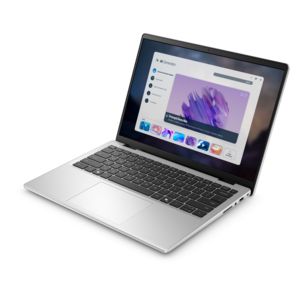
A thin, lightweight laptop crafted from eco-friendly materials with Series 3 Intel Core processors for productivity.
A compact thin client supporting cloud software, ThinOS, Windows 11 IoT Enterprise, or no operating system.
A remarkably thin, lightweight laptop designed for ultimate mobility and effortless everyday productivity.
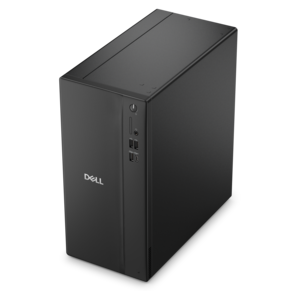
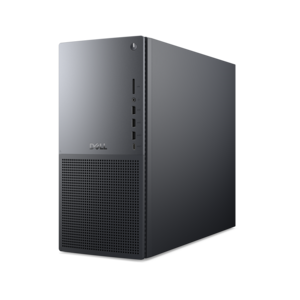
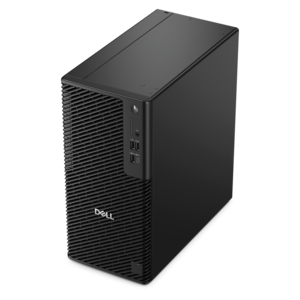
A business-ready tower desktop delivering reliable everyday performance with essential security features for productive workflows.
A powerful desktop designed to boost everyday productivity in a streamlined setup.
A durable, serviceable laptop or 2-in-1 designed specifically for demanding education environments.
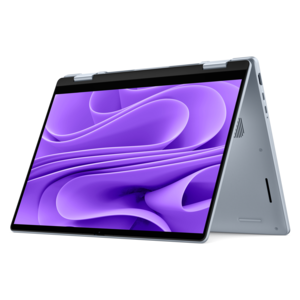
A versatile 2-in-1 laptop with Intel Core processors, DDR5 memory, and multiple modes for creative work.
A powerful desktop designed to boost everyday productivity while conserving workspace.
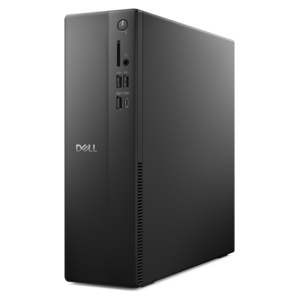
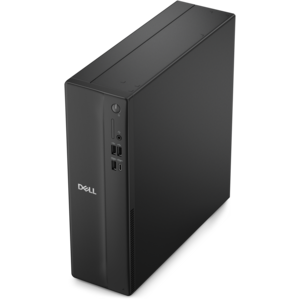
A space-saving desktop delivering reliable performance and security for everyday productivity.
A compact desktop delivering reliable performance and security for everyday productivity.
A durable, serviceable laptop designed specifically for demanding education environments.
A portable laptop with a sleek design, 16:10 display, and AI PC options for productivity anywhere.
A business-ready tower desktop delivering dependable performance and security for everyday productivity workloads.
A space-saving business desktop delivering reliable everyday performance with essential security features for productive work.
A sleek, portable laptop with an expansive 16:10 display for reliable productivity anywhere.
A modern laptop with AMD Ryzen™ processors, delivering effortless productivity and captivating entertainment in a design.
A slim, lightweight laptop with Intel® Core™ processors and graphics for productive work anywhere.
A laptop featuring an FHD camera, enlarged ergonomic keyboard, and AMD Ryzen™ processors for everyday productivity.
A compact desktop designed for everyday productivity and creative tasks.
Choosing a PC for coding starts with understanding how you plan to work. A student learning web development, a professional building applications, and a hobbyist experimenting with automation may all write code, but their daily routines can place different demands on a computer. A modern multi-core processor is a strong foundation because it helps a PC handle code editors, documentation, browser tabs, testing tools, and communication apps at the same time. A mid-range or higher processor is generally well suited to everyday programming, while a more capable chip can make a noticeable difference when projects involve compiling large codebases, running several development environments, or working with local virtual machines and containers. Memory is just as important for keeping a workspace responsive. For many coding tasks, 16GB of RAM is a practical baseline, especially when a browser, editor, terminal windows, and testing tools are open together. Moving to 32GB can provide useful headroom for demanding workflows, large datasets, multiple environments, or projects that require several applications to run side by side. Fast solid-state drive technology helps the computer start quickly and makes project folders, applications, and build files feel more responsive. A capacity of 512GB can suit a focused development setup, while 1TB gives additional room for multiple programming languages, development kits, local project archives, media assets, and other everyday files. These specifications are useful starting points rather than rigid rules, since the best configuration depends on the tools and projects ahead. Someone writing lightweight scripts may value portability and battery life above all else, while a game developer, data professional, or machine learning enthusiast may appreciate more processing power, memory, and graphics capability. Most programming does not require a dedicated graphics processor, but one can be helpful for game development, 3D work, visual computing, and certain machine learning workloads. For additional ways to compare form factors and capabilities, explore PC Solutions.
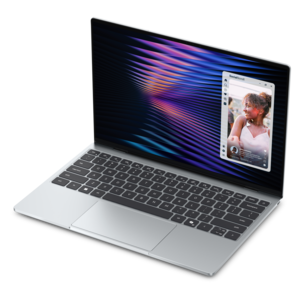
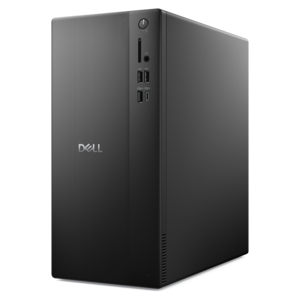
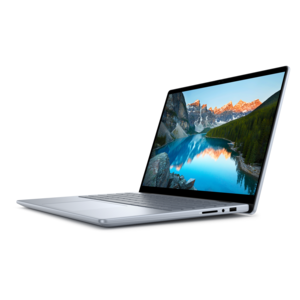
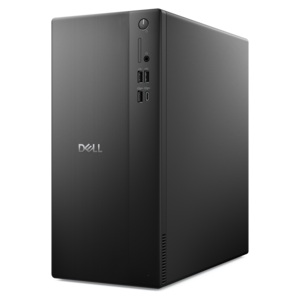
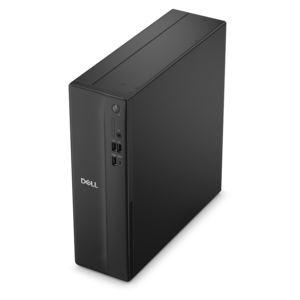
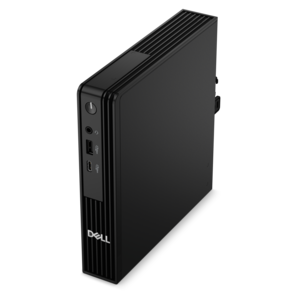
The right form factor can shape the entire coding experience. A laptop is a flexible choice for students moving between a classroom, library, home office, and shared workspace, and it can make a thoughtful gift for someone beginning a computer science course or building skills through independent projects. Look for a comfortable keyboard, a clear display, a responsive touchpad, dependable battery life, and a weight that feels manageable during a full day of travel. A larger screen or a second monitor can make it easier to keep documentation on one side and code on the other, reducing the constant shuffle between windows. A desktop can be a better fit for a dedicated workspace, particularly for developers who prefer a larger display, a full-size keyboard, easy access to accessories, and the possibility of expanding memory or other components later. Quiet operation matters in a home office or shared room, while a compact design can help preserve valuable desk space. Connectivity is worth considering as well: useful ports make it simpler to attach a monitor, external drive, keyboard, mouse, headset, or other accessories without relying on a collection of adapters. Screen size and resolution also influence comfort during long sessions. A sharp display with ample workspace can help code remain readable and reduce the need to constantly resize panels. Ergonomics deserve equal attention; positioning the screen near eye level, keeping wrists relaxed, and choosing a supportive chair can make an evening of debugging feel far less tiring. When selecting among PCs for coding, consider the languages, frameworks, editors, and testing tools likely to be used, along with whether projects will involve virtual machines, containers, large data files, graphics, or frequent builds. It is also wise to leave some room for growth, since a beginner’s simple scripts may develop into larger applications as confidence increases. A well-matched computer should feel steady when several tools are open, load projects without unnecessary pauses, and remain comfortable enough that attention stays on solving problems rather than managing the machine. During the cooler months, a dependable setup can turn a quiet corner of a home into a focused place for coursework, personal projects, portfolio building, or evening practice, whether the computer is intended for an experienced developer or someone taking the first steps into programming.
Add the products you would like to compare, and quickly determine which is best for your needs.