$67.99
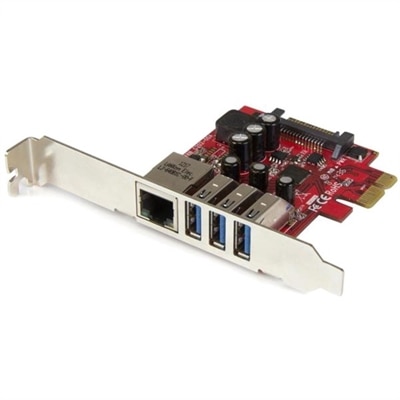
A dual-profile PCIe card combines three 5Gbps USB 3.2 Gen 1 ports with Gigabit Ethernet connectivity.
Explore a world of innovative PC solutions designed to enhance your digital experience, whether you're at home, in the office, or on the go. Discover an array of cutting-edge desktops, laptops, and accessories that cater to diverse needs, from gaming enthusiasts to business professionals. With a focus on performance and reliability, these solutions provide the tools you need to stay productive and connected. Dive into our selection and find the perfect fit for your computing requirements, ensuring seamless integration into your daily routine.
A dual-profile PCIe card combines three 5Gbps USB 3.2 Gen 1 ports with Gigabit Ethernet connectivity.
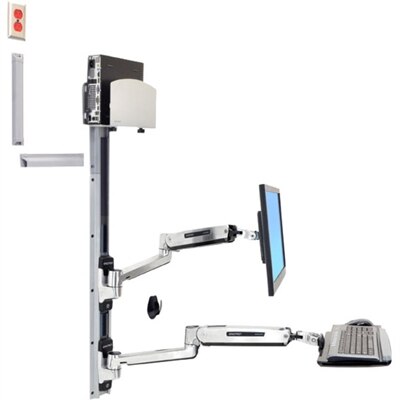
A space-saving wall-mounted computer workstation with a silver CPU holder, LCD, keyboard, and mouse support.
A metal oxide thermal compound delivering 3.195 W/m-K conductivity for CPUs up to 65W TDP.
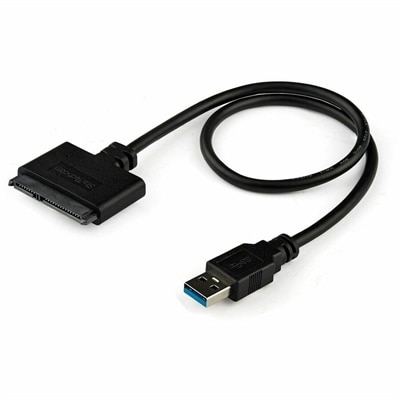
A USB-A to SATA adapter supporting 5Gbps transfers, UASP, plug-and-play connectivity, and SSD or HDD upgrades.
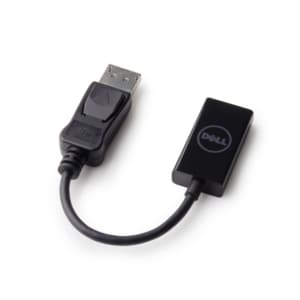
A DisplayPort-to-HDMI adapter delivering seamless 4K resolution at 60 Hz for compatible computers and monitors.
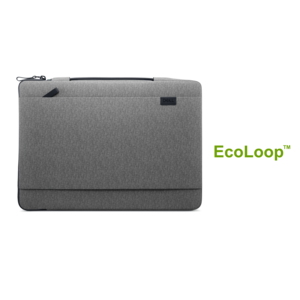
A durable, lightweight sleeve made with sustainable materials, featuring a retractable handle for convenient on-the-go protection.
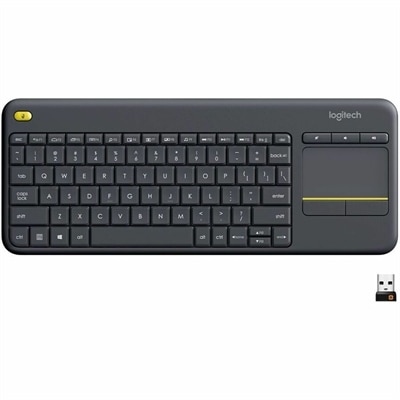
A wireless keyboard with integrated touchpad, comfortable media controls, and 10-meter range for seamless entertainment navigation.
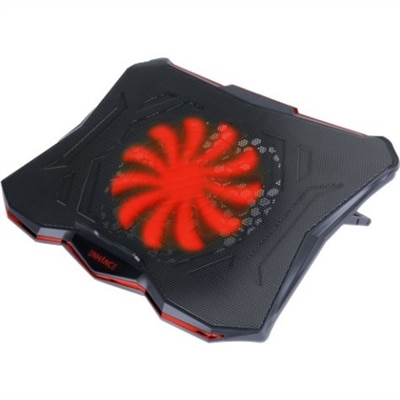
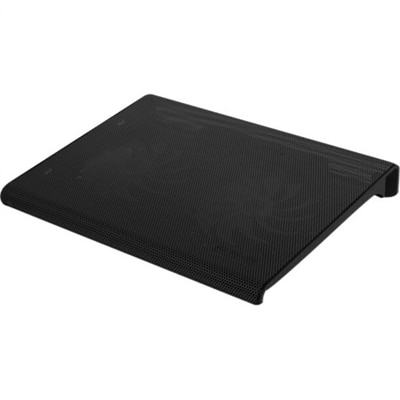
A slim metal-mesh cooling stand with a quiet red LED fan and seven adjustable height settings.
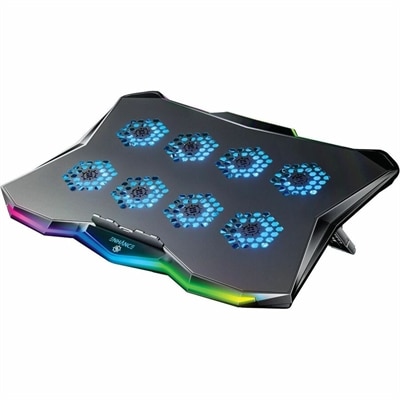
A slim metal laptop cooling pad featuring eight quiet fans, adjustable angles, and customizable RGB lighting.
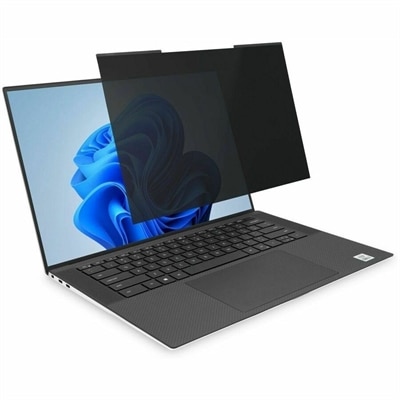
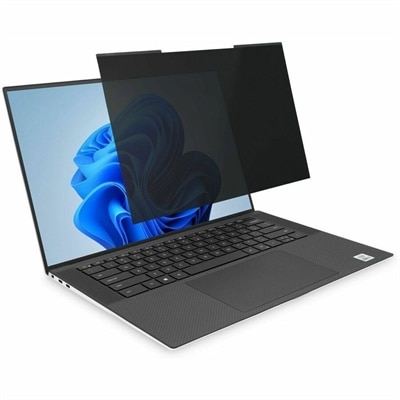
A magnetic privacy filter with ±30° viewing, blue-light reduction, and reversible matte or glossy sides.
A slim, plug-and-play external USB optical drive for playing and burning DVD+/-R discs.
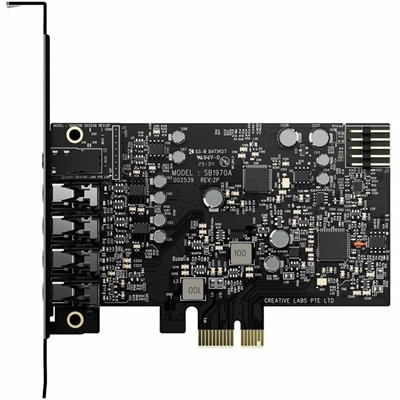
A PCIe sound card delivering 7.1 surround, 32-bit/384 kHz audio, 120 dB SNR, and headphone amplification.
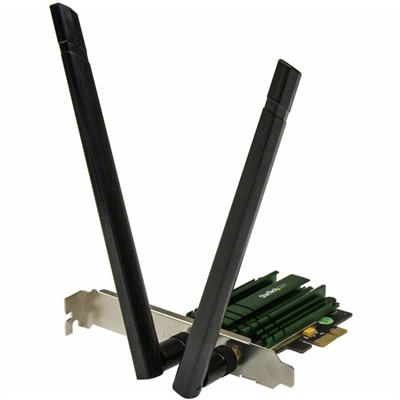
A dual-band PCIe Wi-Fi adapter delivering AC1200 speeds with detachable 2T2R antennas and 802.11a/b/g/n compatibility.
A magnetic privacy filter with ±30° viewing, blue-light reduction, glare control, and matte or glossy sides.
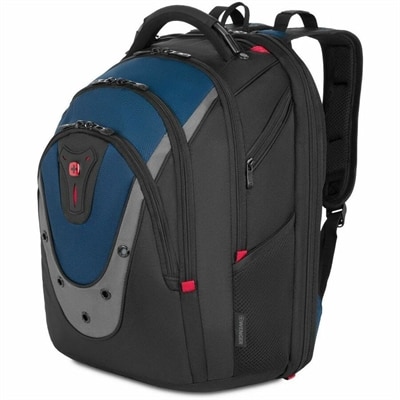
A blue and gray ballistic polyester backpack with padded laptop and tablet compartments plus shock-absorbing straps.
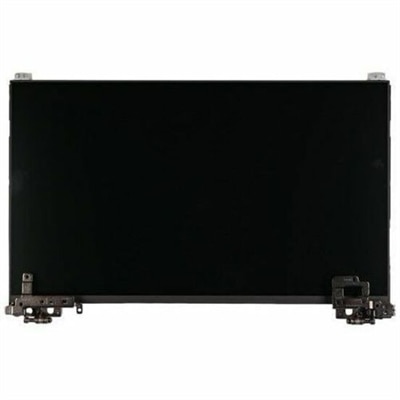
An OEM-grade replacement screen rigorously tested for compatibility, reliability, and backed by a limited one-year warranty.
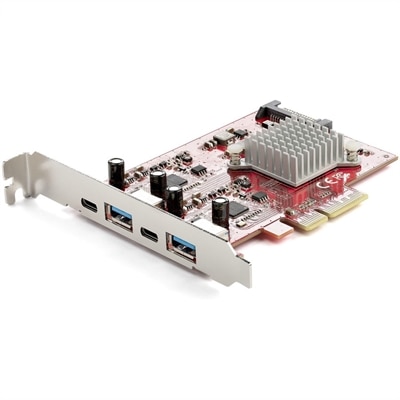
A PCIe expansion card providing four 10Gbps USB 3.2 ports, including two USB-C and two USB-A.
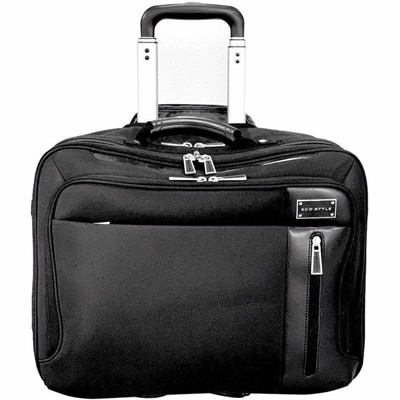
A sophisticated rolling case accommodating laptops up to 16.1 inches, tablets, accessories, and travel essentials.
A genuine OEM motherboard assembly tested for compatibility and reliability, backed by a limited one-year warranty.
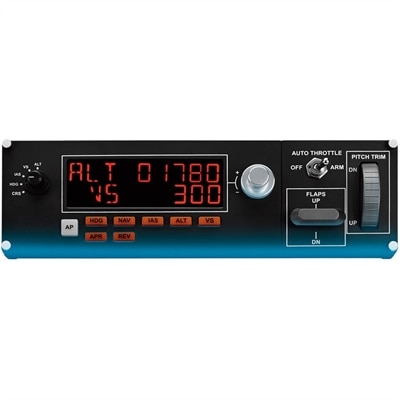
A full autopilot LED control panel offering physical adjustments for altitude, throttle, flaps, and elevator trim.
A palmrest assembly with an integrated fingerprint reader, touchpad, and USH board for compatible systems.
A versatile productivity dock delivering up to 100W power and diverse connectivity options.
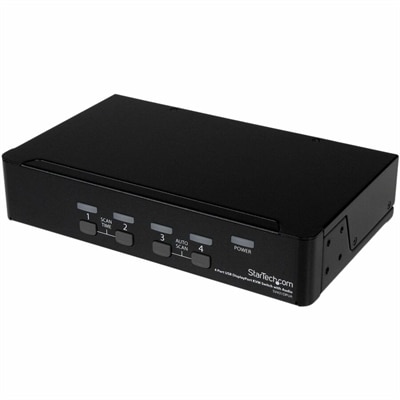
A four-port USB DisplayPort KVM switch with 7.1 HD audio, USB 2.0 hub, and 2560x1600 support.
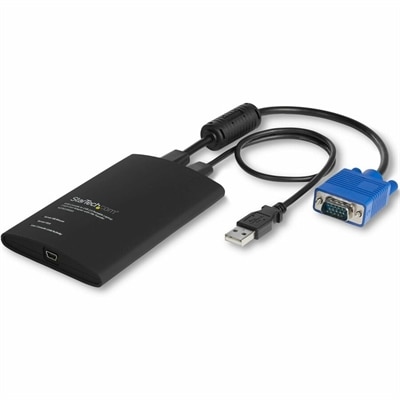
A compact USB/VGA crash cart adapter enabling BIOS-level control, file transfer and 1920×1200 video capture.
PC solutions can bring structure to the way work, learning, creativity and entertainment fit into everyday life. A dependable computer setup may serve as a quiet home office in the corner of a living room, a study station beside a stack of textbooks, or a flexible workspace that moves from a kitchen table to a favorite chair as the day unfolds. The right choice begins with understanding how the computer will be used most often. A laptop can be a practical fit for people who move between rooms, commute, travel or prefer a clean workspace without a permanent setup. A desktop can be well suited to a dedicated office, a family computer area or a creative space where a larger display, comfortable seating and full-size accessories make longer sessions easier. When comparing options, consider the type of work involved, the number of applications likely to be open at once, the amount of storage needed for documents and media, and the level of performance required for photo editing, video projects, gaming or other demanding tasks. Students may value a lightweight design, long battery life and a clear screen for reading and research, while professionals may prioritize smooth multitasking, convenient connectivity and a comfortable setup for extended workdays. Families often benefit from thinking about shared use, including whether the computer will support homework, video calls, creative hobbies and household organization without feeling crowded or difficult to manage. During the cooler months, a thoughtfully arranged PC area can become an inviting indoor retreat: a bright screen for sorting photos, a quiet keyboard for finishing a report, or a reliable connection for staying in touch when outdoor plans give way to time at home.
A comfortable experience depends on more than the computer itself. Display size, image clarity, viewing comfort and adjustability can make a noticeable difference when reading detailed documents, reviewing spreadsheets, editing images or enjoying entertainment after work is complete. A second display may help separate reference material from the main task, while an ergonomic keyboard, responsive mouse, supportive webcam and clear audio can make virtual meetings and creative sessions feel more natural. Look for accessories that match the way the space is used rather than adding equipment simply for its own sake. Someone who works from a compact desk may prefer streamlined tools that reduce clutter, while a creator or gamer may appreciate room for more expansive controls and a display designed for fast, fluid visuals. Cable management, accessible ports and a comfortable viewing height are small details that often have a large effect; a screen positioned at a natural eye level and a mouse that fits the hand can help a long afternoon feel less tiring. Connectivity is another useful consideration, especially for households that share printers, external storage, headphones or other everyday devices. Before choosing, take a quick measurement of the available desk or table, note where outlets are located and consider how much room is needed for writing, charging or setting down a cup of coffee. A PC solution may also make a considerate gift for a student beginning a new course, a remote professional refining a home workspace, a family member exploring digital art or someone who enjoys creating, playing and learning in their own space. Pairing a computer with a practical accessory can make the gift feel personal, whether that means improving video calls, making a desk more comfortable or giving a budding photographer, musician or writer a more capable place to pursue a hobby.
As needs change, a PC setup can grow with them. Someone who begins with everyday browsing and schoolwork may later add creative projects, communication tools or entertainment, making flexibility and available connections worth considering from the beginning. A computer with enough capability for several years of regular use can help avoid the disruption of replacing equipment too soon, while a clear understanding of essential features can keep the selection focused. Think about operating habits as well: people who carry a computer throughout the day may place greater importance on weight, durability and battery performance, whereas a stationary setup may benefit more from screen area, upgrade flexibility and a comfortable arrangement of peripherals. Families with children can consider simple access to educational software, clear audio for lessons and a design that supports supervised use in a shared room. Professionals can look for features that help organize documents, join meetings and move smoothly between communication, research and production. Creative users may want a high-quality display and responsive performance for working with images, video or music. Even a modest setup can feel considered when it reflects its owner’s routines. Picture a desk cleared before the first call of the morning, a monitor angled away from window glare, and a compact set of accessories that keeps notebooks and chargers within easy reach. For ideas that can help refine a workspace or complement a new computer, explore PC Enhancements. Whether the goal is a reliable everyday computer, a more capable home office or an inviting place to learn and create, PC solutions offer practical ways to make digital tasks feel simpler, more comfortable and better connected to the rhythm of daily life.
Add the products you would like to compare, and quickly determine which is best for your needs.