$53.99
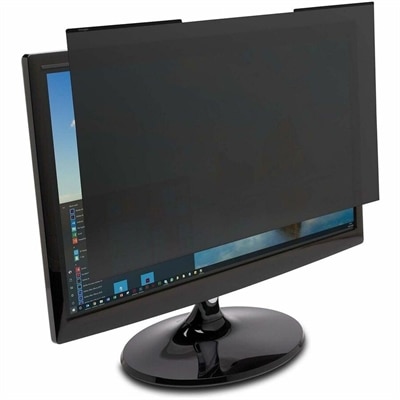
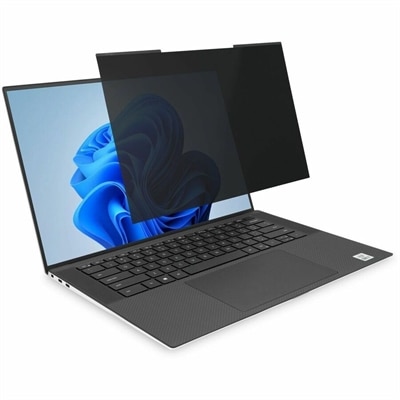
A magnetic privacy filter with ±30° viewing protection, blue-light reduction, low-reflective coating, and reversible matte/glossy surfaces.
In today's fast-paced digital world, safeguarding your valuable technology is more crucial than ever. Physical device security plays a pivotal role in protecting your devices from theft, damage, and unauthorized access. Whether you're securing laptops, desktops, or mobile devices, investing in reliable security solutions ensures peace of mind and the integrity of your data. Explore a range of innovative security options designed to keep your devices safe and secure, no matter where you are.
A magnetic privacy filter with ±30° viewing protection, blue-light reduction, low-reflective coating, and reversible matte/glossy surfaces.
A sustainable, lightweight protective case offering custom-fit coverage and exceptional usability for detachable laptops.
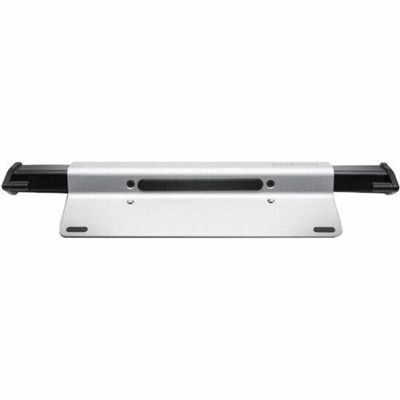
A brushed aluminum laptop locking station with adjustable arms, slim resettable combination lock and protective bumpers.
A reversible magnetic privacy filter limits viewing to ±30°, reduces blue light and glare, and resists scratches.
An OEM-grade palmrest assembly featuring a smart card reader, touchpad, NFC, and USH board.
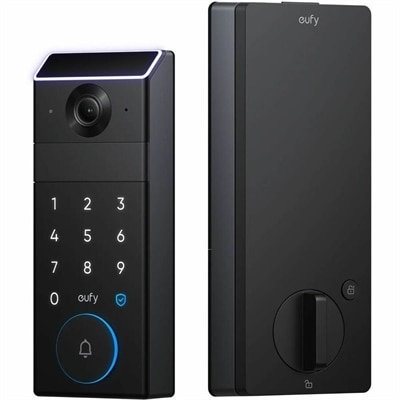
A 3-in-1 smart lock featuring palm-vein unlocking, 2K camera, video doorbell, color display, and Matter compatibility.
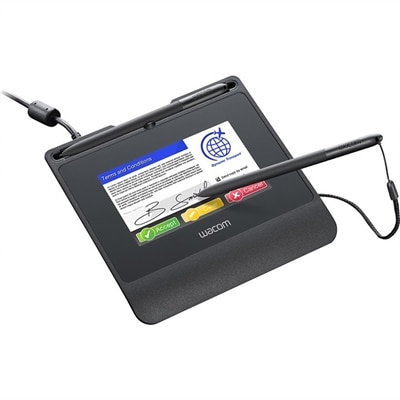
A robust signature pad featuring a high-resolution color display, hardened cover glass, versatile connectivity, and encryption.
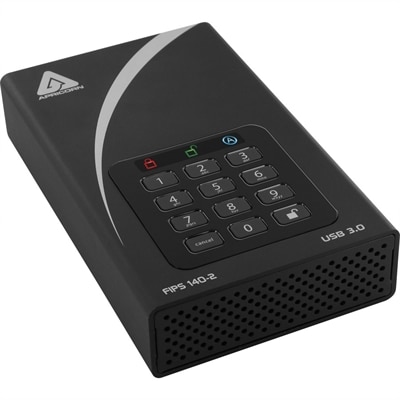
A black external hard drive with software-free AES-XTS 256-bit hardware encryption and USB 3.0 connectivity.
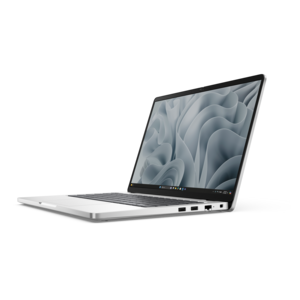
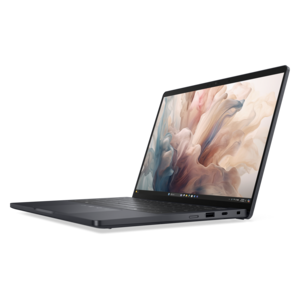
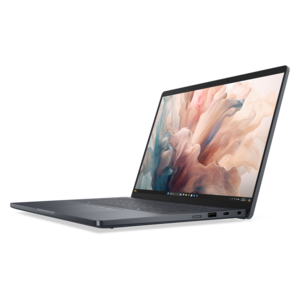
A durable modular laptop with a 16:10 display, numeric keypad, robust security, and built-in AI options.
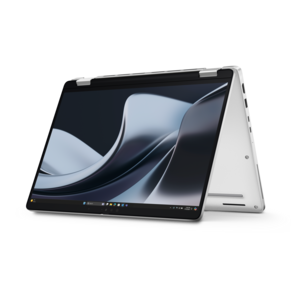
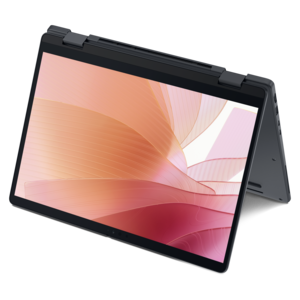
A durable, modular laptop with robust security, a spacious display, and optional built-in AI.
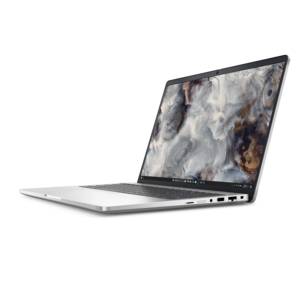
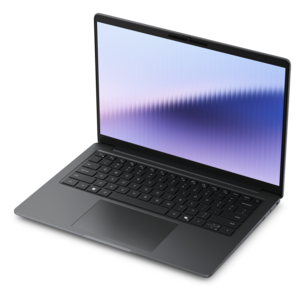
A secure, scalable commercial AI PC featuring a durable aluminum body and spacious productivity-focused display.
A secure, scalable commercial AI laptop featuring a sleek, durable aluminum body and productivity-focused display.
Physical device security helps protect computers, monitors, and accessories against theft, tampering, and unauthorized physical access. It covers the hardware protections that keep a device attached to a workspace, limit access to exposed connections, or reduce the visibility of information on a screen. These protections serve different purposes: a cable lock can discourage someone from walking away with a laptop, while a privacy filter helps shield displayed information from people seated nearby. Neither replaces a screen lock, strong authentication, or encryption, but each can add a useful layer around the equipment people handle every day. That distinction matters in places where personal and shared spaces overlap, from a college study room to an office reception desk. A laptop beside a notebook in a shared workspace faces different risks than a desktop beneath a public-facing counter, so the most appropriate accessories depend on how the equipment is used and who can reach it. Cable locks, compatible anchors, protective enclosures, and security mounts can help keep equipment in its intended location without making everyday work unnecessarily awkward. Their effectiveness depends on the complete setup, including the device attachment point, the strength of the anchor, and the accessibility of any release mechanism. A sturdy cable attached to a movable object provides less protection than a properly fitted connection to a suitable fixed anchor. Physical security accessories are deterrents rather than guarantees, and portable equipment still needs supervision in public settings. For employees who move between home and an office, compact hardware may be easier to carry and use consistently. For classrooms, shared desks, and customer-facing workstations, a more permanent attachment may suit the space better. The common goal is to create a practical barrier between valuable equipment and casual interference while keeping screens, keyboards, charging connections, and other essential functions accessible to the person using them.
Fit is one of the most important considerations when comparing physical device security accessories. Laptop security slots are not universal, and a lock designed for one slot format may not engage correctly with another, even when the openings look similar. Some thin devices have no built-in security slot at all and require a compatible alternative attachment method. Compatibility information should match the device’s actual connection or mounting points rather than its screen size or general appearance alone. With desktop and monitor security hardware, mounting patterns, chassis dimensions, cable clearance, and the location of controls all affect whether the result feels secure and usable. An enclosure that obstructs ventilation or presses against a power connector can introduce problems unrelated to theft protection. Materials and construction also shape durability. Braided steel cables offer flexibility for routing around a desk, while a protective outer coating can help reduce scuffs where the cable contacts furniture or equipment. Reinforced metal lock bodies and securely joined components matter at points that experience repeated handling. Coatings, padding, and contact surfaces deserve attention as well, particularly around lightweight laptop housings and finished desktops. Cable length involves a practical balance: enough reach accommodates a sensible anchor location, but excess slack can hang into walkways, catch on chair arms, or clutter a compact workstation. A rotating or pivoting connection may ease routing where ports sit close together, provided the lock remains compatible with the device. Keyed and combination mechanisms offer different everyday conveniences. Keys need a dependable place and a clear plan for authorized access; combinations avoid carrying a separate key but require careful code management. Shared environments benefit from a consistent approach to access, especially when several people use the same equipment across different shifts. Routine care is generally straightforward: keep contact surfaces clean, inspect cables and attachment points for wear, and follow the manufacturer’s cleaning and maintenance directions. Frayed sections, cracked coatings, loose fittings, or a mechanism that no longer closes reliably are signs that the setup needs attention.
Screen privacy and connection protection address physical exposure that a tether alone cannot resolve. Privacy filters narrow the angles from which a display can be read, making them useful for people reviewing sensitive documents at shared tables, near waiting areas, or beside busy walkways. Their performance varies with viewing angle, screen brightness, ambient light, and filter design; someone positioned directly behind the user may still be able to see the display. Correct sizing includes the screen’s aspect ratio and visible dimensions, not just its diagonal measurement, and attachment methods can affect how easily a filter is removed for collaborative work. Touchscreen compatibility, surface finish, and any effect on perceived brightness are relevant for equipment used throughout the day. Gentle cleaning according to the manufacturer’s directions helps preserve clarity without damaging the filter surface or its attachment points. Port blockers serve a different role by physically restricting access to selected connections, although their compatibility and removal methods vary. They do not provide the same protection as software controls, and leaving essential connections usable remains important for charging, accessibility accessories, and authorized peripherals. In a reception area, a secured computer might need an accessible keyboard and mouse while less frequently used ports remain restricted. At a shared office desk, the better arrangement may allow quick docking while keeping the monitor and other stationary equipment attached. These concrete differences make intended use more meaningful than a single broad security label. Students, remote workers, office administrators, educators, and people managing shared workspaces may all benefit from hardware chosen around their daily routines. Organizations considering how physical safeguards fit alongside authentication, encryption, and device management can explore Security Solutions for Business Devices for broader context. A well-matched physical security setup supports ordinary work: the laptop opens comfortably, the monitor adjusts as needed, cables stay clear of movement, and authorized users can access the equipment without dismantling its protection. That balance between restraint and usability helps security accessories remain a consistent part of the workspace rather than an obstacle people remove and forget.
Add the products you would like to compare, and quickly determine which is best for your needs.