$18.99
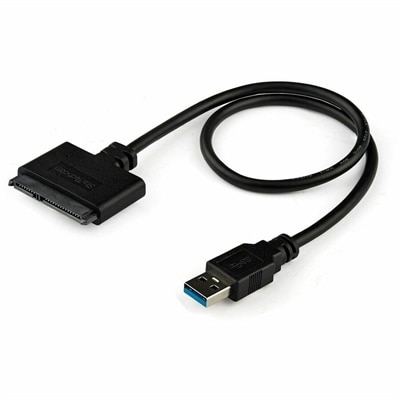
A USB-A to SATA adapter supporting 5Gbps transfers, UASP, plug-and-play connectivity, and SSD or HDD upgrades.
Discover the simplicity and convenience of plug and play devices, designed to make your tech experience seamless and hassle-free. Whether you're setting up a new workspace or enhancing your home entertainment system, these devices offer an effortless way to connect and start using them instantly. With no need for complex installations or lengthy configurations, plug and play devices are perfect for those who value efficiency and ease of use. From peripherals to multimedia gadgets, explore a range of innovative solutions that integrate smoothly into your digital life, allowing you to focus on what truly matters without unnecessary delays.
A USB-A to SATA adapter supporting 5Gbps transfers, UASP, plug-and-play connectivity, and SSD or HDD upgrades.
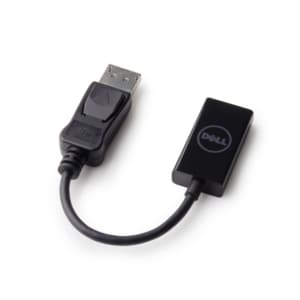
A DisplayPort-to-HDMI adapter delivering seamless 4K resolution at 60 Hz for compatible computers and monitors.
A black metal-mesh USB cooling pad with dual quiet 800-RPM fans and an angled ergonomic surface.
A USB-C wireless dongle designed to pair seamlessly with a compatible wireless gaming headset.
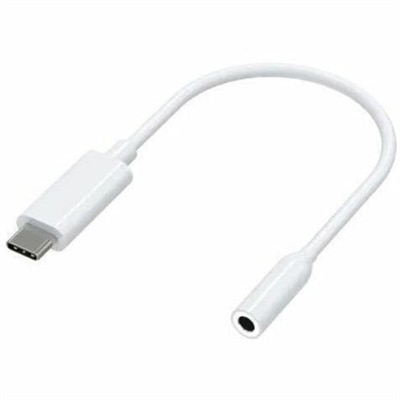
A compact USB-C to 3.5mm audio adapter with Hi-Res DAC, 93dB SNR, and plug-and-play compatibility.
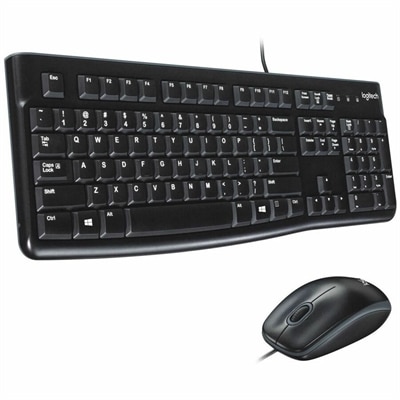
A reliable wired keyboard and ambidextrous optical mouse combo featuring USB plug-and-play connectivity and comfortable full-size designs.
A reliable wired headset offering hassle-free performance and easy plug-and-play setup.
A genuine FHD RGB camera assembly supporting WWAN and USB connectivity for compatible systems.
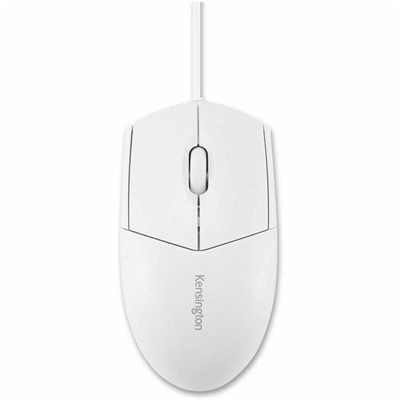
A white, waterproof, washable wired mouse with an ambidextrous design and plug-and-play operation for easy disinfection.
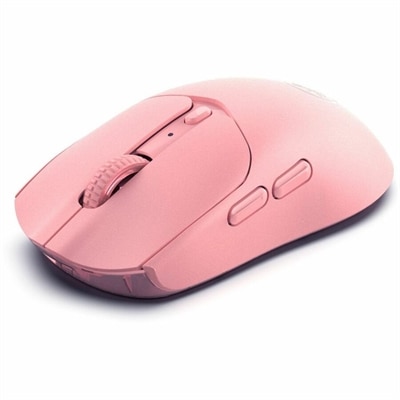
A pink wireless gaming mouse with a 12000 DPI optical sensor, six buttons, Bluetooth, 2.4GHz connectivity and rechargeable battery.
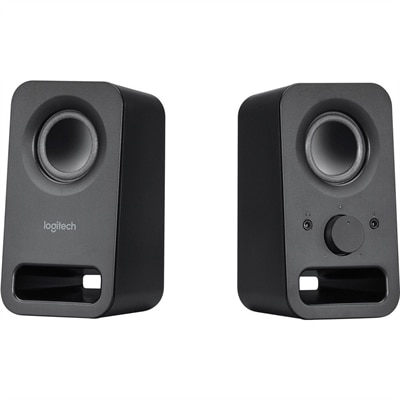
A pair of midnight-black multimedia speakers delivering clear stereo sound with 3W RMS power.
A wired productivity keyboard with built-in collaboration keys, designed for comfortable, efficient typing.
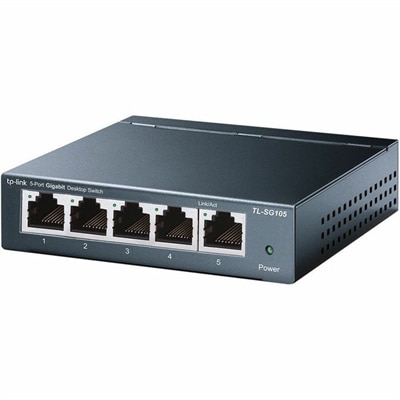
A plug-and-play five-port Gigabit switch with metal casing, QoS, IGMP snooping, and efficient operation.
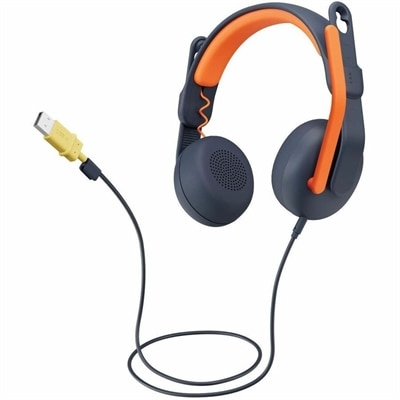
A USB-A wired on-ear headset with microphone, adjustable fit, comfortable pads, and voice-focused audio for learners.
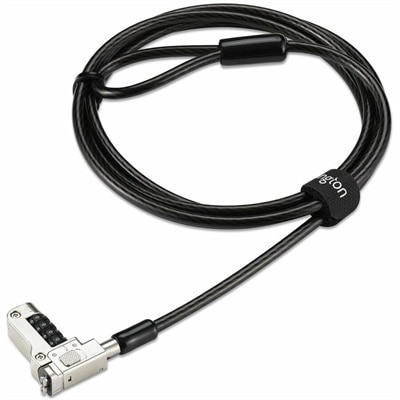
A security lock with carbon steel cable, four-wheel combination, and direct attachment for specialized USB-C slots.
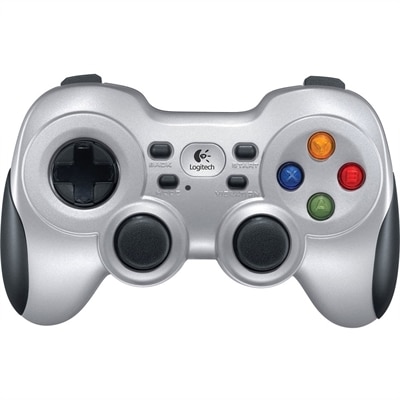
A wireless gaming controller with dual vibration feedback, XInput/DirectInput support, responsive D-pad and Android TV compatibility.
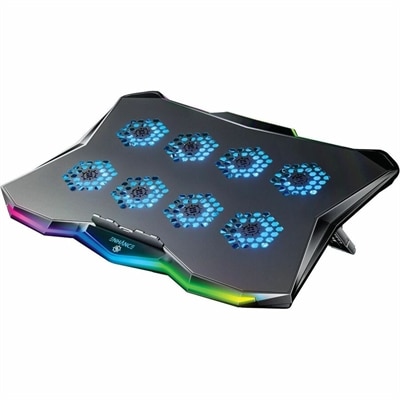
A slim metal laptop cooling pad featuring eight quiet fans, adjustable angles, and customizable RGB lighting.
An OEM-grade I/O daughterboard with FFC cable, rigorously tested for reliable compatibility and straightforward system replacement.
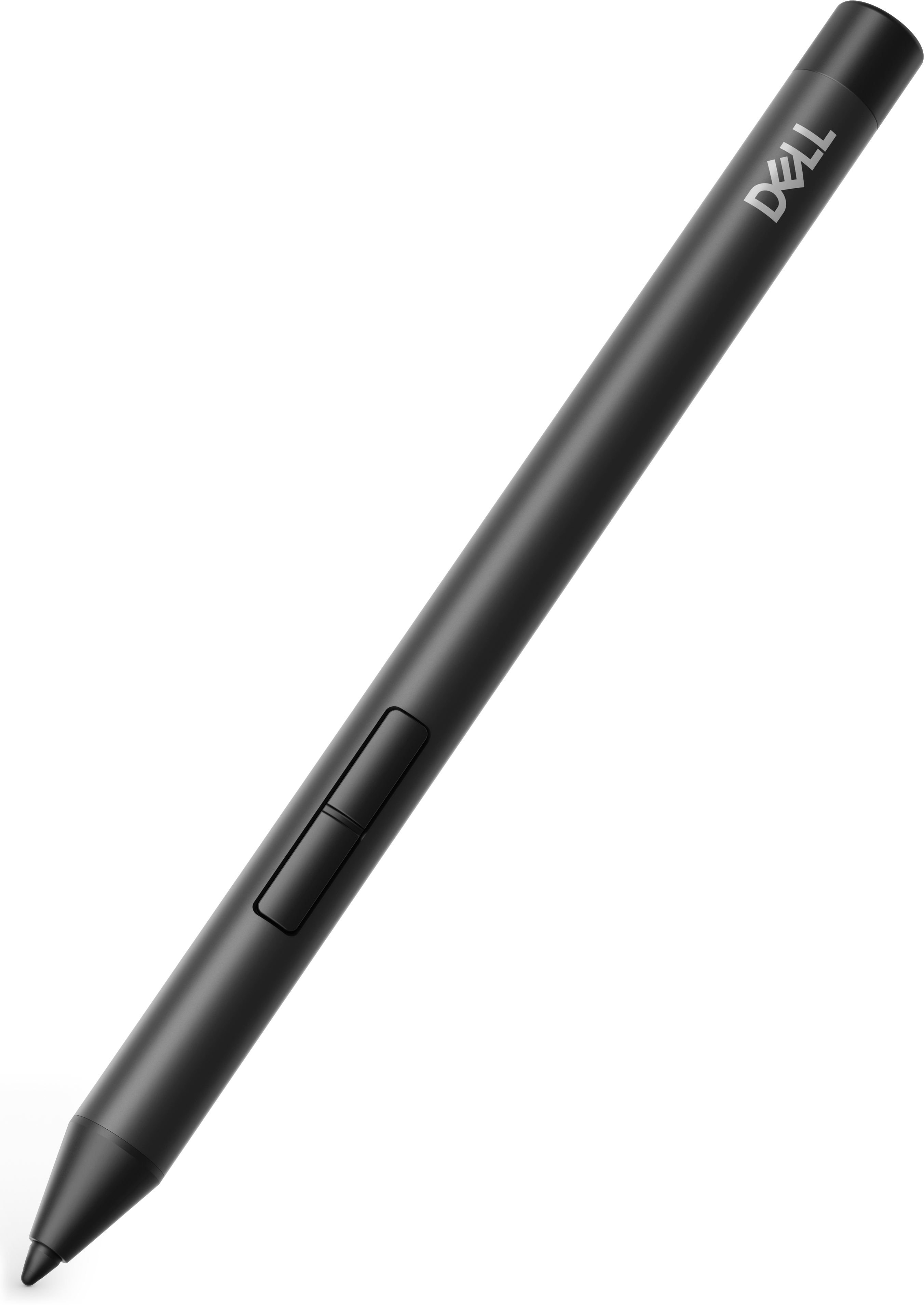
A precision active pen offering multiprotocol compatibility and smooth operation for creative, productive, comfortable workflows.
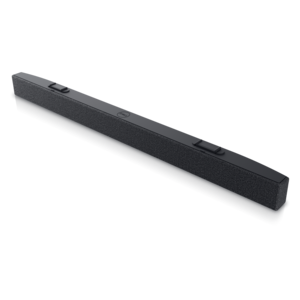
A slim, lightweight soundbar delivering clear audio with magnetic attachment to select monitors.
A slim, plug-and-play external USB optical drive for playing and burning DVD+/-R discs.
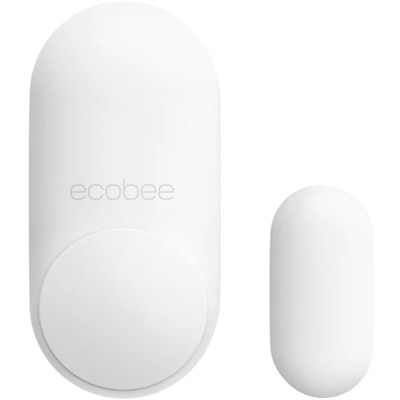
A two-pack of contact sensors with 120° motion detection, five-year batteries, and customizable security alerts.
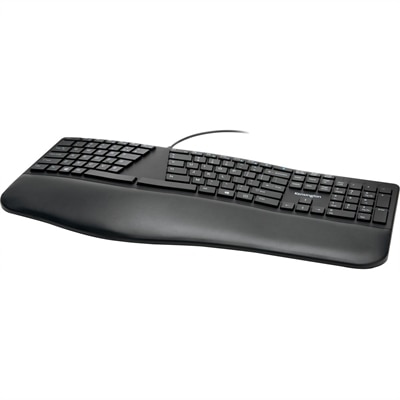
An ergonomist-approved split keyboard with adjustable tilt, cushioned wrist rest, quiet spill-proof keys, and USB connectivity.
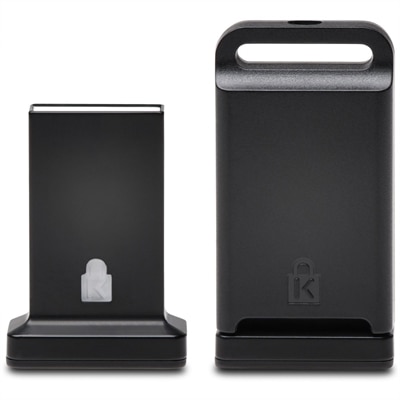
A cross-platform USB-A fingerprint security key offering FIDO2, FIDO U2F, passwordless and multi-factor authentication.
Plug-and-play devices are computer accessories designed to make setup feel nearly effortless. In the simplest use case, you connect a device to a compatible port, and the computer recognizes it within moments. The operating system detects the electrical signal, reads the device’s vendor and product identification codes, and matches that information with built-in drivers or configuration settings. Once the connection is complete, the accessory is ready to perform its main function without a lengthy installation process. This experience is common with keyboards, mice, webcams, headsets, game controllers, and other everyday peripherals. A keyboard can bring a familiar, comfortable typing experience to a new laptop, while a mouse can make detailed work, browsing, and creative projects feel more precise. A webcam can help create a clearer image for remote meetings, online classes, or conversations with family members, and a headset can make it easier to focus when the room around you is busy. Browse Computer Devices to find practical ways to extend the capabilities of a laptop or desktop. Plug-and-play accessories can be especially helpful for people who move between workspaces, students setting up a study area, family members sharing one computer, and anyone who prefers technology that works without a complicated learning curve.
When choosing a plug-and-play device, begin with the connection itself. USB-A remains common, while USB-C is increasingly used on newer laptops, monitors, and compact accessories. Check the ports on the computer before purchasing, and consider whether an adapter, hub, or dock will be needed. Compatibility also depends on the operating system, available power, and the intended task. A basic keyboard may require very little power, while a webcam with lighting or a more advanced audio accessory can place greater demands on the connection. Wireless devices bring additional flexibility, but they may require Bluetooth pairing, a small receiver, or regular charging. Wired options are often appealing for a permanent desk because they are ready whenever the computer is turned on and do not depend on a battery. Physical comfort matters just as much as technical compatibility. Look for a keyboard layout that feels familiar, a mouse shape that supports your hand, a webcam with an adjustable angle, or a headset with cushioning suitable for long listening sessions. For an accessory intended as a gift, think about the recipient’s routine rather than choosing based on appearance alone. A college student may appreciate a simple setup for lectures and assignments, a remote worker may benefit from clearer audio and video, and a relative who uses a computer casually may prefer large controls, straightforward connections, and minimal buttons.
Although plug-and-play technology is built for convenience, “automatic” does not always mean every feature will be available immediately. The computer may recognize the basic function first, then offer optional software or firmware updates for advanced controls such as lighting, camera framing, programmable buttons, audio equalization, or shortcut keys. Keeping the operating system current can improve compatibility and security, while checking the manufacturer’s support information may resolve issues involving permissions, privacy settings, or specialized features. If a device does not respond, start with the basics: disconnect and reconnect it firmly, try another compatible port, restart the computer, and check whether the accessory receives power. For wireless equipment, confirm that pairing mode is active and that the battery has a charge. Privacy settings deserve particular attention with cameras and microphones; applications may need permission before they can use them, and a physical camera cover or mute control can provide extra peace of mind. It is also wise to keep cables organized and avoid forcing a connector, since a neat connection is easier to maintain and less likely to become loose. The best plug-and-play devices disappear into the rhythm of everyday work: a quiet click as a mouse moves across the desk, a clear voice during a morning meeting, or a familiar keyboard that lets ideas move from thought to screen without interruption. For home offices, classrooms, creative corners, and shared family spaces, the right accessories can make a computer feel more personal, capable, and comfortable from the first connection.
Add the products you would like to compare, and quickly determine which is best for your needs.