$79.99
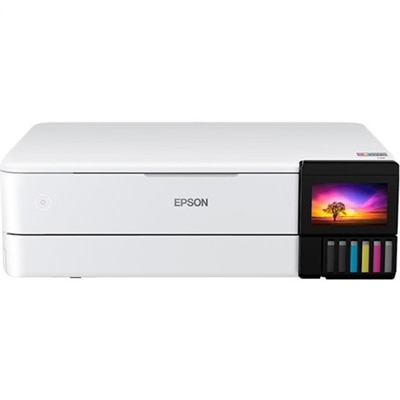
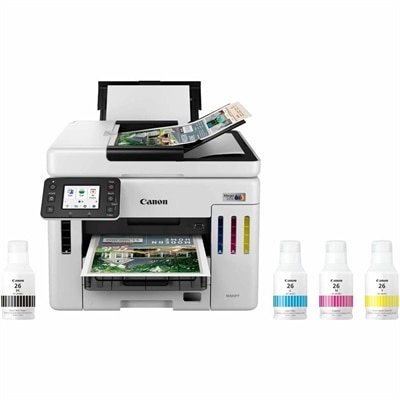
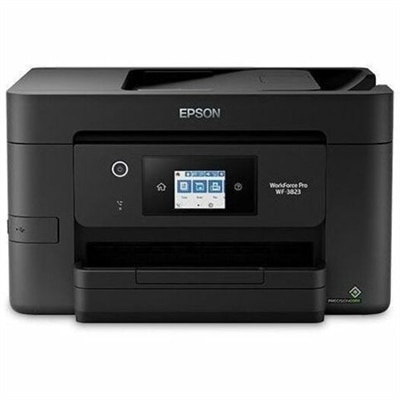
A wireless all-in-one color inkjet printer with auto two-sided printing, a 35-page ADF, and heat-free technology.
Enhancing productivity and ensuring seamless operations are top priorities for any business, and having the right printer can make all the difference. Printers for business come in a variety of models designed to meet diverse needs, from high-volume printing to exceptional color accuracy. Whether you're running a small office or managing a large enterprise, finding the perfect printer can streamline your workflow and contribute to your overall efficiency. Explore our selection of printers for business to discover reliable solutions that can keep up with your company's demands.
A wireless all-in-one color inkjet printer with auto two-sided printing, a 35-page ADF, and heat-free technology.
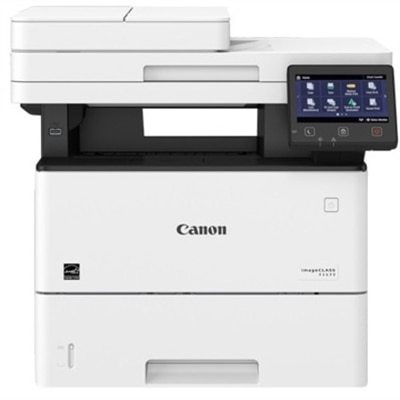
A black-and-white laser multifunction printer with wired/wireless connectivity, 42-ppm output, touchscreen controls, and duplex scanning.
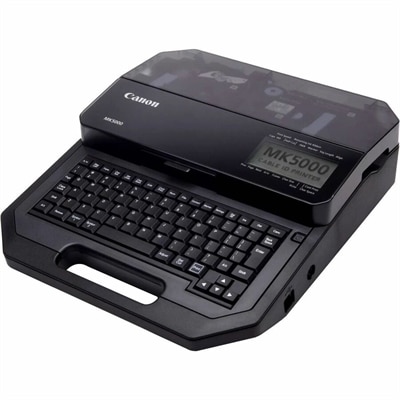
A thermal-transfer marker printer delivering 300-dpi output across tubes, tapes and plastic plates with dual-power flexibility.
Business printers help keep everyday work moving, from producing invoices and contracts to preparing presentations, shipping labels, forms, handouts and client-ready reports. The right choice depends on how your office works, how often it prints and the kind of output employees need to handle comfortably. A compact print-only model may suit a home office, reception desk or small team that primarily produces black-and-white documents, while a multifunction printer can combine printing, scanning, copying and faxing in one space-saving device. That combination is especially useful when paperwork arrives in several formats. A signed form can be scanned to a computer, a copy can be made for a records folder and a clean original can be printed for a meeting without sending anyone across the office. For teams that regularly create proposals, charts, branded handouts or product sheets, color output can add clarity and polish. For offices that produce long contracts, statements or internal documents, fast monochrome printing may be the more practical priority. Workgroups with varied needs may benefit from reviewing options such as Canon Printers for Small Business alongside other business-focused choices.
Print technology is one of the most important purchasing considerations. Laser printers use toner and are often well suited to quick, consistent text printing, particularly when a team produces a steady stream of documents throughout the month. They can be a strong fit for legal offices, property managers, classrooms, medical practices and busy administrative departments where sharp text and dependable throughput matter more than photographic detail. Inkjet printers can be a practical choice for lower-volume environments or workplaces that need rich color, detailed graphics and occasional image printing. When comparing either type, look beyond the initial price and consider the ongoing cost of toner or ink, replacement frequency, available cartridge yields and the amount of paper the printer can hold. Print speed is usually listed in pages per minute, but the real experience also depends on document complexity, warm-up time and whether the first page needs to appear quickly. Automatic duplex printing can reduce paper use by printing on both sides without requiring employees to turn pages by hand, which is particularly helpful for lengthy reports and multi-page forms. Paper capacity matters as well. A larger input tray can reduce interruptions during a busy morning, while expandable trays can support different paper sizes or separate letterhead from standard stock. For a small team, a capacity of a few hundred sheets may be sufficient; for a larger workgroup, a higher-capacity configuration can help prevent frequent refilling.
A multifunction printer can be especially valuable when office space is limited or when several people share one central device. Look for an automatic document feeder when employees regularly scan or copy multiple pages, and consider whether it supports two-sided scanning for contracts, applications and other double-sided paperwork. A flatbed surface remains useful for books, identification cards, receipts and delicate originals. Fax capability may still matter in industries that exchange signed forms or regulated documents, while wireless and wired connectivity can make it easier for authorized employees to print from computers and mobile devices. Security features deserve attention in any workplace. Secure release printing, user authentication, PIN-protected jobs and encrypted communication can help prevent confidential documents from sitting unattended in an output tray. A printer with a clear control panel and straightforward software can also reduce training time, especially in offices where employees need to scan to email, shared folders or cloud services. Before choosing, estimate the average and busiest monthly page volume rather than relying only on occasional usage. The recommended monthly duty cycle should comfortably cover normal demand, with room for seasonal spikes such as tax preparation, enrollment periods, annual reporting or large client presentations. Also check the available footprint, noise level, warranty, support options and compatibility with the paper sizes your team uses. A printer should fit naturally into the rhythm of the workplace: ready when a deadline is close, simple enough for a new employee to operate and capable of producing clean, professional pages from the first sheet to the last.
Add the products you would like to compare, and quickly determine which is best for your needs.