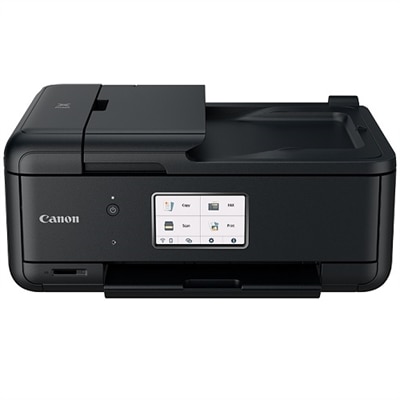
$199.99
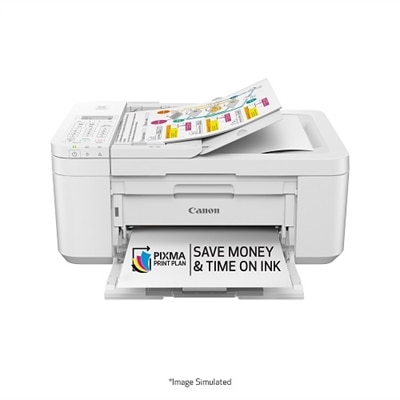
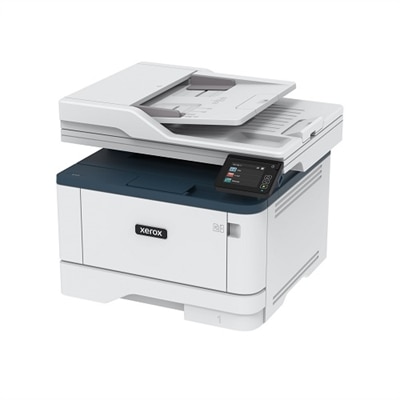
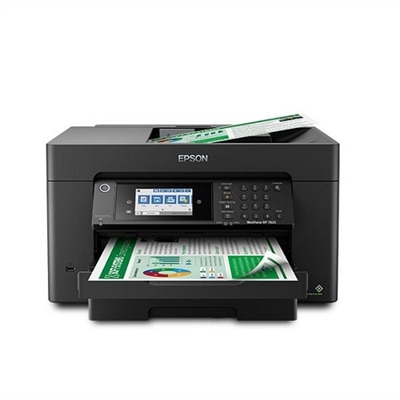
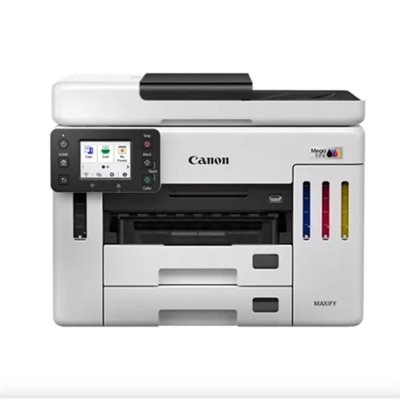
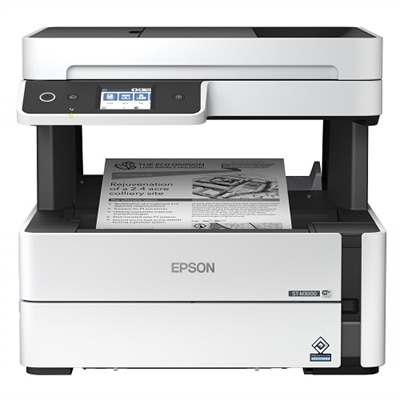
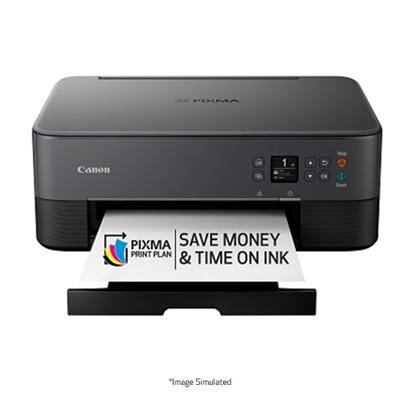
A compact all-in-one printer with wireless connectivity, 5-ink system, and 4.3" touchscreen.
Printers with automatic document feeders offer a convenient solution for efficiently handling multi-page scanning, copying, and faxing tasks. Perfect for busy home offices or fast-paced workplaces, these printers help streamline your workflow and save valuable time. Explore a variety of models designed to meet your productivity needs, all while delivering reliable performance and quality results. Find the right printers with automatic document feeders to enhance your daily operations and keep your projects moving forward.
A compact all-in-one printer with wireless connectivity, 5-ink system, and 4.3" touchscreen.
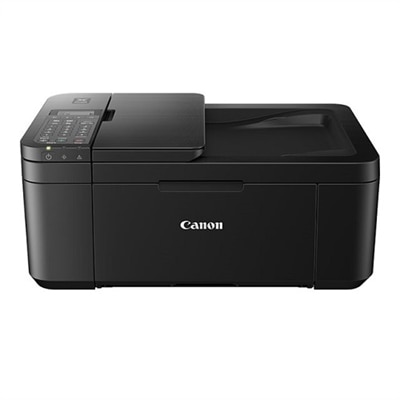
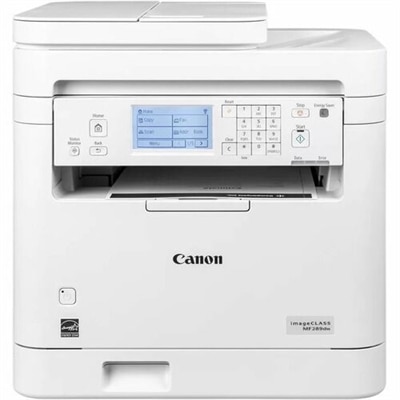
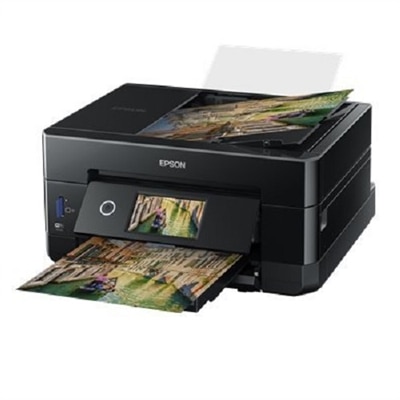
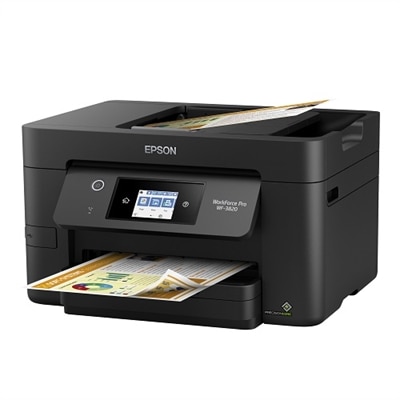
A compact black all-in-one printer with wireless connectivity, auto 2-sided printing, and built-in fax.
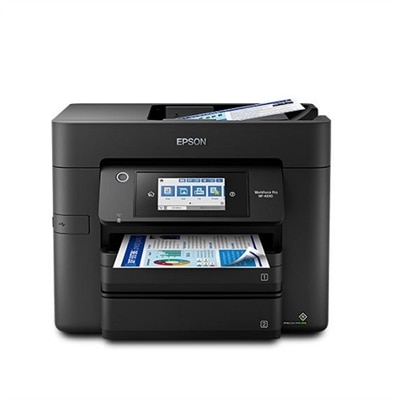
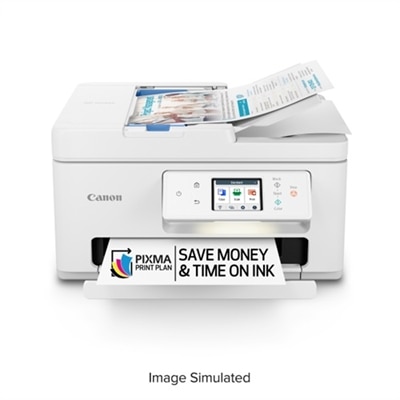
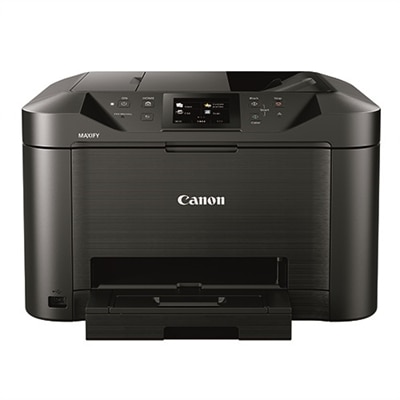
An efficient all-in-one printer with wireless connectivity, auto 2-sided functions, and a 4.3" touchscreen.
An efficient all-in-one inkjet printer with cartridge-free printing, vibrant color output, and voice-activated features.
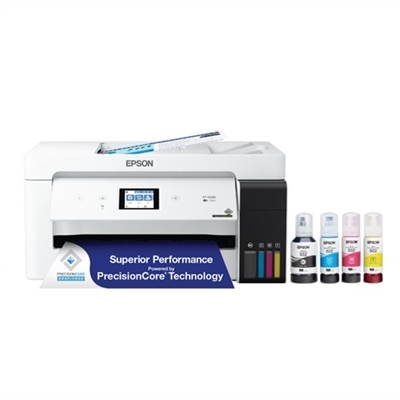
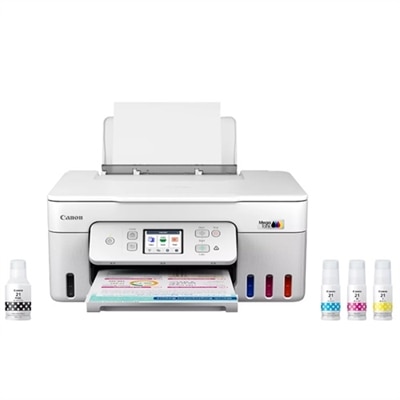
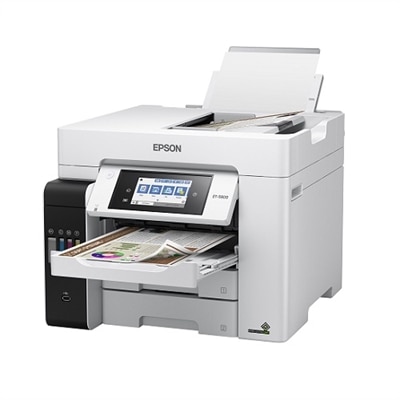
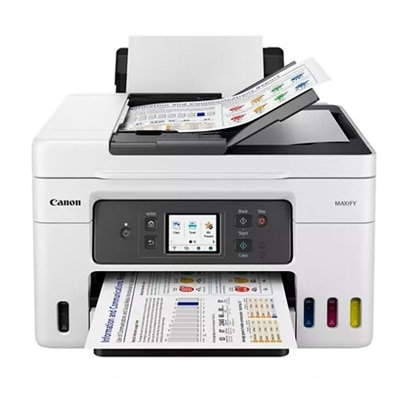
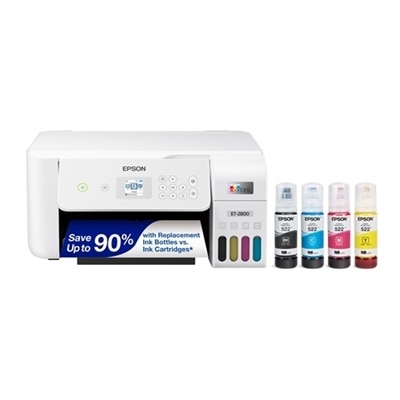
An efficient white all-in-one inkjet printer offering cartridge-free printing, scanning, copying, and faxing.
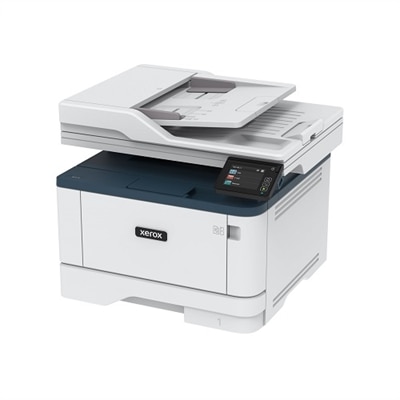
A compact white all-in-one printer with wireless connectivity, auto 2-sided printing, and fax functionality.
An all-in-one wireless inkjet printer with a 2.70-inch touchscreen and automatic document feeder for efficiency.
A white all-in-one printer with mobile printing and a 35-page auto document feeder.
An efficient multifunction printer with 25 ppm speed and 2 years of ink included for productivity.
A wireless all-in-one laser printer with automatic 2-sided printing and mobile device compatibility.
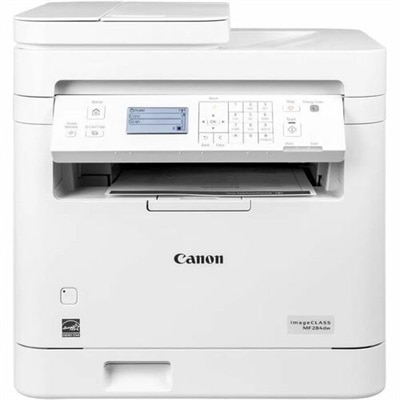
A white monochrome all-in-one printer with wireless connectivity, 6-line touchscreen, and auto 2-sided printing.
A high-performance all-in-one laser printer with a 10-inch touchscreen, ideal for secure, sustainable printing.
A white monochrome all-in-one printer with wireless connectivity, touchscreen, and auto 2-sided printing.
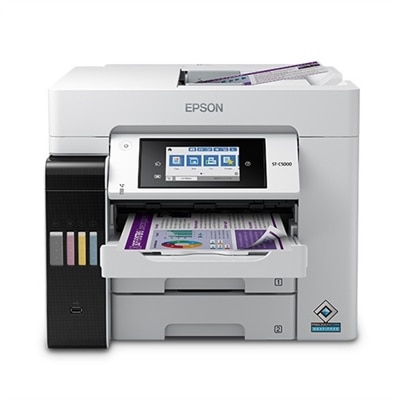
An ultra-productive all-in-one printer with wide-format capabilities, auto duplexing, and a 4.3" touchscreen.
A wireless all-in-one laser printer offering up to 42 ppm and 350-sheet capacity for efficient printing.
An all-in-one inkjet printer with cartridge-free printing, vibrant borderless prints, and voice-activated functionality.
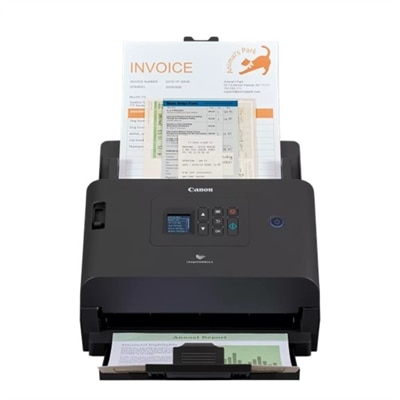
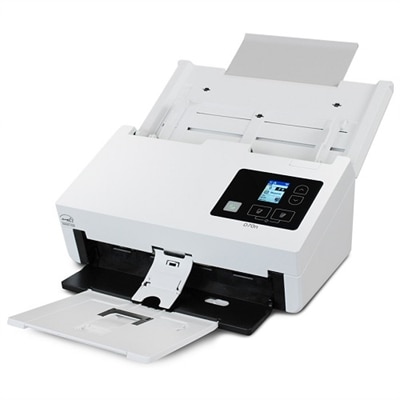
A versatile scanner with 60-sheet ADF, scanning up to 50 pages per minute, and Ethernet/USB connectivity.
A versatile inkjet printer offering high page yield, wireless connectivity, and touchscreen functionality for small offices.
An all-in-one wireless inkjet printer with 5-color inks, 4.3" touchscreen, and mobile printing capability.
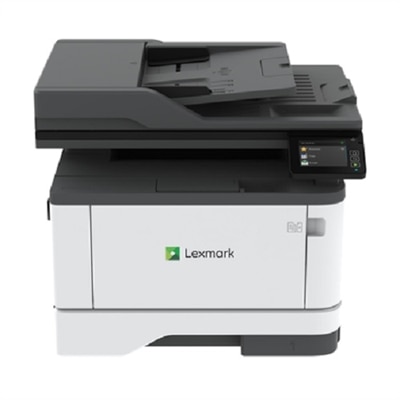
A white multifunction laser printer offering wireless connectivity, auto-duplexing, and a 35-sheet document feeder.
A wireless all-in-one inkjet printer with fast 2-sided scanning and a 3.5-inch touchscreen.
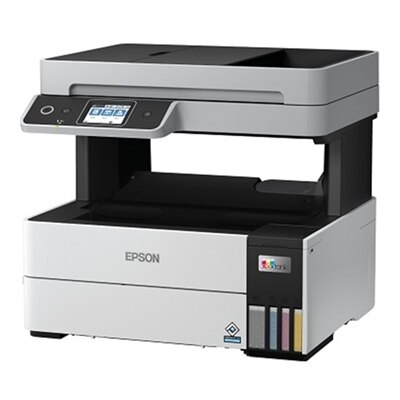
An efficient all-in-one monochrome printer with a super-size ink tank and versatile wireless connectivity.
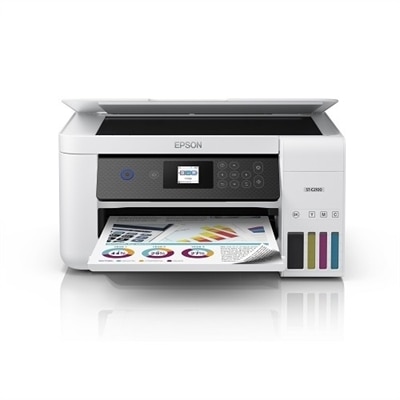
An efficient wireless all-in-one inkjet printer with integrated ink tanks, touchscreen, and 3-year warranty.
A compact all-in-one laser printer with 42 ppm output, double-sided scanning, and cloud connectivity.
Printers with automatic document feeders make it easier to scan, copy, or fax a stack of pages without placing every sheet on the scanner glass by hand. An automatic document feeder, often called an ADF, is a tray built into the top of an all-in-one printer that pulls pages through one at a time and sends them across the scanner. This simple feature can make a noticeable difference when handling multipage forms, school assignments, receipts, contracts, invoices, travel documents, or family records. Instead of lifting the lid for each page, you can load a group of documents, select scan or copy, and let the printer work through the stack while you prepare an email, organize a folder, or return to other tasks. Some ADF printers process one side of each page, while models with a duplexing automatic document feeder can scan both sides of a document more efficiently. Automatic two-sided printing is another useful feature, although it is separate from the ADF itself: duplex printing helps reduce paper use when creating finished documents, while a duplex ADF helps capture both sides of pages during scanning or copying. When comparing printers with automatic document feeders, check the feeder capacity, supported paper sizes, scanning resolution, copy speed, and whether the feeder is designed for single-sided or two-sided originals. A larger capacity can be helpful in a busy home office or shared workspace, while a smaller footprint may matter more when the printer sits on a compact desk or shelf. Keep in mind that capacity ratings generally refer to standard sheets of plain paper, so delicate receipts, thick cardstock, envelopes, and mixed-size originals may need to be handled separately.
The right printer depends on the kind of documents you create and how often you use the ADF. Inkjet all-in-one printers are often a practical fit for households, students, home offices, and anyone who prints a mix of sharp text, colorful charts, and photographs. They can be a useful choice when color matters and print jobs vary from a few pages to occasional larger projects. Laser printers are well suited to people who regularly produce text-heavy documents and value crisp lettering, quick output, and dependable performance over repeated print sessions. A printer with an ADF can also be an important tool for a small business owner who needs to digitize signed paperwork, a teacher organizing classroom materials, a homeowner saving insurance records, or an adult helping a relative manage medical and financial documents. During the cooler months, when more work and household organization often move indoors, a reliable ADF can turn a crowded pile of paperwork into clearly labeled digital files with less effort. Look for wireless connectivity if several people will print from laptops, tablets, or phones, and check compatibility with the operating systems and mobile printing services used in your home or office. A touchscreen or straightforward control panel can make recurring scan and copy jobs easier, while automatic document-size detection, searchable PDF support, and scan-to-email or scan-to-cloud options may save additional steps. For those who frequently create double-sided reports, forms, or handouts, browsing Auto Duplex Laser Printers can help identify options built around efficient two-sided output.
Before choosing, consider the complete cost and the physical setup rather than focusing only on the printer’s initial size or listed speed. Review the recommended monthly duty cycle, paper tray capacity, replacement ink or toner options, and the types of paper the printer supports. A high page-per-minute rating is useful for long reports, but an ADF that feeds pages consistently and a scanner that produces clean, readable files may matter more for everyday work. If you often scan photographs, books, or irregular originals, remember that an ADF is intended primarily for loose sheets; the flatbed scanner remains the better surface for delicate, bound, or unusually shaped material. Place the printer on a level surface with enough room to open the feeder, remove paper jams, refill supplies, and lift the scanner lid. Fan pages before loading them, remove staples and clips, align the edges, and avoid mixing heavily curled or damaged sheets with smooth originals. These small habits help the feeder move pages evenly and reduce misfeeds. Printers with automatic document feeders can also make thoughtful practical gifts for a college student moving into a first apartment, a relative setting up a home workspace, or someone handling more paperwork during a new job or household transition. The most useful choice is usually the one that matches the recipient’s routine: a compact color model for occasional family printing, a text-focused laser option for frequent office documents, or a feature-rich all-in-one for scanning, copying, and organizing records. With the right combination of ADF capacity, duplex capability, connectivity, paper handling, and supply efficiency, a printer can become a quiet daily helper—ready to turn a stack of loose pages into organized copies, clean scans, and finished documents.
Add the products you would like to compare, and quickly determine which is best for your needs.