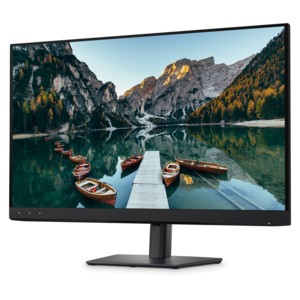
Professional Displays for Creative Workflows

Professional Displays for Creative Workflows are designed to support the demands of graphic designers, video editors, photographers, and creative professionals who require precision and clarity in their workspaces. Explore a curated selection of monitors that provide the visual performance needed to bring your ideas to life, whether you’re editing high-resolution images or working with intricate design projects. Elevate your creative process with displays that help ensure every detail is captured, making them an essential addition to any professional studio or office environment.

Filters

$2599.99

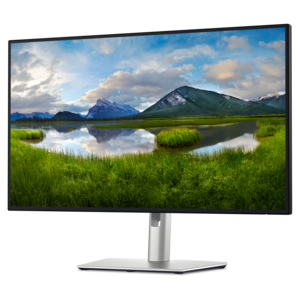
A color-critical 4K QD-OLED monitor with DisplayHDR True Black 500, anti-glare coating, and built-in colorimeter.
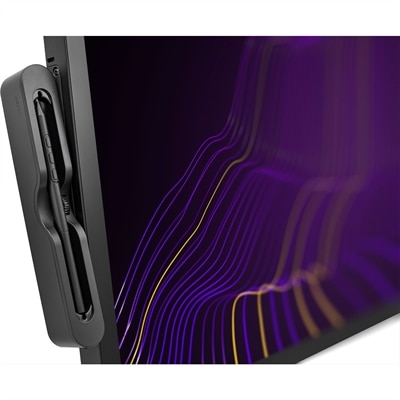
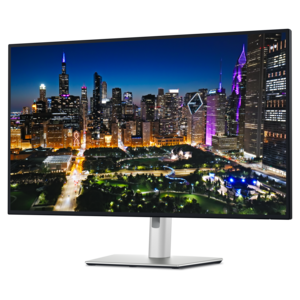
$2599.99
$3499.95

A 4K 120Hz pen display with HDR, wide-gamut color, multi-touch control, and customizable 8,192-level stylus.

$3499.95
$969.99

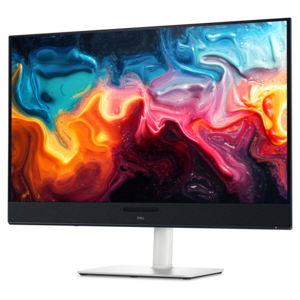
A 4K monitor with enhanced IPS Black, 3000:1 contrast, 120Hz refresh, eye comfort, and ambient sensing.

$969.99
$849.99

A 4K monitor with IPS Black, 3000:1 contrast, 120Hz refresh, ambient light sensing, and eye comfort.

$849.99
$1599.00

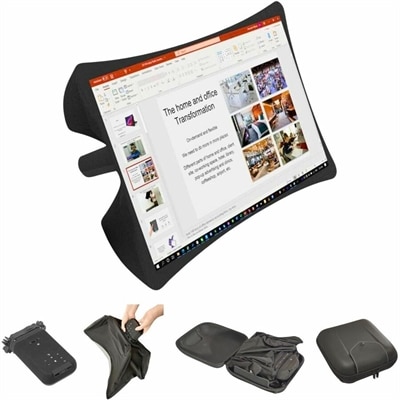
A foldable, rugged projection system with a nanomaterial screen, built-in battery, HDMI and USB-C connectivity.

$1599
$199.99

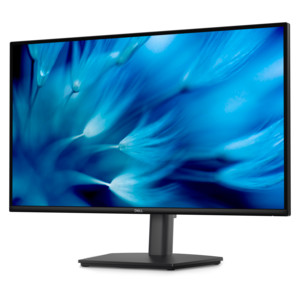
A height-adjustable QHD monitor certified by TÜV Rheinland for 3-star eye comfort and productive work.

$199.99
$229.99

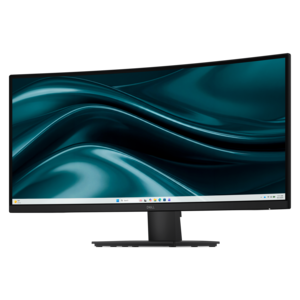
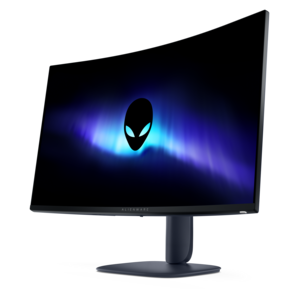
A curved WQHD monitor with 165Hz refresh rate, 1ms MPRT, and TÜV Rheinland 3-star certification.

$229.99
$249.99

A color-critical gaming monitor with DisplayHDR True Black 500, anti-glare, built-in colorimeter, and remote calibration tools.

$249.99
$649.99

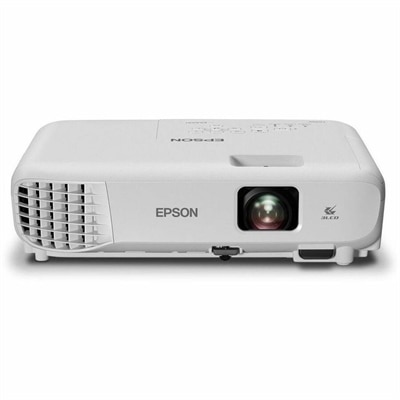
A 3LCD projector delivering WXGA widescreen images with 4,000-lumen color and white brightness plus dual HDMI.

$649.99
$799.99

A 4K QD-OLED monitor with AI-enhanced 3D Spatial Audio for immersive entertainment.

$799.99
$1269.99

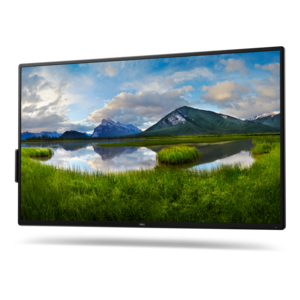
A 4K collaboration monitor with USB-C connectivity, up to 90W power delivery and micro PC flexibility.

$1269.99

Professional Displays for Creative Workflows

Professional displays for creative workflows bring detailed imagery, readable tools, and consistent viewing conditions into the space where ideas become finished work. Photographers use them to examine fine textures and subtle changes in skin tone, while video editors need room for footage, timelines, and color controls. For illustrators, graphic designers, and motion artists, a dedicated monitor can make the difference between repeatedly hiding panels and keeping essential references visible beside the canvas. Resolution and screen size work together: a larger screen creates physical space, while a higher pixel count can reveal more detail and support a more expansive workspace, depending on operating system scaling. A 27-inch 4K display, for example, can render small text and image edges more finely than a similarly sized lower-resolution screen, though comfortable text size may require scaling adjustments. QHD displays can provide a useful balance of detail and workspace, while larger 4K screens offer more room for layouts, previews, and everyday applications. Ultrawide formats can accommodate a long editing timeline or several documents without a central bezel; two separate displays allow different applications to remain full-screen and can be positioned independently. Screen dimensions alone do not determine whether either arrangement fits comfortably. Desk depth, viewing distance, application layout, and the need to share work with someone seated nearby all affect how useful the space feels. Flat panels offer a straightforward viewing surface for evaluating layouts and straight lines, while curved formats can bring the edges of a broad screen closer to the viewer. For someone moving between sketching, retouching, and client presentations throughout the day, the most useful display is one whose proportions and clarity support those actual tasks rather than simply adding more screen area.

Color performance gives professional monitors much of their value, but color gamut, accuracy, and consistency describe different qualities. Gamut is the range of colors a display can reproduce; accuracy describes how closely those colors match their intended values; consistency concerns how reliably the image holds across the screen and over time. Coverage of sRGB is relevant to many web and digital design workflows, while wider gamuts such as DCI-P3 can support work intended for compatible wide-color viewing environments. Rec. 709 remains relevant to standard dynamic range video production. A wide gamut does not automatically mean accurate color, and an unmanaged application can make familiar images appear overly saturated. Factory calibration, documented accuracy measurements, selectable color modes, and support for calibration tools can therefore matter as much as a headline coverage percentage. Calibration adjusts display behavior toward a target, while profiling describes that behavior for color-managed software. Print-focused work also depends on the printer, paper, output profile, and viewing light, so even a carefully adjusted monitor cannot guarantee an exact paper match. Panel technology adds another layer. IPS panels are commonly used for their broad viewing angles and stable appearance, although uniformity and contrast differ among displays. OLED panels can produce deep blacks and precise control of individual pixels, with care considerations for prolonged static interface elements. Mini-LED backlighting can improve localized brightness and contrast, but performance depends on implementation, and bright objects may show halos against dark backgrounds. For HDR editing, accepting an HDR signal is not equivalent to accurately reproducing HDR content; brightness, black levels, local dimming, color capability, and supported formats all matter. Higher refresh rates can make scrolling, animation previews, and interface movement look smoother, while video review also benefits from refresh settings appropriate to the footage. In a quiet editing room, controlled ambient light and reduced reflections help preserve the value of all these capabilities, especially when judging shadow detail or deciding whether a warm cast belongs in the image.

A professional display also needs to function as part of a comfortable, dependable workspace. Height adjustment, tilt, swivel, and pivot help position the screen around the person using it rather than forcing a fixed posture. Portrait orientation can suit page layouts, tall illustrations, or reference documents, while compatible monitor arms free desk space and allow more precise positioning. Arm compatibility depends on the mounting pattern, display weight, and the desk’s ability to support the arrangement. In studios where material palettes, floor plans, and dimensional drawings share the screen, Professional Monitors for Architects connects closely with these same needs for readable detail, usable workspace, and comfortable viewing. Connectivity deserves equal attention. Some monitors support video, data, and laptop charging through one compatible cable, reducing cable clutter during frequent transitions between a desk and a meeting room. Charging capacity, supported resolution, refresh rate, and accessory connections depend on the monitor, computer, and cable working together. Integrated hubs can keep a keyboard, mouse, or other supported accessories connected at the desk, and a built-in keyboard, video, and mouse switch can let compatible computers share peripherals. Neither feature should be assumed from the presence of a single connector. Physical construction matters during everyday use as well: a stable stand, secure adjustment mechanisms, accessible ports, and a well-supported enclosure are more useful than decorative bulk. Matte surface treatments can soften distracting reflections, though their appearance varies, and direct sunlight remains difficult for critical image assessment. Durable use also includes protecting the panel from pressure, keeping ventilation openings clear, and managing cables so they do not pull against connections when the screen moves. Routine cleaning generally starts with a clean, soft microfiber cloth and follows the manufacturer’s care directions; liquids should never be sprayed directly onto the panel. These practical details matter in a shared studio, a home editing space, or a busy design office, where a display must remain comfortable and predictable through long revisions, close inspection, and the final review before work leaves the screen.

FAQs:

Add the products you would like to compare, and quickly determine which is best for your needs.

Add the products you would like to compare, and quickly determine which is best for your needs.