Professional Visualization

Explore professional visualization options for CAD, 3D modeling, and rendering workflows. Compare graphics capabilities, memory, and system compatibility to narrow your selection based on the software you use, your project requirements, and your existing setup.

Filters

$249.99

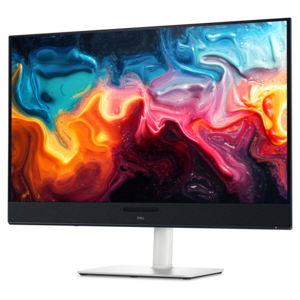
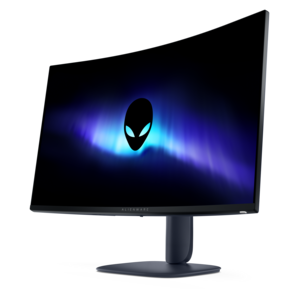
A color-critical gaming monitor with DisplayHDR True Black 500, anti-glare, built-in colorimeter, and remote calibration tools.
$249.99
$2599.99

A color-critical 4K QD-OLED monitor with DisplayHDR True Black 500, anti-glare coating, and built-in colorimeter.

$2599.99
$1330.00

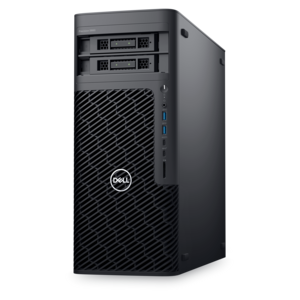
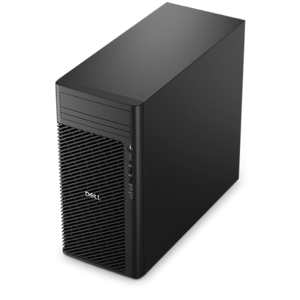
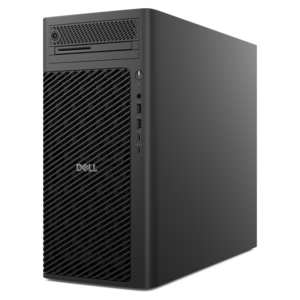
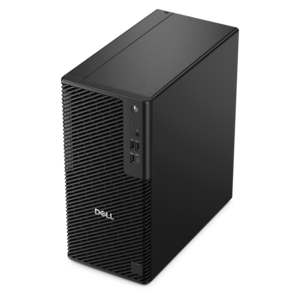
A reliable workstation desktop delivering excellent performance with professional graphics for demanding productivity and creative workloads.

$1330
$4127.00

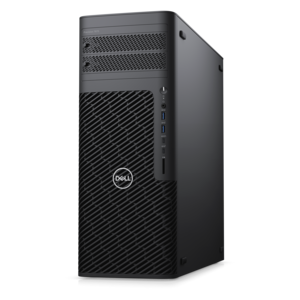
A workstation with Xeon processing, dual 300W graphics, 56TB storage, 2TB memory, and Windows 11 Pro.

$4127
$5180.00

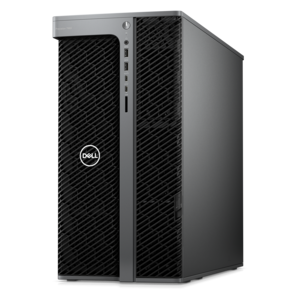
A scalable tower workstation with professional graphics and up to a 56-core Intel Xeon processor.

$5180
$4156.00

A high-performance desktop combining Intel Xeon 6 processors and advanced graphics for demanding professional workloads.

$4156
$5099.00

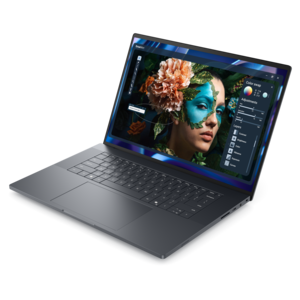
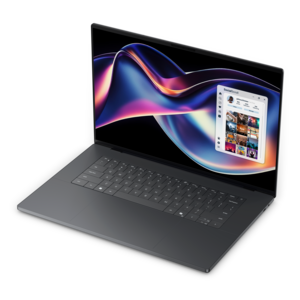
A sleek, lightweight professional laptop with Intel Core Ultra processors, NVIDIA graphics, and advanced on-device AI.

$5099
$1599.00

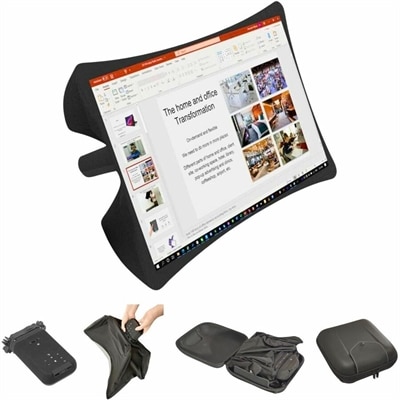
A foldable, rugged projection system with a nanomaterial screen, built-in battery, HDMI and USB-C connectivity.

$1599
$3295.00

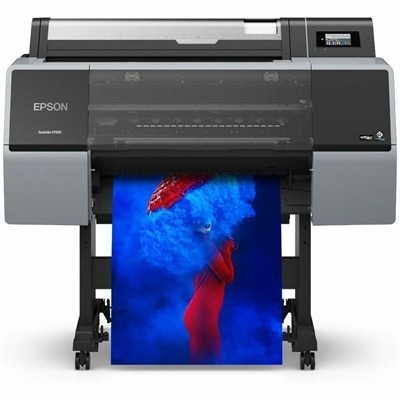
A wide-format color printer delivering exhibition-quality photography, fine-art and graphic-design prints with expanded-gamut archival pigment inks.

$3295
$5875.00

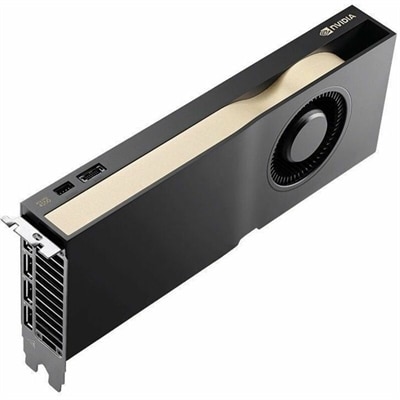
A professional graphics card with 32GB GDDR7 memory, Blackwell architecture, and advanced AI acceleration for demanding workflows.

$5875
$3499.95

A 4K 120Hz pen display with HDR, wide-gamut color, multi-touch control, and customizable 8,192-level stylus.

$3499.95
$340.99

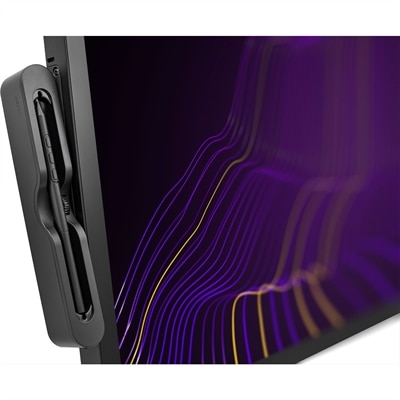
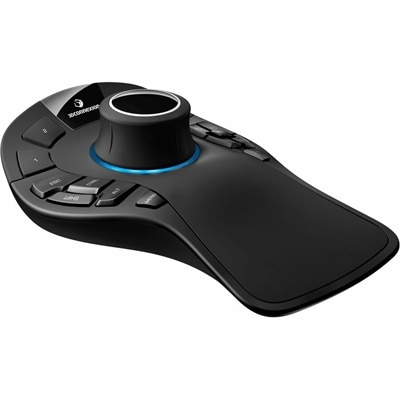
A professional 3D mouse with ergonomic design and on-screen display for precise, comfortable navigation.

$340.99
$499.95

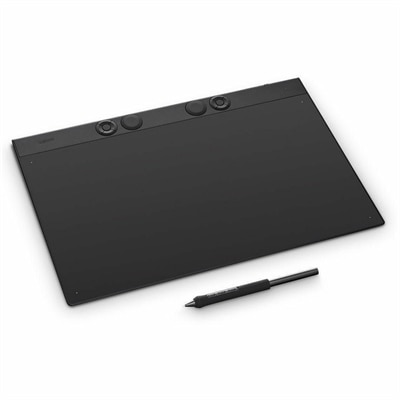
A professional drawing tablet with customizable pen, 8192 pressure levels, Bluetooth, magnesium construction, ExpressKeys and dials.

$499.95
$379.99

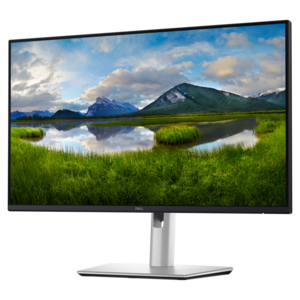
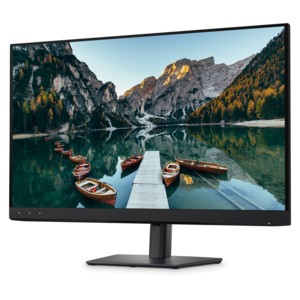
A QHD USB-C hub monitor with extensive connectivity and TÜV-certified four-star eye comfort.

$379.99
$159205.00

A high-performance desktop powered by the NVIDIA Grace Blackwell Ultra Desktop Superchip with MaxCool technology.

$159205
$799.99

A 4K QD-OLED monitor with AI-enhanced 3D Spatial Audio for immersive entertainment.

$799.99
$4802.00

A scalable tower workstation delivering reliable, outstanding performance for demanding multi-threaded applications.

$4802
$1598.00

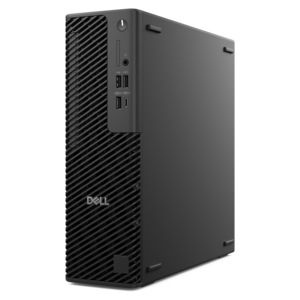
A slim desktop delivering exceptionally fast CPU and GPU performance for demanding professional workloads.

$1598
$1899.99

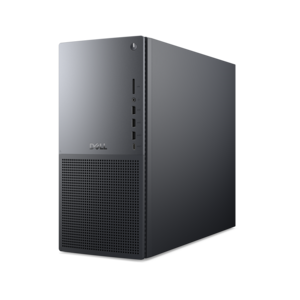
A powerful desktop featuring advanced graphics and expansive upgradeability for creative workloads, gaming, and demanding tasks.

$1899.99
$1299.99

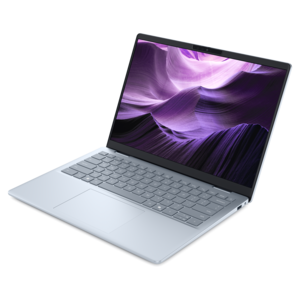
A lightweight AI-powered laptop with Intel Arc graphics, ideal for creative professionals and small businesses.

$1299.99
$4211.00

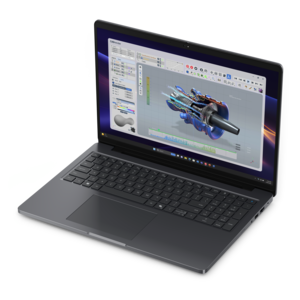
A modern workstation-class laptop delivering cost-effective performance for professional productivity.

$4211
$2461.00

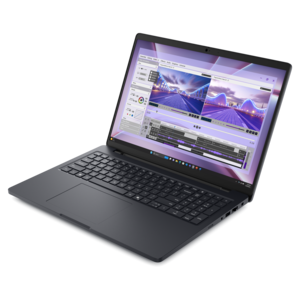
A powerful laptop with a large display, built for productivity and design applications on the go.

$2461
$1899.99

A thin, high-performance creator laptop delivering exceptional battery life for demanding creative workflows.

$1899.99
$1499.00

A scalable desktop delivering the world’s fastest single-threaded performance for demanding professional workloads.

$1499

Professional Visualization

Professional visualization turns complex designs, three-dimensional models, and technical data into clear images that people can examine, refine, and share. It supports work such as architectural rendering, mechanical design, animation, medical research, and scientific modeling, where a visual representation can reveal details that drawings or tables alone may not communicate. A building model might show how afternoon light falls across an interior, while a product rendering can reveal the relationship between a curved surface, its finish, and the surrounding light. The computers and displays used for these tasks need to support both the creation process and the final presentation. Professional visualization workstations combine processing power, graphics capabilities, and memory to handle demanding applications, although the right balance depends on the software and the project. Interactive modeling benefits from responsive performance as objects are selected, moved, and rotated. Rendering may rely primarily on the processor, the graphics processor, or both, depending on the application and rendering engine. Graphics memory is particularly relevant when a scene contains detailed geometry, large textures, or multiple complex assets; insufficient capacity can limit the work that fits comfortably into a graphics-based workflow. System memory serves a different purpose, helping accommodate large models and several open applications without excessive interruptions. Fast local drives can shorten file transfers and improve the experience of opening substantial project files, but they do not replace adequate memory or graphics capability. For an engineer examining the clearance between closely fitted components, smooth navigation makes small adjustments easier to evaluate. For an animator reviewing motion, consistent playback can help expose timing problems before the final render. These examples make professional visualization more than a matter of producing attractive pictures: it is a practical way to inspect ideas and communicate decisions. Hardware suited to the actual application, file complexity, and intended output helps keep that process responsive, whether the finished work is a still image, a technical illustration, an animated sequence, or an interactive presentation.

The display is where much of that work becomes visible, so screen characteristics deserve as much attention as computing performance. Resolution affects how much detail can be shown, while screen size and pixel density influence how comfortably that detail can be examined at a normal working distance. A larger desktop monitor can provide room for a drawing canvas, reference material, and tool panels without constant rearrangement. Multiple monitors can separate a model from specifications or correspondence, although the desk needs enough depth and width to keep the main viewing area comfortably positioned. Color requirements vary by discipline. A visualization intended to communicate the shape of a mechanical part may have different needs from an image prepared for a color-sensitive publication. Color gamut describes the range of colors a display can reproduce; color accuracy describes how closely displayed colors match their intended values. Neither should be confused with resolution. Calibration, consistent application settings, and appropriate room lighting help support a controlled viewing environment, but screen images and printed output can still differ. Matte screen surfaces can reduce distracting reflections, particularly near windows or overhead lights, while adjustable stands make it easier to position the screen at a comfortable height and angle. For detailed work, a mouse or pen input device that fits the hand and supports precise movement can be more useful than a larger collection of seldom-used controls. Keyboard placement, chair clearance, and space for sketching also affect how naturally a workstation fits into a daily routine. Materials and construction matter in practical ways: sturdy display stands, secure hinges on mobile systems, and well-supported ports help equipment withstand repeated adjustments and connections. Care remains straightforward but important. Screens should be cleaned according to the manufacturer’s directions, with suitable materials rather than abrasive cloths or harsh cleaners. Keeping ventilation openings clear and removing dust as directed helps maintain airflow, especially during extended rendering sessions. These details support a workspace built for sustained attention, where fine lines, surface textures, and subtle changes in lighting remain easy to inspect.

Professional visualization computers also need to fit the places where the work happens. A desktop workstation can suit a fixed studio or engineering desk, particularly when a project calls for sustained processing, several displays, or room for future component changes. Expansion and upgrade options vary by system, so the chassis design and supported configurations matter more than assumptions about desktop computers in general. A mobile workstation supports a different rhythm: reviewing a model with a client, making adjustments between locations, or carrying a project into a classroom or shared studio. In that setting, screen dimensions, overall weight, chassis construction, and the combined size of the computer and power adapter influence everyday comfort. Battery life depends on the workload, and demanding graphics tasks can require connection to power for consistent performance. A compatible dock can simplify the transition to a desk, provided its display capabilities, power delivery, and connections meet the computer’s requirements. The options within Workstations for Design relate to these different creative and technical workflows, where portability, workspace layout, and application requirements shape the hardware choice. Software compatibility remains central. Some professional applications publish hardware recommendations or certify particular configurations and drivers, making those details useful checkpoints for reliable operation. Certification applies to the specified combination rather than every computer with similar component descriptions. Project demands can also change over time: a student progressing from simple objects to detailed assemblies, or a designer moving from still images to animated scenes, may need additional headroom. Representative project files offer a more meaningful performance test than an unrelated benchmark alone. Useful observations include how quickly a model opens, whether navigation stays responsive, and how long a typical render takes. With attention to these everyday tasks, professional visualization equipment becomes a working environment for exploring form, checking detail, and presenting complex information with clarity.

FAQs:

Add the products you would like to compare, and quickly determine which is best for your needs.

Add the products you would like to compare, and quickly determine which is best for your needs.