$199.99
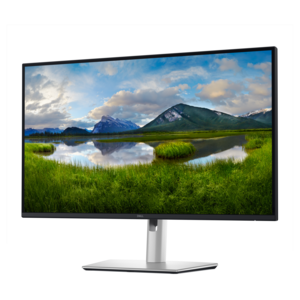
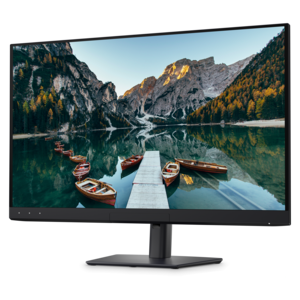
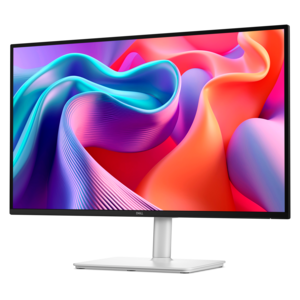
A height-adjustable QHD monitor certified by TÜV Rheinland for 3-star eye comfort and productive work.
Quantum dot monitors deliver vibrant visuals and exceptional color accuracy, making them a top choice for professionals, gamers, and creative enthusiasts alike. Explore a wide selection of quantum dot monitors designed to enhance your viewing experience with advanced display technology. Find the perfect monitor to suit your needs and enjoy outstanding image quality for work, play, and everything in between.
A height-adjustable QHD monitor certified by TÜV Rheinland for 3-star eye comfort and productive work.
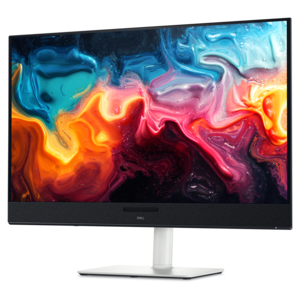
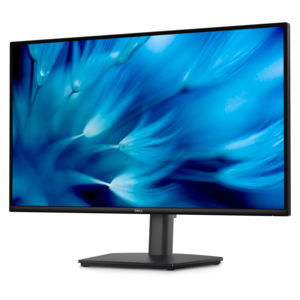
A QHD monitor certified by TÜV Rheinland for four-star eye comfort and productive work.
A 4K QD-OLED monitor with AI-enhanced 3D Spatial Audio for captivating entertainment.
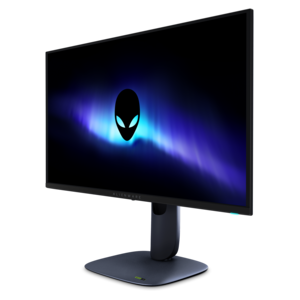
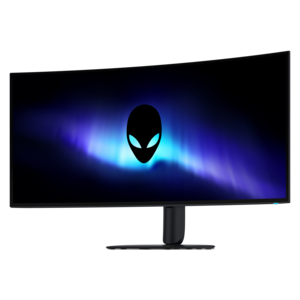
A 4K QD-OLED gaming monitor with 240Hz refresh rate, high pixel density, and Dolby Vision.
A color-critical 4K QD-OLED monitor with DisplayHDR True Black 500, anti-glare coating, and built-in colorimeter.
Quantum dot monitors use a layer of tiny semiconductor nanocrystals to refine the light produced by a display, creating more precise and saturated colors than many standard LED monitors. In a quantum dot LCD, often described as QLED, a quantum dot film works with an LED backlight and LCD panel to produce cleaner red, green and blue light across a wider color range. Newer QD-OLED displays use blue self-emissive pixels with a quantum dot layer to create additional colors, allowing bright highlights, rich saturation and deep blacks without relying on a conventional backlight. The result can be an especially vivid image, from the emerald tones in a nature documentary to the warm glow of a lamp in a story-driven game. Many quantum dot monitors support broad color spaces such as DCI-P3 or Adobe RGB, which can be valuable for photo editing, video production, digital illustration and other creative work where color accuracy matters. High dynamic range can also make a noticeable difference by adding brighter highlights and more visible detail between light and dark areas, provided the monitor, computer and content all support HDR. When comparing options, consider how the panel technology matches the way the display will be used. A QLED-style LCD may be a practical fit for a bright office, shared workspace or long workday, while a QD-OLED panel may appeal to viewers and gamers who place a premium on contrast, fast pixel response and cinematic image quality. Looking beyond the label is important because performance also depends on resolution, screen size, refresh rate, brightness, viewing conditions and the quality of the monitor’s processing.
For gaming, start by matching resolution and refresh rate to the capabilities of the computer or console. A 1440p monitor can provide a sharp image with a manageable workload for many gaming systems, while a 4K display offers finer detail for compatible hardware and larger screens. A higher refresh rate can make camera movement, racing scenes and competitive play feel smoother, and a low response time can help reduce visible blur during fast action. Support for adaptive sync can help coordinate the monitor’s refresh rate with the graphics output, reducing tearing and uneven motion. For creative professionals, resolution and color coverage deserve equal attention, but factory calibration, color-management controls and the ability to choose a consistent picture mode may matter even more. A monitor with flexible stand adjustments can help keep the top of the screen near eye level and reduce neck strain during long editing sessions. Tilt, height, swivel and pivot movement are useful in different setups, especially when a display needs to shift between spreadsheets, portrait-oriented documents and wide timelines. Check the available connections before choosing a monitor: HDMI and DisplayPort support common computers and gaming systems, while USB-C can simplify a laptop setup when it supports video, charging and data through one cable. Built-in USB ports, speakers, a headphone connection or a KVM feature may reduce desk clutter, although the usefulness of these extras depends on the rest of the workspace. A wide screen can make it easier to place several windows side by side, while a dual-monitor arrangement may suit people who keep reference material open beside a primary project. For a clearer picture of display features and viewing priorities, explore Sharp Monitors alongside quantum dot options.
Quantum dot monitors can serve many kinds of users, including home-office professionals, students, photographers, designers, content creators, gamers and anyone who spends time watching high-quality video at a desk. They can also be a thoughtful gift for someone refreshing a study area, building a creative workstation or pairing a display with a new laptop or desktop. A large, color-rich screen can make everyday tasks feel more comfortable: text has room to breathe, photo details are easier to inspect and a film can take on a more immersive sense of depth after work is finished. During the cooler months, when more time may be spent indoors, a monitor can become the center of a flexible space used for remote work in the daytime, gaming in the evening and streaming or editing on weekends. Before purchasing, measure the desk and viewing distance, since a screen that feels impressive in a showroom may be difficult to position comfortably in a compact room. Think about glare as well; a bright window behind or beside the display can affect black levels and color perception, while a matte or lower-reflection finish may be preferable in a sunlit workspace. OLED-based quantum dot monitors can deliver outstanding contrast, but buyers who keep static interface elements visible for many hours should review the manufacturer’s care recommendations, including screen-saving features and pixel-refresh routines. LCD-based quantum dot models may be appealing for users who prefer a familiar backlight design and consistent performance for office applications. It is also worth checking the warranty, included cables, mounting compatibility and energy-saving features. By weighing panel type, color performance, HDR capability, resolution, refresh rate, connectivity, ergonomics and the demands of the room, shoppers can choose a quantum dot monitor that feels natural in daily use rather than simply impressive at first glance.
Add the products you would like to compare, and quickly determine which is best for your needs.