$179.99
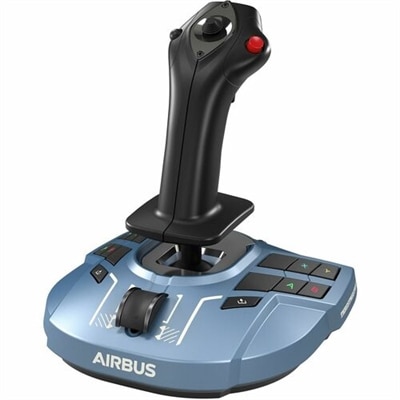
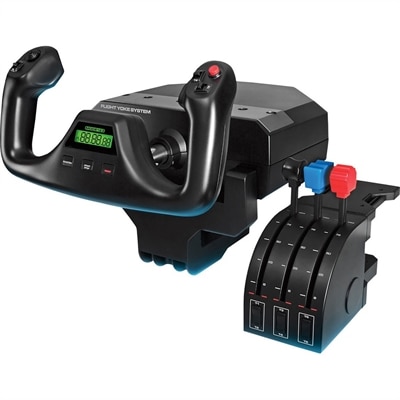
A realistic flight simulation yoke and throttle quadrant offering precise five-axis control for immersive pilot training.
Experience the thrill of realistic flight simulation with technology designed to immerse you in every takeoff, landing, and maneuver. Whether you’re an aspiring pilot or an enthusiast seeking lifelike aviation adventures, discover a selection of computers, monitors, and accessories that create a truly engaging flight environment. Elevate your setup with high-performance hardware that supports smooth visuals and responsive controls, making each virtual journey feel authentic and captivating. Explore options tailored to enhance your realistic flight simulation experience from the comfort of home.
A realistic flight simulation yoke and throttle quadrant offering precise five-axis control for immersive pilot training.
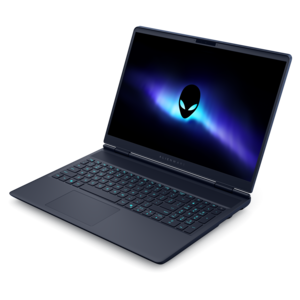
A streamlined gaming laptop powered by AMD Ryzen 200 Series processors and NVIDIA GeForce RTX graphics.
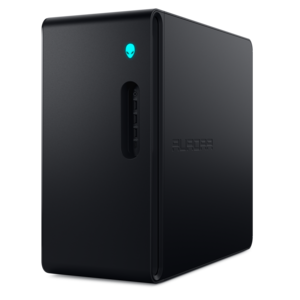
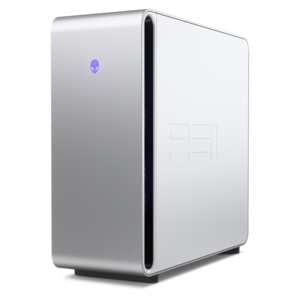
A purpose-built gaming desktop featuring efficient airflow and improved acoustics for immersive play in any setting.
A streamlined gaming laptop delivering powerful performance with NVIDIA GeForce RTX 50 Series graphics.
A sleek, lightweight laptop with Intel Core Ultra processors, NVIDIA graphics, and advanced on-device AI.
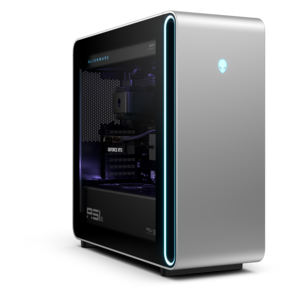
A flagship gaming desktop featuring AMD Ryzen 9000X3D series processors, advanced design, and high-performance hardware.
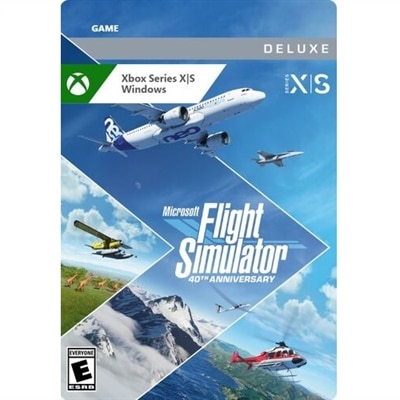
Realistic flight simulation brings together detailed aircraft behavior, convincing scenery, responsive controls, and computer hardware capable of keeping those elements moving smoothly. For a home setup, realism is not simply a matter of how closely a cockpit resembles the real thing. It also depends on how an aircraft responds to changes in power, airspeed, weight, wind, and control input. A convincing simulation can make the difference between a calm approach over open farmland and a demanding landing in gusty conditions feel tangible through the instruments, outside view, and handling. Civilian flying often emphasizes navigation, weather, airport procedures, and the distinct characteristics of light aircraft or airliners, while military aviation experiences may place more emphasis on high-performance handling and specialized aircraft systems. The computers, monitors, and accessories used for these experiences should suit the kind of flying that holds a person’s attention, whether that means short sightseeing trips or carefully planned routes between unfamiliar airports. Exploring Flight Simulator Games can help connect those interests with the software requirements that shape a suitable hardware setup. Different simulators prioritize different aspects of realism, and no single visual feature or physics technique establishes which experience will feel most authentic. Detailed terrain can make a familiar coastline recognizable, while accurately modeled instruments and flight controls can make a modest-looking cockpit more engaging to operate. Depending on the software, features may include changing weather, real-world navigation information, aircraft checklists, or aerodynamic calculations that account for changing flight conditions. These capabilities vary, so compatibility with the intended simulator matters more than an accessory’s appearance alone. For aviation enthusiasts, the appeal may be the quiet concentration of following a route across a mountain range. For someone interested in aircraft systems, it may be managing an approach while watching airspeed, altitude, and engine indications. Home simulation can support familiarity with aviation concepts and procedures, but an ordinary gaming setup does not replace qualified flight instruction or an approved training device.
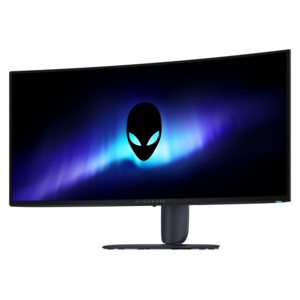
Computing performance shapes how naturally those virtual flights unfold, especially near complex airports or beneath layers of cloud. A capable processor helps handle simulation calculations and scene preparation, while a dedicated graphics processor supports detailed cockpit rendering, terrain, lighting, and higher display resolutions. The balance matters: raising visual settings cannot compensate for delays that make a control input feel disconnected from the aircraft’s response. System memory provides room for demanding software and supporting applications, and solid-state drives can shorten loading times and help with loading large scenery files. Exact requirements depend on the simulator, selected aircraft, add-ons, and display configuration rather than on one universal specification. A desktop often suits a permanent flying station because it can provide space for cooling, multiple connections, and future component changes, although upgrade options vary by design. A performance-oriented laptop can better suit a shared desk or a setup that moves between rooms, with attention to power connections, ventilation, and support for external displays. Monitor selection has an equally practical effect on immersion. A larger screen can make cockpit instruments easier to read, while an ultrawide display can widen the outside view when the software supports the appropriate aspect ratio and field-of-view settings. Multiple monitors may provide additional viewing space, but they also require desk room, compatible outputs, and more graphics performance. Higher resolution can clarify small instrument markings; smooth frame delivery helps when scanning the runway during a turn. Neither benefit is useful if the screen sits too far away to read comfortably. Virtual reality can provide stereoscopic depth and a sense of sitting inside the cockpit, though headset comfort, text clarity, tracking space, and sustained performance deserve particular attention. For longer sessions, screen placement, glare control, and an easy-to-read instrument view often contribute more to comfort than an aggressively wide viewing angle. Keeping the keyboard and mouse within reach also makes menus, camera adjustments, and occasional cockpit interactions less disruptive.
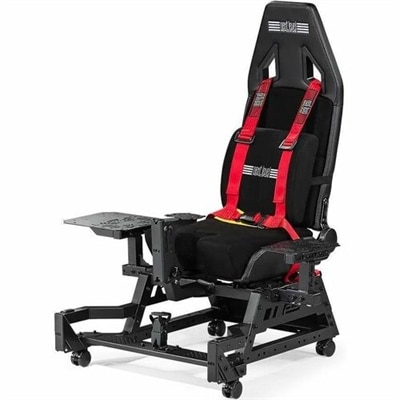
Flight simulation accessories add physical precision to that visual experience, turning small hand and foot movements into more deliberate aircraft control. A joystick can suit aircraft flown with a stick, while a yoke provides a different grip and range of movement that may feel more appropriate for other cockpit layouts. Separate throttle controls make it easier to adjust power without giving up the primary flight control, and rudder pedals allow independent yaw control; models with toe brakes can also support more nuanced ground handling when the software recognizes those inputs. Compatibility includes more than a matching connector. Operating system support, simulator recognition, button assignments, calibration options, and any required drivers all affect everyday use. Physical fit is just as important. A desk clamp needs the right surface thickness and clearance, a wide base needs enough room beside the keyboard, and pedals need a stable position that does not force the knees into an awkward angle. On a rolling chair, even a gentle pedal input can move the seat instead of providing a steady control response. Adjustable seating, secure mounting, and a comfortable reach help preserve precision through a longer flight. Materials and construction influence both feel and durability: textured grips can improve purchase, reinforced mounting points help resist movement, and metal components may add rigidity where controls receive repeated pressure. Plastic housings can still work well when thoughtfully designed, and weight alone does not establish quality. Consistent centering, smooth travel, accessible buttons, and dependable attachment are more meaningful during repeated takeoffs and landings. Care is generally straightforward when guided by the manufacturer’s instructions: keep controls free of dust, use suitable cleaning methods, avoid getting moisture into switches, and route cables so they cannot catch under a chair or pull against connectors. Leave computer vents unobstructed, particularly when a flying station shares space with other desk equipment. Headsets and speakers can add engine sound, radio communication, and environmental detail, while a comfortable microphone-equipped headset can support shared flying sessions. For a student pilot, longtime aviation enthusiast, or curious newcomer, these categories can also make thoughtful gifts when matched to the recipient’s existing computer, simulator, available space, and preferred aircraft controls.
Add the products you would like to compare, and quickly determine which is best for your needs.