Replacement Parts

Keep your devices running smoothly with high-quality replacement parts designed for a wide range of computers and accessories. Whether you need components for your laptop, desktop, or monitor, replacement parts help extend the life of your technology and maintain optimal performance. Find the right fit for your needs and ensure your setup stays reliable and efficient.

Filters

$39.99

A genuine 3-cell, 42Wh lithium-ion replacement battery providing reliable compatibility for select laptops.

$39.99
$94.99

A genuine 3-cell 56 Wh lithium-ion replacement battery delivering reliable power for select laptops.

$94.99
$27.99

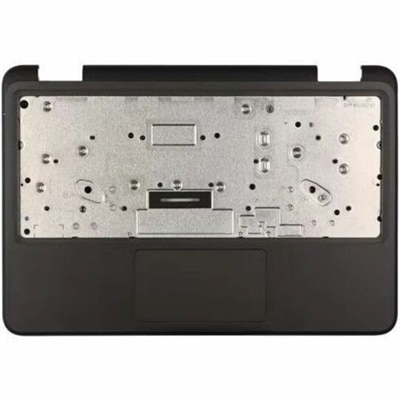
A genuine OEM replacement component engineered for compatible laptops, delivering reliable fit, tested quality, and warranty.

$27.99
$27.99

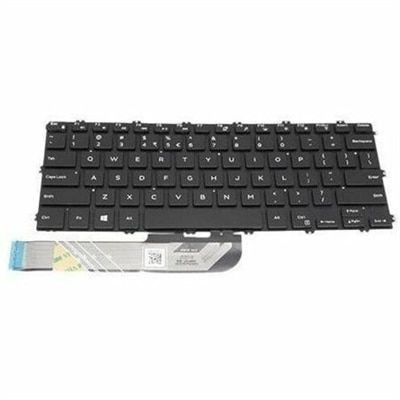
A refurbished laptop keyboard assembly with genuine OEM components, tested for reliable fit and functionality.

$27.99
$27.99

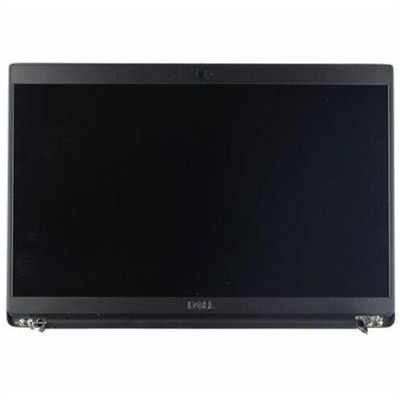
A replacement laptop display assembly with Full HD, anti-glare, non-touch LCD and integrated camera.

$27.99
$27.99

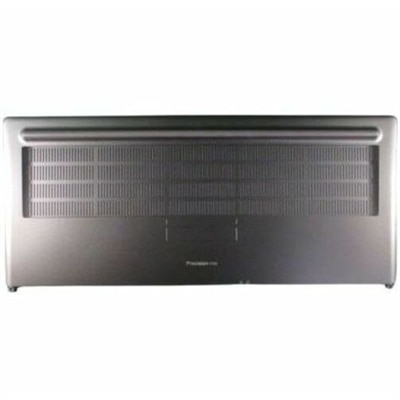
A replacement bottom base cover made with OEM-grade components for tested compatibility and reliable fit.

$27.99
$7.99

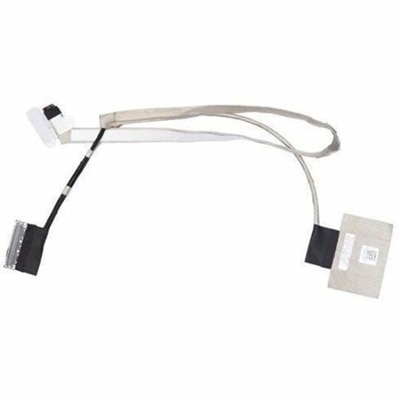
A replacement cable assembly using OEM-grade components, rigorously tested for reliable system compatibility.

$7.99
$19.99

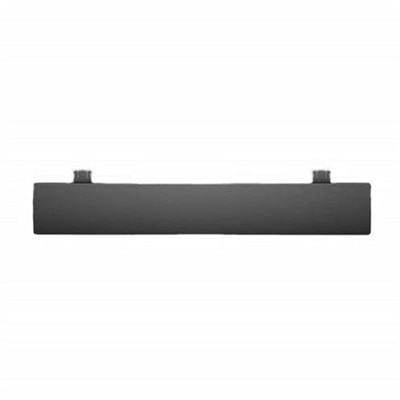
A black OEM replacement component designed for compatible KB216 keyboards and KM636 mice.

$19.99
$27.99

A genuine OEM replacement cooling fan engineered for reliable fit and compatibility with Latitude 3490 systems.

$27.99
$1093.99

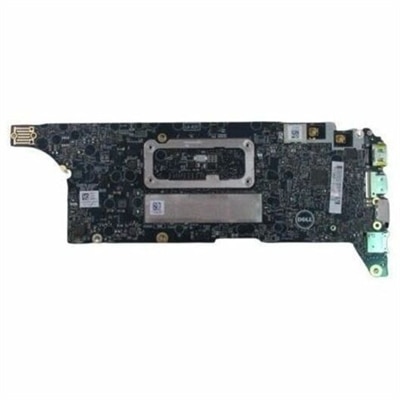
A genuine OEM notebook motherboard rigorously tested for compatibility, reliability, and dependable system performance.

$1093.99
$15.99

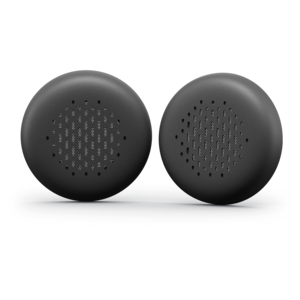
A fresh pair of leatherette memory-foam ear cushions designed for comfortable all-day replacement use.

$15.99
$19.99

A replacement pair of leatherette memory foam ear cushions for comfortable all-day wireless ANC headset use.

$19.99

Replacement Parts

Replacement parts help restore the fit, function, and everyday reliability of computers and related electronics when an original component becomes worn, damaged, or unable to perform as intended. For laptops, desktops, monitors, and accessories, the right replacement addresses a specific problem without necessarily requiring a change to the entire setup. A computer that travels between a kitchen table and an office can experience different wear than a desktop that stays in one place, but both depend on components that fit and work together correctly. Compatibility is therefore the starting point: a replacement needs to match the device’s exact model, relevant hardware configuration, and manufacturer specifications, not simply resemble the piece it replaces. Model information may appear on a device label, in system settings, or in its original documentation, while an existing component may carry a separate part number. Those details help distinguish between similar-looking versions with different dimensions, connectors, mounting points, or electrical requirements. Even within the same product family, a change in generation or chassis design can affect fit. Original equipment manufacturer, or OEM, parts are made by or for the device manufacturer; compatibility still needs to be confirmed for the particular model and configuration. Other replacement components also require careful verification against the device’s specifications rather than assumptions based on appearance or a broad compatibility description. This matters whether the goal is getting a student’s laptop ready for another semester, returning a home office computer to dependable daily use, or maintaining equipment shared by several people. Replacement parts serve a practical purpose: restoring a familiar device so its owner can keep using the screen layout, workspace, and routines already in place. A successful match supports the intended function without forcing a connector, altering a mounting point, or introducing a component with unsuitable power requirements. The most useful product information makes these distinctions clear, connecting the replacement’s specifications to the equipment it is meant to support.

Materials and construction influence how a replacement component feels, fits, and holds up through repeated use. Depending on its function, a part may combine molded plastics, metal supports, flexible insulation, conductive contacts, or protective surface finishes. Each material has a role rather than an automatic advantage: a rigid support helps maintain alignment, while a flexible section may need to accommodate movement within a tightly defined space. Material thickness, shape, and manufacturing tolerances can matter as much as the material itself. A piece that looks close enough in a photograph may sit unevenly, obstruct an adjacent connection, or place stress on a nearby attachment if its dimensions are wrong. For externally handled components, texture and edge finish also contribute to everyday comfort, particularly on a laptop used for long stretches of writing or study. Internal components have different priorities, including electrical compatibility, secure attachment, and an appropriate relationship to the device’s cooling design. Electrical replacements need the specified ratings and connection type; a physically matching plug alone does not establish that a component is suitable. Likewise, a replacement should preserve required clearances rather than crowd moving components or obstruct ventilation. Durability depends on correct selection and installation as well as the conditions in which the equipment operates. Frequent travel, repeated opening and closing, cable movement, dust, and accidental pressure can all contribute to wear in different ways. A laptop tucked into a crowded bag faces stresses that a carefully arranged desk setup may rarely encounter. Care should follow the device manufacturer’s instructions, including approved cleaning methods and precautions around openings and electrical contacts. Harsh cleaners, excess moisture, and unnecessary force can damage finishes or connections even when a component initially fits correctly. Clean ventilation openings, supported cables, and a stable work surface help maintain suitable operating conditions. Replacement parts are best understood as working elements of a complete device, where fit, materials, and intended use determine how well the repair holds up.

The purpose of a replacement also shapes what matters most when comparing compatible options. Restoring original operation is different from upgrading a computer: a repair aims to recover an intended function, while an upgrade changes a capability and may introduce additional compatibility requirements. Shoppers considering the broader hardware needs of a computer can explore PC Parts, with the same attention to model-specific support and system requirements. For replacement work, the visible symptom does not always identify the underlying fault. Intermittent operation, unexpected shutdowns, or an unreliable connection can have more than one cause, so a confirmed diagnosis helps avoid replacing a functioning component. Manufacturer documentation and qualified technical support can clarify whether a symptom points to hardware, software, or an external connection. Installation requirements deserve equal consideration. Some components are designed for straightforward user replacement, while others require substantial disassembly, specialized tools, or handling precautions that make professional service more appropriate. Access, adhesive attachment, delicate connectors, and electrostatic discharge precautions can all affect the work involved. The relevant service documentation establishes the proper procedure, including how power is disconnected and whether any setup or verification is needed afterward. Damage involving swelling, leaking, scorch marks, or unusual heat warrants stopping use and seeking qualified assistance rather than continuing to operate or open the device. Beyond the repair itself, replacement parts support a range of ordinary needs: a remote worker depends on consistent equipment during meetings, a household may share one computer for schoolwork and paperwork, and a small office may maintain familiar workstations for daily tasks. In each setting, a well-matched replacement can extend useful service when the rest of the device still meets its owner’s needs. Repair is not a guarantee that older equipment will support every new application, but it can preserve useful function without an unnecessary full-device replacement. Responsible handling also includes following local requirements for recycling removed electronics and any components that need special disposal. The result is a practical approach to maintenance centered on accurate identification, appropriate construction, and reliable everyday use.

FAQs:

Add the products you would like to compare, and quickly determine which is best for your needs.

Add the products you would like to compare, and quickly determine which is best for your needs.