$39.99
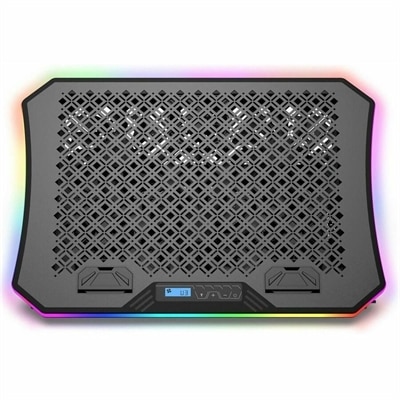
A metal-mesh laptop cooling pad with three USB-powered fans, adjustable angles, fan speeds and RGB lighting.
Elevate your setup with a vibrant selection of RGB devices designed to bring color and personality to your workspace or gaming station. Whether you're looking to enhance your atmosphere, showcase your style, or add dynamic lighting effects, these innovative options offer endless possibilities for customization. Explore a wide variety of RGB devices to find the perfect match for your needs and create an environment that stands out.
A metal-mesh laptop cooling pad with three USB-powered fans, adjustable angles, fan speeds and RGB lighting.
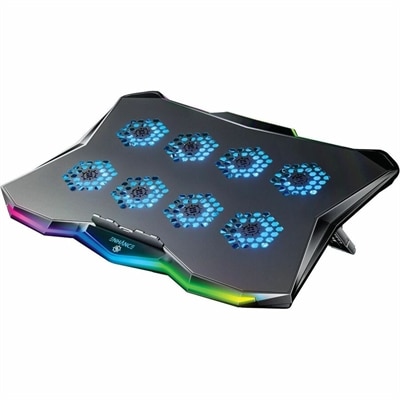
A slim metal laptop cooling pad featuring eight quiet fans, adjustable angles, and customizable RGB lighting.
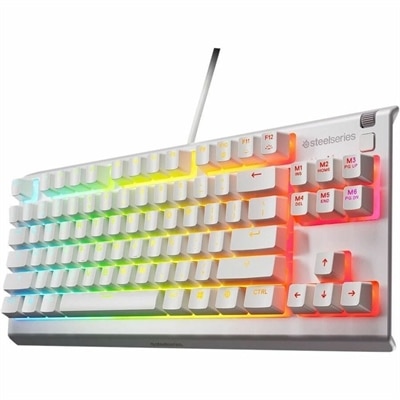
A white tenkeyless gaming keyboard with whisper-quiet switches, anti-ghosting keys, water resistance, and customizable RGB lighting.
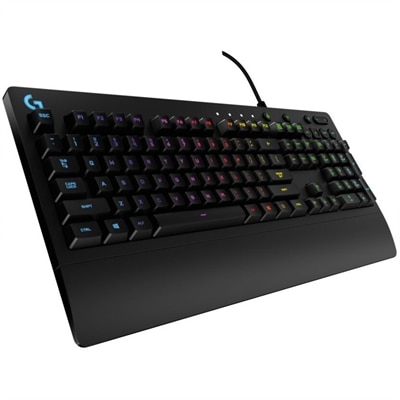
A wired gaming keyboard with RGB lighting, spill-resistant Mech-Dome keys, palm rest, and dedicated media controls.
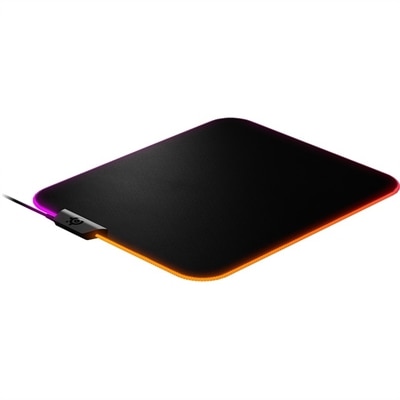
A micro-woven cloth mouse pad with dynamic RGB lighting, precise tracking, and a non-slip rubber base.
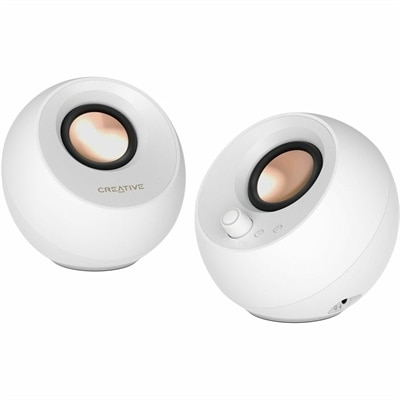
A white Bluetooth speaker system delivering 10W RMS audio with customizable RGB lighting and BassFlex technology.
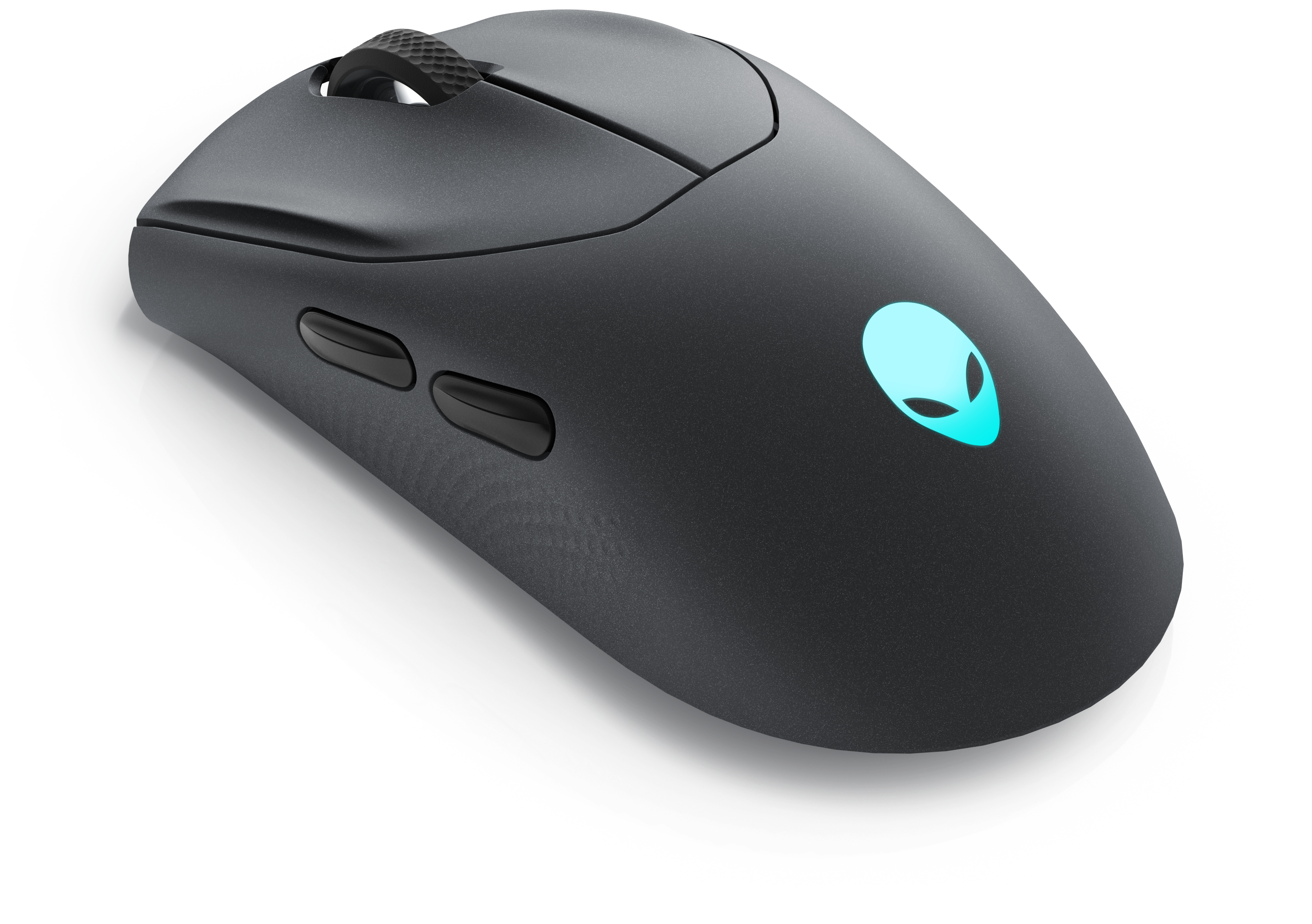
A wireless gaming mouse featuring tri-mode connectivity, 26,000 DPI, slim design, and magnetic-snap fast charging.
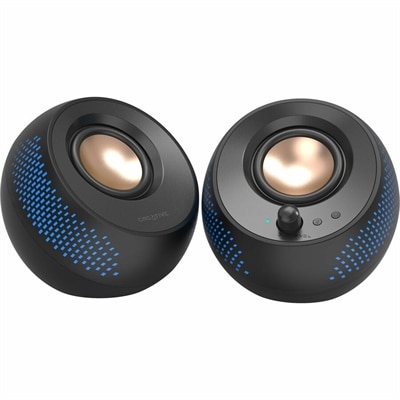
A black matte-finish speaker system delivering 15W RMS audio with Bluetooth 5.3, USB, and RGB illumination.
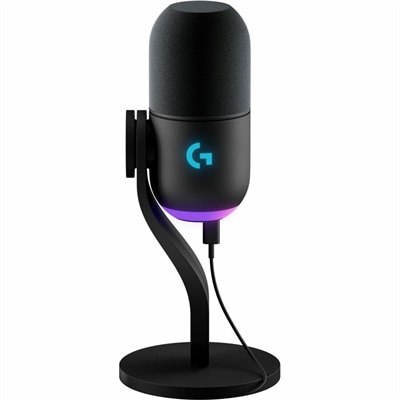
A black dynamic USB microphone with RGB lighting, noise rejection, and customizable vocal effects for streaming.
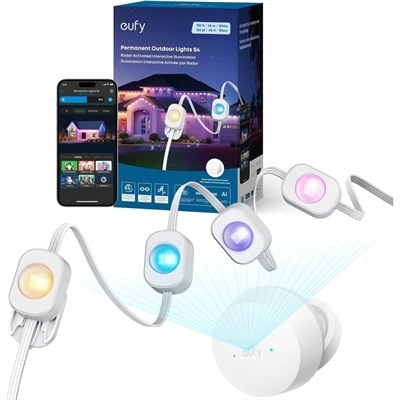
A waterproof smart light string with RGB, warm, cool white LEDs, music sync, and Matter compatibility.
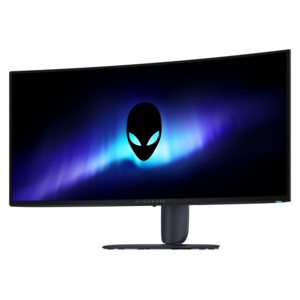
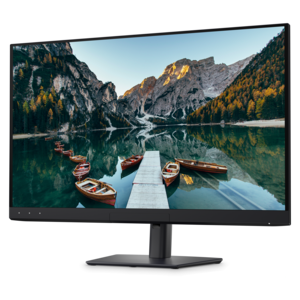
An ultrawide QD-OLED gaming monitor with 280Hz refresh, Penta Tandem technology, and vibrant RGB stripe color.
RGB devices bring color, atmosphere and personal style to a computer setup by using red, green and blue light-emitting diodes to create a broad range of colors. Depending on the hardware, RGB lighting may provide a single steady color, a gradual transition, a pulsing effect or a more animated pattern that responds to activity on screen. The appeal is both visual and practical: a soft glow can make a desk feel more inviting during the cooler months, while brighter accent lighting can help define a gaming or creative workspace without relying on overhead lights. RGB features are available across many types of PC accessories and compatible computer equipment, including gaming keyboards, mice, headsets, mouse pads, monitors, desktop computers and select laptops. Some people choose a coordinated setup with matching colors across the desk, while others prefer subtle illumination that complements a room’s existing décor. RGB devices can also be a thoughtful gift for a student setting up a first workspace, a gamer refining a battle station, a content creator building a visually distinctive environment or anyone who enjoys adding a personal touch to everyday technology. When selecting products from an RGB device collection, consider how the lighting will fit into the space, how often it will be used and whether the device needs to perform beyond its appearance. A keyboard, mouse or monitor should feel comfortable and responsive during extended sessions, and a laptop or desktop should match the user’s workload, from school and office tasks to gaming, photo editing or video production. If accurate color matters for design or content creation, explore displays designed for dependable color representation, including sRGB Monitors, which use a color standard associated with consistent on-screen color rather than decorative lighting.
Compatibility is one of the most important considerations when bringing several RGB devices together. Standard RGB commonly uses a 12-volt, four-pin connection and typically displays one uniform color across a connected component or lighting strip at a time. Addressable RGB, often called ARGB, commonly uses a 5-volt, three-pin connection and allows individual LEDs to show different colors simultaneously. This makes flowing rainbow patterns, waves and segmented effects possible, but the two connection types are not automatically interchangeable. Before connecting lighting components, check the device documentation, connector layout and voltage requirements. Using the wrong header or forcing an incompatible connection can prevent the lights from working properly and may damage the hardware. For external accessories, connection methods may include USB, wireless pairing or a dedicated control button, so it is helpful to confirm available ports and the operating system supported by the device. RGB control may be handled through the accessory’s own application, a computer’s built-in lighting settings or a compatible third-party utility. When products come from different manufacturers, each may use separate software, creating multiple background applications and different controls for brightness, colors and effects. A universal lighting application can sometimes coordinate compatible devices from multiple manufacturers through one dashboard, while open-source control tools may offer a lightweight alternative for users who prefer fewer utilities. Native operating-system lighting features may also coordinate supported accessories without requiring an additional application. Compatibility can vary by model, firmware and connection type, so confirm that the devices you plan to use appear on the software’s supported list before building a synchronized setup. For a straightforward experience, begin with one or two accessories, install the necessary updates and test each device individually before adding more lighting to the arrangement.
RGB lighting is most enjoyable when it supports the way a workspace is used rather than becoming a distraction. A low-intensity amber or warm white setting can create a relaxed feel for reading, browsing or watching a film, while a cool blue or purple tone may suit a focused gaming session. Static colors are often easier on the eyes and simpler to coordinate with furniture, wall color and other lighting, whereas animated effects can add energy to a gaming area or appear on camera during streaming. Brightness controls are especially useful in rooms that shift from daylight to artificial light as the day progresses. Place illuminated accessories where their glow can be seen without shining directly into the eyes, and keep cables organized so the setup remains comfortable and easy to maintain. A monitor’s backlight, keyboard illumination or mouse accents can provide enough character without filling the entire room with color. For gifts, look for flexible features such as adjustable brightness, several lighting presets and broad compatibility, since these make it easier for the recipient to adapt the device to an existing setup. For personal upgrades, prioritize the features that will be used every day: a comfortable keyboard layout, accurate pointer control, clear audio, an appropriately sized display, dependable wireless performance or a laptop and desktop configuration suited to the user’s applications. RGB devices can make a workspace feel more expressive, but the best choices combine attractive illumination with reliable performance, sensible controls and a fit that feels natural from the first use.
Add the products you would like to compare, and quickly determine which is best for your needs.