$34.99
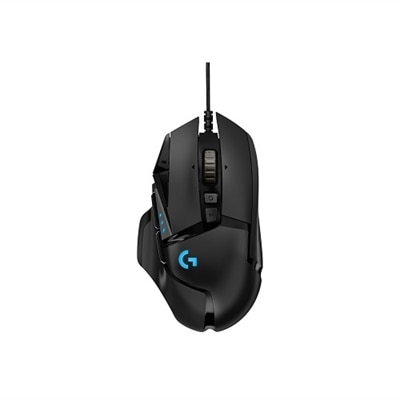
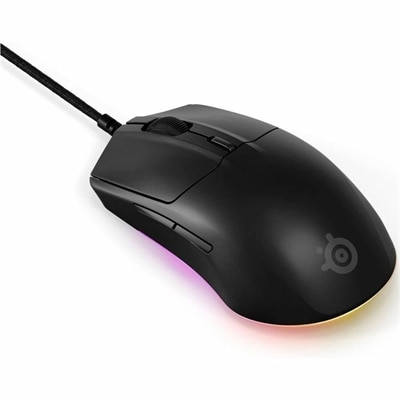
A lightweight black wired gaming mouse featuring an 8.5K sensor, dynamic RGB, and ultra-durable switches.
Elevate your gaming setup with RGB gaming accessories designed to enhance your experience and add vibrant style to your space. From immersive lighting effects to customizable options, RGB gaming accessories bring a dynamic edge to every session. Discover a wide selection that complements any battlestation and lets you express your unique gaming personality. Find the perfect RGB gaming accessories to take your gameplay and aesthetics to the next level.
A lightweight black wired gaming mouse featuring an 8.5K sensor, dynamic RGB, and ultra-durable switches.
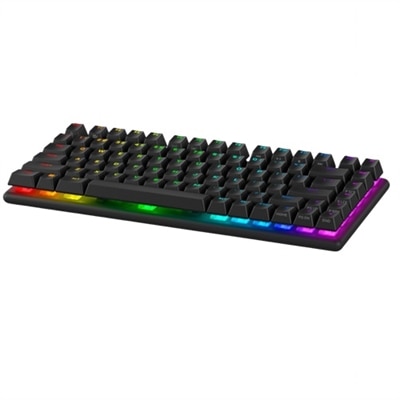
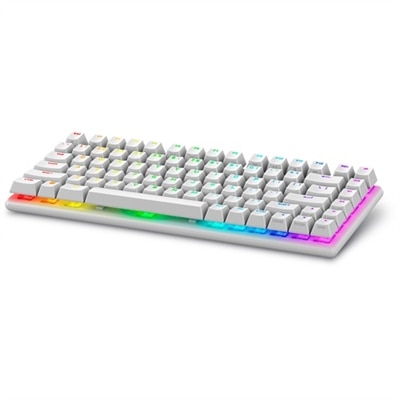
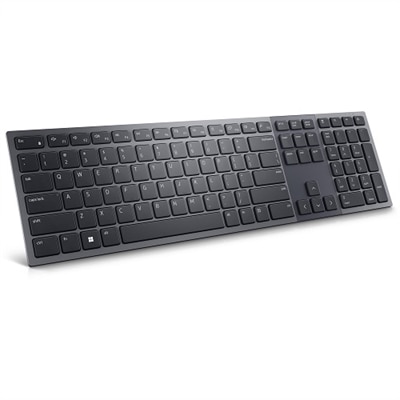
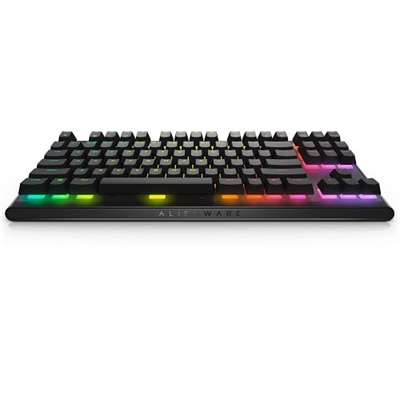
A wireless gaming keyboard with hot-swappable switches, PBT keycaps, and 16.8 million RGB lighting.
A wireless gaming keyboard with hot-swappable switches, PBT keycaps, and 16.8 million RGB lighting.
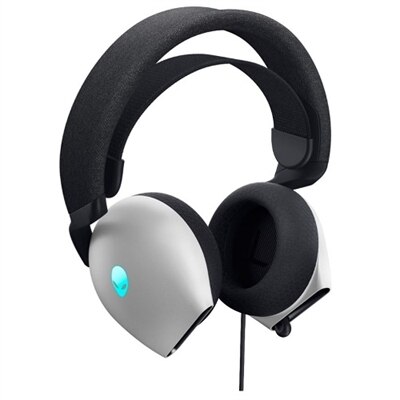
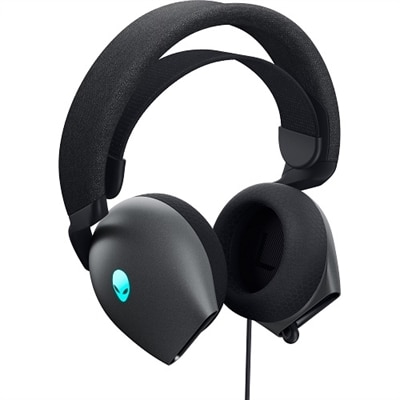
A comfortable gaming headset with Hi-Res drivers, Dolby Atmos, and AlienFX 16.8 million RGB colors.
A comfortable gaming headset with Hi-Res drivers, Dolby Atmos, and customizable AlienFX RGB lighting.
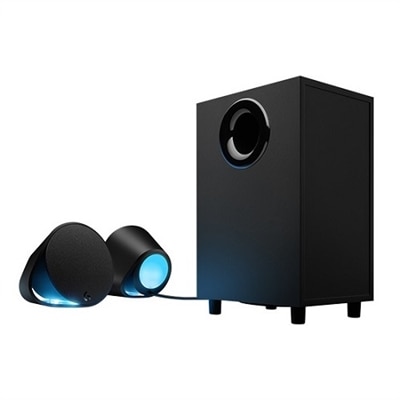
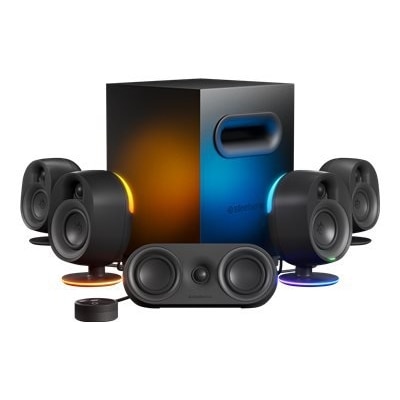
A black 2.1 speaker system with RGB lighting, 240W power, and Bluetooth connectivity for immersive gaming.
A transparent acrylic headset stand featuring customizable LED lighting, four USB 2.0 ports, and anti-slip rubber feet.
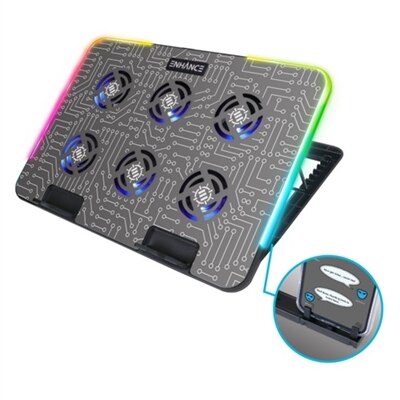
A metal cooling stand with 6 ultra-quiet LED fans and customizable RGB lighting for optimal airflow.
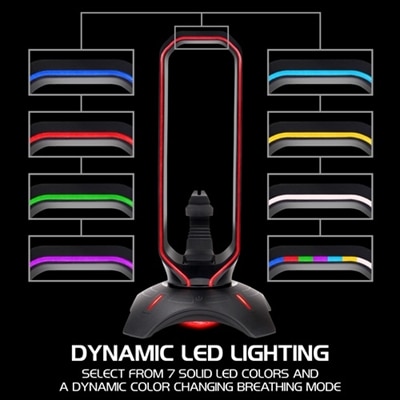
A multifunctional RGB headset stand with mouse bungee, two USB ports, and seven customizable LED colors.
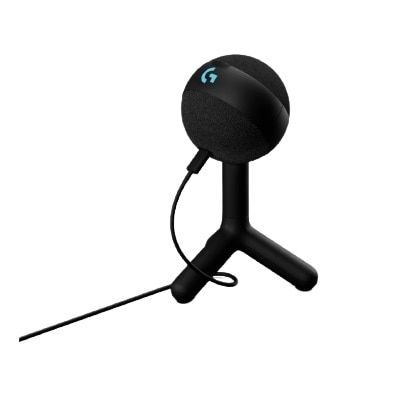
A premium black RGB gaming microphone with USB connectivity and Blue VO!CE presets for superior audio.
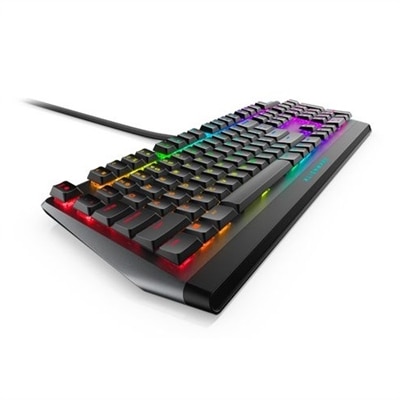
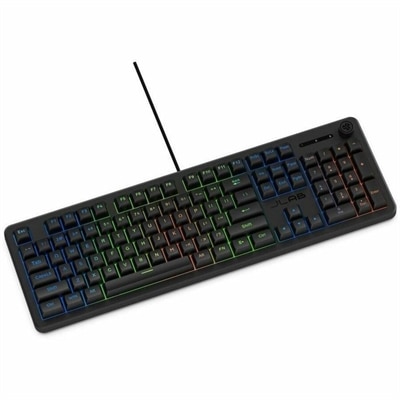
A sleek gaming keyboard with Cherry MX Red switches, programmable keys, and dedicated volume control.
A wireless gaming speaker system offering immersive surround sound with RGB lighting and a 6.5" subwoofer.
A premium off white condenser microphone featuring LIGHTSYNC RGB and Blue VO!CE presets for superior streaming audio.
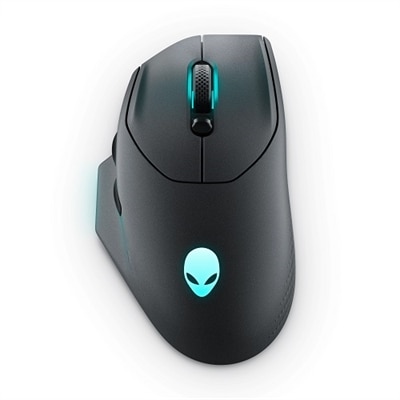
A wireless gaming mouse with 26,000 DPI, 7 programmable buttons, and 16.8 million AlienFX lighting.
A full-size black gaming keyboard featuring quiet membrane switches, 19-key rollover, and customizable 6-zone RGB lighting.
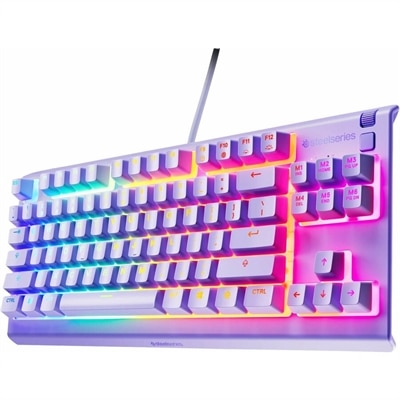
A lavender tenkeyless gaming keyboard featuring whisper-quiet switches, RGB lighting, and water-resistant durability.
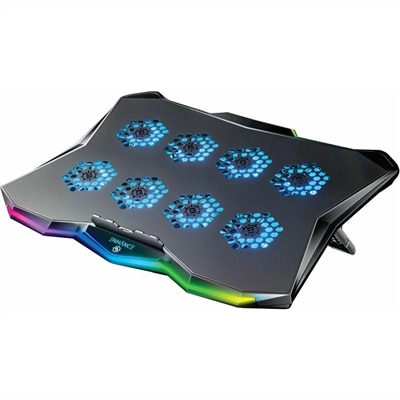
A gaming laptop cooling pad featuring RGB lights, Cryogen Technology, and a precision-machined hexagon metal plate.
A black gaming mouse featuring customizable LIGHTSYNC RGB, 6 programmable buttons, and a precise gaming-grade sensor.
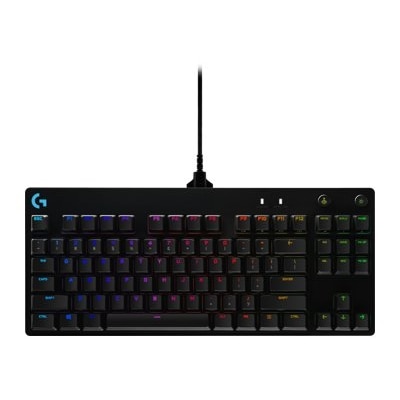
A compact tenkeyless mechanical keyboard with Romer-G tactile switches, customizable RGB lighting, and detachable cable.
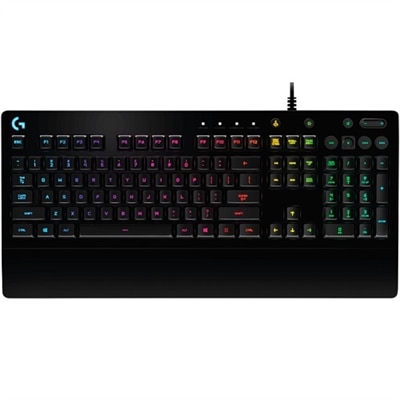
A black wired gaming keyboard featuring tactile Mech-Dome keys, RGB lighting, spill resistance, and media controls.
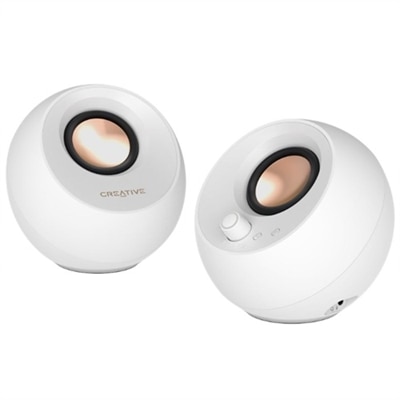
A pair of white desktop speakers with customizable RGB lighting, Bluetooth pairing, and enhanced bass and dialogue clarity.
A high-performance black gaming mouse featuring a 16K sensor, 11 programmable buttons, and customizable RGB lighting.
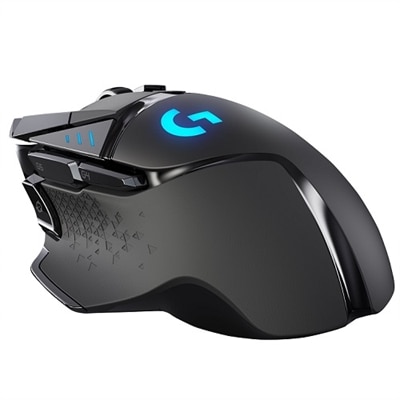
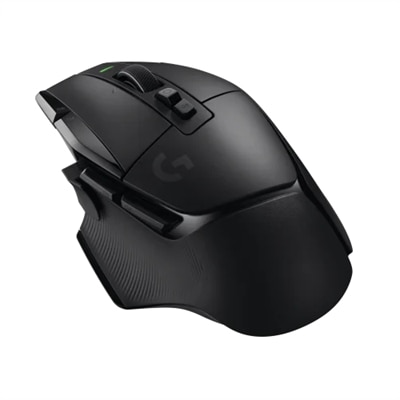
A wireless black gaming mouse featuring 11 programmable buttons, HERO sensor, and customizable RGB lighting.
A premium off-white RGB gaming microphone with dynamic sound, noise rejection, and LIGHTSYNC technology for streamers.
RGB gaming accessories bring customizable color, practical comfort and a more personal feel to a gaming desk. The category includes illuminated keyboards, gaming mice, mouse mats, headsets, headset stands, monitor light bars, desk lighting and modular wall panels, with each type serving a different role in a play space. A keyboard with per-key or zone-based lighting can make controls easier to see in a dim room while adding color effects that match a favorite game or room theme. An RGB mouse can complement that look with adjustable lighting and programmable buttons for shortcuts, while an illuminated mouse mat creates a broad, consistent glow beneath both devices. Headsets are useful for game audio, voice chat, music and video calls, and a matching stand can keep the headset within reach while helping the desk stay organized. Behind-monitor light bars and LED strips are designed to cast soft color onto a wall, reducing the stark contrast between a bright screen and a dark room. Modular lighting panels can extend the look beyond the desk, creating geometric patterns or reactive effects that respond to audio and other activity. Together, these accessories can turn a basic workspace into a more expressive setup without requiring a full room redesign. Browse RGB PC Accessories to explore options for building a coordinated gaming area around the equipment already on your desk.
When comparing RGB gaming accessories, begin with the way the item will be used rather than choosing by lighting alone. For a keyboard, consider the key layout, switch style, keycap feel, connection type and the amount of control available over brightness, color zones and lighting patterns. A compact layout may leave more room for a mouse, while a full-size layout can be helpful for everyday typing, number entry and productivity between gaming sessions. For a mouse, shape, weight, sensor performance, button placement and wired or wireless operation often matter more than the number of lighting effects. A mouse mat should provide enough surface area for the way you play, with a fabric surface offering a softer feel and a hard surface offering a different glide and cleaning experience. Check the mat’s dimensions before ordering, especially if the desk also holds speakers, notebooks or a monitor stand. Headset shoppers should look at fit, cushion materials, microphone clarity, audio controls and whether the connection works with the computer or other gaming devices in the intended setup. If the headset is used for long sessions, a secure fit and breathable padding can make a noticeable difference; the right accessory should disappear into the experience instead of creating pressure or distraction. Lighting deserves practical attention, too. USB-powered bars and strips can be convenient for a desk, but cable length, mounting options, power requirements and software compatibility may affect placement. A light placed behind a monitor generally works best when it adds a gentle halo rather than shining directly toward the player. Look for adjustable brightness and color temperature when the space is also used for reading, schoolwork or video calls. For a cohesive appearance, check whether accessories can be controlled through the same software or whether each item requires a separate app. Compatibility with the computer’s operating system, available USB ports and preferred connection standards can save time during setup and help prevent a desk from becoming crowded with unnecessary cables.
RGB gaming accessories can suit many different players and workspaces. Someone building a first gaming desk may start with a keyboard, mouse and mouse mat that establish a color theme without taking up additional floor space. A longtime player may use lighting to refresh a familiar setup, add better control during evening sessions or organize a desk that serves both gaming and everyday computing. Streamers and content creators can use controlled background lighting to add depth behind a camera, while students and remote workers may appreciate accessories that shift from vivid effects during downtime to subdued white or neutral illumination during focused tasks. These items can also make thoughtful gifts for a PC player, a family member setting up a new desk or anyone who enjoys customizing a bedroom, office or entertainment area. To choose confidently, consider the recipient’s existing color preferences, desk size, device ecosystem and tolerance for visual effects. Some people prefer a slow, single-color glow; others enjoy animated waves, reactive patterns or synchronized lighting across several accessories. During the cooler months, when indoor gaming and desk-based hobbies naturally become more appealing, a small lighting upgrade can make a familiar corner feel warmer and more inviting without changing the furniture. Start with the accessory that solves the clearest need, such as a more comfortable mouse surface, a clearer microphone or better visibility around a monitor, then add lighting elements that support that function. Keep brightness comfortable, route cables away from hands and moving surfaces, and leave enough room for normal work as well as play. With thoughtful sizing, dependable compatibility and lighting that reflects personal style, RGB accessories can make a gaming area feel organized, comfortable and distinctly its own.
Add the products you would like to compare, and quickly determine which is best for your needs.