$44.99
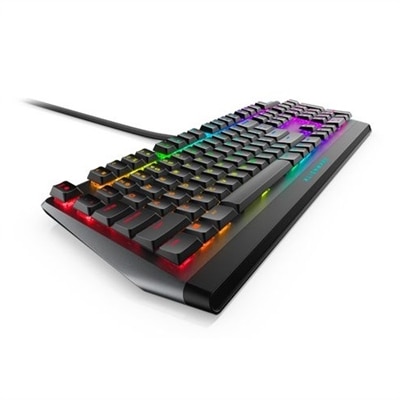
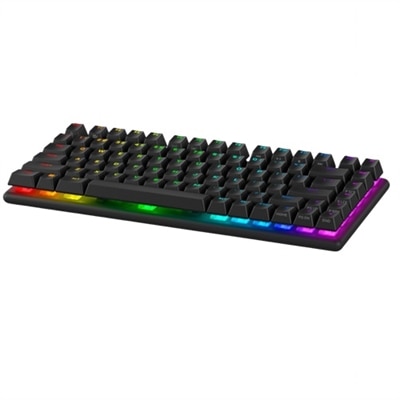
A compact tenkeyless gaming keyboard featuring advanced technology for competitive esports performance.
Elevate your gaming setup with RGB gaming keyboards designed to enhance both performance and style. These keyboards bring vibrant lighting effects to your desktop, creating an immersive atmosphere for every session. Whether you're a casual player or a dedicated enthusiast, RGB gaming keyboards offer a dynamic look that stands out while you play. Explore a range of options to find the perfect fit for your unique gaming environment.
A compact tenkeyless gaming keyboard featuring advanced technology for competitive esports performance.
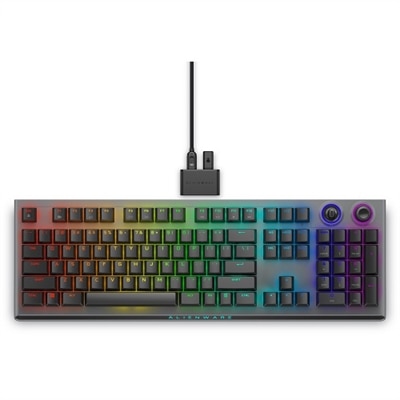
A sleek gaming keyboard with Cherry MX Red switches, programmable keys, and dedicated volume control.
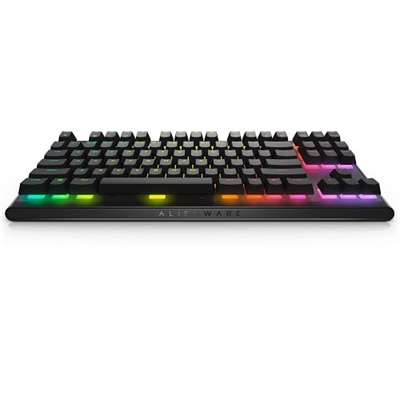
A compact tenkeyless keyboard with Cherry MX Red switches for high-performance gaming and easy portability.
A wireless gaming keyboard with tri-mode connectivity, magnetic charging, and customizable controls for enhanced performance.
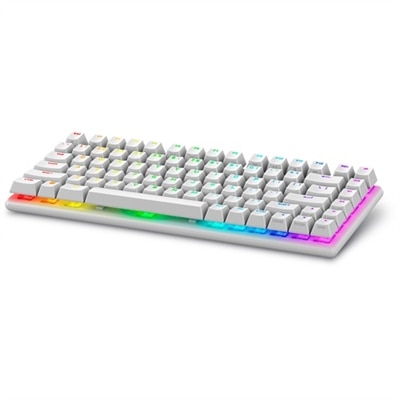
A wireless gaming keyboard with hot-swappable switches, PBT keycaps, and 16.8 million RGB lighting.
A wireless gaming keyboard with hot-swappable switches, PBT keycaps, and 16.8 million RGB lighting.
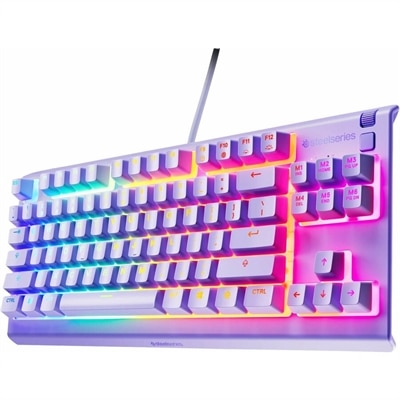
A lavender tenkeyless gaming keyboard featuring whisper-quiet switches, RGB lighting, and water-resistant durability.
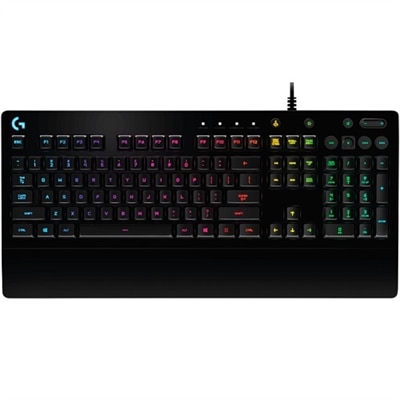
A black wired gaming keyboard featuring tactile Mech-Dome keys, RGB lighting, spill resistance, and media controls.
RGB gaming keyboards combine practical computer input with customizable illumination, making them a popular choice for gaming desks, home offices and shared living spaces. RGB stands for red, green and blue, the primary colors used to create a broad range of lighting shades beneath or around the keys. Depending on the design, lighting may appear in fixed zones, across rows, around the keyboard’s edges or beneath each individual key. Software can often adjust colors, brightness, animation patterns and timing, allowing the keyboard to match a desktop setup or create a more immersive atmosphere during play. A soft blue glow can make a late-night workspace feel calm, while shifting colors can add energy to fast-paced games. Lighting can also be useful beyond appearance: brighter key legends may be easier to locate in a dim room, and customized colors can help distinguish important controls, shortcuts or frequently used keys. When comparing RGB gaming keyboards, start with the way you plan to use the keyboard. A full-size layout includes the alphanumeric keys, function row, navigation cluster and dedicated number pad, which is useful for spreadsheets, accounting, creative applications and games that benefit from quick access to number keys. A tenkeyless, or TKL, layout removes the number pad to create more room for a mouse and often feels comfortable on a smaller desk. Compact 75%, 65% and 60% layouts reduce the footprint even further, helping keep the hands and shoulders closer together while leaving extra space for broad mouse movements. Smaller layouts may combine secondary functions through an Fn key, so review the arrangement before choosing one for work or gaming. The best size is the one that fits your desk, your hand position and the applications you use most often.
Switch type has a noticeable effect on how an RGB gaming keyboard feels and sounds. Mechanical switches use individual mechanisms beneath the keys and are available with different characteristics. Linear switches move smoothly from top to bottom and are often preferred for rapid, repeated inputs. Tactile switches provide a noticeable bump during a keypress, giving clear feedback without necessarily producing a loud click. Clicky switches add an audible sound that some users enjoy for its crisp, typewriter-like character, although they may be less suitable in a shared room. Membrane keyboards generally offer a softer, quieter keypress and can be a practical choice for households where noise matters. Low-profile designs use shorter key travel and may feel closer to a laptop keyboard, while standard-height keycaps can provide a more traditional desktop experience. Consider actuation force as well: lighter keys may reduce fatigue during long sessions, while firmer keys can help prevent accidental presses. Key rollover and anti-ghosting features help the keyboard register multiple simultaneous inputs accurately, an important consideration for games that require several commands at once. Programmable macro keys can place multi-step actions within easy reach, and onboard memory may preserve lighting or control profiles when the keyboard moves between computers. Media controls, a volume wheel, a detachable wrist rest and adjustable feet can add everyday convenience, particularly for people who spend long hours at the desk. For a broader setup that pairs a colorful keyboard experience with a complete portable gaming computer, explore Gaming Laptops With RGB Keyboards.
Connection options also deserve attention. A wired USB keyboard provides a direct connection with no battery to recharge and is a dependable fit for a permanent desktop. A detachable cable can simplify storage or replacement, while a longer cable may be useful when the computer sits on the floor or at the side of a desk. Wireless models can create a cleaner surface and make it easier to move the keyboard between a gaming station, study area and living room. Look for the connection method that matches your devices and habits, including Bluetooth compatibility, a dedicated wireless receiver or the option to use a cable when needed. Battery life, charging time and the ability to use the keyboard while charging are helpful details to verify before purchase. RGB gaming keyboards can suit many kinds of users: competitive players may value consistent actuation, rapid response and ample mouse room; casual players may prioritize comfort and attractive lighting; students may appreciate a compact design that leaves space for notebooks; and remote workers may enjoy programmable controls and easy access to media functions. They can also make thoughtful gifts for someone building a first gaming setup, refreshing a study desk or personalizing a computer station. Before choosing, measure the available desk space, confirm operating-system and software compatibility, and check whether the preferred layout includes the keys needed for school, work or favorite games. Also consider illumination controls that allow the lights to be dimmed or turned off, since flexible settings are useful when the keyboard is used throughout the day. With the right combination of layout, switch feel, connection type, durability and lighting customization, an RGB gaming keyboard can bring a more comfortable, organized and expressive feel to everyday computing.
Add the products you would like to compare, and quickly determine which is best for your needs.