$679.99
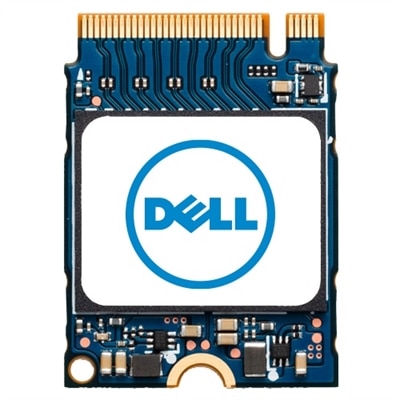
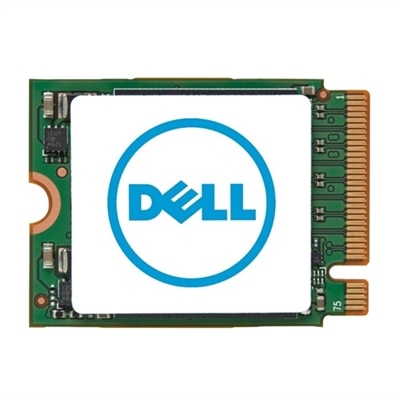
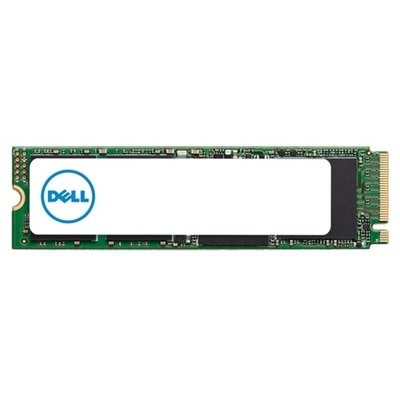
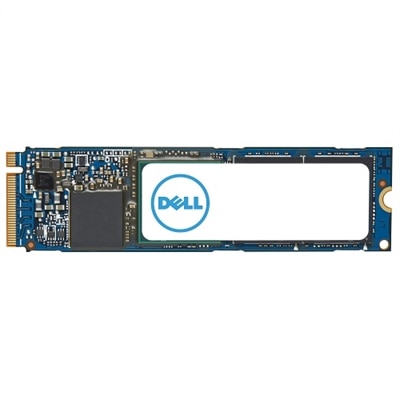
An M.2 PCIe NVME Gen 4x4 SSD offering 1TB storage and enhanced data transfer speeds.
Upgrade your device’s performance and storage capacity with laptop SSDs designed to deliver reliable speed and efficiency. Whether you’re looking to boost productivity, enhance gaming experiences, or simply extend the life of your laptop, these solid-state drives offer a seamless solution for all your computing needs. Explore a wide selection of laptop SSDs to find the perfect fit for your system and enjoy smoother multitasking, faster boot times, and increased storage space.
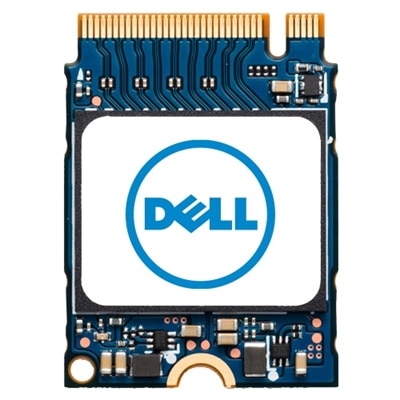
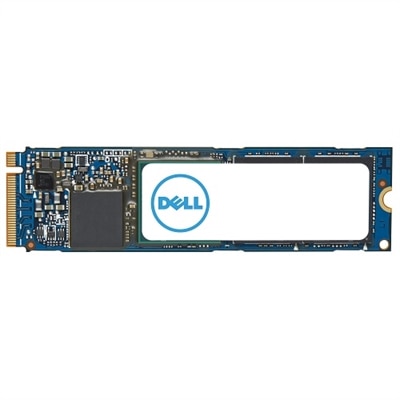
An M.2 PCIe NVME Gen 4x4 SSD offering 1TB storage and enhanced data transfer speeds.
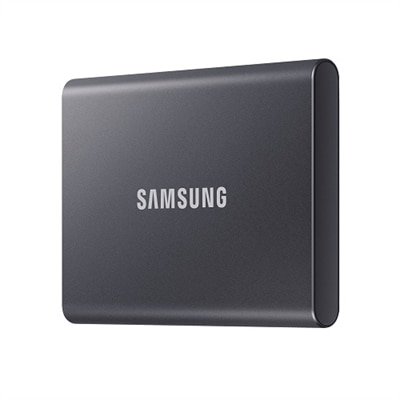
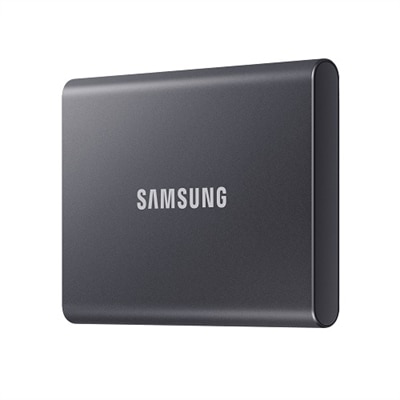
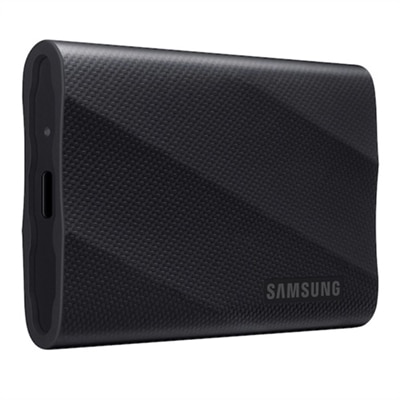
A compact Titan Gray SSD offering 1TB storage with fast USB 3.2 Gen 2 speeds and robust security.
A compact, Titan Gray 2TB SSD offering fast USB 3.2 Gen 2 speeds and robust data protection.
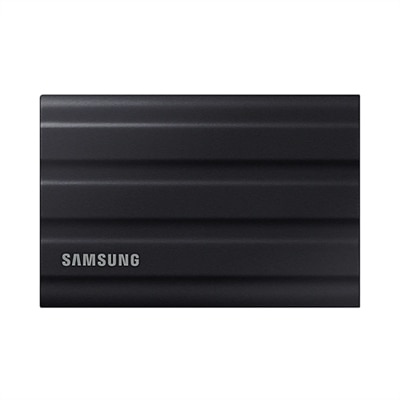
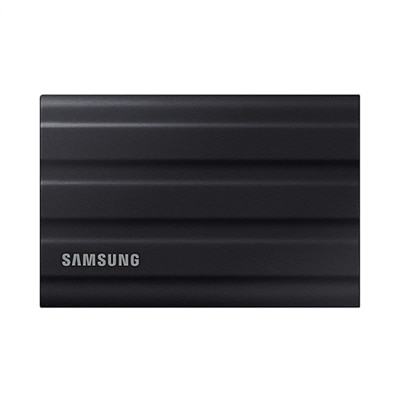
A rugged black 1TB SSD with IP65 rating, offering fast USB 3.2 Gen 2 speeds and durability.
A rugged black portable SSD with 2TB capacity, IP65 dust and water resistance, and ultra-fast USB 3.2 speeds.
A rugged 1TB blue SSD with IP65 rating, USB 3.2, and PCIe NVMe for fast, durable performance.
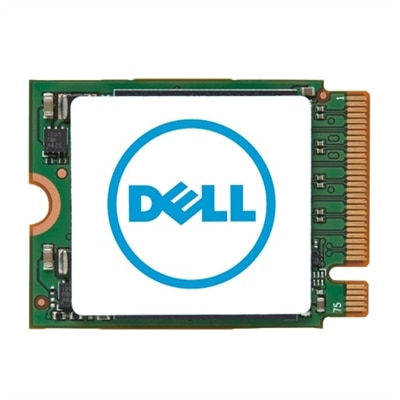
A compact M.2 2230 SSD offering 1TB storage capacity for efficient data management.
A compact M.2 2230 SSD offering 512GB storage for enhanced data capacity and performance.
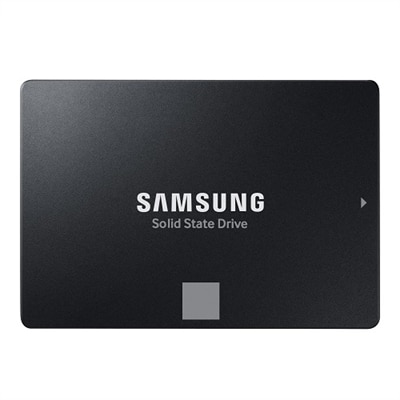
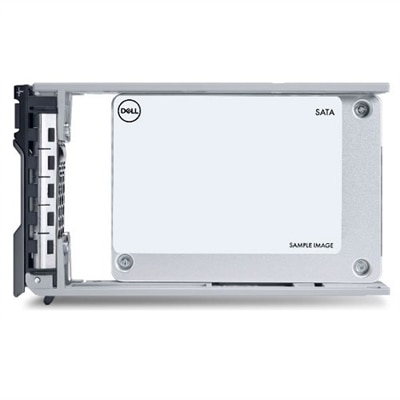
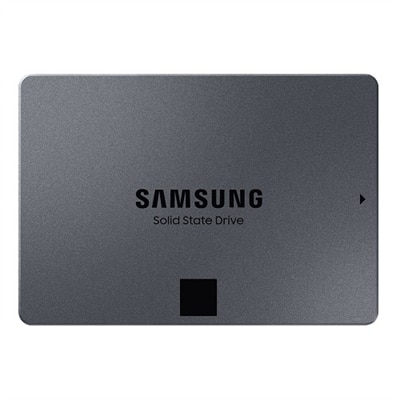
A 4TB SSD offering 560/530 MB/s speeds, ideal for creators and IT professionals with SATA compatibility.
A 1TB M.2 PCIe NVME Gen 4x4 SSD offering enhanced data transfer speeds and ample storage capacity.
A compact M.2 2230 SSD offering 256GB storage for enhanced data capacity and performance.
A high-capacity 2TB M.2 2230 SSD offering fast PCIe NVMe Gen 4x4 performance for data storage needs.
A sleek black 2TB SSD with 2,000 MB/s speeds, universal compatibility, and 3-meter drop resistance.
A rugged 4TB portable SSD in black with PCIe NVMe and 2,000 MB/s transfer speeds.
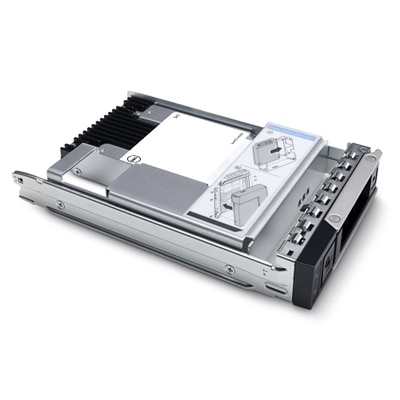
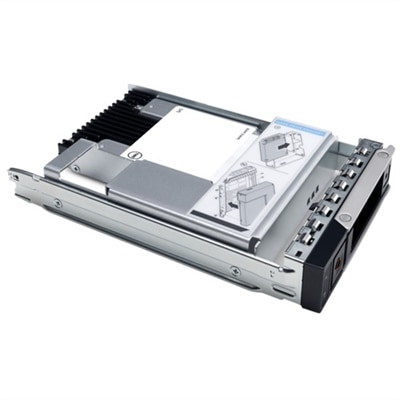
A 3.84TB SSD offering up to 24Gbps speed, ideal for read-intensive tasks with hybrid carrier.
A 1.92TB NVMe SSD designed for read-intensive enterprise applications with U2 G4 compatibility.
A high-capacity 1TB M.2 NVMe SSD for expanding your system's storage efficiently.
A high-speed 1TB NVME SSD offering enhanced data transfer and storage capacity in M.2 2280 form factor.
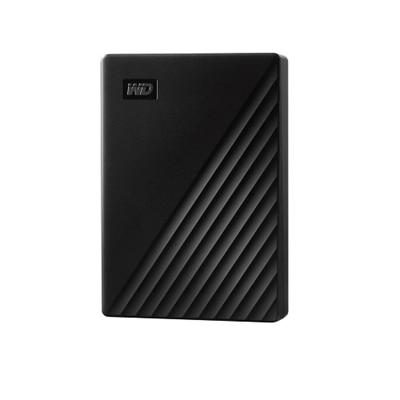
An ultra-fast 2TB SSD with secure PIN access, AES encryption, and USB 3.0 connectivity.
A 1.92TB SSD with 12Gbps speed, featuring FIPS-140 security and a 2.5in form factor.
A high-speed 512GB solid state drive offering enhanced data transfer with M.2 2280 form factor.
A 1.6TB SSD offering 12Gbps speed and 2.5-inch form factor for efficient data storage.
An 8TB SSD offering 560 MB/s read and 530 MB/s write speeds for enhanced PC performance.
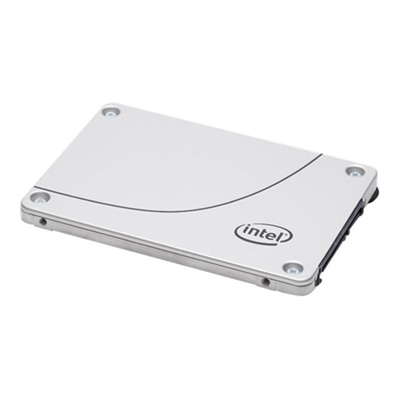
A reliable 240 GB SATA 6Gb/s solid-state drive designed for efficient read-intensive workloads.
Upgrading your laptop with a solid-state drive (SSD) can completely transform your computing experience, whether you’re a student racing between classes, a creative professional managing high-resolution media, or a gamer seeking lightning-fast load times. Laptop SSDs are renowned for their speed, reliability, and durability, making them a smart investment for anyone looking to breathe new life into an older machine or maximize the performance of a new system. As spring arrives and routines shift—whether that means prepping for finals, launching into new creative projects, or simply decluttering your digital life—a laptop SSD offers the kind of immediate, tangible upgrade that you can feel with every boot-up and file transfer. The difference is palpable: a laptop that once took minutes to start now springs to life in seconds, and large files or applications open almost instantly. For many, the first time they experience the seamless responsiveness of a dell ssd notebook, it’s hard to imagine going back to traditional hard drives.
When considering a laptop SSD, it’s important to think about your specific needs and how you use your device. Storage capacity is a key factor: for everyday tasks like web browsing, document editing, and streaming, a 256GB or 512GB SSD—such as the popular dell 256gb ssd tlc 2230 gen3—can be more than sufficient, offering plenty of space for essential files and programs while keeping your system nimble. However, if your workflow involves editing high-definition videos, managing large photo libraries, or installing expansive game libraries, opting for a larger capacity ensures you won’t run out of room. The form factor and interface also matter: most modern laptops support M.2 NVMe SSDs, which deliver blazing-fast speeds ideal for demanding applications, while older systems might require a 2.5-inch SATA SSD, which still provides a significant speed boost over traditional drives. For those who love to push their systems—think power users, engineers, or gamers—the performance gains of an alienware ssd laptop can be especially noticeable, translating to smoother gameplay, faster rendering, and less downtime. And with the increasing prevalence of TLC (triple-level cell) technology, today’s SSDs offer a compelling mix of speed, endurance, and value.
Laptop SSDs also make thoughtful, practical gifts for anyone who relies on their notebook for work, study, or play. Imagine the delight of a college student opening their upgraded dell ssd laptop just in time for the new semester, or a family member discovering their aging laptop feels brand new with a simple SSD swap. As the season encourages fresh starts and renewed productivity, gifting an SSD is a way to empower loved ones with tools that help them move faster and accomplish more. For those comparing options, it’s helpful to review compatibility by checking your laptop’s specs for supported form factors and interfaces, ensuring a seamless installation. If you’re considering a switch from a hard drive or simply want to explore more options, take a look at our curated selection of SATA SSDs to find the right fit for your needs. With the right laptop SSD, every day can start a little quicker, run a little smoother, and end with the satisfaction of knowing your technology is keeping up with you.
Upgrading to a laptop SSD provides faster boot times, quicker application launches, and improved overall system responsiveness. SSDs also enhance durability and reliability since they have no moving parts, making them less susceptible to physical damage compared to traditional hard drives.
To determine compatibility, check your laptop’s documentation or manufacturer’s website for supported SSD form factors and interfaces, such as M.2 NVMe or 2.5-inch SATA. Many modern laptops support M.2 drives, while older models may require SATA SSDs.
Many laptop SSD upgrades can be performed at home with basic tools and a bit of patience. However, if you’re not comfortable opening your device or migrating your data, professional installation services are also available.
Upgrading to an SSD does not automatically transfer your data. You’ll need to clone your existing drive or perform a fresh installation of your operating system and files. Backup your important data before starting the upgrade process.
Yes, SSDs are highly recommended for gaming and creative tasks. They offer rapid read/write speeds, which translate to faster game load times, smoother video editing, and quicker file transfers, making them ideal for demanding applications on a dell ssd notebook or alienware ssd laptop.
Add the products you would like to compare, and quickly determine which is best for your needs.