$99.99
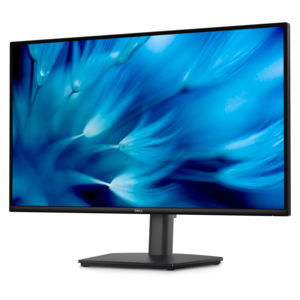
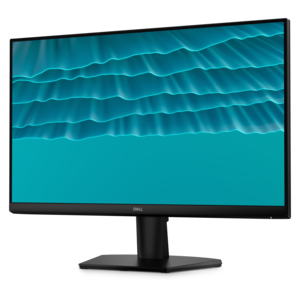
A smooth 144Hz monitor with 1ms MPRT and TÜV 3-star eye-comfort certification for everyday tasks.
Second monitors open up new possibilities for productivity, multitasking, and immersive entertainment. Whether you’re expanding your workspace for efficient workflow or enhancing your at-home setup, adding a second monitor can make a noticeable difference in how you work and play. Explore a wide selection of second monitors designed to fit various needs, preferences, and spaces, making it easy to find the perfect addition to your desktop environment.
A smooth 144Hz monitor with 1ms MPRT and TÜV 3-star eye-comfort certification for everyday tasks.
A height-adjustable QHD monitor certified by TÜV Rheinland for 3-star eye comfort and productive work.
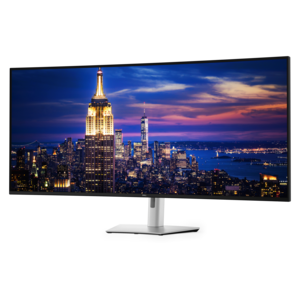
A 6K ultrawide monitor with Thunderbolt hub connectivity, exceptional clarity, seamless multitasking, and all-day eye comfort.
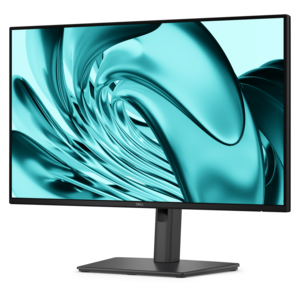
A crisp FHD monitor with smooth 144Hz visuals, built-in speakers, and TÜV 4-star eye comfort certification.
A Full HD productivity monitor with extensive connectivity, high refresh rate, and TÜV-certified four-star eye comfort.
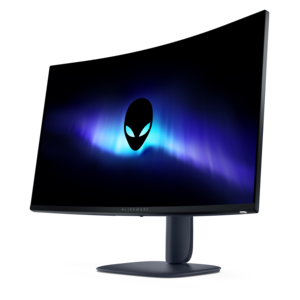
A color-critical gaming monitor with DisplayHDR True Black 500, anti-glare, built-in colorimeter, and remote calibration tools.
A second monitor adds practical screen space to a computer setup, making it easier to keep several tasks visible without constantly switching between windows. A full-size desktop monitor can sit beside a primary display for a comfortable home office, study area, creative workspace, or gaming station, while a portable monitor can extend a laptop screen in a compact arrangement. Many people use a second screen for email, calendars, messaging, reference documents, spreadsheets, research tabs, or music controls while keeping their main work in view. A student might place lecture notes on one display and a document on the other; a remote professional might keep a video meeting open while reviewing project files; and a creator might use one screen for a timeline or editing tools and the other for a larger preview. Even simple tasks can feel less cramped when there is room to spread out. If desk space is limited, browsing Small Monitors can help identify displays that provide useful viewing area without overwhelming a compact surface. During the cooler months, when more work, study, and entertainment may take place indoors, a well-planned second-screen setup can make a desk feel more organized and adaptable.
Size is one of the first details to consider. A 24-inch or 27-inch monitor fits many desks comfortably and offers a balanced amount of space for documents, web pages, communication windows, and everyday applications. Smaller displays can be a smart choice for narrow desks, shared work areas, dorm rooms, kitchen counters, or a setup where the second screen is used primarily for chat, notes, or reference material. Portable monitors are typically slimmer and lighter than desktop models, making them useful for people who move between a home office, classroom, library, or temporary workspace. Resolution also affects comfort and clarity. A 1080p display is often sufficient for reading text, browsing the web, handling office applications, and viewing general content, while a higher resolution can provide finer detail and more room for dense layouts, photographs, design work, or large spreadsheets. Matching the second display to the primary monitor is not required; different brands, sizes, resolutions, and refresh rates can work together. The important considerations are whether the computer supports the connection, whether the screen fits the available space, and whether the viewing experience feels consistent enough for the intended tasks. Check available ports and cable requirements before choosing, paying attention to common connections such as HDMI, DisplayPort, USB-C, or other compatible options. For a portable display, also confirm how power is supplied, since some models may draw power through a connected computer while others may require a separate source.
The best placement depends on how the second monitor will be used and how often each screen needs attention. Setting both displays at a similar height can reduce repeated neck movement, while placing the primary screen directly in front of the user usually keeps the most important work in a natural position. A second display positioned slightly to the side works well for communication, reference pages, media controls, or occasional viewing. Adjustable stands, tilt, height movement, and wall- or arm-mount compatibility can make a meaningful difference over long sessions, particularly when several people share the workspace. Features such as narrow bezels can create a cleaner side-by-side arrangement, and an anti-glare surface may be helpful in rooms with windows or overhead lighting. Anyone who spends time with fast-moving games or video should also consider refresh rate and response behavior, while people focused on writing, budgeting, studying, or general productivity may place greater value on text clarity, viewing comfort, and dependable connectivity. A second monitor can also be a thoughtful gift for a remote worker, college student, hobbyist, home office user, or frequent traveler because it improves an existing computer without requiring a complete replacement. Whether it becomes a permanent part of a carefully arranged desk or a lightweight companion carried in a laptop bag, the right display gives everyday tasks more breathing room and helps each workspace adapt to the way it is actually used.
Add the products you would like to compare, and quickly determine which is best for your needs.