$1179.00
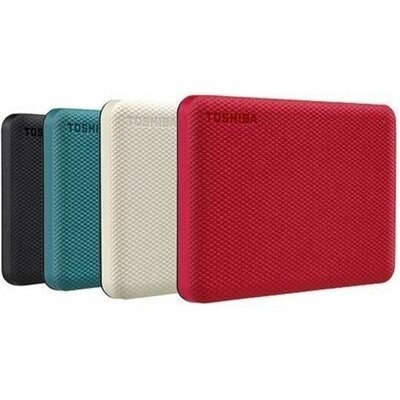
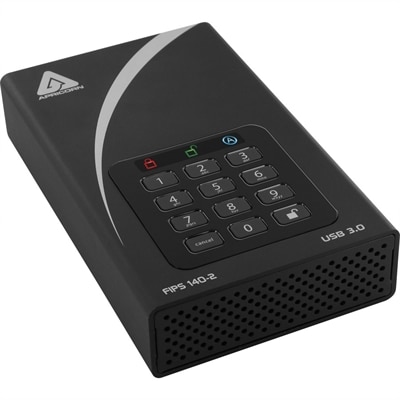
A black external hard drive with software-free AES-XTS 256-bit hardware encryption and USB 3.0 connectivity.
In today's digital age, safeguarding sensitive information is more crucial than ever. Security for data encompasses a range of solutions designed to protect your valuable digital assets from potential threats and breaches. Whether you're managing personal files or handling critical business information, ensuring robust data security is essential for maintaining privacy and integrity. Explore our comprehensive selection of cutting-edge tools and technologies that empower you to keep your data secure, giving you peace of mind in an increasingly connected world.
A black external hard drive with software-free AES-XTS 256-bit hardware encryption and USB 3.0 connectivity.
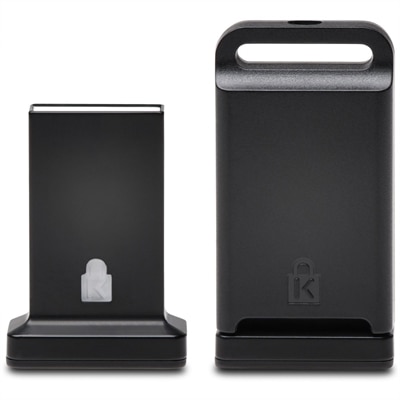
A cross-platform USB-A fingerprint security key offering FIDO2, FIDO U2F, passwordless and multi-factor authentication.
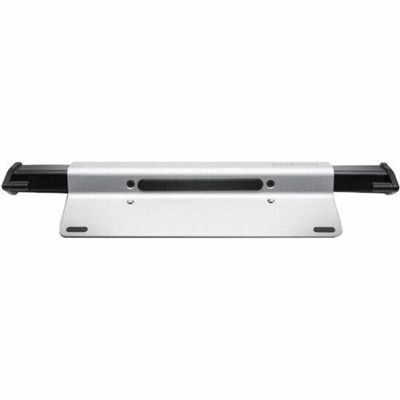
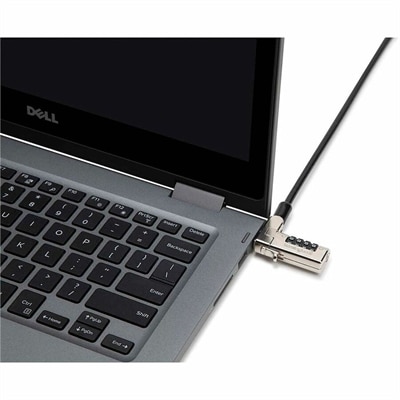
A brushed aluminum laptop locking station with adjustable arms, slim resettable combination lock and protective bumpers.
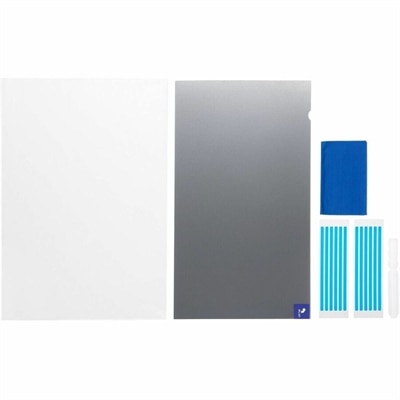
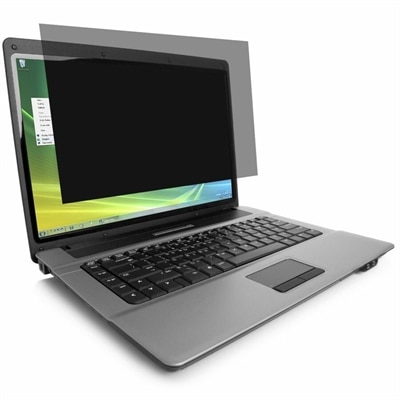
A reversible privacy screen limiting viewing to ±30° and filtering up to 52% blue light.
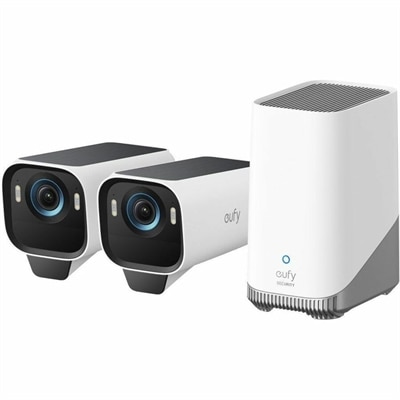
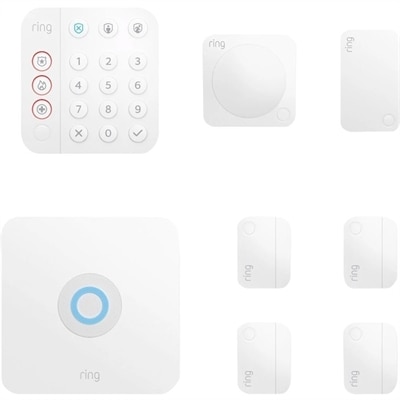
A two-camera security kit with AI tracking, IP67 weatherproofing, local storage, and full-duplex audio.
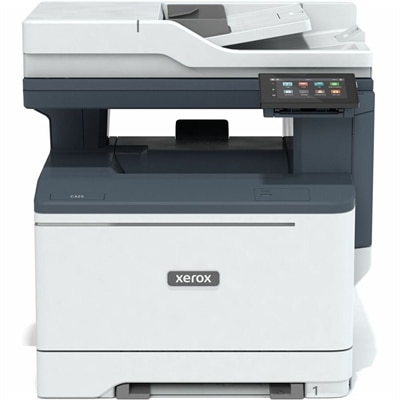
A color multifunction printer delivering productivity features and advanced security for home offices and small teams.
Security for data means protecting digital information from unauthorized access, theft, alteration, and loss throughout its lifecycle, from creation and everyday use to eventual deletion. For laptops, desktops, monitors, and computer accessories, that protection involves both the technology inside a device and the way people interact with it. A computer used for household finances may hold tax documents, account details, and scanned identification, while a work laptop may contain confidential presentations, customer records, or unfinished designs. The central goals are confidentiality, which keeps information private; integrity, which helps keep records accurate and unchanged without permission; and reliable access for authorized users. Different features support different parts of that protection. Encryption transforms readable information into coded data that requires the correct key to unlock. Access controls determine who can open, edit, or share files. Multifactor authentication requires evidence from more than one category, such as a password and a separate security key, making a stolen password less useful on its own. Backups provide recoverable copies when files are deleted, damaged, or otherwise become unusable. These measures complement one another rather than acting as interchangeable solutions: encryption cannot prevent every mistaken deletion, and a backup does not stop someone from reading an unlocked screen. Computers and accessories suited to data protection therefore belong in a broader picture of secure everyday computing. Useful considerations include supported operating systems, the ability to receive security updates, compatible authentication methods, and clear options for controlling access. A household sharing one desktop has different needs from a consultant carrying a laptop between appointments, but both benefit from protection that fits ordinary routines. The strongest fit is not necessarily the device with the longest feature list. It is equipment whose security capabilities match the information being handled, the people using it, and the places where that information might be exposed.
For portable computers, data security starts with the reality of movement: a crowded train, a shared conference table, or a carry-on bag passing through an airport checkpoint. Screen size, viewing angle, and accessory fit can influence how comfortably private information stays private in those settings. A compatible privacy filter narrows the angle from which a display can be read, helping reduce casual viewing from neighboring seats without replacing account security or encryption. Filter dimensions need to match the display’s actual measurements and aspect ratio, while attachment style matters for touchscreens, slim bezels, and laptops that close tightly. Some filters also affect perceived brightness or clarity, which can matter during long sessions with spreadsheets or detailed graphics. Physical security accessories serve a different purpose. A compatible cable lock can help deter opportunistic removal from a desk, but it does not protect the contents of an account or make a device theft-proof. Lock-slot compatibility, cable construction, and a suitable anchor point all affect intended use. Materials and build quality matter in less obvious ways as well: a sturdy chassis, durable hinges, and a well-fitted carrying sleeve help protect equipment from the bumps and pressure of daily travel, supporting dependable use rather than directly preventing unauthorized access. At a fixed workstation, monitor placement can keep sensitive documents out of a hallway’s sightline, while a layout that leaves authentication accessories within easy reach can make secure sign-in less disruptive. Fingerprint readers and facial recognition may offer convenient access on supported computers, though their capabilities and setup requirements vary. Cleaning and care also affect the experience. Manufacturer-recommended methods help preserve screens, coatings, sensors, and accessory adhesives; abrasive materials or unsuitable cleaners may damage surfaces or interfere with operation. For remote workers, college students, independent professionals, and shared households, these practical details help security-focused equipment remain comfortable enough to use consistently.
The software and support surrounding a computer are just as important as its physical design. Hardware-backed security features, where supported, can help protect cryptographic keys, while secure boot capabilities help check that trusted software loads during startup. Neither feature is a substitute for current software, thoughtful permissions, or recoverable files. Operating system compatibility matters because encryption tools, authentication accessories, and device-management features do not work identically across every platform or edition. Support for ongoing updates helps address known vulnerabilities over time, making the expected useful life of a computer a security consideration as well as a durability consideration. For a freelancer exchanging contracts, a small office handling employee documents, or a family keeping years of personal records, recovery deserves attention alongside prevention. A useful backup is one that can be restored when needed; copies that are continuously accessible from the same compromised account may remain vulnerable to the same incident. Recovery keys also need careful handling, since losing access to an encryption key can leave legitimate owners unable to retrieve their own files. Separate user accounts can help keep household or workplace responsibilities distinct, while permission settings can limit unnecessary access to sensitive material. Equipment for children doing homework, adults managing finances, and colleagues collaborating on projects may share a desk without needing to share every file or credential. A broader view of Secure IT Systems connects these device-level considerations with the surrounding computing environment. No individual feature guarantees protection against every threat, and terms such as encrypted or biometric describe particular capabilities rather than complete security. Clear compatibility information, manageable settings, and dependable daily performance are more useful than vague assurances. When equipment changes hands, supported reset and sanitization procedures help address information left behind, with the appropriate method depending on the device and the sensitivity of its contents. From the first sign-in to retirement, security for data works best when protective features, physical care, and everyday usability reinforce one another.
Add the products you would like to compare, and quickly determine which is best for your needs.