$576.99
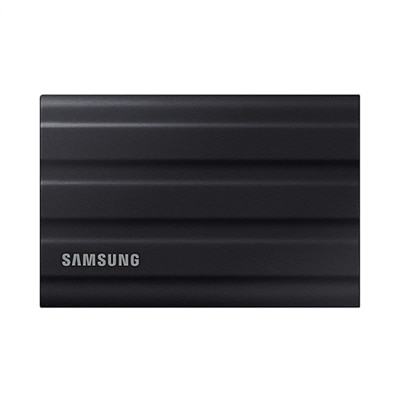
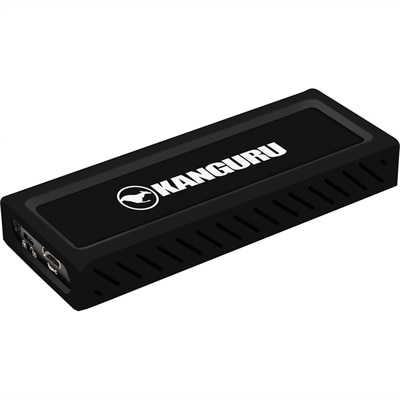
A sleek metal USB-C NVMe SSD delivering 675MB/s reads, 575MB/s writes, and write protection.
Unlock the full potential of your devices with SSD storage, a game-changer in the world of data management. Engineered to provide faster performance and enhanced reliability, SSDs are perfect for anyone looking to upgrade their computing experience. Whether you're a gamer seeking quicker load times or a professional needing efficient data access, SSD storage offers the speed and durability to meet your demands. Explore our diverse selection to find the ideal solution that suits your needs and elevates your digital lifestyle.
A sleek metal USB-C NVMe SSD delivering 675MB/s reads, 575MB/s writes, and write protection.
SSD storage is a modern way to save operating systems, applications, photos, videos, games and work files using flash memory rather than spinning magnetic disks. Because an SSD has no moving parts, it can read and write data electronically, making it quiet, responsive and better suited to the everyday bumps that come with carrying a laptop between home, class, the office and the kitchen table. A built-in controller manages how information is placed across the drive’s memory cells, helping programs launch quickly and files open with less waiting. That difference is easy to notice in ordinary moments: a laptop that once took time to wake can become ready while coffee is still pouring, and a large project folder can appear without the familiar hum and hesitation of an older mechanical drive. SSDs can also use less power than traditional hard drives, which may help a compatible laptop make better use of its battery between charges. They are useful for students, remote workers, photographers, creative professionals, families with growing media libraries and anyone who wants a more responsive computer. An SSD can also be a thoughtful gift for someone refreshing an older computer, organizing years of photos or making room for a growing game library, provided the drive matches the recipient’s device and the intended connection.
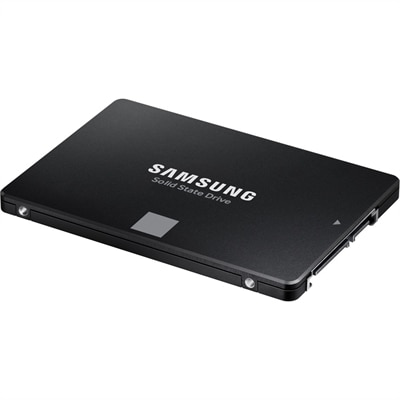
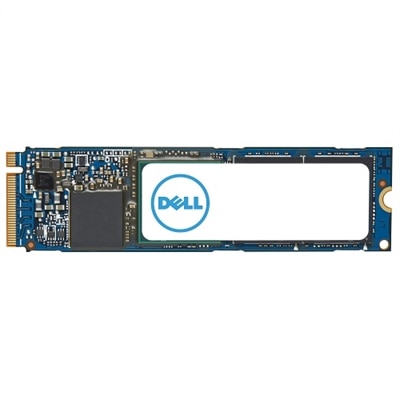
When choosing SSD storage, begin with compatibility rather than speed alone. Internal M.2 SSDs are slim, stick-shaped drives that fit into a compatible slot on a laptop or desktop motherboard, while NVMe models use the PCIe interface to deliver especially quick data transfers when the computer supports that standard. Internal 2.5-inch SATA SSDs use a familiar shape and connection found in many older laptops and desktops, making them a practical way to replace a slower hard drive or expand available space. If a computer requires this form factor, browsing SATA Storage can help narrow the search to drives using that interface. External portable SSDs connect through a USB cable and are convenient for moving files between compatible computers, keeping a working project close at hand or maintaining an additional copy of important folders. Check the device manufacturer’s specifications for supported drive types, physical dimensions, interface standards and maximum capacity before purchasing. For external use, the cable and port matter as well: a drive may support fast transfers, but the actual experience depends on the computer, console, cable and connection being used. Gaming console compatibility should be confirmed separately, since some consoles support external SSDs for storing games while placing limits on where games can be played. Internal upgrades may require careful installation, a compatible operating system and a current backup before the existing drive is removed.
Capacity is another important consideration. A smaller SSD may suit a basic laptop used for documents, email and web browsing, while a larger capacity gives creative applications, high-resolution images, video projects and modern games more room to grow. Remember that a drive’s listed capacity is measured before formatting, so the usable space shown by the operating system will be somewhat lower. Speed ratings are helpful for comparing drives, but real-world performance also depends on the computer’s processor, memory, operating system and connection. For everyday tasks, reliable capacity and compatibility can matter more than choosing the highest specification available. SSD flash memory also has a finite write endurance, meaning memory cells can support a limited number of write cycles, although typical consumer drives are designed to last for years under ordinary use. Avoid treating an SSD as the only copy of irreplaceable files: family photographs, tax records, schoolwork and creative projects should also be backed up to a separate location. Portable SSDs are particularly useful during the cooler months when work and entertainment move indoors, whether that means editing photos at a desk, carrying a presentation between rooms or keeping a collection of favorite games available without filling the computer’s primary drive. With the right capacity, form factor and interface, SSD storage can bring a quieter, faster and more dependable feel to compatible laptops, desktops and gaming setups.
Add the products you would like to compare, and quickly determine which is best for your needs.