Streaming Gadgets

Find streaming gadgets for your home entertainment setup, and compare options by device compatibility and connection requirements. Check support for your preferred streaming services and compatibility with your TV or monitor to narrow your choices.

Filters

$449.99

A black 12MP wireless camera delivering 1080p streaming with USB-C connectivity and smartphone control.
$449.99
$149.99

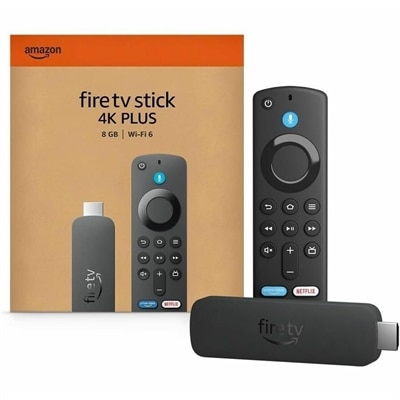
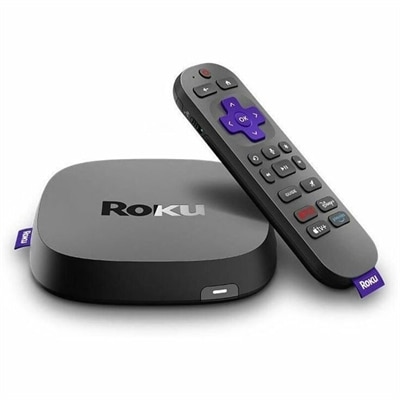
A streaming player delivering 4K HDR10+, Dolby Vision video, Dolby Atmos audio, and Wi-Fi 6 connectivity.

$149.99
$149.99

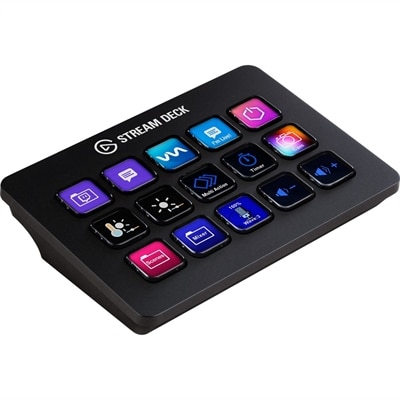
A customizable control pad with 15 LCD keys, programmable actions, and removable black or white faceplates.

$149.99
$39.99

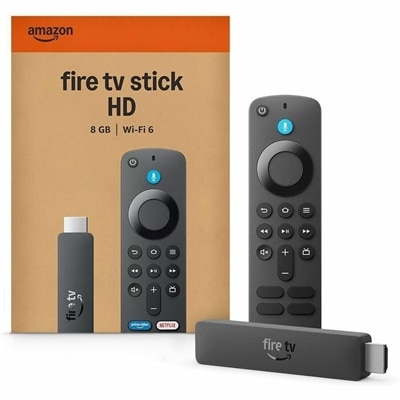
A wireless HD streaming media player with Full HD video, Wi-Fi 6, Alexa+, and 8GB storage.

$39.99
$79.99

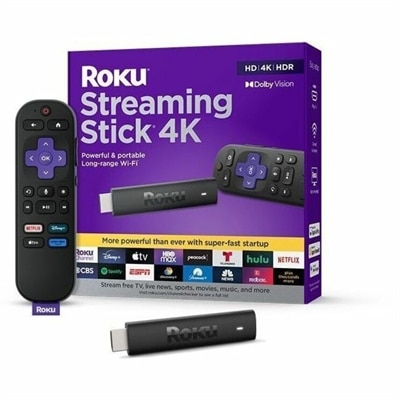
A 4K streaming player featuring Dolby Vision, HDR10+, long-range Wi-Fi, voice search, and USB cable.

$79.99
$89.99

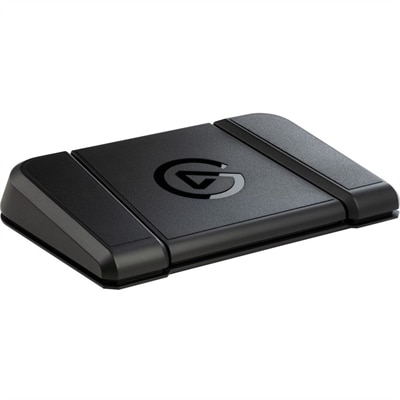
A sturdy, customizable foot pedal providing hands-free control for streaming apps and tools.

$89.99
$69.99

A 4K streaming stick with quad-core 1.7GHz processing, Wi-Fi 6, Dolby Vision, HDR10+, and Dolby Atmos.

$69.99
$44.99

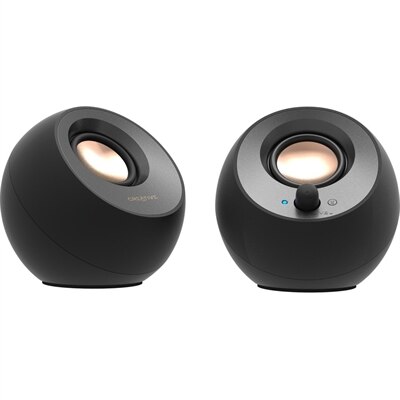
A black 2.0 speaker system with USB-C audio, Bluetooth 5.0, 8W RMS output, and Clear Dialog processing.

$44.99
$1099.95

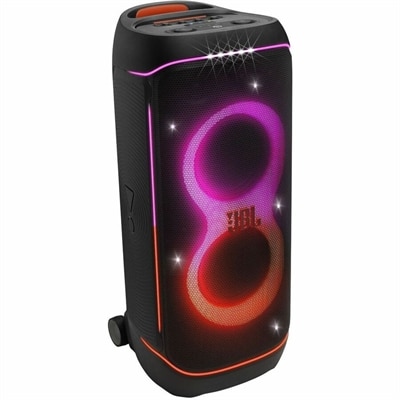
A black portable Bluetooth speaker system with 800W RMS, lightshow, splashproof design, wheels, and XLR inputs.

$1099.95
$2699.99

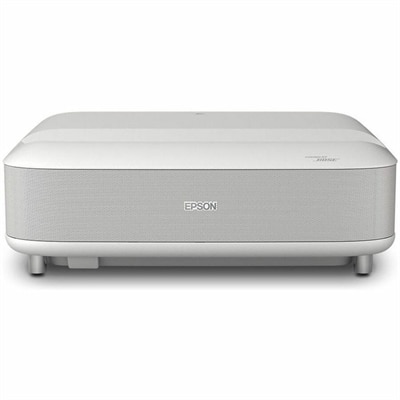
A white ultra-short-throw laser projector featuring 4K HDR, 3,600 lumens, Bose audio, and built-in streaming.

$2699.99
$99.99

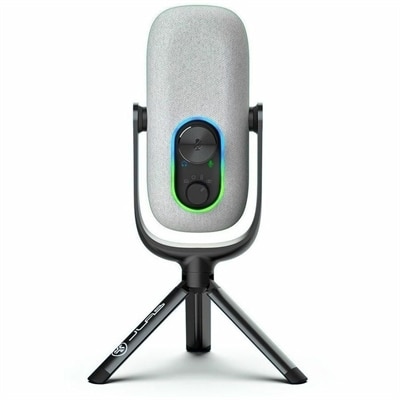
A white condenser microphone offering 192kHz/24-bit recording, four directional patterns, gain controls, and plug-and-play USB connectivity.

$99.99
$34.99

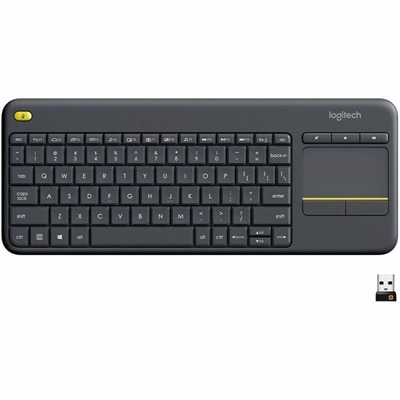
A wireless keyboard with integrated touchpad, comfortable media controls, and 10-meter range for seamless entertainment navigation.

$34.99
$59.95

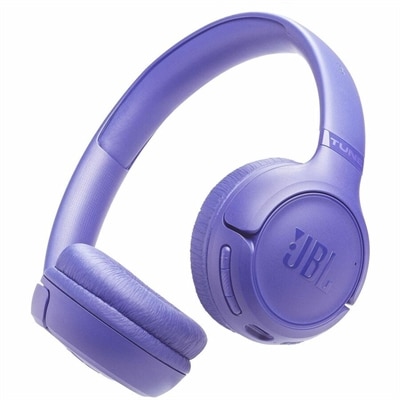
A wireless on-ear headset delivering Pure Bass audio, 76-hour battery life, dual-mic calls, and foldable comfort.

$59.95
$52.99

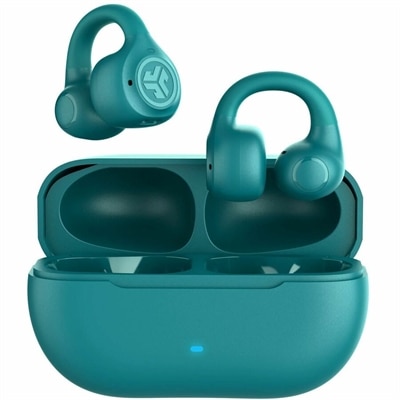
An open-ear clip-on design with Bluetooth Multipoint, 21+ hours playtime, IP55 splashproofing, and noise-canceling microphones.

$52.99

Streaming Gadgets

Streaming gadgets bring together the equipment used to watch online entertainment and the tools used to broadcast video, gameplay, music, and conversation. For viewers, that can mean media players, monitors, headphones, and compatible controls; for creators, it often includes webcams, microphones, capture devices, lighting, and programmable controllers connected to a laptop or desktop. Each category serves a different part of the experience. A webcam frames the person on screen, a microphone captures speech, and a capture device can bring video from a compatible camera or gaming console into broadcasting software. Programmable buttons put frequently used actions within reach, such as muting a microphone, changing scenes, or triggering an on-screen graphic without searching through open windows. These accessories suit everything from a casual gaming session with friends to a regular craft demonstration or live music performance. The most useful combination depends on what the audience needs to see and hear. A person demonstrating detailed artwork may benefit from a camera mount that supports an overhead view, while someone hosting an interview may value a microphone positioned close enough to keep speech clear. Video resolution describes image detail, but lighting, focus, exposure, and camera placement also affect how natural a picture looks. A softly lit face can appear clearer than a higher-resolution image captured in a dim room with a bright window behind it. Audio deserves similar attention: microphone pickup patterns influence how sound is captured around the microphone, while placement and room acoustics affect how prominent speech sounds against keyboard clicks or household noise. Headphones help a creator monitor audio without sending speaker sound back into the microphone. For longer broadcasts, laptops and desktops also need to support the combined demands of the streaming application, camera feed, and any game or creative software running alongside them. Compatible connections and sufficient processing capability help the equipment function as a coordinated setup rather than a collection of disconnected accessories.

For watching movies, following live broadcasts, or settling into a series, streaming gadgets connect online content with a comfortable screen and listening setup. Media players can add supported entertainment apps to a compatible display, while laptops and desktops offer another way to watch through supported applications or web browsers. A monitor’s resolution, size, and viewing characteristics shape the experience, but the source content and the capabilities of every connected component matter too. A 4K display does not automatically turn every program into native 4K, and high dynamic range requires compatible content, playback hardware, and a display that supports the relevant format. Refresh rate describes how often a screen updates; the frame rate and quality of the stream still influence how motion appears. For a desk that doubles as an evening entertainment space, a monitor with convenient input switching can make the transition from work to viewing less cumbersome. Built-in speakers provide a compact option where included, while compatible external speakers or headphones can offer a different listening experience. Closed-back headphones can help keep late-night dialogue from disturbing someone nearby, though comfort and sound isolation vary by design. People comparing app compatibility can explore streaming devices for HBO Max alongside the connection and playback requirements of their existing screen. App support, account requirements, and supported video formats can differ between devices, so compatibility is more useful than assuming that all streaming hardware behaves alike. A compact player may fit neatly behind a display, but its power connection, ventilation needs, and access to ports still deserve space. Likewise, a monitor without built-in speakers needs a compatible way to deliver sound. Reliable playback also depends on the internet connection and the demands of other activity in the home. In a shared apartment, a family room, or a small bedroom, the strongest setup is one that fits both the entertainment habits and the physical space, with controls that remain easy to reach.

Materials, mounting options, and everyday comfort make a noticeable difference once streaming equipment becomes part of a routine. Lightweight plastic housings can make webcams and compact accessories easier to reposition, while metal stands and mounting arms may provide a firmer base for equipment that stays on the desk. Stability depends on the full design, including the weight of the device, the strength of its joints, and the surface supporting it. A clamp-mounted microphone arm needs a suitable desk edge and enough clearance to move without striking a monitor; a webcam clip needs to fit the thickness and shape of the screen without pressing on the display panel. Adjustable lighting can make a small workspace more flexible, especially when daylight changes between an afternoon call and an evening broadcast. Diffused light is often more comfortable than a bare, bright source pointed directly at the face, and positioning lights to limit reflections helps people who wear glasses. For headphones, ear cushion material, headband adjustment, weight, and clamping pressure all contribute to comfort during a long viewing session or stream. Replaceable cushions and detachable cables, where offered, can make routine upkeep more practical. Cable length matters as well: enough slack allows natural movement, while excessive cable across a walkway creates clutter and a snagging risk. Durable construction is particularly useful for equipment that travels between rooms or goes into a bag, but no material makes an accessory immune to drops, liquid, or strained connectors. Care should follow the manufacturer’s instructions, with power disconnected when directed and cleaning products kept away from openings and sensitive surfaces. Lenses and screens generally need gentle handling rather than vigorous rubbing, and vents should remain unobstructed during use. These details also matter when choosing streaming accessories as gifts. A student sharing creative projects, a gamer building a regular broadcast routine, or a movie enthusiast watching after work may use very different equipment. Matching an accessory to the recipient’s connections, available space, preferred activities, and comfort needs makes it more likely to become a useful part of everyday entertainment.

FAQs:

Add the products you would like to compare, and quickly determine which is best for your needs.

Add the products you would like to compare, and quickly determine which is best for your needs.