Study Tools for University Students

Explore study tools for university students with coursework, research, and everyday organization in mind. Compare the available technology by features, compatibility with required course software, and budget to find options that fit your classes and study routine.

Filters

$852.00

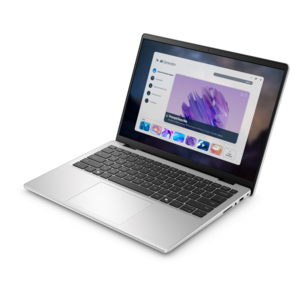
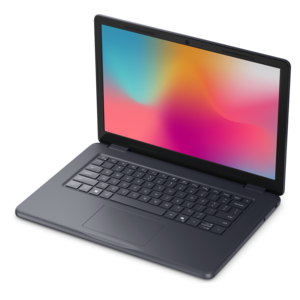
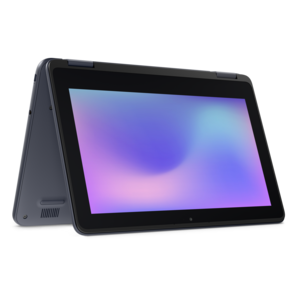
A durable, serviceable laptop or 2-in-1 designed specifically for demanding education environments.

$852
$24.99

A reliable wireless keyboard and mouse combo designed for everyday productivity and lasting performance.

$24.99
$129.99

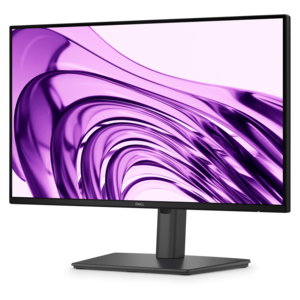
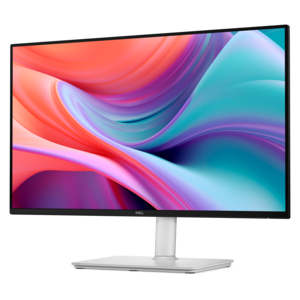
A Full HD monitor with 144Hz refresh rate, built-in speakers, and TÜV 4-star eye comfort certification.

$129.99
$18.99

A black-and-blue gel wrist rest with rigid mouse base, ventilation, and easy-clean soft finish.

$18.99
$149.99

A productivity-focused FHD monitor with extensive connectivity, high refresh rate, and TÜV-certified four-star eye comfort.

$149.99
$29.99

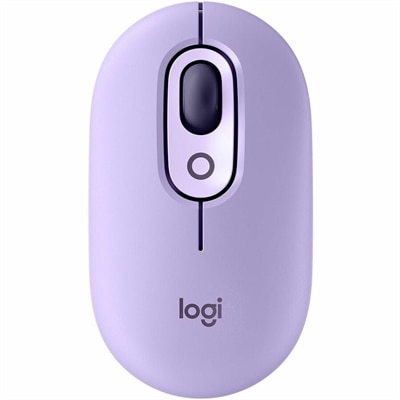
A colorful wireless mouse with customizable buttons, quiet clicks, smart scrolling, multi-device switching, and a two-year battery.

$29.99
$699.99

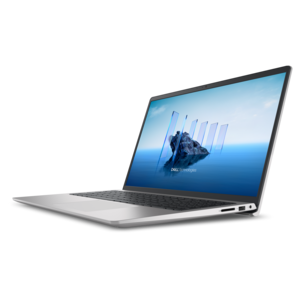
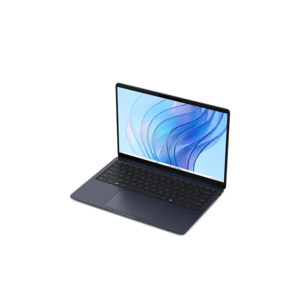
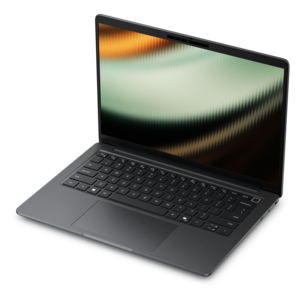
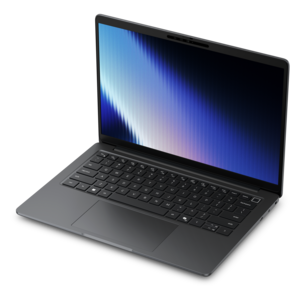
A thin, lightweight laptop crafted from eco-friendly materials with Series 3 Intel Core processors for productivity.

$699.99
$349.99

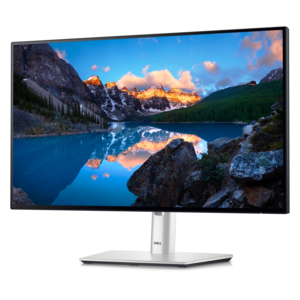
A TÜV-certified USB-C hub monitor offering 4-star eye comfort, enhanced productivity and extensive connectivity.

$349.99
$1062.00

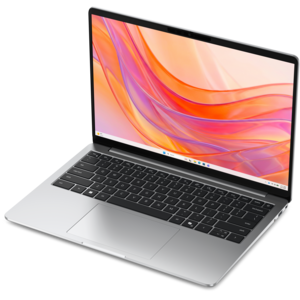
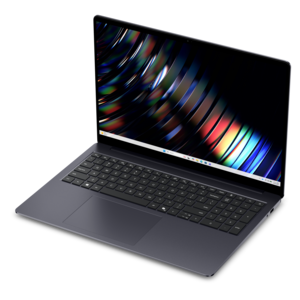
A portable laptop with a sleek design, 16:10 display, and AI PC options for productivity anywhere.

$1062
$699.99

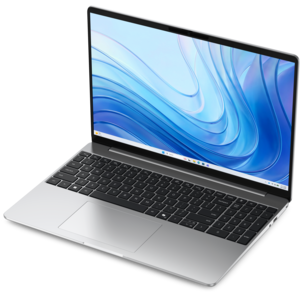
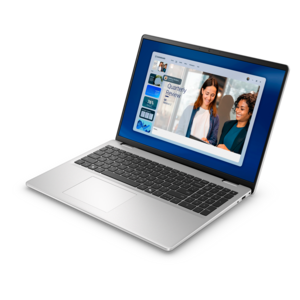
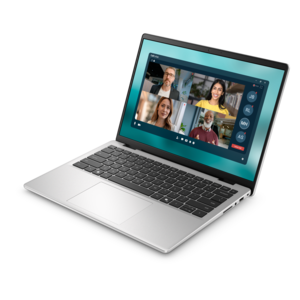
A laptop featuring Intel® 13th Gen processors, a built-in FHD camera, and an enlarged ergonomic keyboard.

$699.99
$829.99

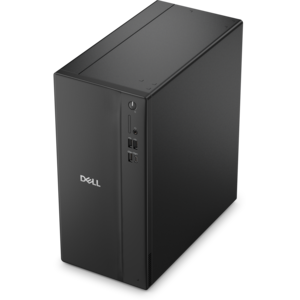
A powerful desktop designed to boost everyday productivity in a streamlined setup.

$829.99
$570.00

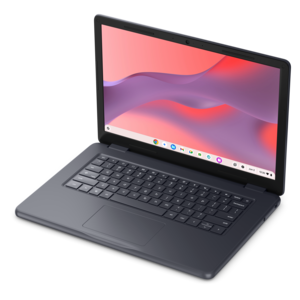
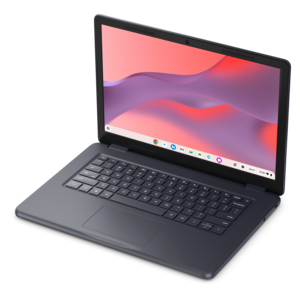
A durable, serviceable Chromebook designed specifically for education environments.

$570
$849.99

A thin, lightweight laptop made with eco-friendly materials and Series 3 Intel Core processors for productivity.

$849.99
$1087.00

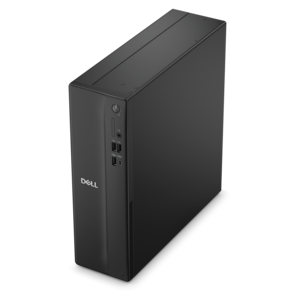
A space-saving desktop delivering reliable performance and security for everyday productivity.

$1087
$799.99

A modern laptop powered by AMD Ryzen™ processors for effortless productivity and captivating entertainment.

$799.99
$1099.99

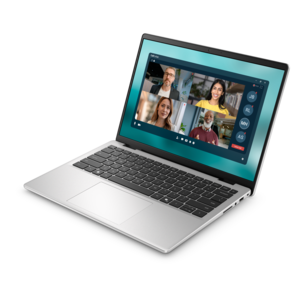
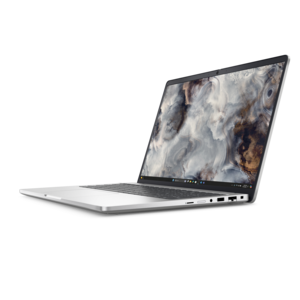
A slim, lightweight laptop with Intel® Core™ processors and graphics for productive work anywhere.

$1099.99
$2005.00

A remarkably thin laptop powered by AMD Ryzen AI PRO 400 Series processors for professional performance.

$2005
$799.99

A thin, lightweight laptop crafted with eco-friendly materials and powered by AMD Ryzen 200 Series processors.

$799.99
$1122.00

A sleek, portable laptop with an expansive 16:10 display for reliable productivity anywhere.

$1122
$971.00

A durable, serviceable laptop designed specifically for demanding education environments.

$971
$2133.00

A remarkably thin professional laptop combining portability and performance with Intel Core Ultra Series 3 processors.

$2133
$550.00

A durable, serviceable Chromebook tailored for education environments and commercial learning needs.

$550
$1149.99

A sleek laptop powered by the latest AMD Ryzen™ AI 400 Series processors for demanding users.

$1149.99
$1966.00

A secure, scalable AI laptop with durable aluminum construction and a spacious productivity-focused display.

$1966

Study Tools for University Students

Study tools for university students include laptops, desktops, monitors, and accessories that support reading, research, note-taking, assignments, and collaboration. Digital flashcards, citation managers, calendars, and note-taking software add another layer of organization, while the right hardware makes those everyday activities easier to manage. A useful setup reflects the work a student actually does, whether that means annotating journal articles between lectures, comparing spreadsheets in a business course, or editing a video for a communications project. For students moving among classrooms, libraries, and shared housing, laptop weight, dimensions, and battery life influence how comfortably a computer fits into the day. A device that slips into a padded backpack compartment and leaves room for course materials can be more practical than a larger machine that rarely leaves a desk. Battery performance varies with screen brightness, software, and workload, so published estimates are best considered alongside the demands of video meetings, streaming lectures, and extended writing sessions. Processor capability and memory also matter when several applications stay open at once. A research paper may involve a browser full of sources, a document editor, a citation manager, and a recorded lecture playing in the background. Courses involving modeling, simulation, or creative production can place different demands on a computer than reading-intensive seminars. Departmental software requirements help establish the appropriate operating system, processing capability, graphics performance, and memory before a student settles into a semester’s routine. Students whose coursework includes technical design and computation can explore Essentials for Engineering Students for a related academic focus. Screen readability, a comfortable keyboard, and a responsive touchpad deserve attention alongside performance specifications because they shape nearly every assignment. For handwritten equations or annotated readings, a compatible touch-enabled device and stylus may suit the task, while a conventional laptop can be a natural fit for frequent typing. Compatibility with campus learning platforms, exam software, and required applications remains central to either choice. Built-in accessibility options, including magnification, dictation, and screen-reader support, can also influence how well a device serves an individual student.

A study space at home or in a residence hall has different demands from a seat in a lecture room. A desktop can anchor a dedicated workspace, while a laptop connected to an external monitor can move between portable and desk-based use. Additional screen space is particularly useful when a student needs to keep a source document visible beside a draft, review presentation notes alongside slides, or compare a problem set with worked examples. Screen size should suit both the available desk area and a comfortable viewing distance; a display that overwhelms a narrow desk may be less useful than one that leaves space for a keyboard and course materials. Resolution, text scaling, brightness adjustment, and glare control all affect readability during long stretches of close work. An adjustable stand can help position a screen at a comfortable height, and an external keyboard and mouse allow more flexibility than a laptop keyboard alone. Keyboard layout, key feel, and mouse shape are personal considerations, especially for students who spend hours writing or working through detailed assignments. A compact keyboard may free up room in a small study area, whereas a number pad can be helpful for frequent numerical entry. For online seminars and group projects, a headset with a microphone can make conversation easier to follow in shared surroundings. Fit matters here: headband adjustment, ear cushion material, and overall weight become noticeable during an extended discussion. A webcam’s placement and a steady, well-lit position can also support clearer communication. Docks, adapters, and cables help bring a workstation together, but connector shape alone does not establish compatibility. Supported display output, charging capability, and the computer’s own connection requirements determine how those accessories function together. A neatly arranged cable route and enough room to move a mouse can make a small desk feel more usable, particularly when the same surface serves as a study station, dining table, and project workspace.

The most useful university study equipment supports a repeatable routine without adding unnecessary friction. A laptop that opens quickly, a readable display, and comfortable input accessories can help students move from checking the course calendar to focused work with fewer interruptions. Hardware also supports familiar learning methods: digital flashcards provide a place to practice recalling definitions, note-taking applications keep lecture material searchable, and citation tools organize source details for papers. These tools serve different purposes rather than replacing one another. Reviewing a flashcard tests recall, while writing a summary in a student’s own words can reveal whether a concept is understood. For recorded material, headphones make repeated listening more practical in a shared room, and playback controls allow a difficult explanation to be revisited. Synchronization features can keep notes accessible across compatible devices, while offline access is useful in spaces with unreliable internet access. Durability becomes important when equipment travels through crowded hallways, commuter routes, and frequently rearranged study spaces. Aluminum and plastic housings vary in construction, so hinge stability, secure connections, and overall build quality matter more than the material name alone. A padded sleeve sized to the device helps limit contact with keys and other objects inside a bag, though it does not make a computer damage-proof. Cables carried without sharp bends and accessories packed without pressure on their connectors are less exposed to avoidable strain. Routine care is usually straightforward: manufacturer-approved cleaning methods, a soft microfiber cloth, clear ventilation openings, and drinks kept away from electronics support everyday upkeep. Before cleaning, powering down and disconnecting equipment helps make the process safer. For a student receiving study equipment as a graduation or college send-off gift, compatibility and personal preferences matter as much as the gesture. The strongest fit accounts for degree requirements, existing devices, available desk space, and the way the student studies. That may mean a lightweight setup for a commuter, a comfortable workstation for a research-heavy program, or adaptable accessories for someone balancing campus classes with remote coursework.

FAQs:

Add the products you would like to compare, and quickly determine which is best for your needs.

Add the products you would like to compare, and quickly determine which is best for your needs.