$69.99
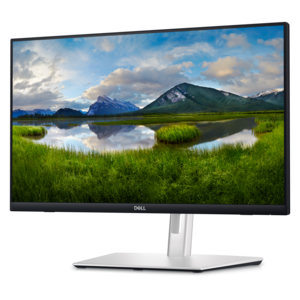
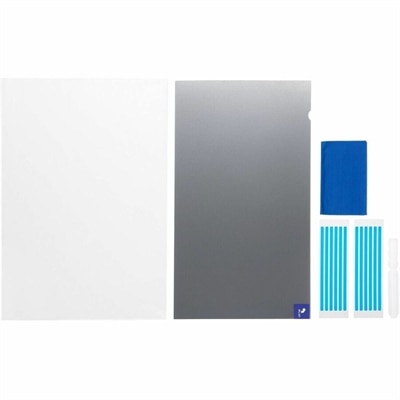
A reversible privacy screen limiting viewing to ±30° and filtering up to 52% blue light.
Browse touch screen solutions for navigating apps, scrolling through content, and interacting directly with on-screen controls. Compare options with screen size, compatibility with your existing setup, and everyday tasks in mind to find a touch-enabled experience that fits how you work.
A reversible privacy screen limiting viewing to ±30° and filtering up to 52% blue light.
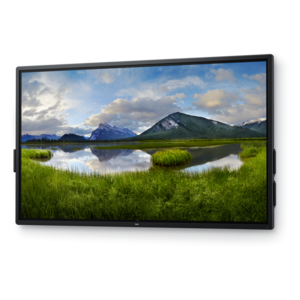
A touch-enabled productivity monitor with USB-C hub connectivity and an articulating stand.
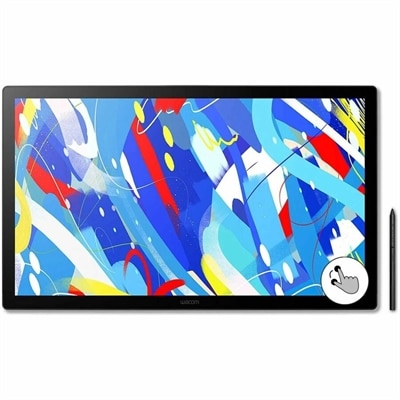
A professional drawing display with 2.5K WQHD resolution, etched anti-glare glass, multitouch, and pressure-sensitive stylus.
A genuine OEM FHD touchscreen LCD with anti-glare coating and included mounting bracket.
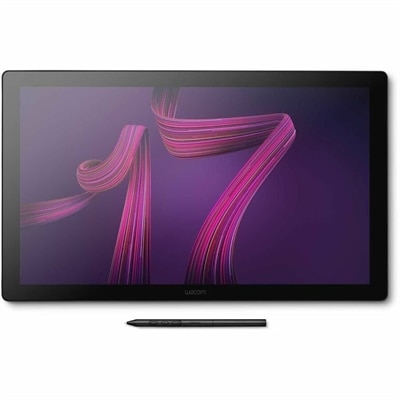
A professional 4K touchscreen pen display with 120Hz refresh, multi-touch control, customizable ExpressKeys, and pressure-sensitive stylus.
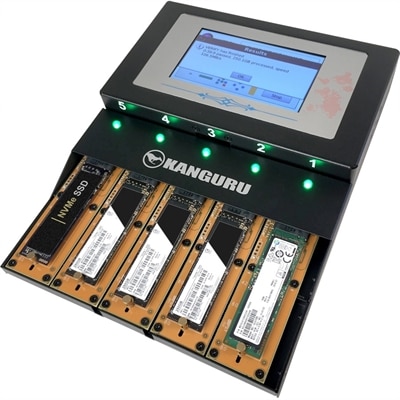
A standalone duplicator cloning up to four M.2 NVMe SSDs simultaneously at speeds reaching 12GB/min with touchscreen controls.
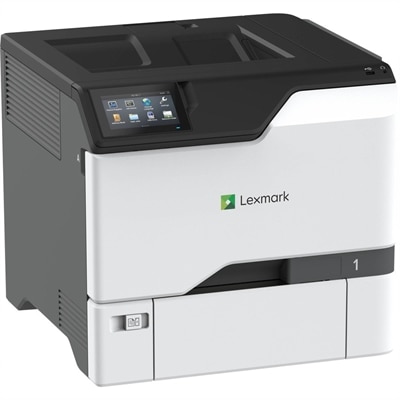
A color laser printer with steel construction, touchscreen controls, automatic duplexing, robust security, and IoT-enabled monitoring.
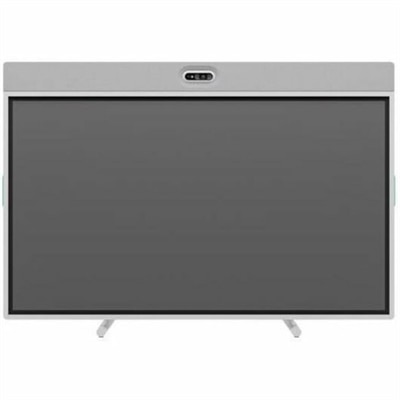
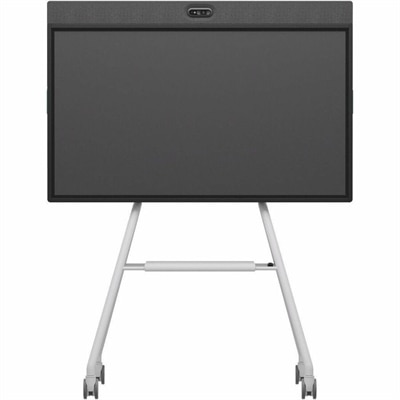
An off-white all-in-one conferencing solution featuring a touchscreen, AI-enhanced audio and video with flexible camera placement.
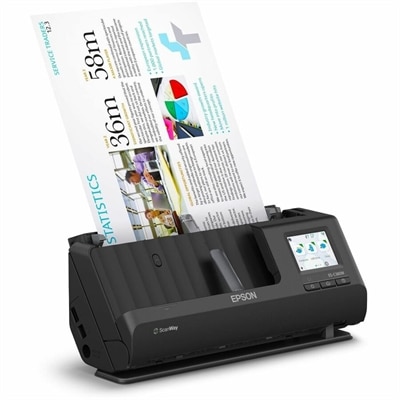
A wireless sheetfed scanner with 600-dpi optical resolution, duplex scanning, 20-page ADF, and 30-ppm performance.
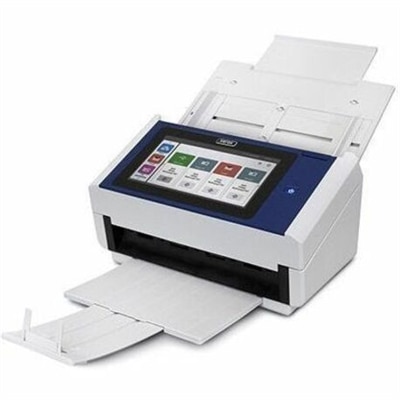
A document scanner with an 8-inch touchscreen, 600 dpi optical resolution, Wi-Fi, Ethernet, and 100-sheet feeder.
An all-in-one mobile conferencing system with touchscreen collaboration, AI-powered audio/video, recycled plastic, and lockable cart.
A GPS golf smartwatch featuring an AMOLED touchscreen, 43,000 course maps, virtual caddie, and sports apps.
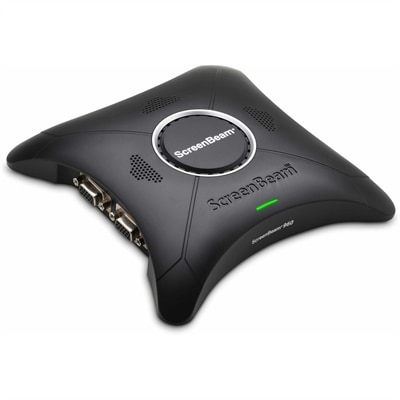
A wireless display receiver enabling app-free presentations, extended desktops, interactive touch, and centralized remote management.
Touch screen solutions offer a direct, intuitive way to interact with your computer, whether you’re navigating everyday apps, reviewing documents, or exploring creative projects. A touch screen laptop combines familiar keyboard and touchpad controls with the convenience of tapping, scrolling, and zooming directly on the display. For greater flexibility, a 2-in-1 laptop with a convertible design can support different positions for typing, presenting, or reading, depending on the model. A touch screen monitor can bring similar hands-on interaction to a compatible desktop or laptop setup, making it easier to move between traditional input methods and on-screen controls. The right choice depends on how and where you work: a portable touch screen computer may suit a flexible routine, while a larger touch-enabled display can provide more room for documents and supported applications. Touch works best as a complement to your keyboard and mouse, giving you another way to complete tasks comfortably. Choosing the right touch screen solution means looking beyond touch capability to the features that shape your daily experience. Consider screen size and resolution together to find a balance between workspace, readability, and portability. Display brightness and glare are also worth evaluating, especially if you regularly move between rooms with different lighting. For handwritten notes, drawing, or detailed markup, check whether the device supports an active pen and confirm which pens are compatible; a touch-enabled screen does not automatically support every stylus. If you’re adding an external touch screen monitor to a Dell laptop or desktop, review the display connections, touch-data connection requirements, and operating system support before choosing. Supported gestures and touch features can vary by application, so think about the software you use most often. For a touch screen laptop, compare processor performance, memory, battery life, and weight alongside the display. Matching these practical details to your routine can help you build a touch-enabled setup that supports work, learning, and entertainment without adding unnecessary complexity.
Add the products you would like to compare, and quickly determine which is best for your needs.