$570.00
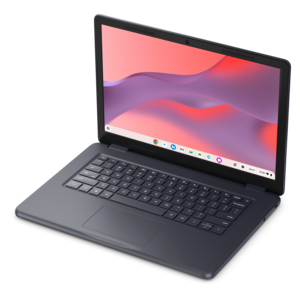
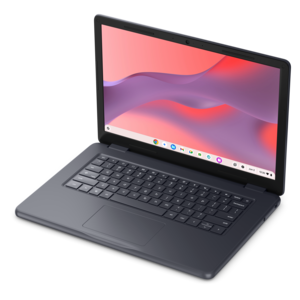
A durable, serviceable Chromebook designed specifically for education environments.
A durable, serviceable Chromebook designed specifically for education environments.
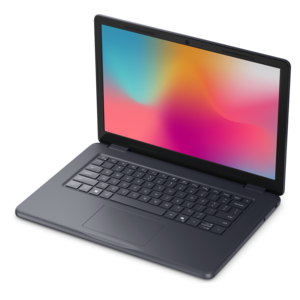
A durable, serviceable laptop designed specifically for demanding education environments.
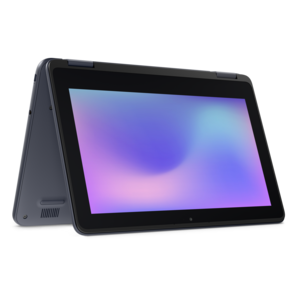
A durable, serviceable laptop or 2-in-1 designed specifically for demanding education environments.
A durable, serviceable Chromebook designed specifically for education environments.
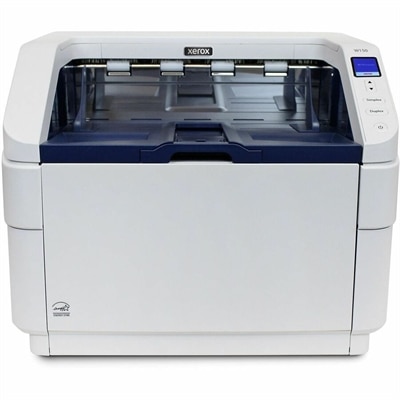
A document scanner with 600-dpi optical resolution, 500-sheet automatic feeder, 150 ppm scanning, and double-feed detection.
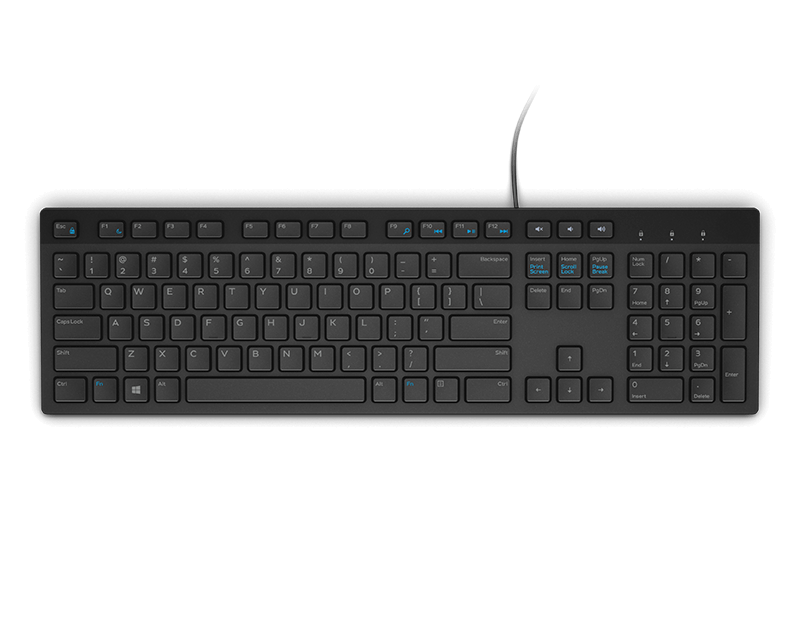
A wired English-US keyboard in black, designed for convenient everyday home and office computing.
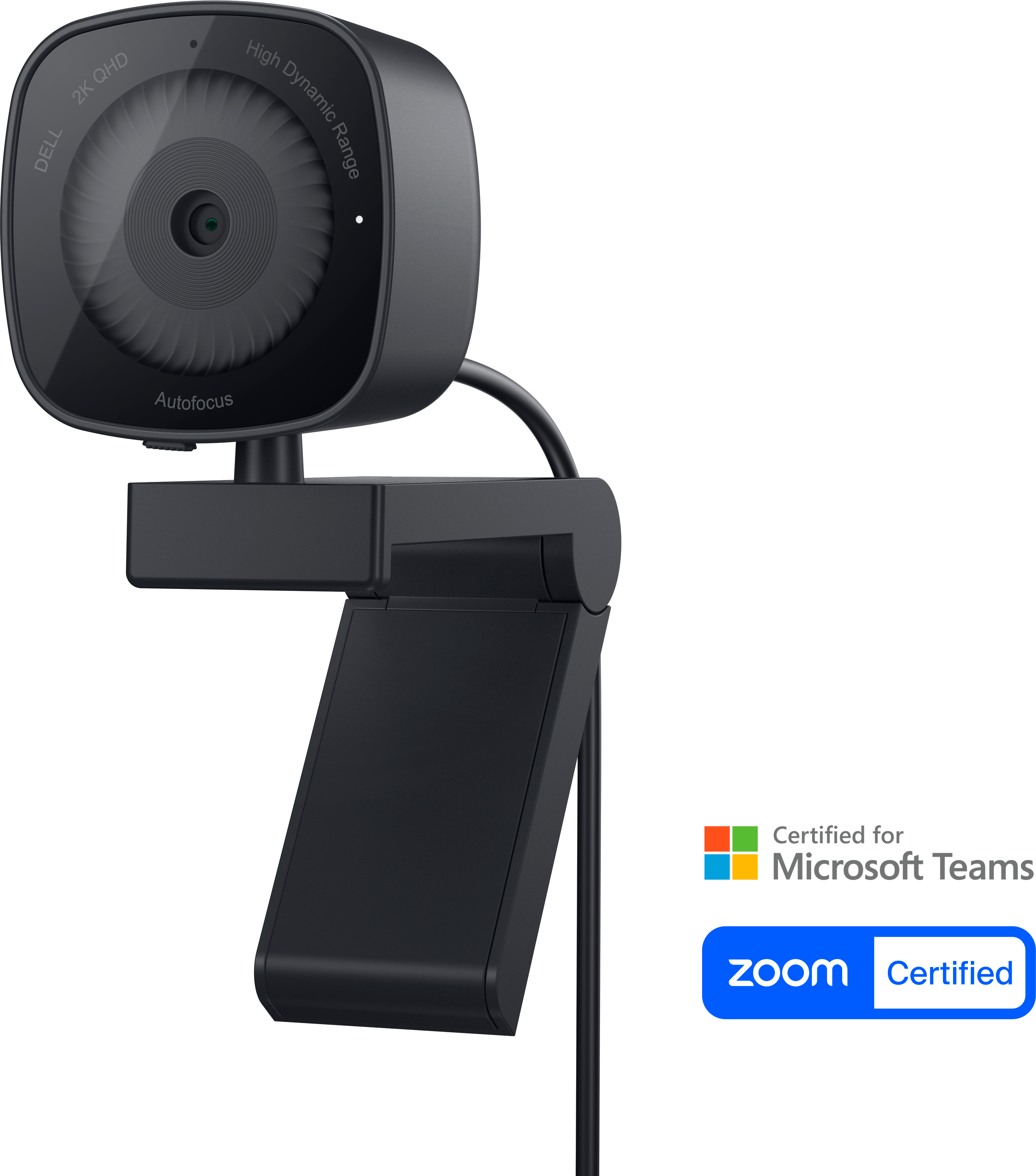
A 2K QHD webcam designed for confident, everyday video collaboration.
A tri-mode wireless gaming keyboard with magnetic snap-on charging and customizable controls.
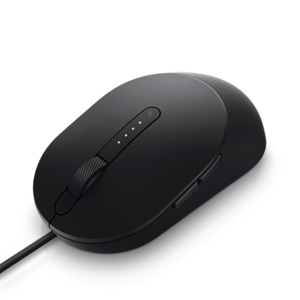
A wired black mouse designed for faster, smarter everyday computing.
A wireless headset with an AI-based microphone and hybrid active noise cancellation for clearer, more focused communication.
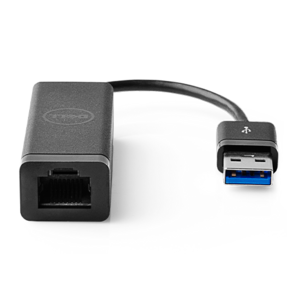
A USB 3.0 adapter adding Ethernet connectivity to computers and desktops, with PXE boot support.
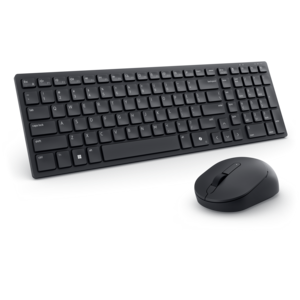
A compact silent keyboard and mouse combo with seamless dual-mode connectivity for quiet, flexible workspaces.
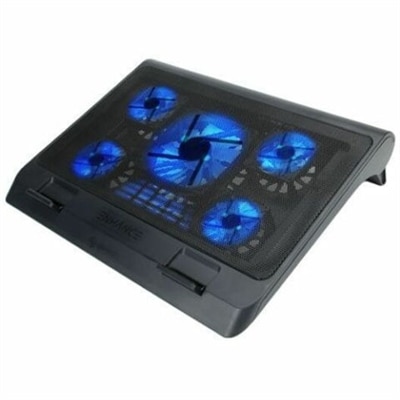
A metal mesh cooling stand with five quiet blue LED fans, dual USB ports, adjustable height.
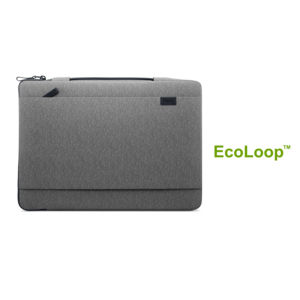
A lightweight laptop sleeve made with recycled materials, featuring a retractable handle for convenient protection.
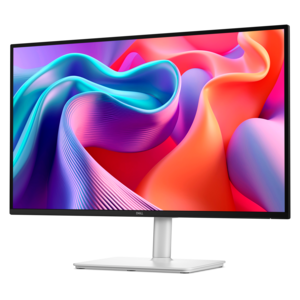
A color-critical gaming monitor with DisplayHDR True Black 500, anti-glare, built-in colorimeter, and remote calibration tools.
A QHD monitor with a 144Hz refresh rate, built-in speakers, and TÜV 4-star eye comfort certification.
A professional docking station delivering 130W power and versatile connectivity for streamlined productivity.
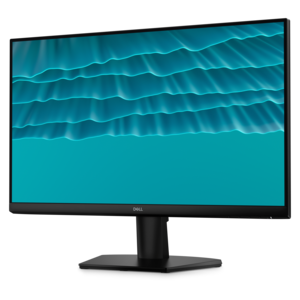
A smooth 144Hz monitor with 1ms MPRT and TÜV 3-star eye-comfort certification for everyday tasks.
A professional briefcase with durable construction and eco-conscious design for carrying work essentials.
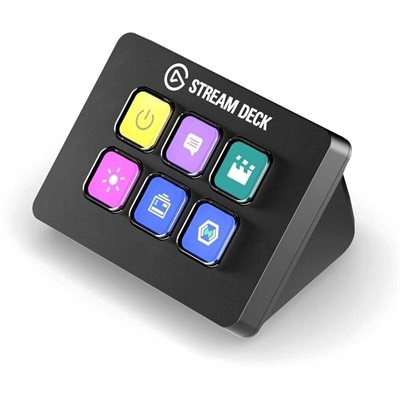
A compact six-key control pad with customizable drag-and-drop controls for streamlined workflows on PC and Mac.
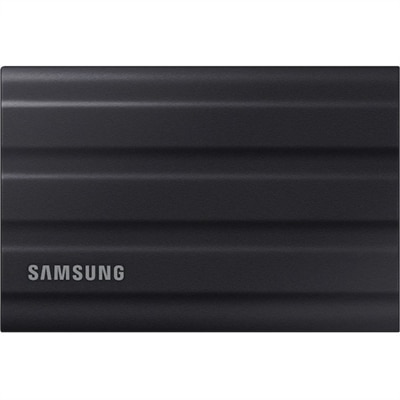
A rugged black 1TB portable SSD with USB 3.2 Gen 2, IP65 protection, and NVMe speeds.
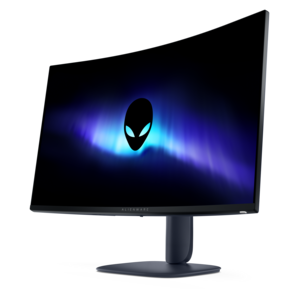
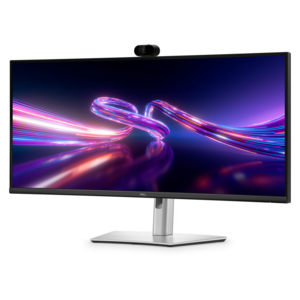
A curved WQHD IPS monitor with a built-in webcam and convenient USB-C hub for collaborative workspaces.
A secure all-in-one stand for workstations and monitors with effortless setup and integrated cable management.
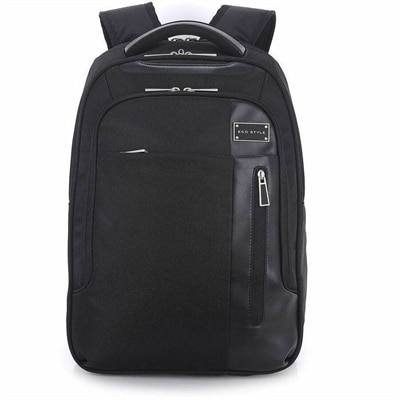
A black laptop backpack with dedicated tablet storage, TSA-friendly access, and ergonomic shoulder straps.
Common university tech essentials include a laptop, headphones, a mouse, and a compatible charger. Depending on your coursework and study setup, you may also want an external monitor, keyboard, or webcam.
Review your university’s technology requirements and the software required for your major. Check the required operating system, processor, memory, and graphics specifications, along with any ports needed for course equipment.
A laptop is portable for use in lectures, libraries, and other campus spaces. A desktop stays at your desk and typically uses a separate monitor, keyboard, and mouse. Consider where you plan to study and whether your courses require you to bring a computer to class.
Consider a mouse, keyboard, headphones, and a webcam based on your coursework and personal preferences. A USB hub or docking station is another option if you need connections for multiple peripherals. Check compatibility with your laptop’s ports and operating system.
Check the video connections supported by both your laptop and monitor, such as HDMI, DisplayPort, or USB-C with video support. You may need a compatible cable, adapter, or docking station. Your operating system’s display settings let you choose between mirroring your laptop screen and extending your desktop.
Add the products you would like to compare, and quickly determine which is best for your needs.