$9.99
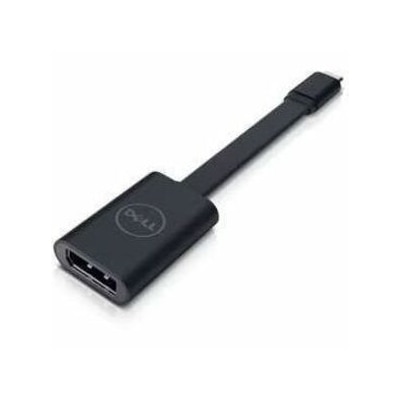
A USB-C to DisplayPort adapter connecting compatible laptops and tablets to high-resolution displays.
Elevate your connectivity and streamline your digital experience with a diverse range of USB accessories designed to enhance productivity and simplify your tech setup. From versatile adapters and hubs to reliable cables and chargers, these essential tools ensure seamless integration across all your devices. Whether you're expanding your workstation capabilities or ensuring efficient data transfer, USB accessories offer the flexibility and convenience needed in today's fast-paced digital world. Explore options that cater to both professional and personal needs, ensuring you stay connected wherever you go.
A USB-C to DisplayPort adapter connecting compatible laptops and tablets to high-resolution displays.
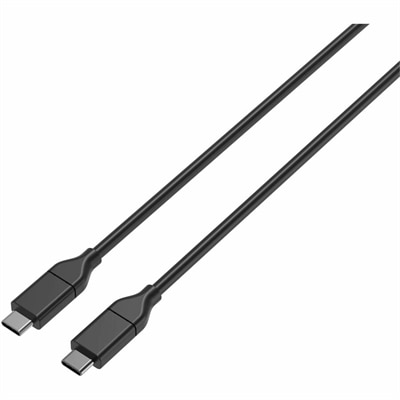
A durable USB-C cable delivering 100W Power Delivery and 480Mbps data transfer through reversible connectors.
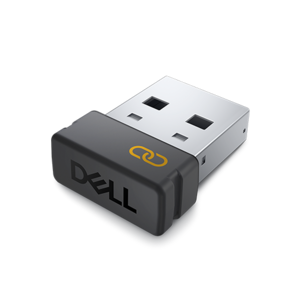
An encrypted USB receiver using FIPS-approved algorithms for secure keyboard and mouse connectivity.
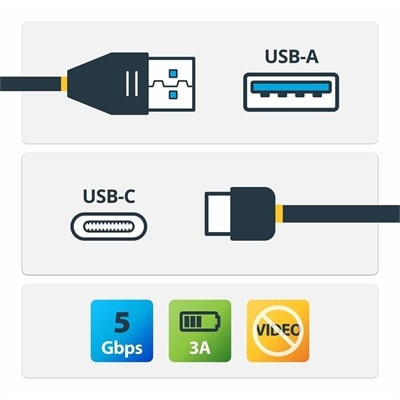
A USB-A to USB-C cable supporting 5Gbps data transfer, 3A charging, and device synchronization.
A black metal-mesh USB cooling pad with dual quiet 800-RPM fans and an angled ergonomic surface.
A USB-C wireless dongle designed to pair seamlessly with a compatible wireless gaming headset.
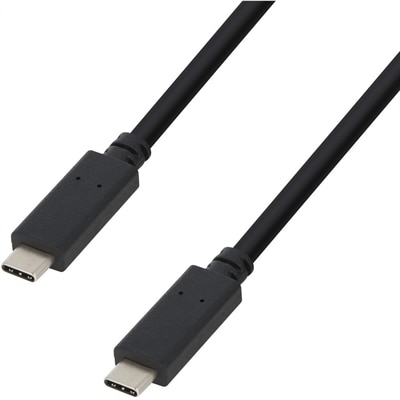
A USB-C cable supporting 100W Power Delivery, 10Gbps transfers, and 4K 60Hz DisplayPort Alt Mode.
A reliable wired headset offering hassle-free performance and easy plug-and-play setup.
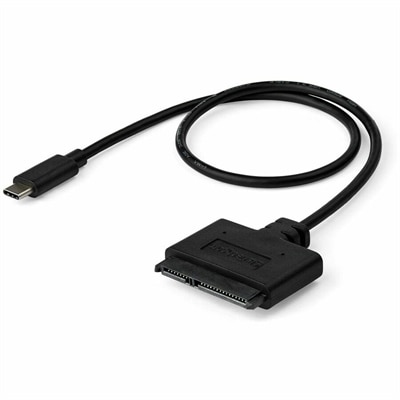
A USB-C to SATA adapter cable delivering 10Gbps data transfers for SSDs and HDDs.
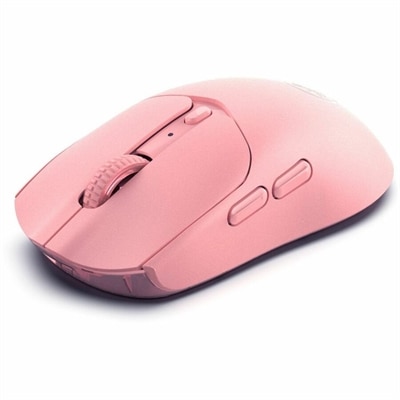
A pink wireless gaming mouse with a 12000 DPI optical sensor, six buttons, Bluetooth, 2.4GHz connectivity and rechargeable battery.
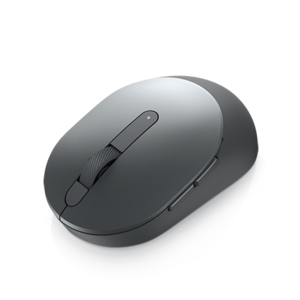
A compact Titan Gray mouse with dual-mode 2.4GHz wireless and Bluetooth 5.0 connectivity.
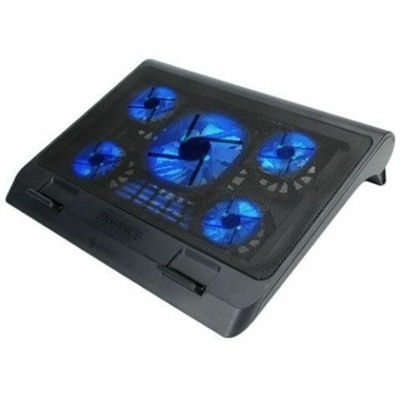
A metal mesh cooling stand with five quiet blue LED fans, dual USB ports, adjustable height.
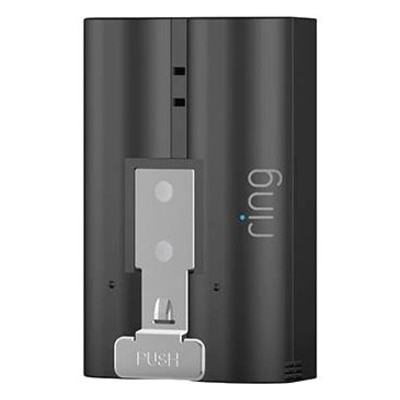
A rechargeable backup battery pack with quick-release tab, micro-USB charging, and compatibility with select security cameras.
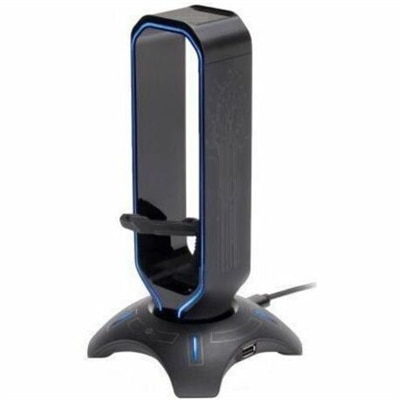
A 3-in-1 gaming headset stand with mouse bungee, USB hub, and customizable seven-color LED lighting.
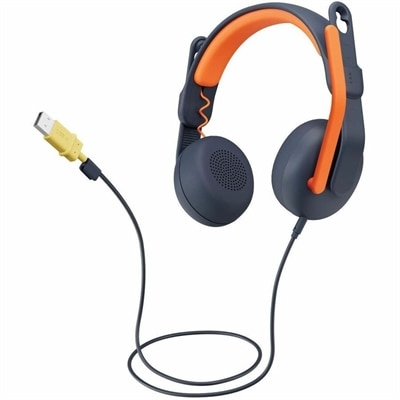
A USB-A wired on-ear headset with microphone, adjustable fit, comfortable pads, and voice-focused audio for learners.
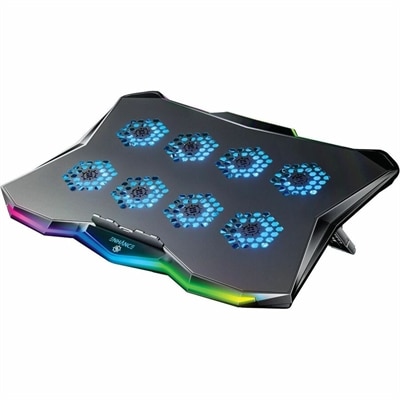
A slim metal laptop cooling pad featuring eight quiet fans, adjustable angles, and customizable RGB lighting.
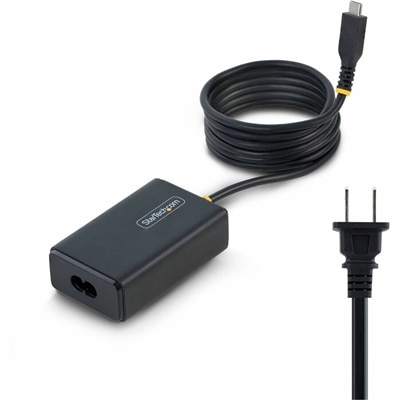
A 65W USB-C Power Delivery adapter with tethered cable, broad voltage support, certifications, and comprehensive safety protections.
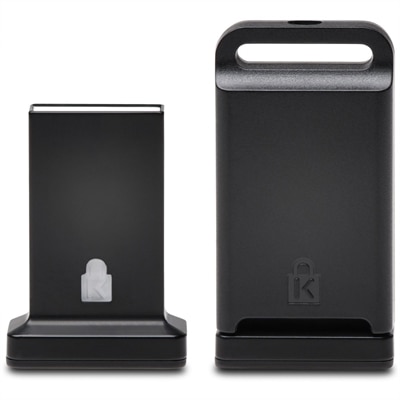
A cross-platform USB-A fingerprint security key offering FIDO2, FIDO U2F, passwordless and multi-factor authentication.
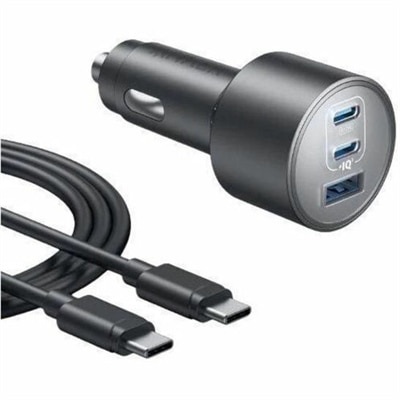
A car adapter delivering up to 100W, 45W, and 22.5W across three ports with advanced safety.
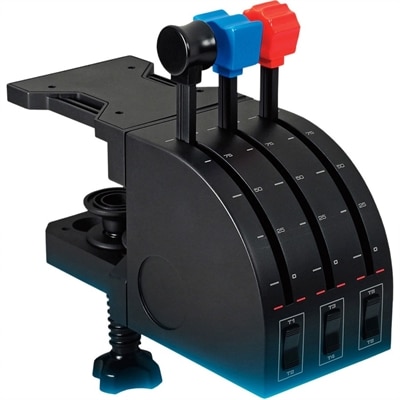
A simulation throttle quadrant with three axis levers, six buttons, rocker switches, and customizable USB controls.
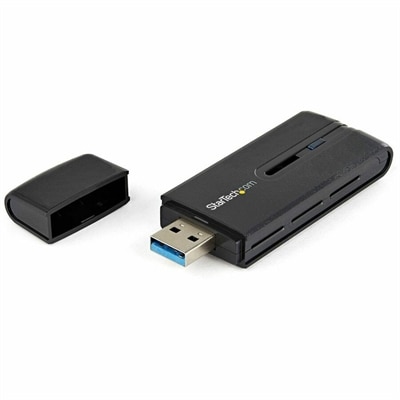
A dual-band USB 3.0 Wireless-AC adapter delivering up to 867 Mbps with WPS and backward compatibility.
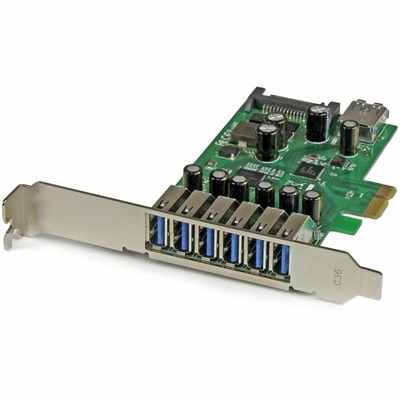
A seven-port PCIe USB 3.2 Gen 1 card delivering 5Gbps connectivity across desktop systems.
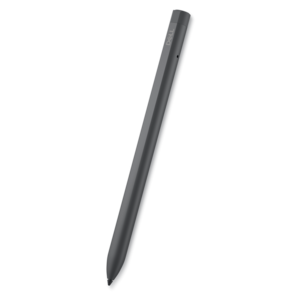
A rechargeable active pen with precision writing, Tile location tracking, and compatibility with select 2-in-1s.
A smart docking station offering up to 130W USB-C power delivery and remote management capabilities.
USB accessories help make everyday computing more flexible, organized and comfortable, whether you are connecting a few essentials at a desk or carrying files between locations. A USB hub can expand a laptop or desktop with additional ports, making room for a keyboard, mouse, webcam, headset, flash drive or other peripherals without repeatedly unplugging equipment. When selecting a hub, consider how many devices you expect to connect, the type of ports they use and the speed required for your work. A compact hub is easy to slip into a laptop bag for travel, classes or flexible workspaces, while a larger hub can keep a permanent desk setup ready for use. Some hubs draw power directly from the computer, which is convenient for lower-power accessories, while powered options can be a better fit when several connected devices need consistent performance. Port placement also matters: a short cable and low-profile design can reduce clutter around a laptop, while a longer connection may be more comfortable with a desktop monitor or a computer positioned farther back on a desk. USB accessories can also help bridge differences between newer and older equipment. Adapters and converters connect devices with different USB connector types, allowing familiar peripherals to remain useful when a computer has a changed port selection. Before choosing an adapter, check the connector shape on both ends and confirm whether it supports data transfer, charging, video or another function you need. USB-A and USB-C accessories may look similar in listings, but their physical designs and capabilities can differ, so matching the connector and intended use is essential. For additional connection guidance and compatible options, explore USB Cables.
Portable USB drives provide a simple way to move documents, photos, presentations and other files between compatible computers. A flash drive can be useful for carrying a small group of frequently used files, sharing materials in a classroom or office, or keeping a separate copy of important work. External drives can offer more room for larger collections, project folders and backups, particularly for photographers, students, remote professionals and households managing files across several devices. Transfer speed, capacity, connector type and physical durability are important considerations, as is compatibility with the operating system and available ports on the computer. A drive with a protective cap or compact housing may be well suited to a backpack, while a larger desktop-oriented option can serve as a dependable companion for a home office. USB accessories also support smoother video calls, creative work and entertainment. A USB webcam can provide a practical way to add or improve camera capability, while a USB headset or audio accessory can make conversations clearer in a shared room. A small USB light can brighten a workspace during the cooler months when daylight fades earlier, and a USB-powered fan may add comfort during long sessions without taking up much room. Charging accessories and compact power solutions can help keep phones, earbuds and other everyday electronics ready, although charging speed and power output should always be checked against the requirements of the device. For anyone building a more productive workstation, these additions can create a cleaner routine: connect the hub once, position frequently used accessories within reach and leave the computer area ready for the next task. For travelers, USB accessories can provide a practical way to adapt to unfamiliar workspaces, connect essential peripherals and keep files accessible without bringing a collection of full-size equipment.
USB accessories are useful for many kinds of computer users and can make thoughtful gifts for students, remote workers, frequent travelers, creative professionals and anyone who is gradually improving a desk setup. A compact hub can be especially helpful for someone using a thin laptop with limited ports, while an adapter can give new life to a dependable keyboard, mouse or other peripheral. A flash drive is a practical choice for a family member who exchanges photos and documents, and a webcam, headset or desk light can support video calls, online learning and personal projects. When choosing an accessory for another person, start with the computer and devices they already use rather than selecting by appearance alone. Look for the ports available on the laptop or desktop, the connector required by the accessory and the type of work the recipient does most often. Someone who moves between home and office may value a lightweight design and a short cable; someone with a permanent workstation may benefit from more ports, longer reach or power support. Cable management is another useful consideration. Keeping USB accessories grouped near the computer and labeling frequently used drives can make a desk feel calmer, especially when several devices are connected at once. It is also wise to use reliable backup habits, safely eject removable drives when supported and avoid forcing connectors into place. With the right combination of hubs, adapters, portable drives and USB-powered desk accessories, a computer can become easier to connect, simpler to organize and better suited to the way people work, study, create and relax throughout the year.
Add the products you would like to compare, and quickly determine which is best for your needs.